New
Battle Chasers: Nightwar
👁 0🕒 Nov 26, 2026

Battle Chasers: Nightwar

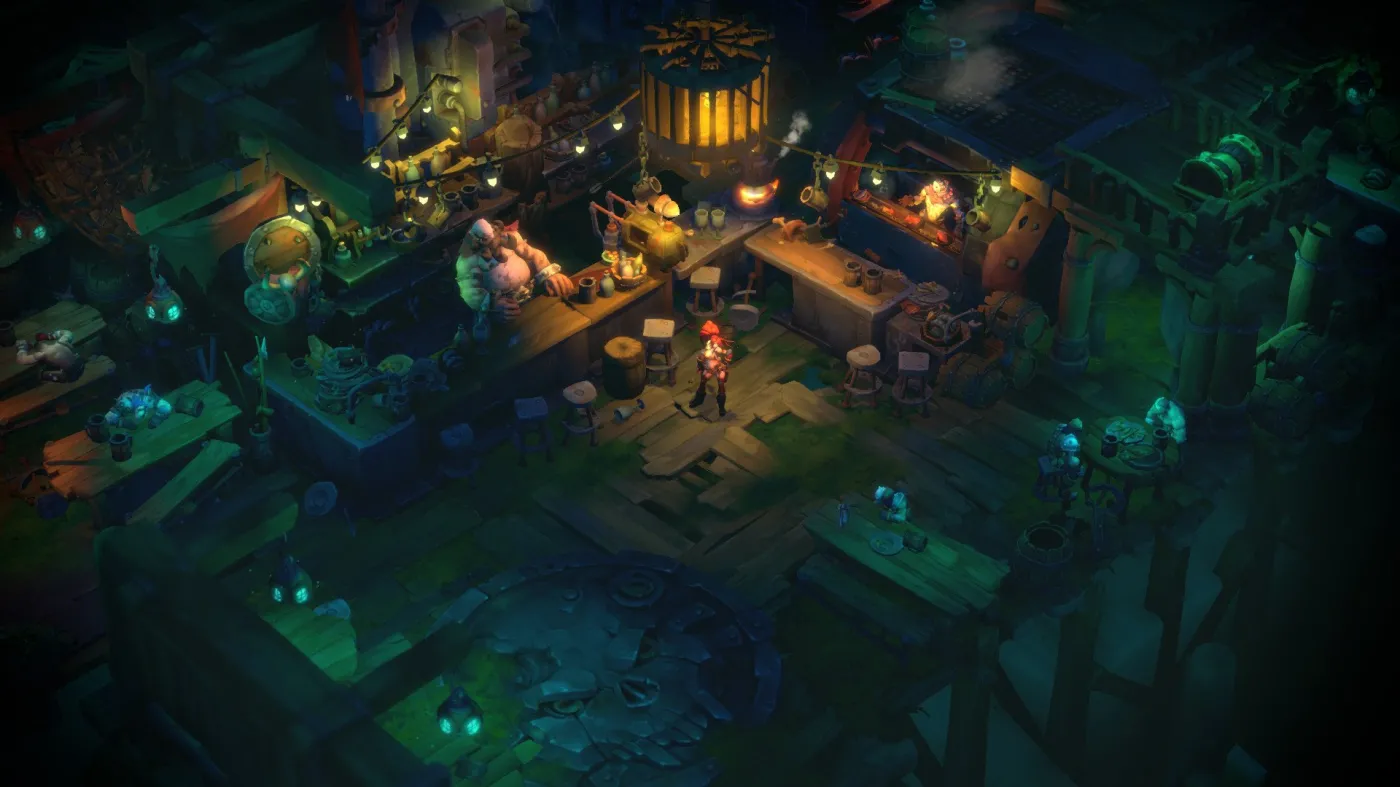
Battle Chasers: Nightwar is a turn-based RPG focused on dungeon exploration, developed by the team at Airship Syndicate and inspired by the comic book series by Joe Madureira. Players lead a party of three heroes on an adventure through procedurally generated dungeons, encountering enemies across the world map and engaging in strategic combat utilizing an "Overcharge" mana system. The game stands out for its comic-book-style visuals, an item-crafting system, and the depth characteristic of classic RPGs.


Screenshots
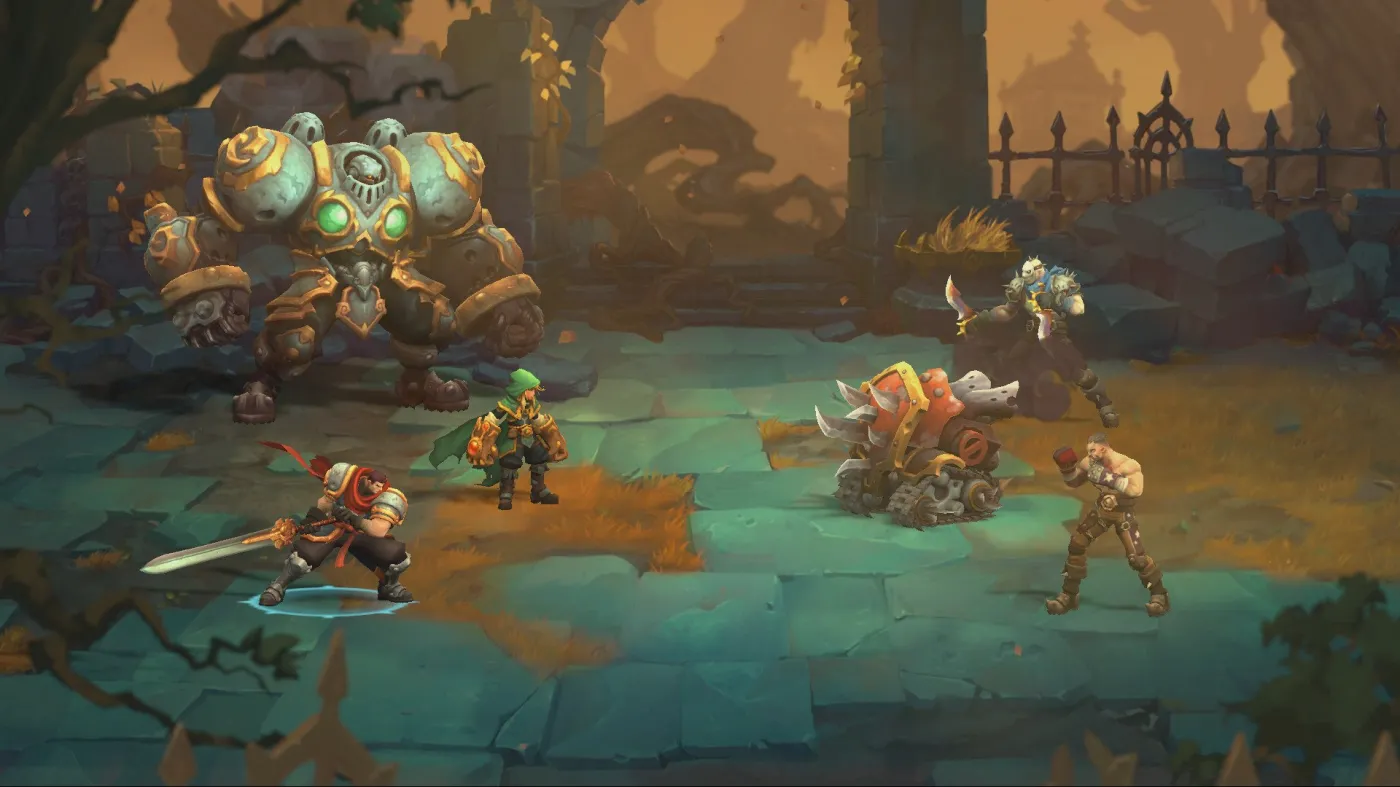
Battle Chasers: Nightwar screenshot

What's new

Completed Single-Player RPG: Battle Chasers: Nightwar remains a feature-complete turn-based RPG with no new story DLC planned, receiving ongoing backend and platform upkeep.

New Game+ & Balance Patches: Prior major updates added cutscene replay, removed minimum level restrictions on gear, tuned XP pacing, and refined New Game+ and fishing mechanics.

2026 Mobile & Storefront Maintenance: THQ Nordic continued pushing mobile fixes—including resolving New Game+ equipment/level reset issues—alongside recent Steam record updates in November 2026.

Steam Deck & Controller Support: Runs smoothly on Steam Deck with full controller icons and default graphics configurations, requiring only manual on-screen keyboard input for text fields.

Spiritual Successor (Ruined King): Fans of Airship Syndicate's turn-based combat and party systems can also play Ruined King: A League of Legends Story, built by the same development team.

System requirements

OS: Windows 7 / 8 / 10 (64-bit required). Processor: 2.0 GHz CPU (minimum) / Intel i5 2.5 GHz (recommended).Memory: 4 GB RAM (minimum) / 8 GB RAM (recommended).Graphics: Intel HD 4000 or equivalent with 1 GB VRAM (minimum) / NVIDIA GeForce GTX 950 or equivalent (recommended). Storage & DirectX: 10 GB available space with DirectX Version 11 and a DirectX-compatible sound card.

Question and Answer

Run the downloaded image and drag the application to the Applications folder shortcut. Once copying is complete, the application can be launched via Launchpad.
There are so many errors, we can't list them all here. Therefore, we've described all the solutions (with pictures) in the article: Errors when installing applications on a Mac
Official updates may result in loss of activation unless otherwise stated in the installation instructions.To update the software from this website, you must download the new version of the software from here (if available) and install it over the version currently installed on your computer. This will preserve your activation and settings for the software. Read more in the article: Updating pirated apps
To download large files, it is recommended to use any download manager, for example, FDM (Free Download Manager) For downloading from a file sharing service like Filen.io, it's not recommended to use Safari. Use Google Chrome or the aforementioned FDM browser, for example. To download files via torrent (.torrent file), you need a torrent client, such as Transmission or the aforementioned FDM. Please remember that providers may block access to some websites (1fichier.com, etc.). To bypass these blocks, it is recommended to use a VPN.
The site administration doesn't hack anything. That's the job of release teams and some enthusiasts. They're the ones responsible for ensuring updates are available. But you can hack software yourself by learning reverse engineering.
Definitely not in the comments. The site administration doesn't hack anything, and there's no order desk. However, you can order the software you need (not for free) in a special thread on forum.ru-board.com.
Open System Preferences -> General > Language & Region -> Applications - “+”. Select an app and language. This method works for most apps. The language in Adobe products is usually selected during the installation of the product itself. The language in games is usually changed in the game settings itself. There are exceptions. Don't hesitate to search for information online.
There are many options. The easiest is to use specialized app removal tools, such as App Cleaner & Uninstaller. To remove Adobe products, use the Creative Cloud Cleaner Tool.
The site offers a paid service: remote assistance (via AnyDesk, Zoom, Skype) with the installation of any applications (not just those from this site) on any Mac or PC. Learn more...
Version
23731 Native
Developer
Airship Syndicate
Release Date
2017-10-03
Languages
Russian , English , German , Spanish , Italian , Simplified Chinese , Korean , Polish , Portuguese , French , Japanese
Voice-over languages
Russian , English , German , Spanish , Polish , French , Japanese
Activation
DRM-FREE (no protection)
Tested
macOS Catalina , iMac (Retina 4K 21.5-inch 2017)
Architecture
x86 (64-bit)
License Type
Full Access
Categories