Clone Drone in the Danger Zone

Published:
1.2 GB56 downloads

Clone Drone in the Danger Zone is an action-packed arena combat game that combines fast reflex gameplay with an unexpectedly thoughtful narrative. Developed by Doborog Games, the title places players in a futuristic world where human consciousness is transferred into robotic bodies for the entertainment of a ruthless robot empire. What begins as a simple survival challenge quickly grows into a story about freedom, identity, and resistance.

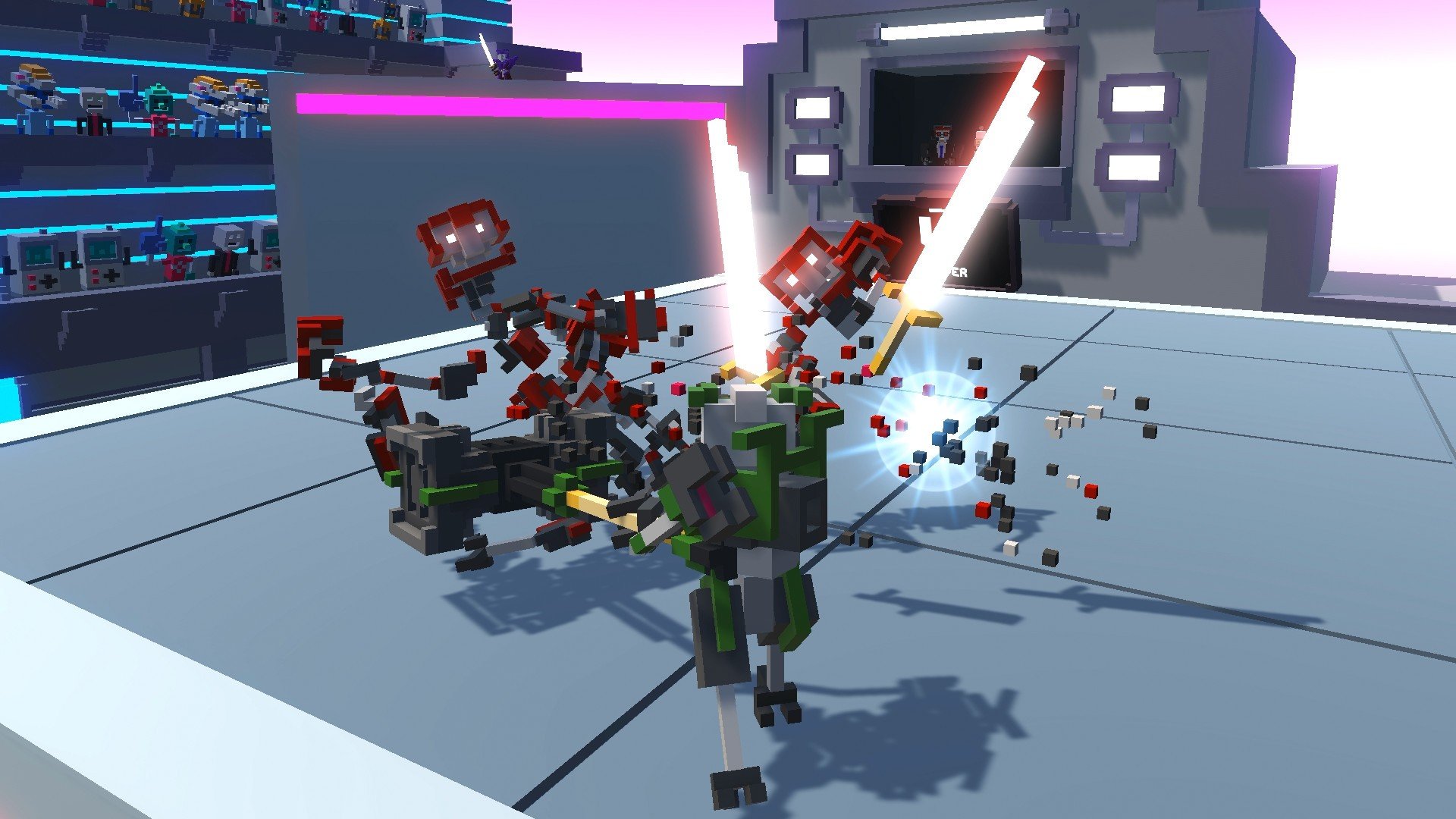
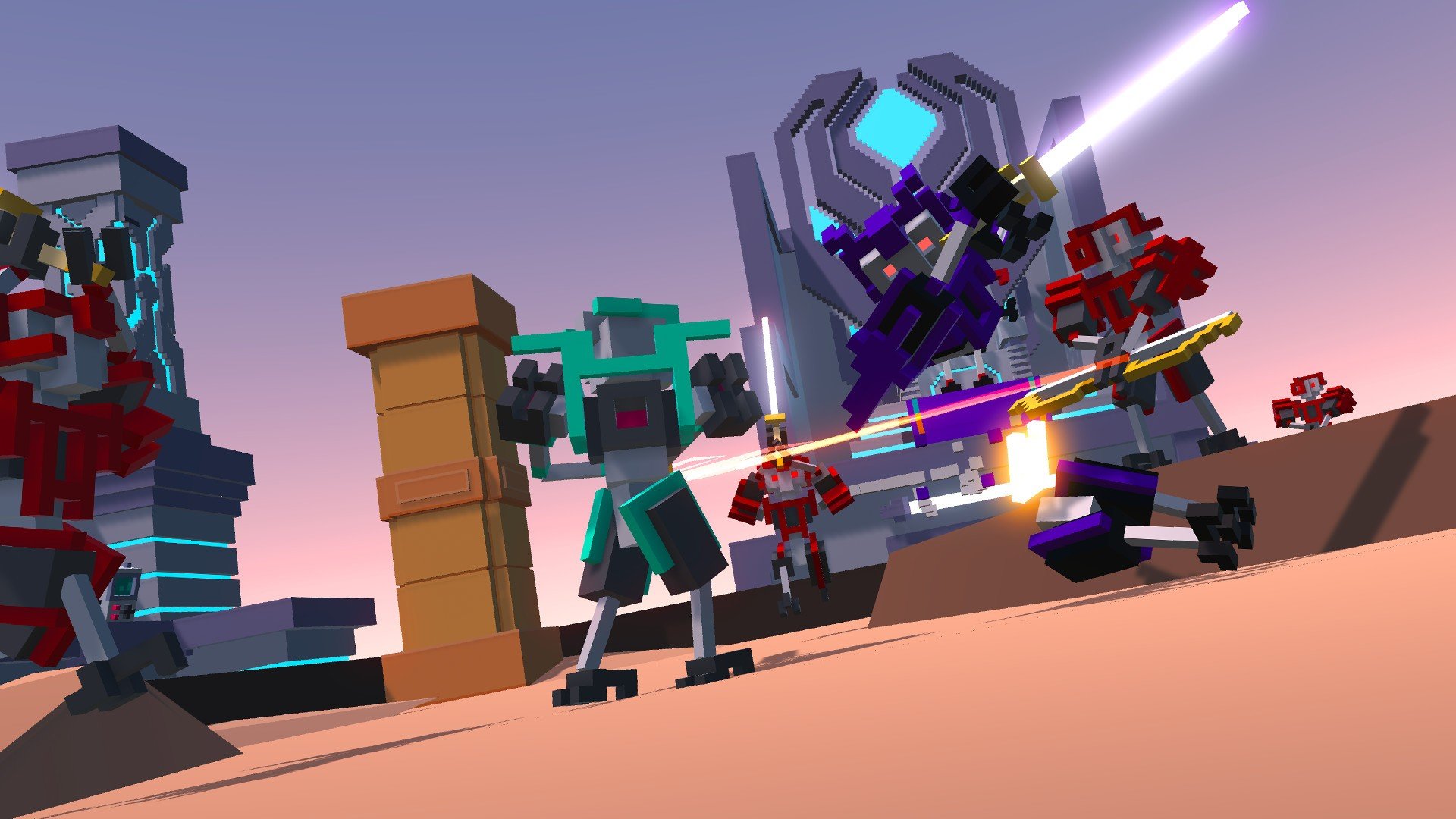
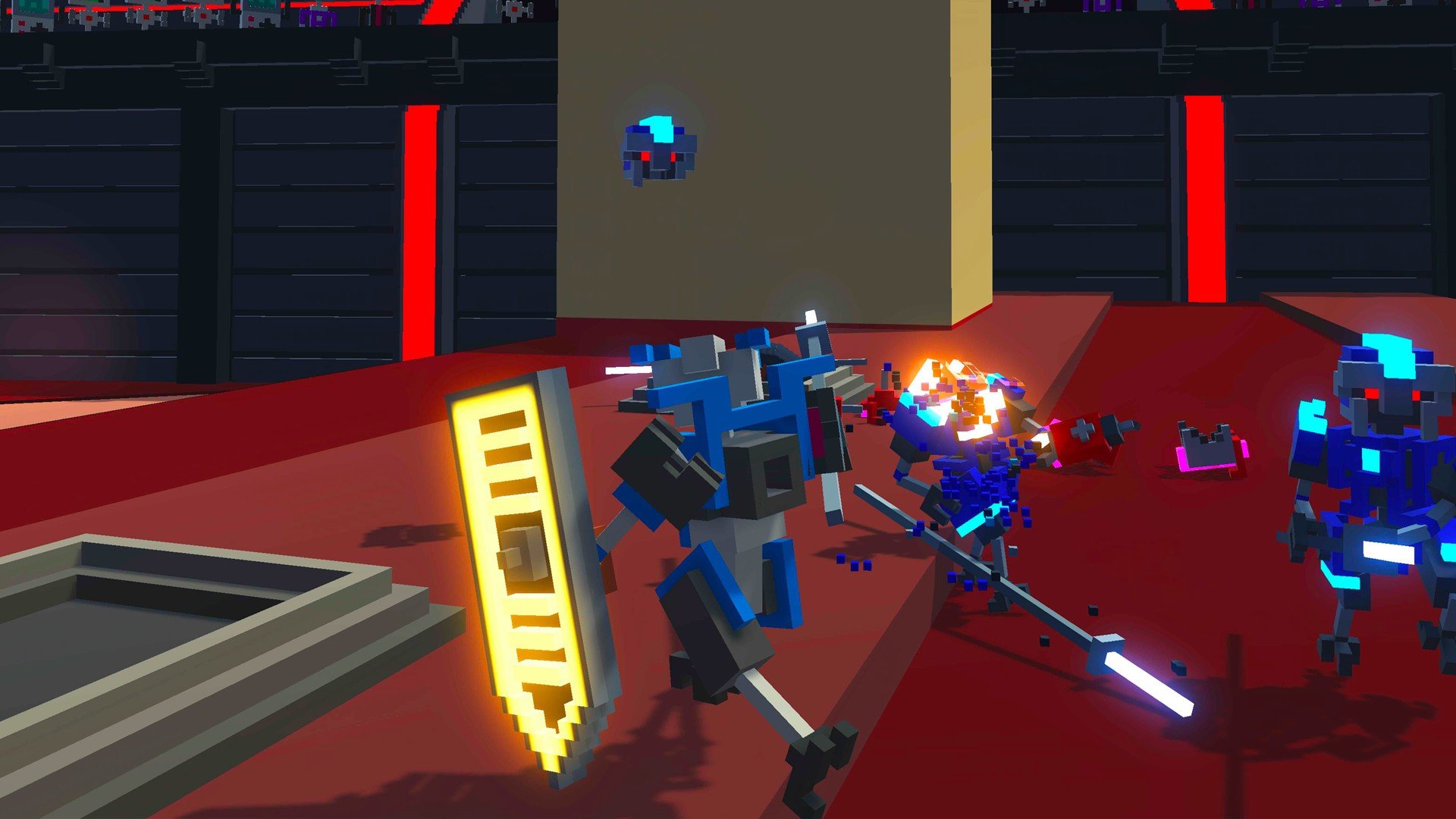
The core gameplay revolves around sword-based combat in enclosed arenas filled with hazards. Players control a humanoid robot made of destructible parts, meaning every strike matters. Limbs, heads, and torsos can be sliced off with a single well-placed hit, making battles intense and unforgiving. This system encourages precision rather than button-mashing, rewarding players who learn enemy patterns and time their movements carefully.

Progression in Clone Drone in the Danger Zone is tied to both skill and strategy. As players advance, they earn upgrade points that can be spent on abilities such as faster movement, stronger attacks, or improved survivability. These upgrades allow players to shape their combat style, whether they prefer speed, defense, or raw power. However, defeat means starting over, reinforcing the game’s theme of cloning and repeated struggle.

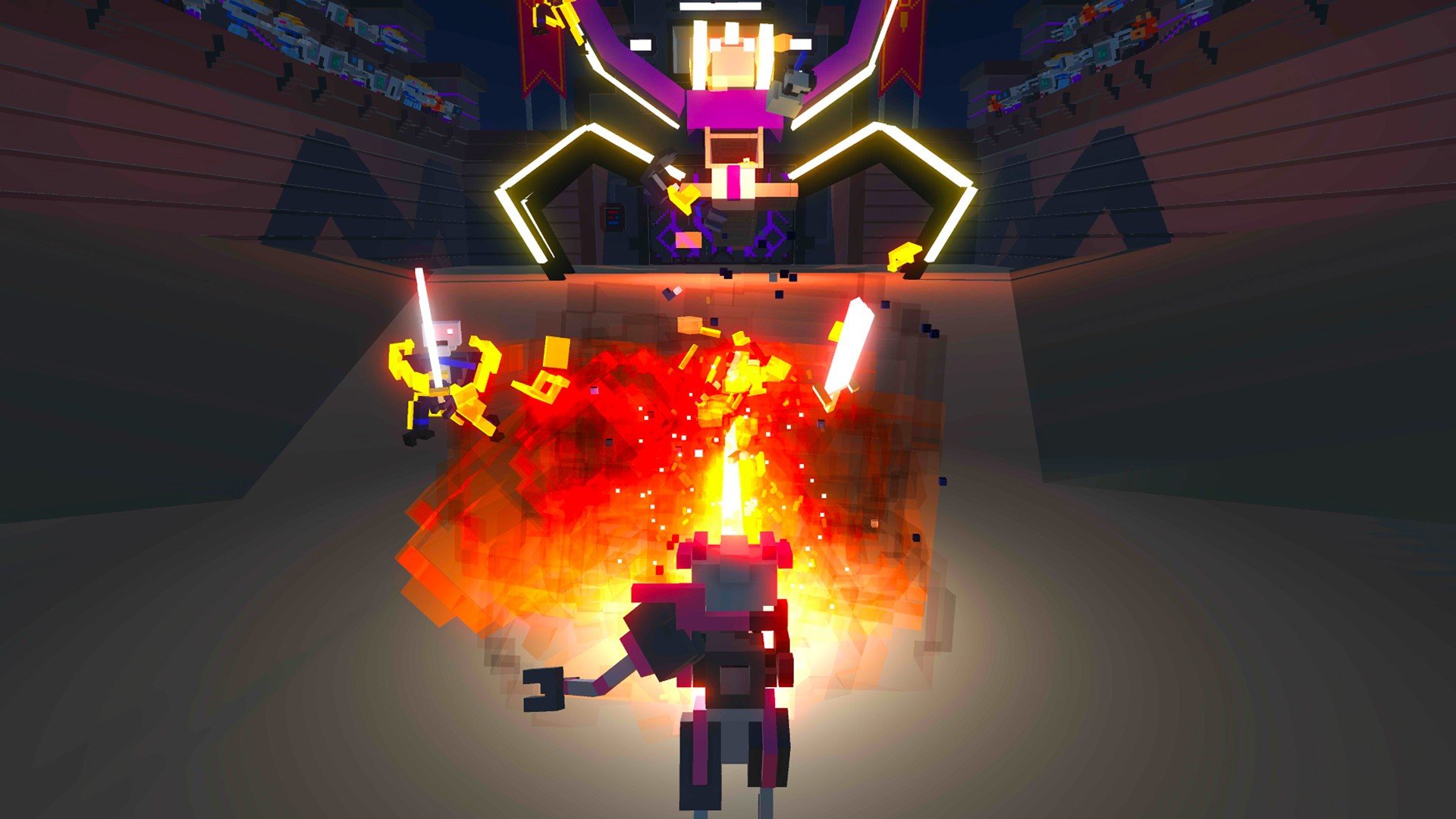
What truly sets the game apart is its story mode. Instead of serving as a simple backdrop, the narrative actively unfolds as players fight through increasingly dangerous challenges. The robots who run the arenas are not just villains; they have personalities, opinions, and internal conflicts. Through dialogue and environmental storytelling, the game explores questions about what it means to be human and whether consciousness alone defines identity.

Visually, the game uses a minimalist, voxel-based art style that supports its gameplay mechanics. The clean design makes it easy to read combat situations, while the bright colors and sharp effects add energy to each battle. Despite its simplicity, the visual presentation is expressive, especially during intense moments when parts fly apart and arenas collapse around the player.

Sound design and voice acting also contribute significantly to the experience. The robotic announcers provide commentary that is often humorous but occasionally unsettling, reinforcing the idea that the player is part of a cruel spectacle. The music shifts dynamically during combat, heightening tension and keeping players engaged throughout each encounter.

In addition to the story mode, Clone Drone in the Danger Zone offers endless modes and challenges that test player endurance and adaptability. These modes extend replay value and provide opportunities to master the combat system beyond the narrative experience.

In conclusion, Clone Drone in the Danger Zone is more than a fast-paced action game. Beneath its intense battles lies a thoughtful exploration of repetition, control, and resistance. By blending precise combat with meaningful storytelling, the game delivers an experience that is both thrilling and reflective. It stands as a strong example of how gameplay and narrative can work together to create something memorable and impactful

OS: OS X 10.9
Processor: 3rd gen core i5 or newer
RAM: 2 GB
Video card: Dedicated Radeon or GeForce graphics
Disk space: 1 GB

Run the downloaded image and drag the application to the Applications folder shortcut.
Once copying is complete, the application can be launched via Launchpad.

Frequently Asked Questions

Mount the image and run Open Gatekeeper friendly.

Press Enter to bypass Gatekeeper in the Terminal window.

Drag the application to the Applications folder.

The application is ready for use.

ATTENTION! SIP must be disabled. Learn more >

Restart your Mac and hold down Command + R to enter Recovery Mode.

Open Terminal from the Utilities menu.

Enter the command: csrutil disable

Restart your Mac.

This is a common Gatekeeper issue. Follow these steps:

1. Open Terminal

2. Enter: sudo xattr -rd com.apple.quarantine /Applications/AppName.app

3. Replace "AppName" with the actual application name

4. Press Enter and enter your password

Yes, all our downloads are thoroughly checked for viruses and malware.

We use multiple antivirus engines to scan every file.

Our team tests each application before publishing.

We never bundle adware or unwanted software.

Yes, we regularly update our applications to the latest versions.

You can check our website for updates or subscribe to our newsletter.

We strive to provide the most recent versions within 24-48 hours of release.

If a download link is not working, please:

1. Try a different browser

2. Clear your browser cache and cookies

3. Try the alternative download links provided

4. Contact our support team if the issue persists