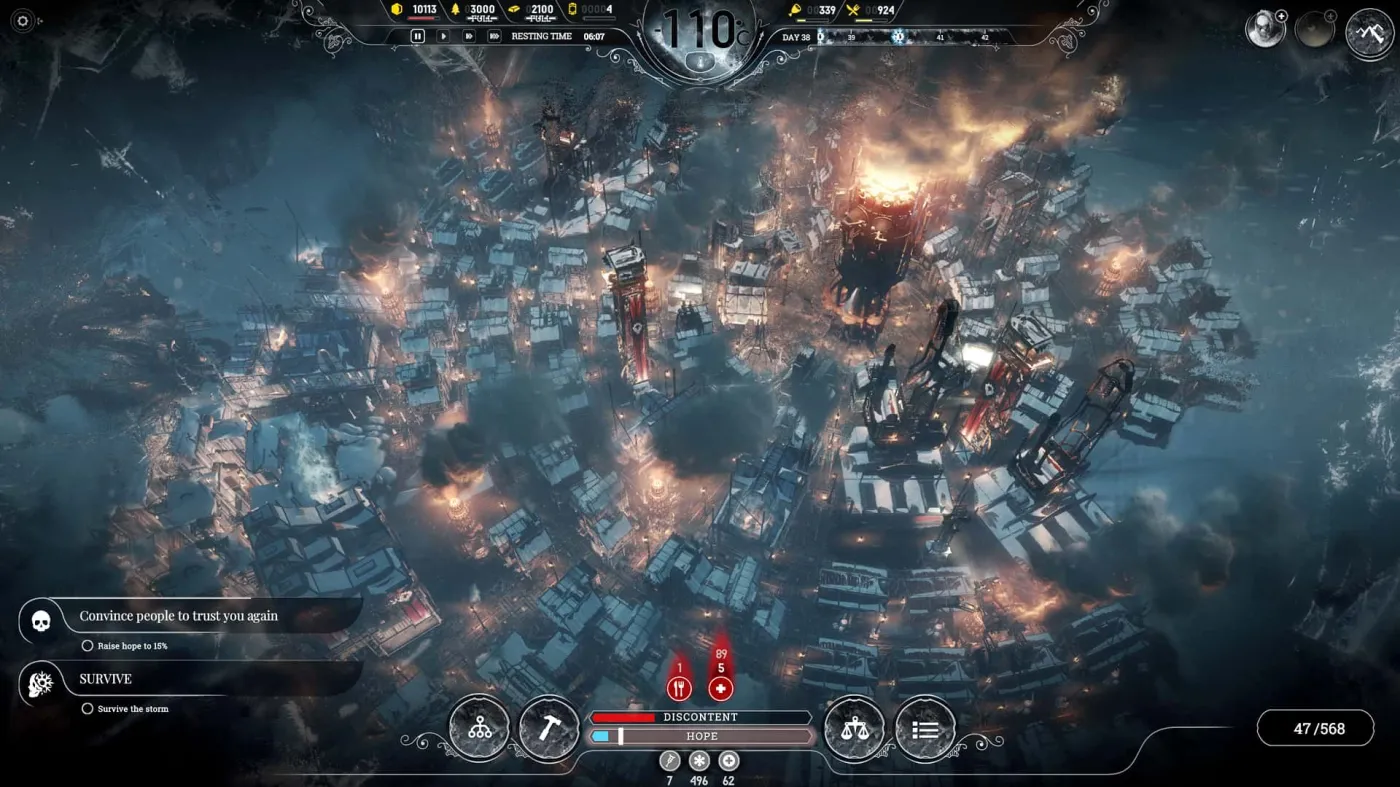
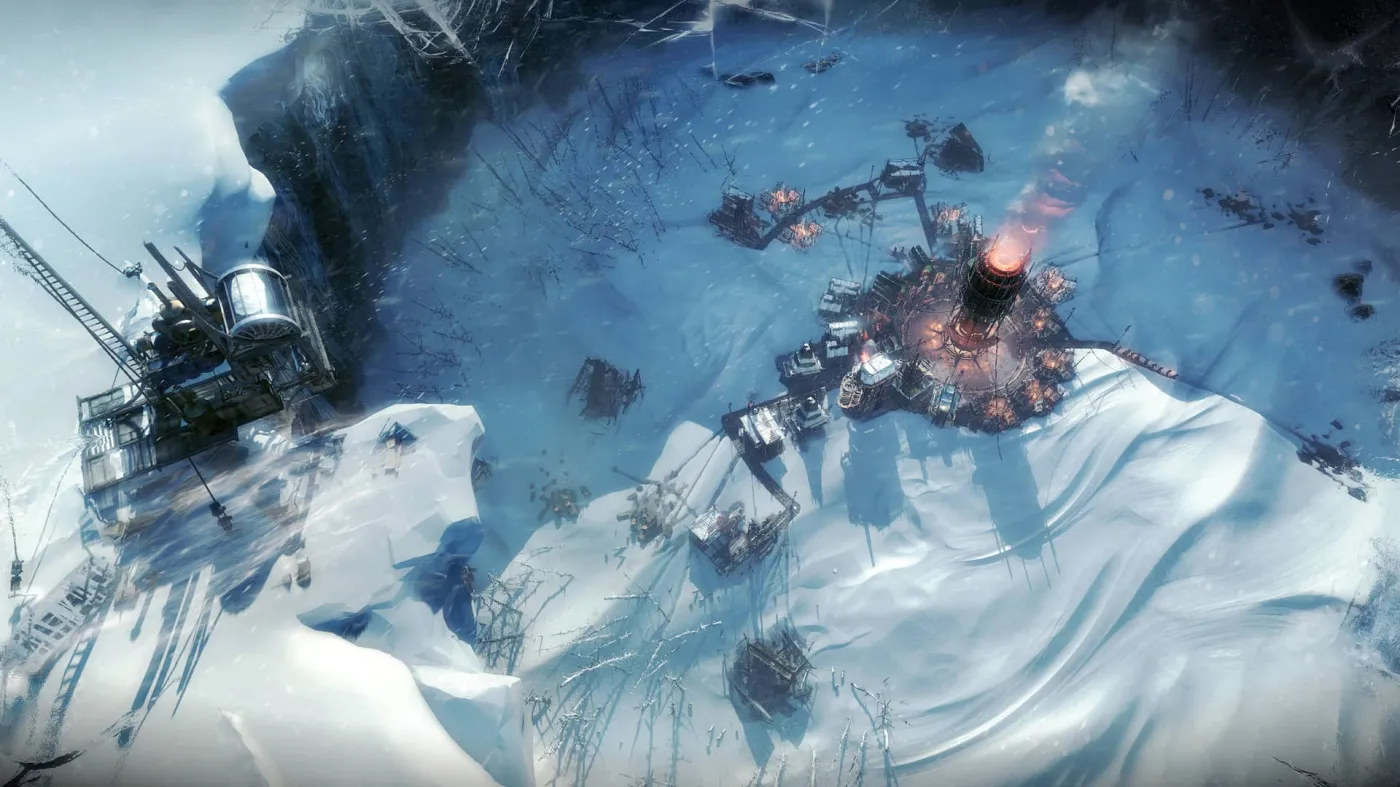
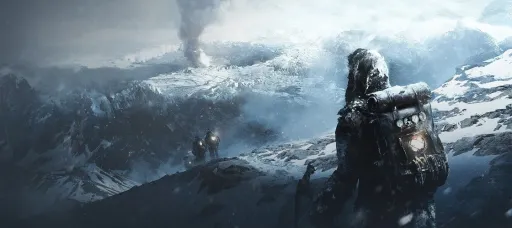
Frostpunk is a compelling survival and city-building game developed by 11 bit studios. Set in an alternate-history 19th century, the world has been plunged into a deep freeze following a volcanic winter. Players must lead the last remnants of humanity, centered around a massive coal-powered generator. Success requires balancing scarce resources, extreme cold, technological research, and difficult moral choices—where every decision, whether cruel or compassionate, directly impacts the survival of society.
Screenshots
What's new
Nintendo Switch Release (October 2026): 11 bit studios brought the original Frostpunk (alongside its Complete Edition expansions) to Nintendo Switch on October 19, 2026, complete with backward compatibility on Switch 2 and a free eShop demo.
Unreal Engine 5 Reimagining (Frostpunk 1886): 11 bit studios is actively developing Frostpunk 1886, a full Unreal Engine 5 reimagining of the original game featuring expanded mechanics and new content, targeting an Alpha milestone in early 2027 ahead of a planned first-half 2028 release.
Wider Franchise Expansion (Frostpunk 2: The Surge & Project P13): The sequel Frostpunk 2 wraps up its post-launch trilogy with its final story expansion, The Surge, arriving December 14, 2026, while 11 bit studios simultaneously advances a new unannounced in-universe title (codenamed P13) toward a December 2026 playable milestone.
System requirements
OS: macOS 10.15
Processor: 2.6GHz Intel Core i7
RAM: 16 GB
Video card: 4GB AMD Radeon Pro 5300M, Radeon Pro 560X or better
Disk space: 10 GB
Question and Answer
Run the downloaded image and drag the application to the Applications folder shortcut. Once copying is complete, the application can be launched via Launchpad.
There are so many errors, we can't list them all here. Therefore, we've described all the solutions (with pictures) in the article: Errors when installing applications on a Mac
Official updates may result in loss of activation unless otherwise stated in the installation instructions.To update the software from this website, you must download the new version of the software from here (if available) and install it over the version currently installed on your computer. This will preserve your activation and settings for the software. Read more in the article: Updating pirated apps
To download large files, it is recommended to use any download manager, for example, FDM (Free Download Manager) For downloading from a file sharing service like Filen.io, it's not recommended to use Safari. Use Google Chrome or the aforementioned FDM browser, for example. To download files via torrent (.torrent file), you need a torrent client, such as Transmission or the aforementioned FDM. Please remember that providers may block access to some websites (1fichier.com, etc.). To bypass these blocks, it is recommended to use a VPN.
The site administration doesn't hack anything. That's the job of release teams and some enthusiasts. They're the ones responsible for ensuring updates are available. But you can hack software yourself by learning reverse engineering.
Definitely not in the comments. The site administration doesn't hack anything, and there's no order desk. However, you can order the software you need (not for free) in a special thread on forum.ru-board.com.
Open System Preferences -> General > Language & Region -> Applications - “+”. Select an app and language. This method works for most apps. The language in Adobe products is usually selected during the installation of the product itself. The language in games is usually changed in the game settings itself. There are exceptions. Don't hesitate to search for information online.
There are many options. The easiest is to use specialized app removal tools, such as App Cleaner & Uninstaller. To remove Adobe products, use the Creative Cloud Cleaner Tool.
The site offers a paid service: remote assistance (via AnyDesk, Zoom, Skype) with the installation of any applications (not just those from this site) on any Mac or PC. Learn more...
Version
1927 (46330)
Developer
11 Bit Studios
Release Date
2018-04-24
Languages
Russian , English , German , Spanish , Italian , Simplified Chinese , Korean , Polish , Portuguese , Turkish , French
Run the downloaded image and drag the application to the Applications folder shortcut. Once copying is complete, the application can be launched via Launchpad.
 New