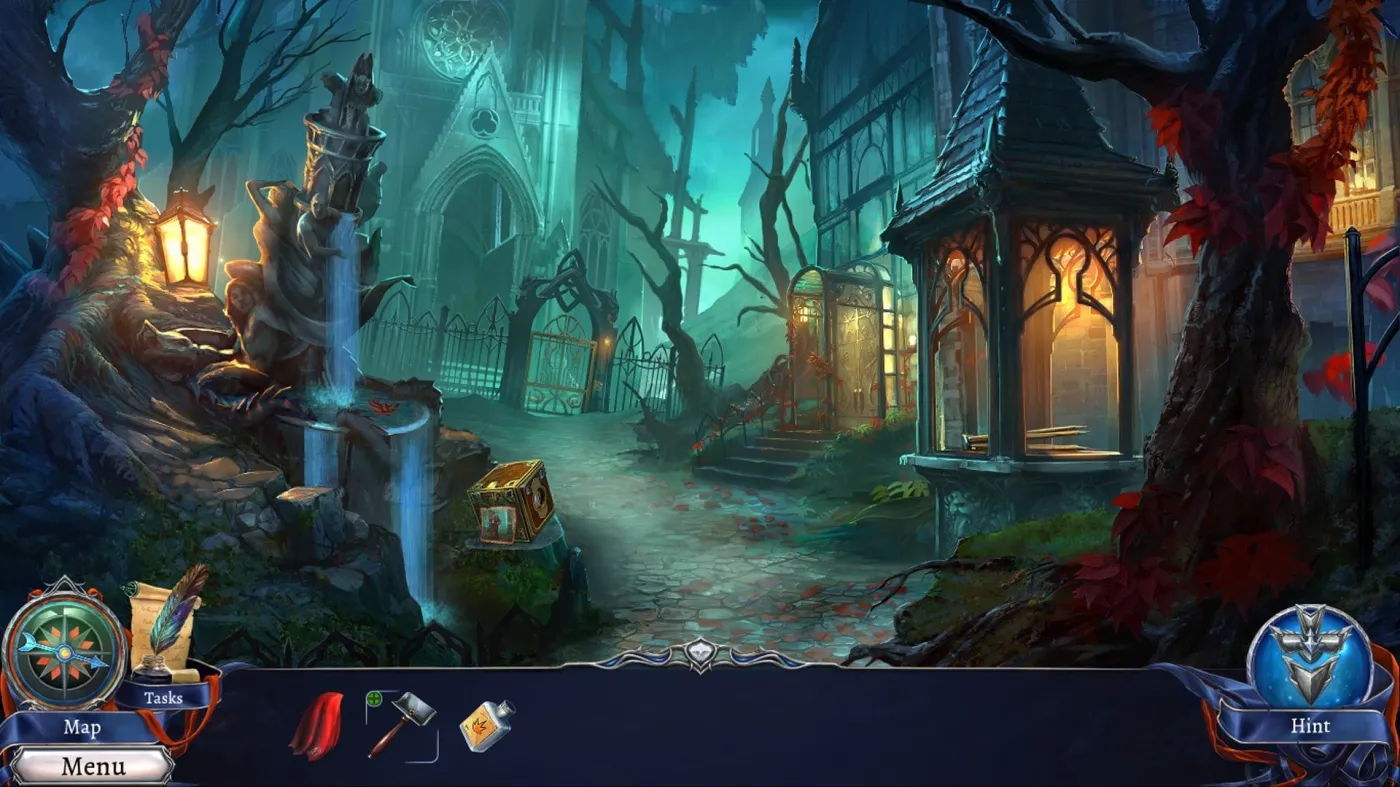
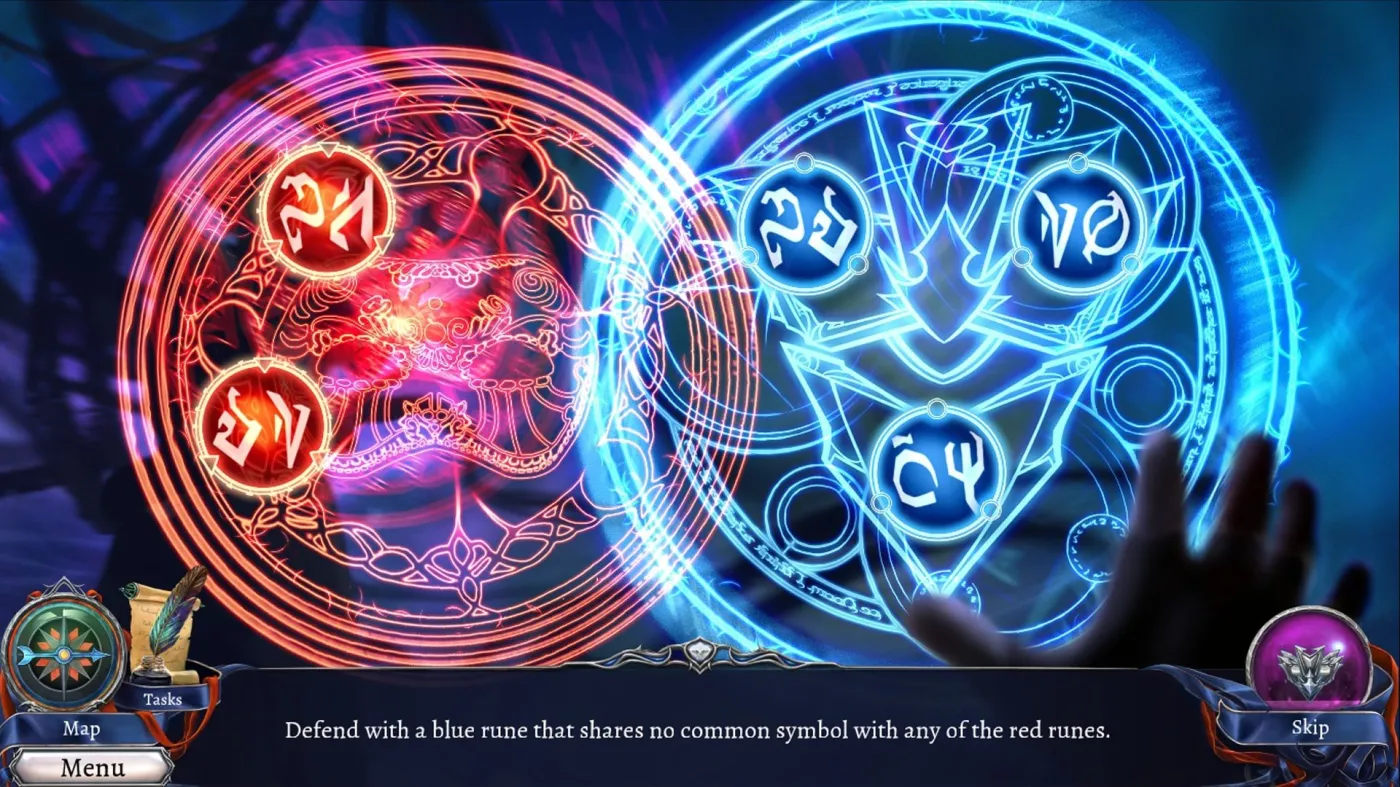
Grim Legends 3: The Dark City is a Gothic-style hidden-object puzzle adventure game developed by Artifex Mundi. Players take on the role of Sylvia—a member of a monster-hunting order who has lost her memory—as she explores the dark streets of the city of Lichtenheim to recover the stolen Incarceri Stone, solve intricate puzzles, and prevent the malevolent demon Koshmaar from being unleashed.
Screenshots
What's new
Trilogy Finale & Feature-Complete Status (10th Anniversary Year): Released in 2016 as the concluding chapter of Artifex Mundi's Grim Legends trilogy, the game celebrated its 10th anniversary in 2026 in a permanently feature-complete state—including its Collector's Edition bonus adventure—with no fourth installment planned.
Developer Strategy Shift (Unsolved & RPGs): Artifex Mundi long ago shifted away from standalone PC hidden-object releases toward live-service mobile aggregation—integrating The Dark City into its mystery platform—alongside original RPG development.
Broad Multi-Platform Availability: Remains actively available across Windows, macOS, and Linux (Steam), PlayStation 4, Xbox One/Series X|S, Nintendo Switch (with Switch 2 backward compatibility), and iOS/Android (receiving routine Android compatibility updates in 2026).
System requirements
OS: Mac OS X 10.6.8+
RAM: 1 GB
Disk space: 2 GB
Question and Answer
Run the downloaded image and drag the application to the Applications folder shortcut. Once copying is complete, the application can be launched via Launchpad.
There are so many errors, we can't list them all here. Therefore, we've described all the solutions (with pictures) in the article: Errors when installing applications on a Mac
Official updates may result in loss of activation unless otherwise stated in the installation instructions.To update the software from this website, you must download the new version of the software from here (if available) and install it over the version currently installed on your computer. This will preserve your activation and settings for the software. Read more in the article: Updating pirated apps
To download large files, it is recommended to use any download manager, for example, FDM (Free Download Manager) For downloading from a file sharing service like Filen.io, it's not recommended to use Safari. Use Google Chrome or the aforementioned FDM browser, for example. To download files via torrent (.torrent file), you need a torrent client, such as Transmission or the aforementioned FDM. Please remember that providers may block access to some websites (1fichier.com, etc.). To bypass these blocks, it is recommended to use a VPN.
The site administration doesn't hack anything. That's the job of release teams and some enthusiasts. They're the ones responsible for ensuring updates are available. But you can hack software yourself by learning reverse engineering.
Definitely not in the comments. The site administration doesn't hack anything, and there's no order desk. However, you can order the software you need (not for free) in a special thread on forum.ru-board.com.
Open System Preferences -> General > Language & Region -> Applications - “+”. Select an app and language. This method works for most apps. The language in Adobe products is usually selected during the installation of the product itself. The language in games is usually changed in the game settings itself. There are exceptions. Don't hesitate to search for information online.
There are many options. The easiest is to use specialized app removal tools, such as App Cleaner & Uninstaller. To remove Adobe products, use the Creative Cloud Cleaner Tool.
The site offers a paid service: remote assistance (via AnyDesk, Zoom, Skype) with the installation of any applications (not just those from this site) on any Mac or PC. Learn more...
Run the downloaded image and drag the application to the Applications folder shortcut. Once copying is complete, the application can be launched via Launchpad.
 New