 New

👁 0🕒 Nov 29, 2026
Shing!
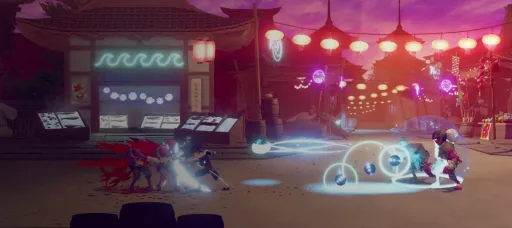
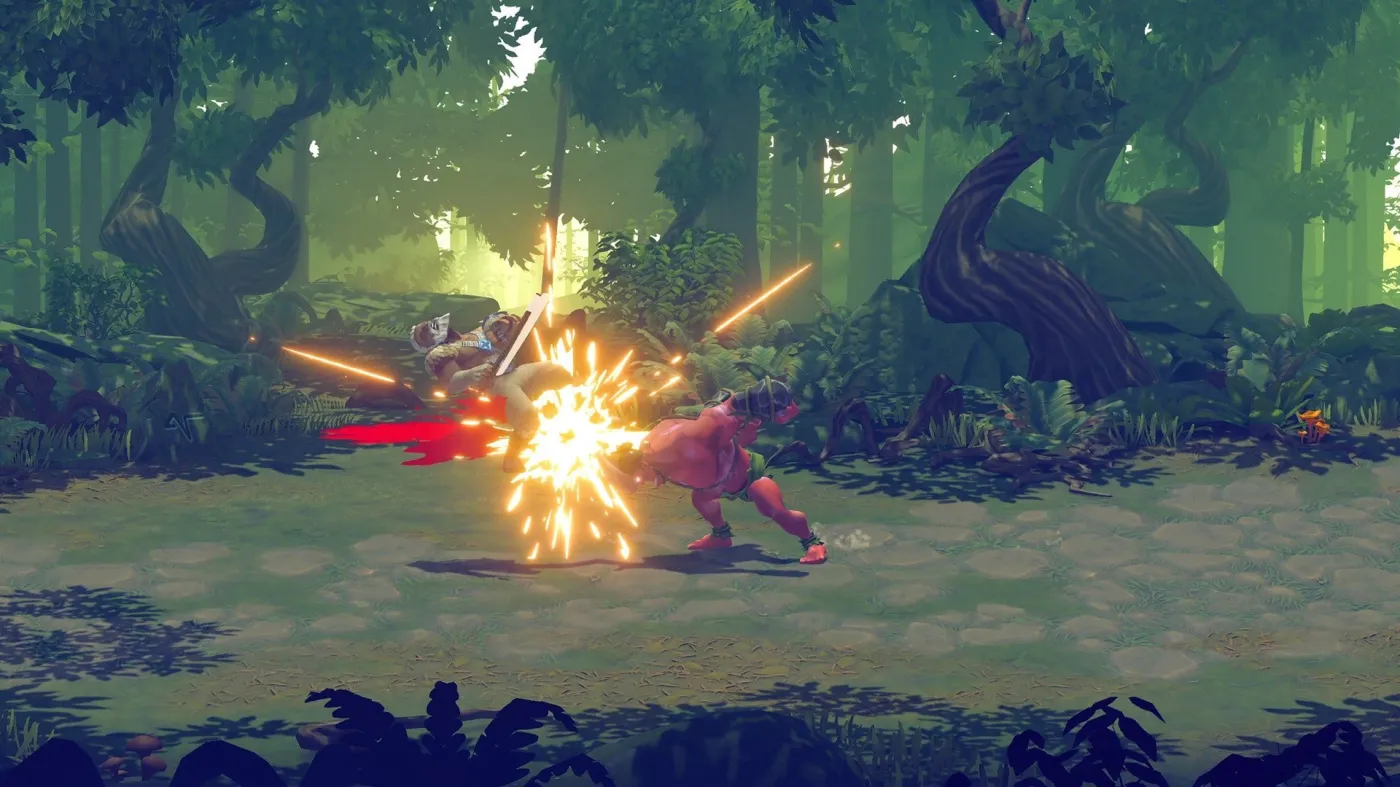
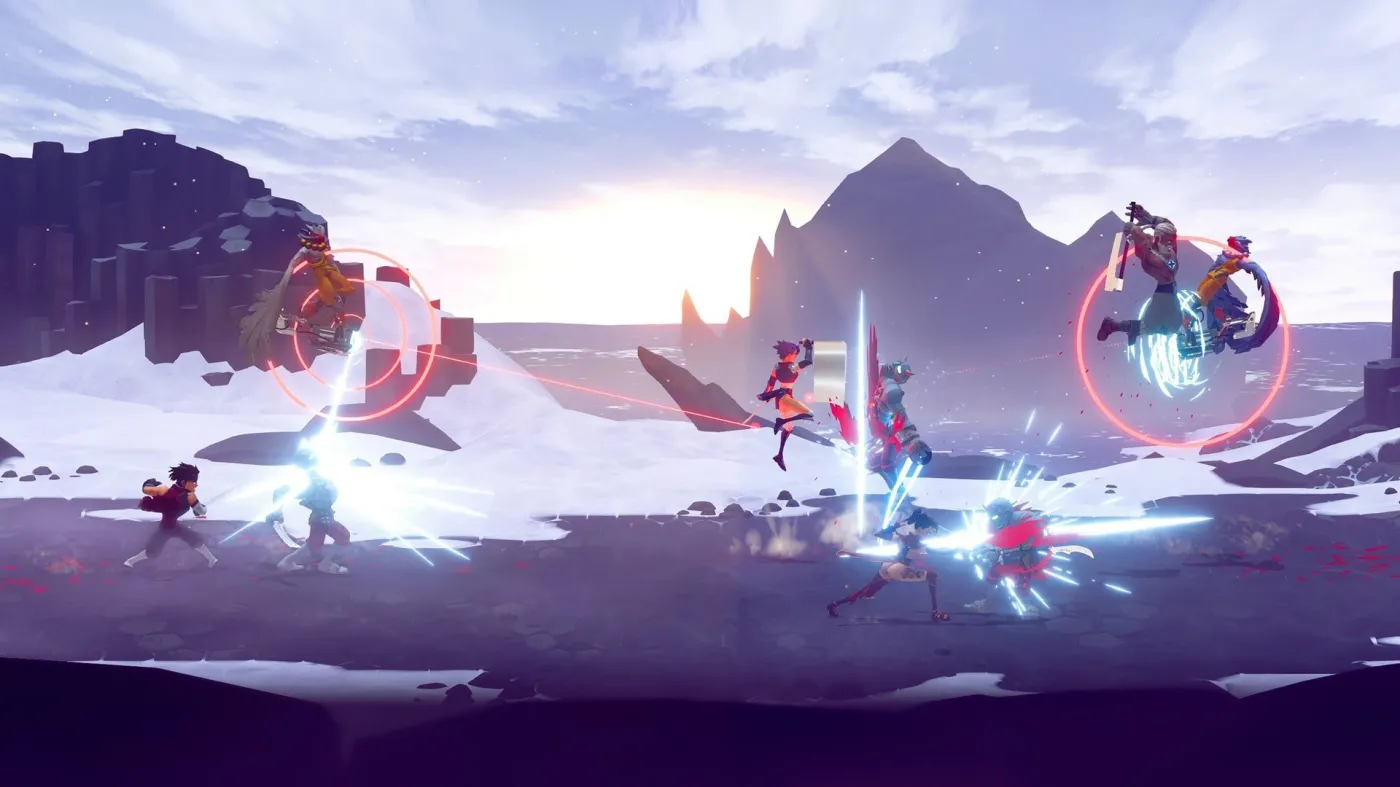
Shing! is a fast-paced, intense side-scrolling beat-'em-up, featuring visceral martial arts combat and vibrant, cartoon-style graphics. Players take control of skilled warriors, battling dangerous foes using unique weapons, special moves, and combo attacks. The game offers both offline and online co-op modes, challenging boss encounters, dynamic combat mechanics, and action-packed levels.
Screenshots
What's new
- Experience fast-paced beat 'em up action with unique combat mechanics.
- Control four playable heroes with different fighting styles.
- Perform powerful combos, special attacks, and weapon-based moves.
- Enjoy local and online cooperative multiplayer gameplay.
- Battle challenging bosses across colorful levels with dynamic combat and exciting challenges.
System requirements
OS: Mac OS X 10.11
Processor: Intel i3 2100+ or AMD FX-4100+
RAM: 2 GB
Video card: 512 MB VRAM, OpenGL 3.2+ compatible, nVidia GT 720+ or AMD HD 5450+ or Intel HD Graphics 5000+
Disk space: 5 GB
Question and Answer
Run the downloaded image and drag the application to the Applications folder shortcut. Once copying is complete, the application can be launched via Launchpad.
There are so many errors, we can't list them all here. Therefore, we've described all the solutions (with pictures) in the article: Errors when installing applications on a Mac
Official updates may result in loss of activation unless otherwise stated in the installation instructions.To update the software from this website, you must download the new version of the software from here (if available) and install it over the version currently installed on your computer. This will preserve your activation and settings for the software. Read more in the article: Updating pirated apps
To download large files, it is recommended to use any download manager, for example, FDM (Free Download Manager) For downloading from a file sharing service like Filen.io, it's not recommended to use Safari. Use Google Chrome or the aforementioned FDM browser, for example. To download files via torrent (.torrent file), you need a torrent client, such as Transmission or the aforementioned FDM. Please remember that providers may block access to some websites (1fichier.com, etc.). To bypass these blocks, it is recommended to use a VPN.
The site administration doesn't hack anything. That's the job of release teams and some enthusiasts. They're the ones responsible for ensuring updates are available. But you can hack software yourself by learning reverse engineering.
Definitely not in the comments. The site administration doesn't hack anything, and there's no order desk. However, you can order the software you need (not for free) in a special thread on forum.ru-board.com.
Open System Preferences -> General > Language & Region -> Applications - “+”. Select an app and language. This method works for most apps. The language in Adobe products is usually selected during the installation of the product itself. The language in games is usually changed in the game settings itself. There are exceptions. Don't hesitate to search for information online.
There are many options. The easiest is to use specialized app removal tools, such as App Cleaner & Uninstaller. To remove Adobe products, use the Creative Cloud Cleaner Tool.
The site offers a paid service: remote assistance (via AnyDesk, Zoom, Skype) with the installation of any applications (not just those from this site) on any Mac or PC. Learn more...
Version
2.0 Native
Developer
Mass Creation
Release Date
2020-08-28
Languages
Russian , English , German , Spanish , Italian , Traditional Chinese , Simplified Chinese , Korean , Polish , Portuguese , French , Japanese
Voice-over languages
English
Activation
DRM-FREE (no protection)
Tested
macOS Monterey , MacBook Air (M1. 2020)
Architecture
x86 (64-bit)
License Type
Full Access
Categories



Download Shing!
Run the downloaded image and drag the application to the Applications folder shortcut. Once copying is complete, the application can be launched via Launchpad.
Won't download? Broken file? Not working? We have collected the answers on this page.
Old versions
Shing! 1.0.09Won't download? Broken file? Not working? We have collected the answers on this page.