 New
NewmacOS Tahoe
macOS Tahoe 26 is the next major version of the macOS operating system, announced by Apple on June 9, 2025, at the WWDC conference.
macOS Tahoe 26 is the next major version of the macOS operating system, announced by Apple on June 9, 2025, at the WWDC conference.
Named after Lake Tahoe, located on the border of California and Nevada, it continues the tradition of naming macOS after iconic California locations.
macOS Tahoe focuses on a new design, improved integration with other Apple devices, and expanded Apple Intelligence capabilities.
Key features of macOS Tahoe:
• Liquid Glass Design:
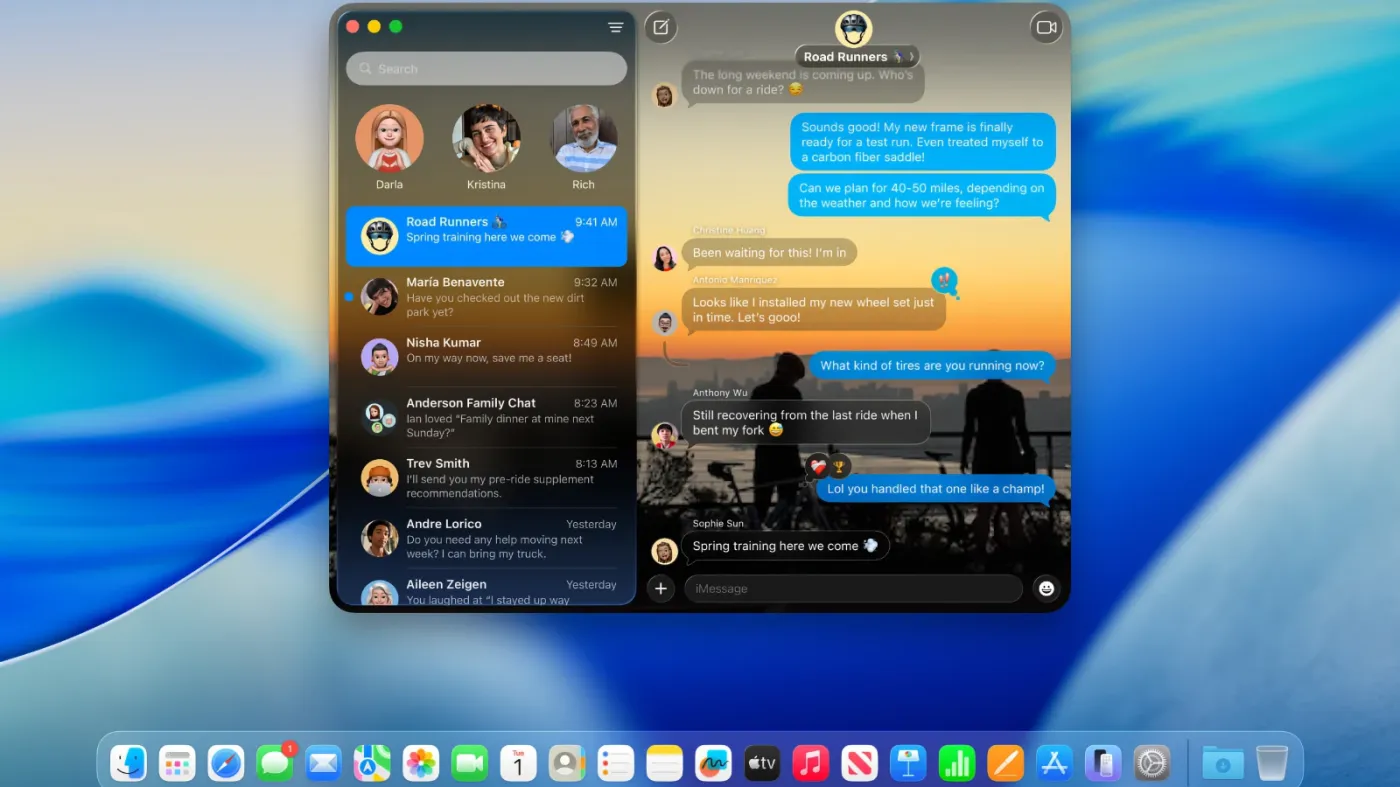
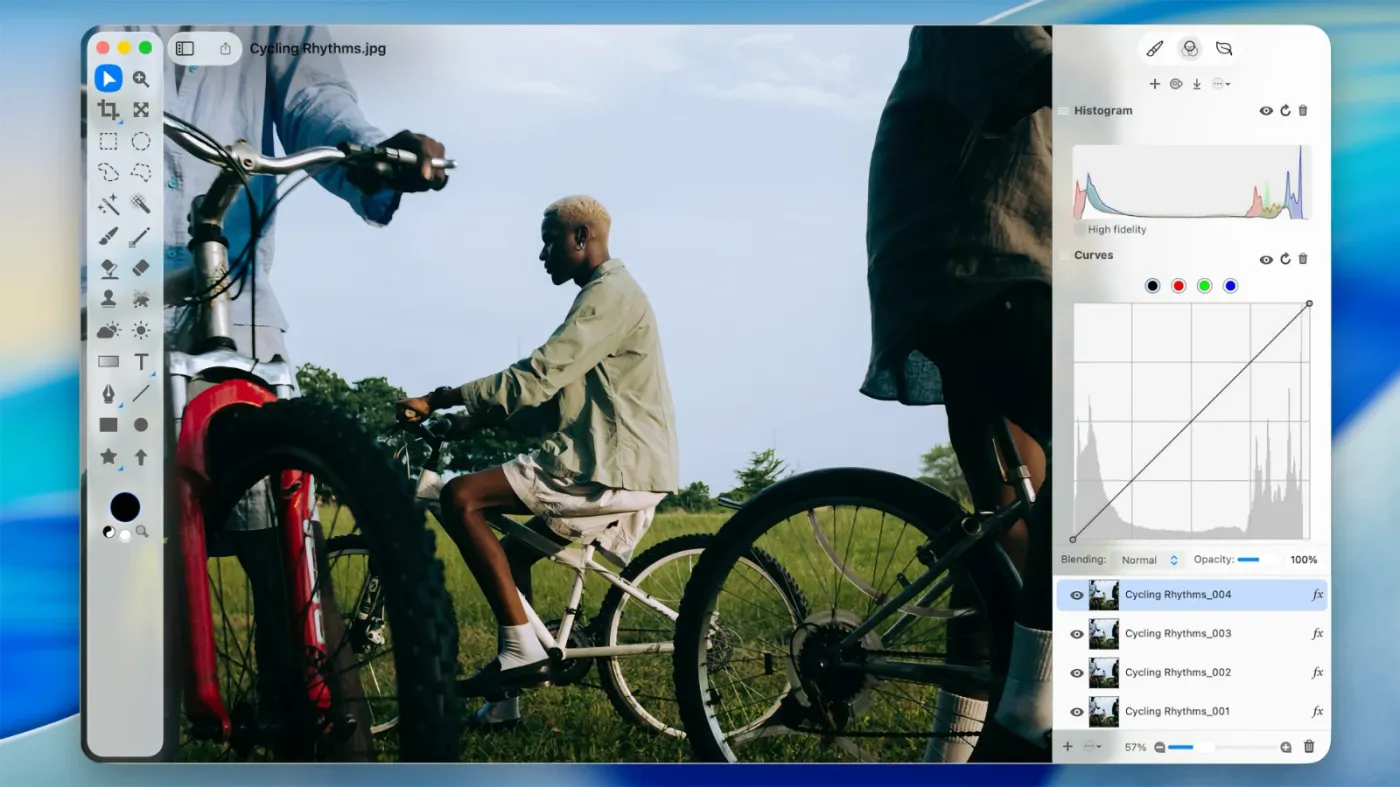
– A completely redesigned interface using the new Liquid Glass visual language, inspired by visionOS (Apple's Vision Pro operating system). Interface elements such as menus, toolbars, and the dock are now translucent, creating the effect of glass that reflects and refracts light.
– A fully transparent menu bar that visually expands the workspace.
– Updated app icons, unified with iOS and iPadOS, with support for light, dark, and color variants, as well as a new transparent style.
– Improved customization: users can change the colors of folders, icons, and widgets, and add emoji for personalization.
• Improved Continuity integration:
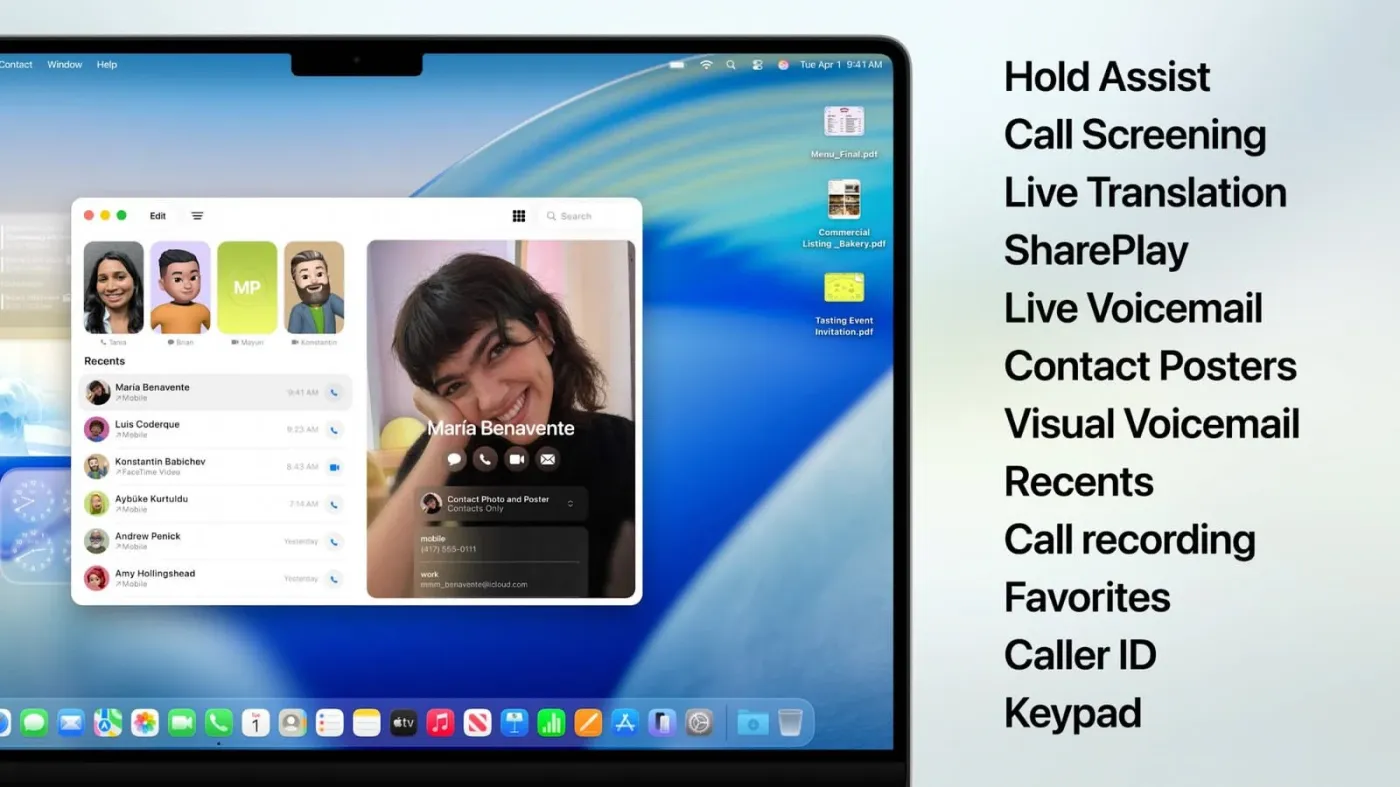
– The Phone app is now available on Mac, allowing you to receive calls, view contacts, view voicemail, and use features like Call Screening and Hold Assist.
– Support for Live Activities from iPhone: Notifications such as delivery or trip status appear in the Mac menu bar.
– iPhone Mirroring allows you to run iPhone apps directly on your Mac via Spotlight.
• Updated Spotlight:
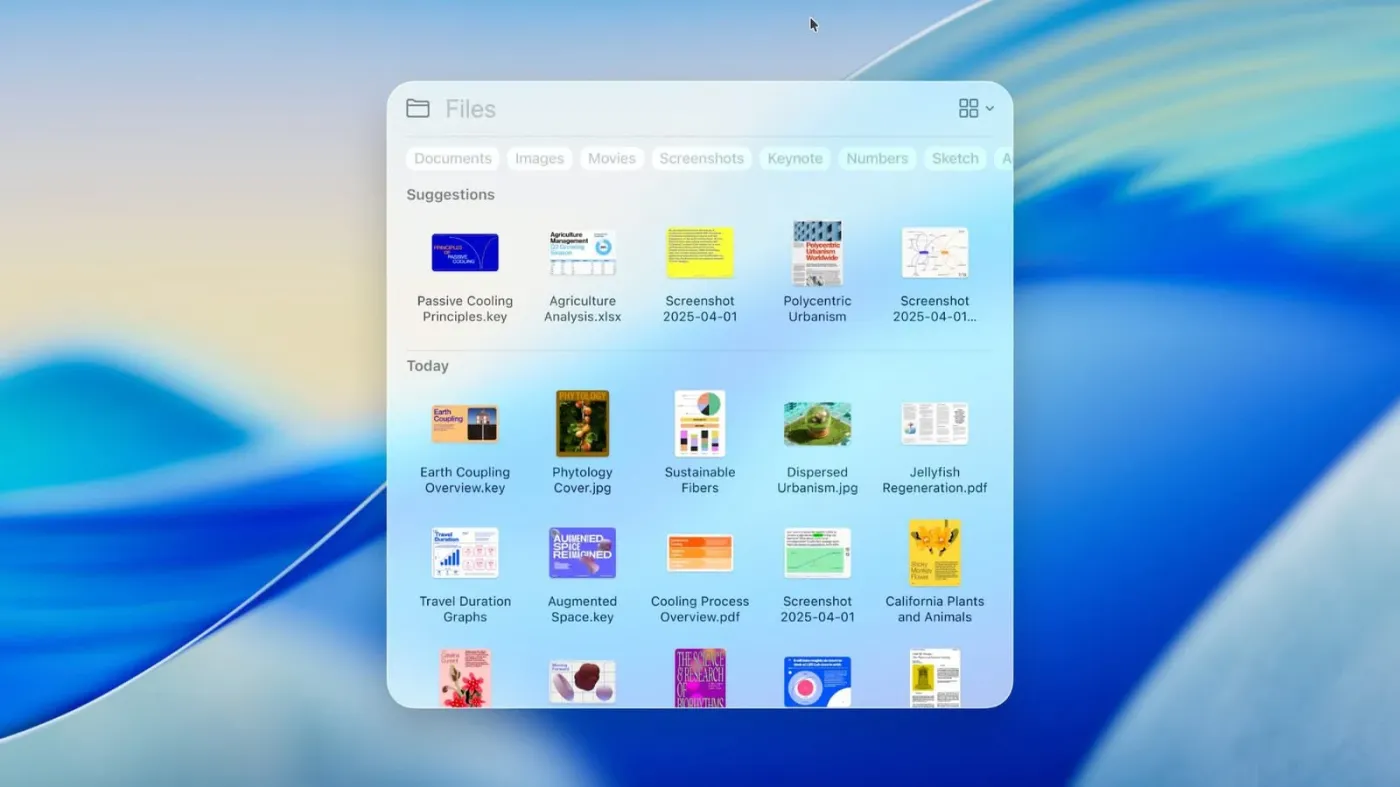
– A significantly improved search engine that now not only searches for files and apps, but also performs actions like creating events, starting podcasts, or sending messages.
– Support for customizable quick commands (for example, “sm” to send a message or “ar” to add a reminder).
– Integration with cloud services and the ability to search PDF and other documents.
• Apple Intelligence:
– Advanced AI features, including Live Translation for automatic translation of messages and captions in FaceTime.
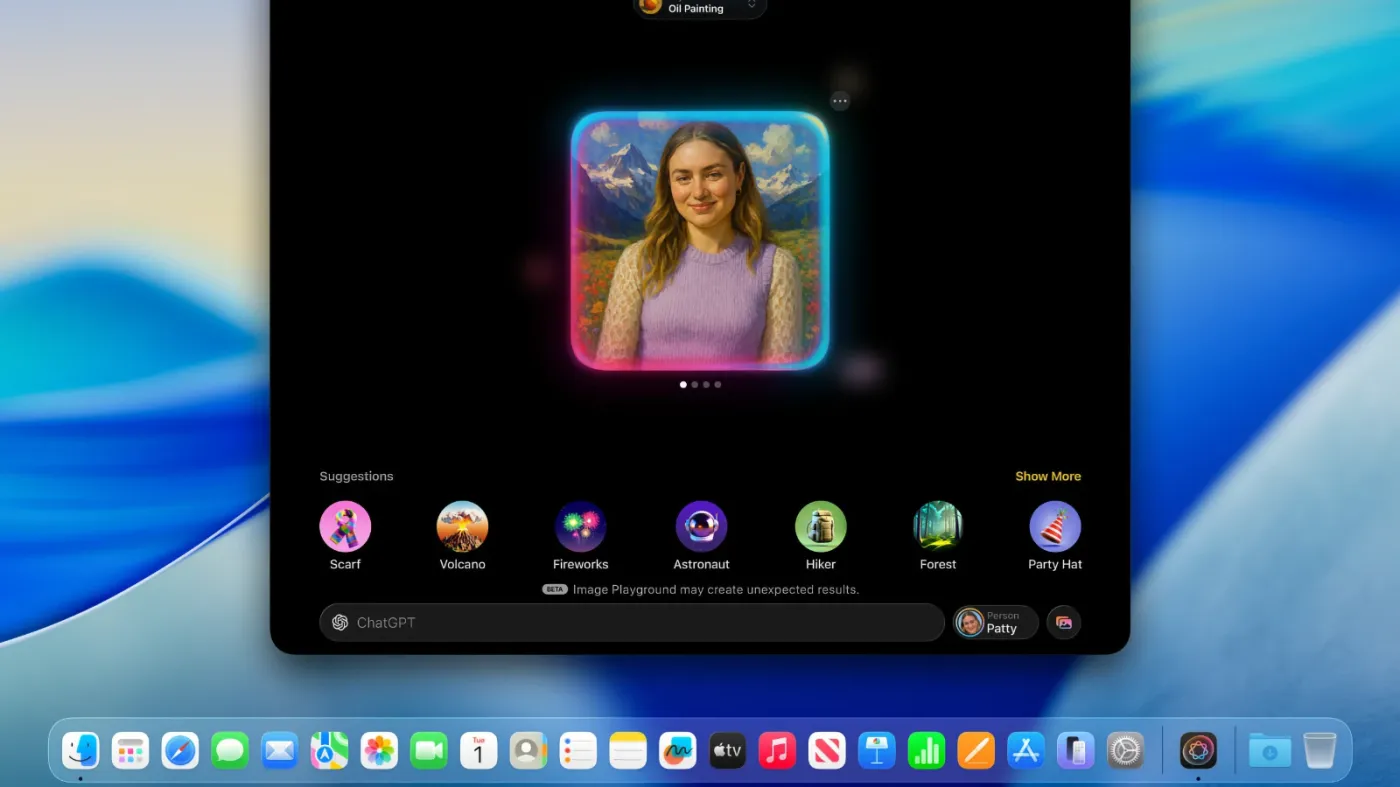
– Genmoji and Image Playground updates: Users can create new emoji by combining existing ones and generate images in styles such as oil painting or vector art.
– Improved Reminders: Apple Intelligence analyzes emails, notes, and web pages to automatically categorize tasks.
• New applications and features:
– The Games app with a catalog of installed games, chat support, invitations, and an overlay for in-game settings.
– The Journal app is now available on Mac.
– Safari improvements: updated tab design and lyrics translation in Apple Music.
– Launchpad has been removed and replaced by the "Applications" feature integrated into Spotlight, similar to the App Library in iOS.
• Availability:
– New features like Magnifier (use the iPhone camera to zoom in), Braille support, and Vehicle Motion Cues to reduce motion sickness.
– Accessibility Nutrition Labels in the App Store, which display information about supported accessibility features.
• New numbering:
Apple has switched to a unified numbering system, with all operating systems (iOS, iPadOS, macOS, etc.) receiving version 26, which corresponds to the year following the announcement (2025–2026). macOS retains its unique name, Tahoe.
Screenshots

Question and Answer
Download macOS Tahoe
Won't download? Broken file? Not working? We have collected the answers on this page.