


DaVinci Resolve Studio 21
Download DaVinci Resolve Studio 21
Mount the downloaded image and follow the standard installation procedure.
Previous Versions
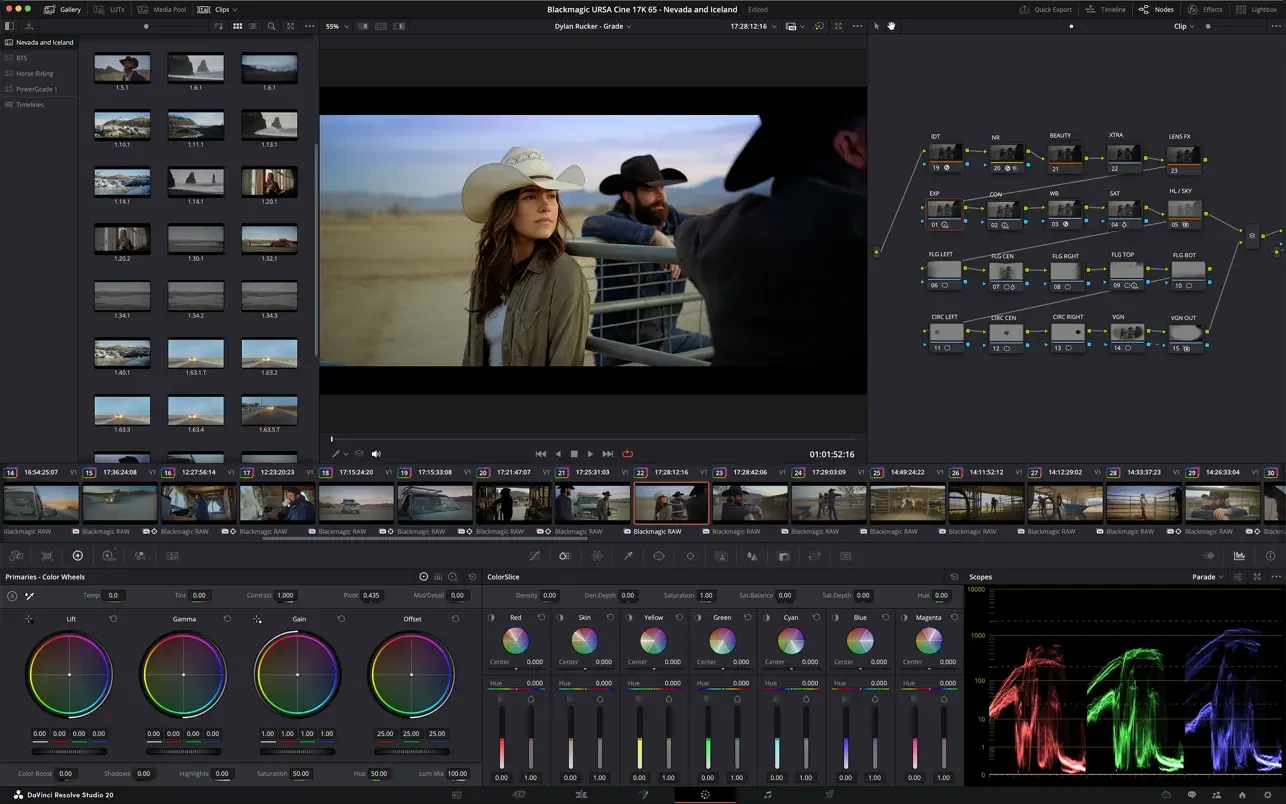
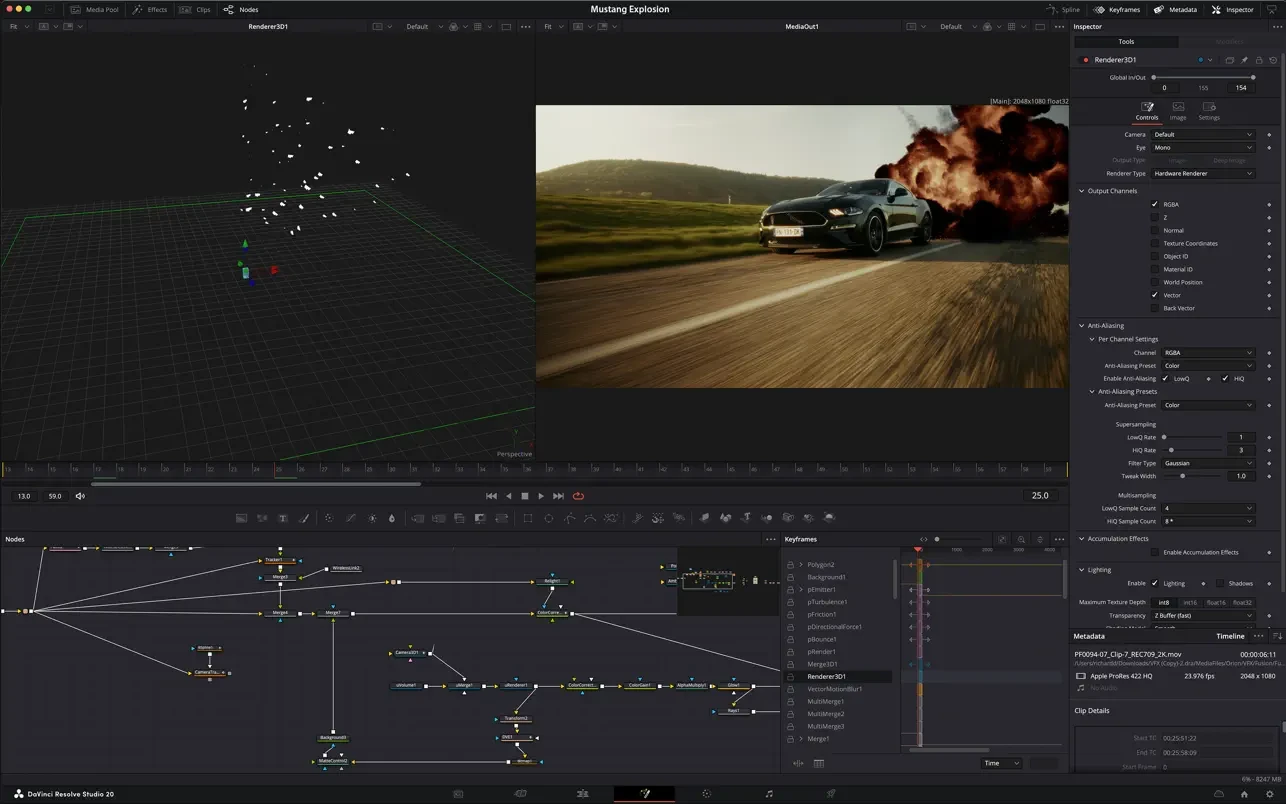
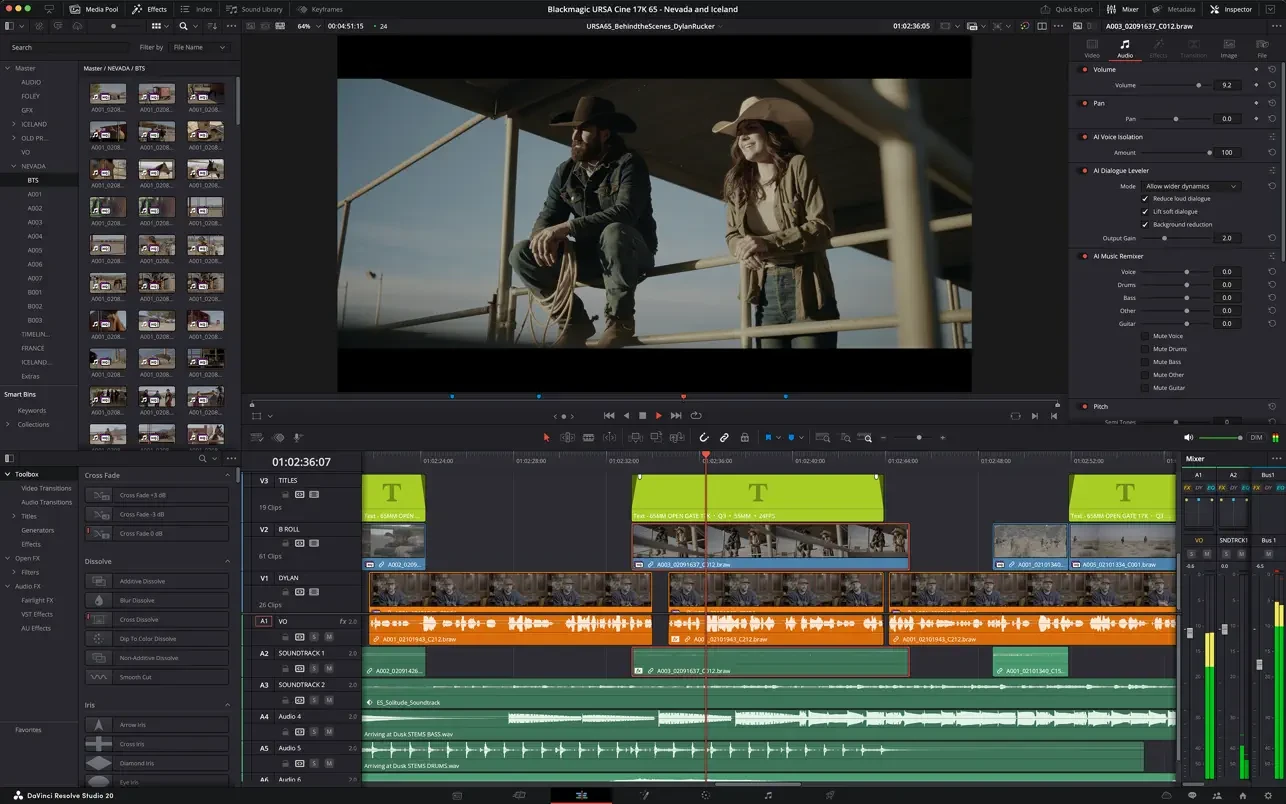
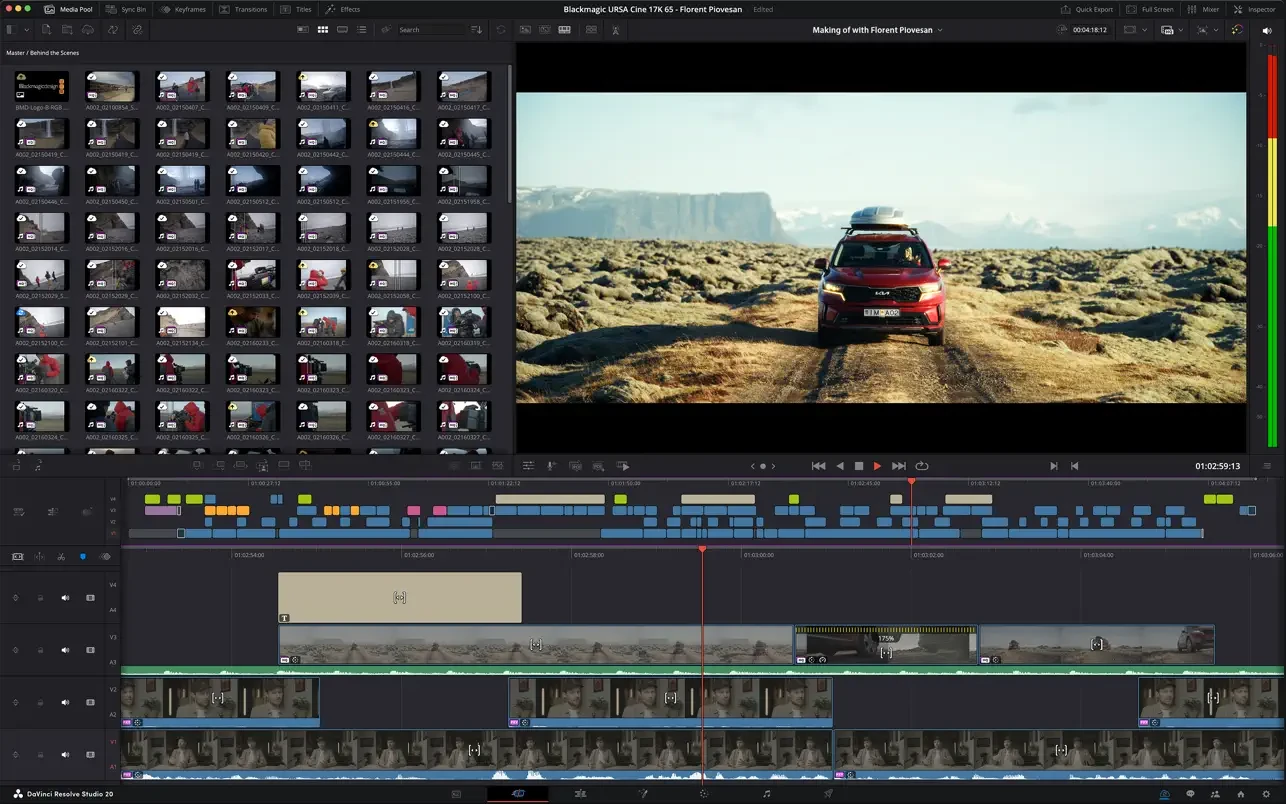
DaVinci Resolve Studio 21 Mac Free Download
The world of audiovisual production is rapidly evolving, and content creators demand tools that offer speed, creative freedom, and professional results. From YouTube creators and filmmakers to television studios and commercial production teams, having reliable editing software is essential. That's where DaVinci Resolve Studio 21 stands out as one of the most advanced post-production platforms available today.
Developed by Blackmagic Design, DaVinci Resolve Studio 21 combines professional video editing, visual effects, color correction, motion graphics, audio production, and even photo editing into one powerful software package. It is widely used in the film and television industry for high-end production workflows.
Users can perform:
- Professional video editing
- Cinematic color correction
- Motion graphics design
- Visual effects compositing
- Audio mixing and mastering
- Photo editing and organization
Blackmagic officially states that Resolve Studio 21 includes advanced AI tools, expanded effects, stereoscopic tools, and HDR color correction capabilities.
Powerful new features in version 21
One of the major new features in version 21 is the introduction of the new Photo Page. This allows photographers and hybrid creators to organize, edit, and color correct still images using the same professional tools employed in film production.
Blackmagic also unveiled several new AI-powered features, including:
- AI Smart Search for content
- AI Cinema Focus for focus adjustments
- AI Facial Remodeling
- AI Facial Age Transformation
- Enhanced facial refinement tools
Industry reports confirm that DaVinci Resolve 21 introduced more than 50 significant improvements to editing, effects, audio, and photography workflows.
Advanced Editing and Performance
DaVinci Resolve Studio 21 supports resolutions up to 32K, multi-GPU acceleration, HDR workflows, and hardware-accelerated encoding and decoding.
The software also includes:
- Over 100 Resolve FX effects
- Dolby Vision and HDR10+ support
- 3D audio production tools
- Object removal tools
- AI-powered Super Scale upscaling
- Object tracking with Magic Mask
Blackmagic's official product pages highlight these advanced capabilities for professional film and advertising production.
Why do creators choose it?
DaVinci Resolve Studio 21 is ideal for:
- Film editors
- YouTube creators
- Documentary producers
- Commercial video agencies
- Colorists
- Sound designers
- Motion graphics artists
Online creator communities have also praised version 21 for its new AI tools, local AI processing, and improved photo workflows.
Price and value
Unlike subscription-based editing software, DaVinci Resolve Studio 21 is available as a one-time purchase. Blackmagic currently offers the Studio version for approximately $295, making it a very competitive option for professionals.
Conclusion
DaVinci Resolve Studio 21 continues to set the standard in modern post-production. With industry-leading color tools, AI-powered automation, advanced visual effects, professional audio editing, and the new integrated photo workflow, it offers exceptional value for the most demanding creators.
Release notes are available on the official website
Mount the downloaded image and follow the standard installation procedure.
Frequently Asked Questions
Restart your Mac and hold down Command + R to enter Recovery Mode.
Open Terminal from the Utilities menu.
Enter the command: csrutil disable
Restart your Mac.
This is a common Gatekeeper issue. Follow these steps:
1. Open Terminal
2. Enter: sudo xattr -rd com.apple.quarantine /Applications/AppName.app
3. Replace "AppName" with the actual application name
4. Press Enter and enter your password
Yes, all our downloads are thoroughly checked for viruses and malware.
We use multiple antivirus engines to scan every file.
Our team tests each application before publishing.
We never bundle adware or unwanted software.
Yes, we regularly update our applications to the latest versions.
You can check our website for updates or subscribe to our newsletter.
We strive to provide the most recent versions within 24-48 hours of release.
If a download link is not working, please:
1. Try a different browser
2. Clear your browser cache and cookies
3. Try the alternative download links provided
4. Contact our support team if the issue persists