 Updated
Folder Icon Maker
Folder Icon Maker lets you create beautiful, personalized folder icons for macOS in just a few clicks.
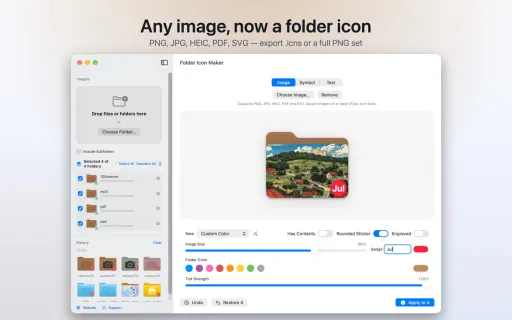
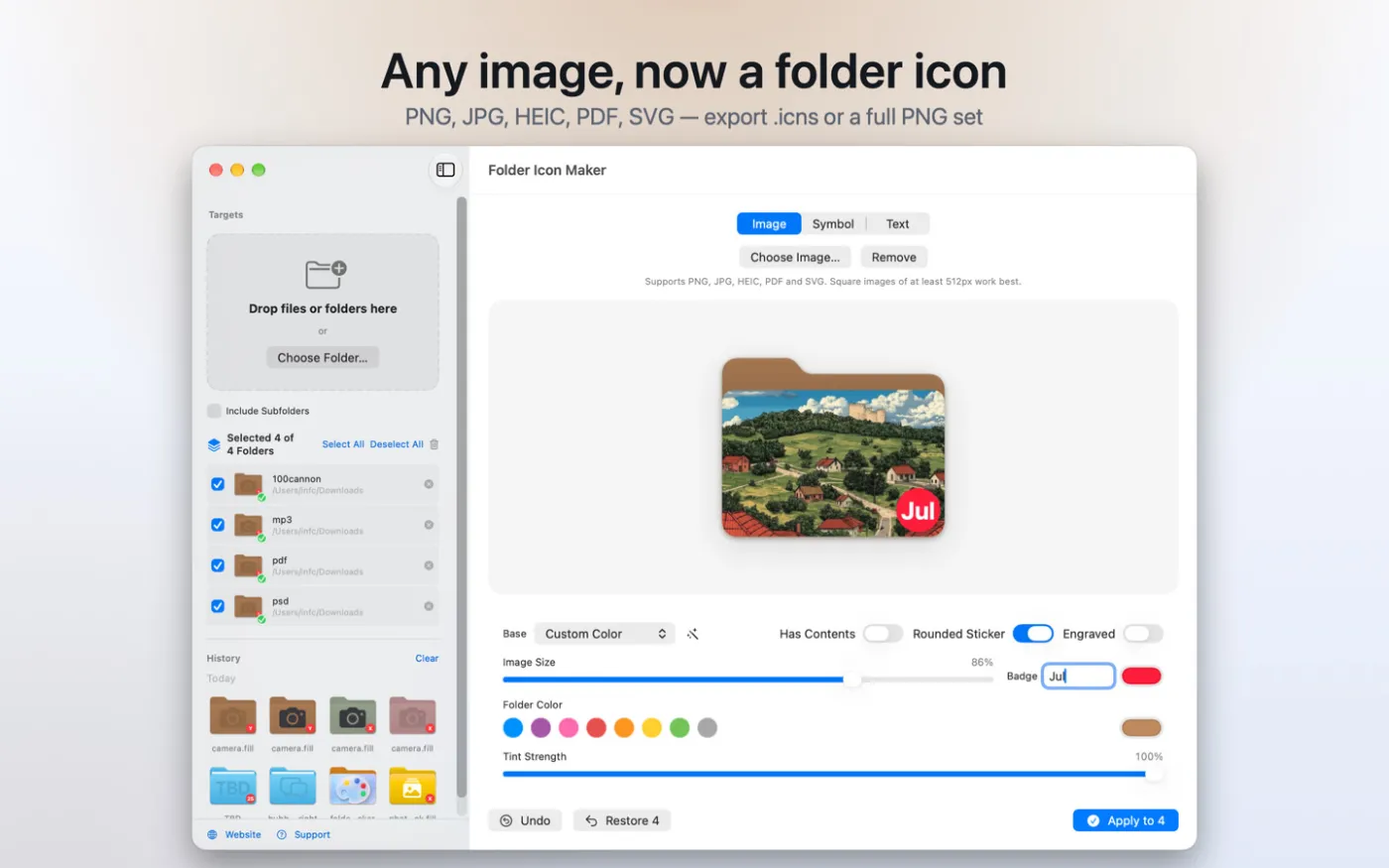
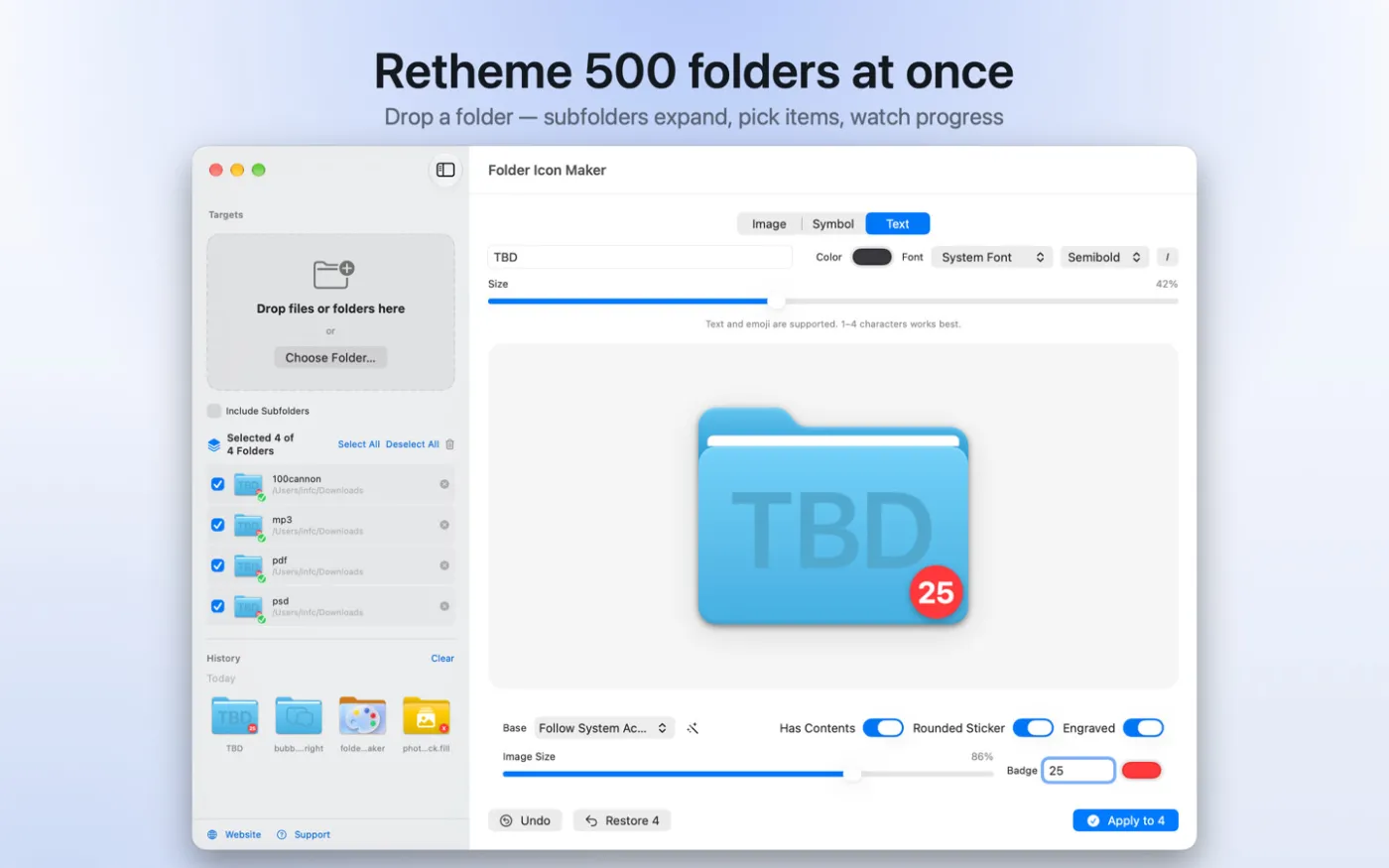
Design any folder to your liking using PNG images, text, app icons, or your own graphics. Simply drag the image into the app, adjust its size and position, and then drag the folder onto it—the new icon will be applied instantly.
Folder Icon Maker lets you create beautiful, personalized folder icons for macOS in just a few clicks.
Design any folder to your liking using PNG images, text, app icons, or your own graphics. Simply drag the image into the app, adjust its size and position, and then drag the folder onto it—the new icon will be applied instantly.
Features:
• Create high-quality custom icons for folders
• Drag & Drop support for PNG images, folders, and application icons
• Resize and reposition elements using your mouse or trackpad
• Add your own text to folder icons
• A variety of folder styles and color themes
• Fast, intuitive, and easy to use
For best results, use PNG images with a transparent background. There are thousands of free PNG icons available online that work perfectly with Folder Icon Maker. We'd love to hear your feedback.
Screenshots
What's new
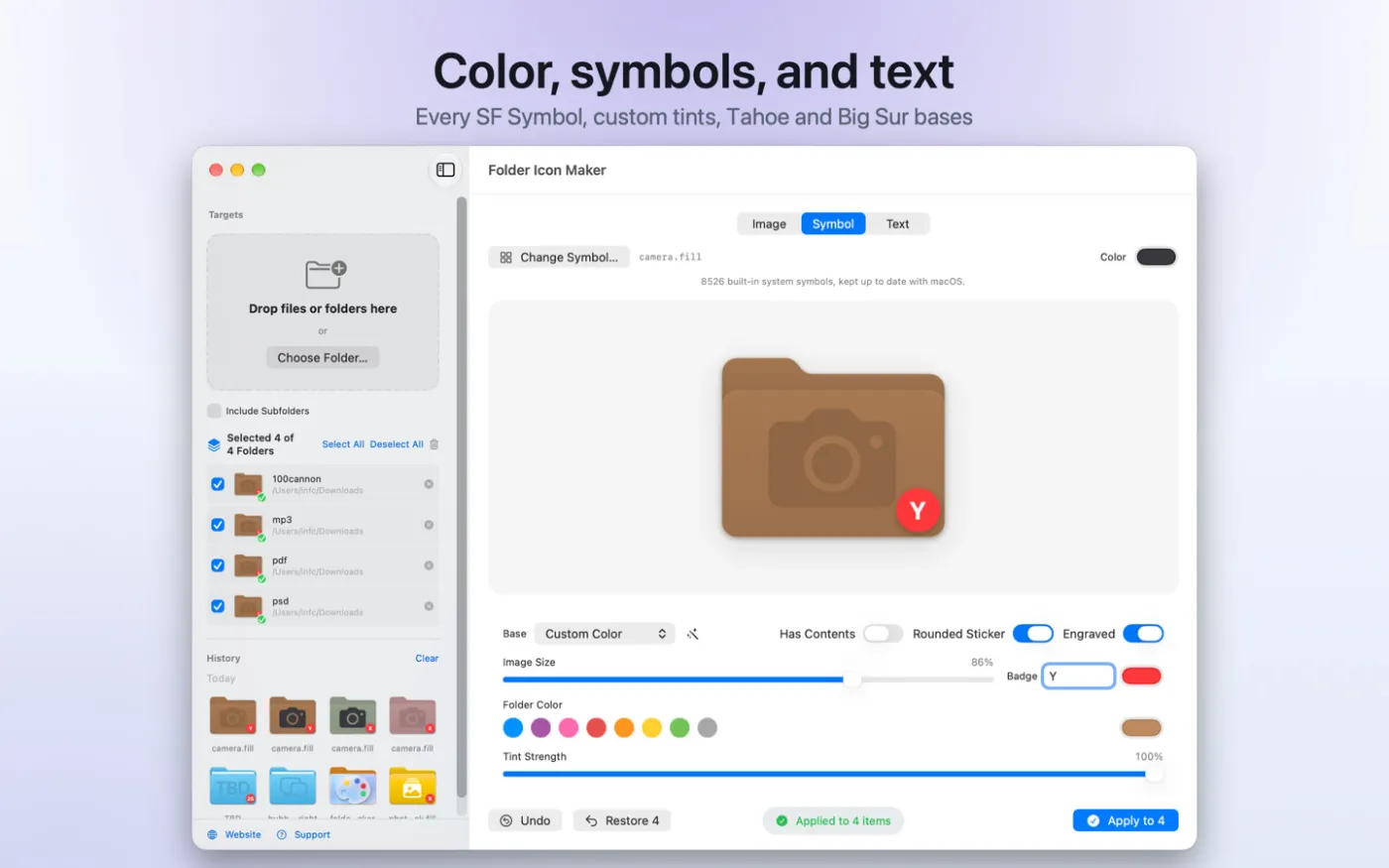
• New interface with live preview
• Batch apply and bulk restore, up to 500 folders
• All SF Symbols, text, emoji, and images
• New Tahoe and transparent bases with custom tint
• New icns and full PNG set export
• New Finder service, Shortcuts, 20-step undo, and icon history
Question and Answer

Download Folder Icon Maker
Won't download? Broken file? Not working? We have collected the answers on this page.
Old versions
Direct link (may be affected by sanctions against VK)Won't download? Broken file? Not working? We have collected the answers on this page.