


Parallels Desktop 26
Download Parallels Desktop 26
Installation and activation instructions are included in the package (inside).
Previous Versions
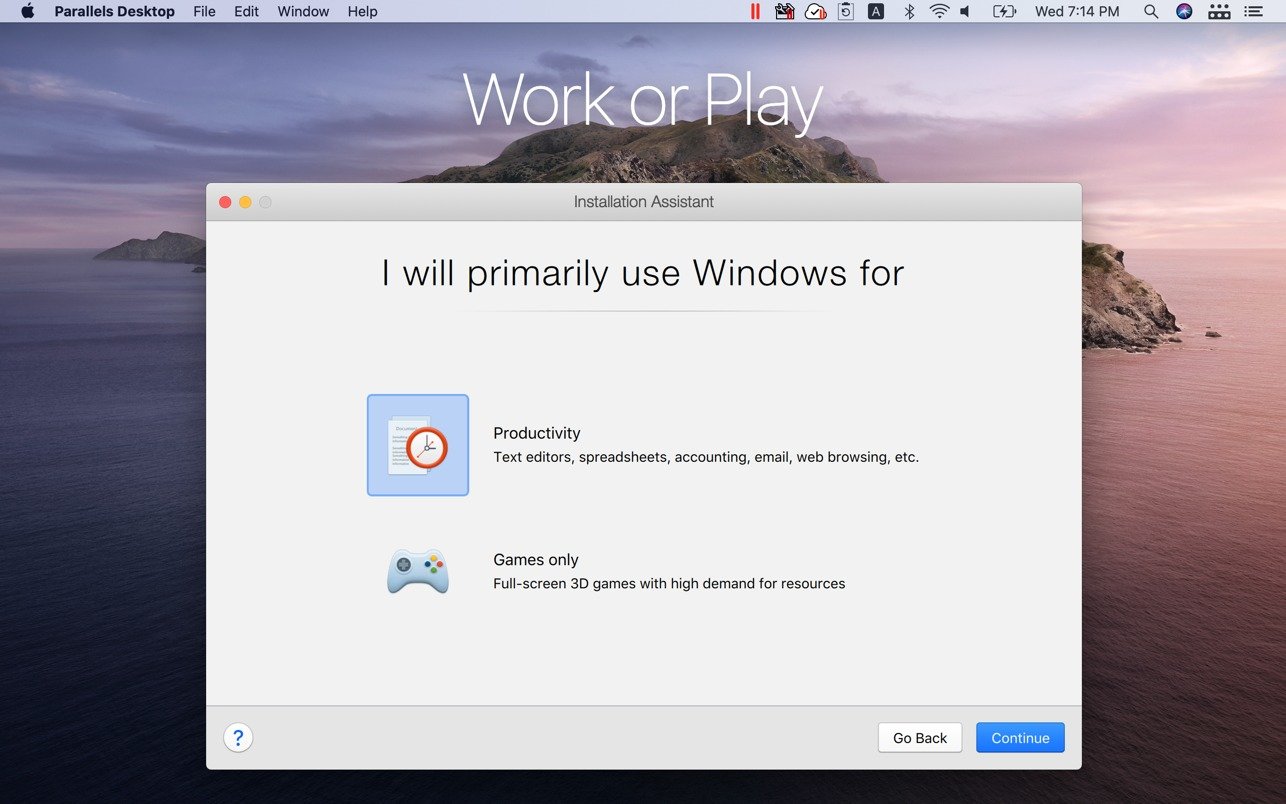
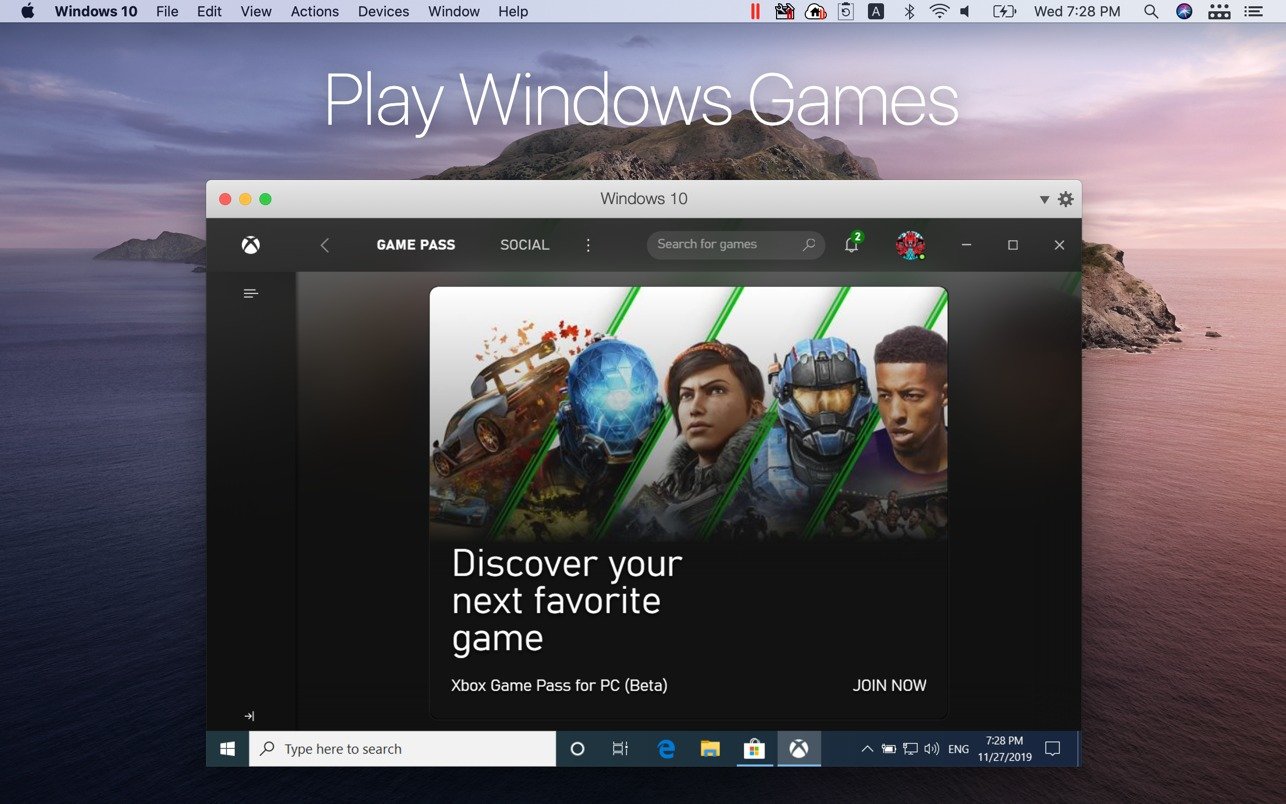
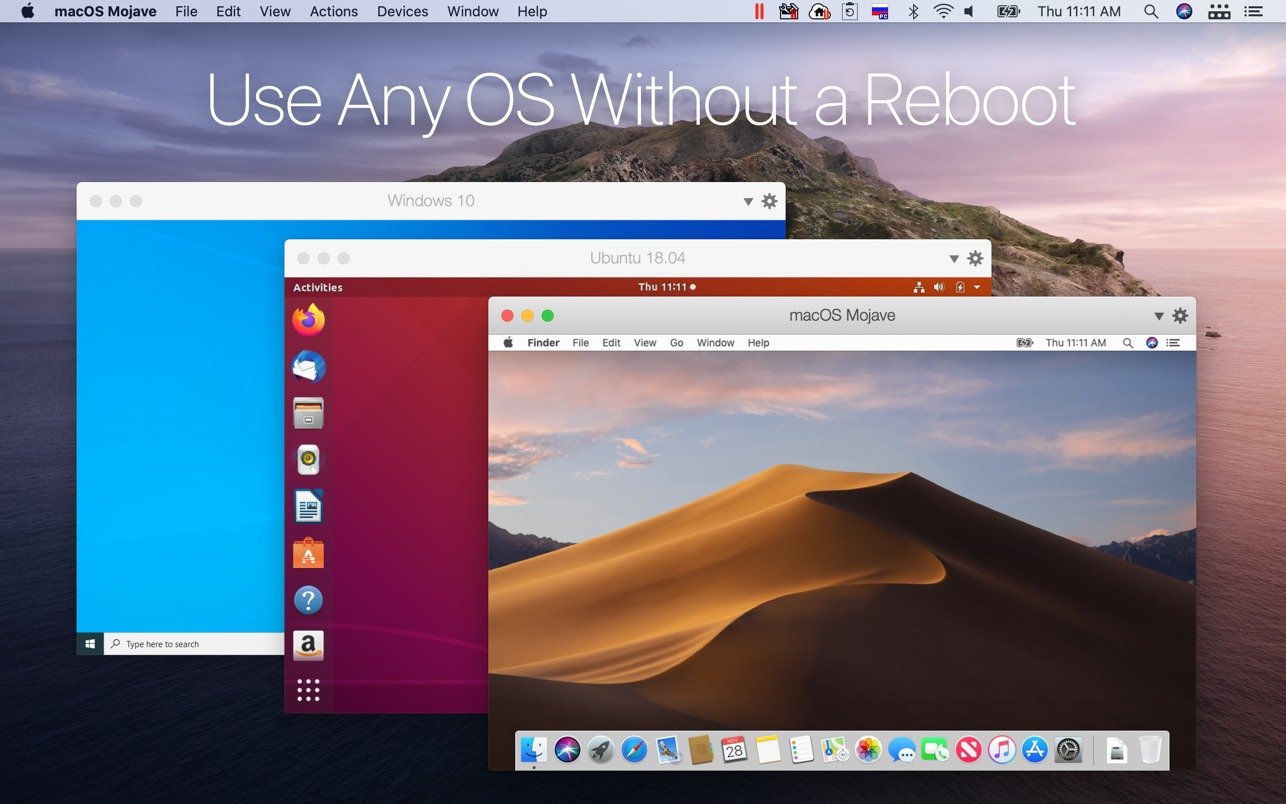
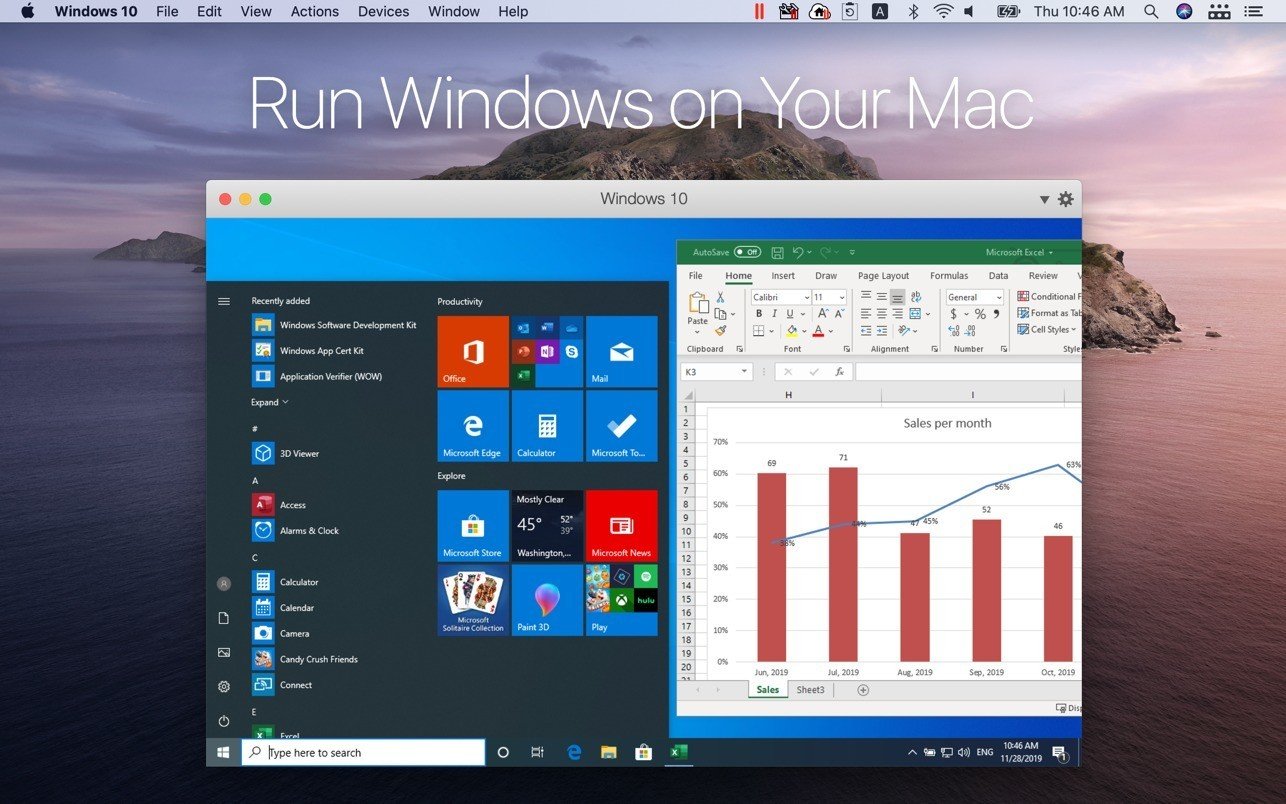
In today’s computing environment, flexibility and efficiency are essential, especially for professionals who need to run multiple operating systems on a single machine. Parallels Desktop 26 has emerged as a leading solution for Mac users, providing a powerful, seamless platform to run Windows, Linux, or other operating systems alongside macOS. By combining performance, ease of use, and advanced features, it transforms the way users manage software and workflows.
At its core, Parallels Desktop 26 allows users to create virtual machines, enabling multiple operating systems to run simultaneously without rebooting. This is particularly valuable for developers, IT professionals, and creatives who rely on software exclusive to another OS. Whether testing applications, accessing specialized tools, or running Windows-only programs, Parallels eliminates compatibility issues while maintaining high performance on Mac devices.
One of the standout features of Parallels Desktop 26 is its optimization for Apple Silicon. The software leverages the power of M1 and M2 processors, ensuring that virtual machines operate smoothly with minimal lag. Users experience near-native performance when running resource-intensive applications, such as 3D modeling software, complex simulations, or large spreadsheets. This performance enhancement makes Parallels Desktop 26 ideal for professional environments where speed and reliability are critical.
Ease of use is another strength. Parallels Desktop 26 offers a user-friendly interface that guides users through the process of setting up virtual machines and configuring settings. The software supports drag-and-drop functionality, allowing files to be transferred effortlessly between operating systems. Additionally, shared clipboard and seamless integration features enable applications from different operating systems to interact as though they were on the same platform, creating a truly unified experience.
Security and stability are also key benefits. Parallels Desktop 26 provides secure virtual environments, isolating the virtual machine from the host macOS system. This ensures that experimental software, testing, or downloads do not compromise the integrity of the primary system. Regular updates and built-in support for the latest operating systems further enhance security and maintain compatibility with evolving software requirements.
The software also excels in flexibility and customization. Users can allocate system resources such as CPU cores, memory, and storage to virtual machines, tailoring performance based on specific needs. Multiple display support, USB device connectivity, and network configuration options allow virtual environments to mimic real-world hardware setups accurately. This level of control is invaluable for testing, development, and specialized workflows.
Parallels Desktop 26 additionally simplifies collaboration and productivity. Users can run Microsoft Office for Windows, AutoCAD, or other enterprise software alongside native Mac applications without interruption. This dual-environment workflow increases efficiency, reduces the need for multiple devices, and allows users to leverage the best tools from each operating system simultaneously.
In conclusion, Parallels Desktop 26 is a versatile, high-performance virtualization solution that empowers Mac users to bridge the gap between operating systems seamlessly. Its combination of speed, integration, security, and flexibility makes it essential for professionals, developers, and anyone who relies on software across platforms. By eliminating compatibility barriers and providing a smooth, reliable virtual environment, Parallels Desktop 26 transforms the Mac experience into a truly multi-platform powerhouse.
• Operating System: macOS 10.15 (Catalina) or later• Processor: Intel-based Mac or Apple Silicon (M1/M2)• RAM: Minimum 8 GB (16 GB recommended for heavy workloads)• Storage: 500 MB free disk space for installation + additional space for virtual machines• Display: 1280×800 screen resolution or higher
Installation and activation instructions are included in the package (inside).
Frequently Asked Questions
Restart your Mac and hold down Command + R to enter Recovery Mode.
Open Terminal from the Utilities menu.
Enter the command: csrutil disable
Restart your Mac.
This is a common Gatekeeper issue. Follow these steps:
1. Open Terminal
2. Enter: sudo xattr -rd com.apple.quarantine /Applications/AppName.app
3. Replace "AppName" with the actual application name
4. Press Enter and enter your password
Yes, all our downloads are thoroughly checked for viruses and malware.
We use multiple antivirus engines to scan every file.
Our team tests each application before publishing.
We never bundle adware or unwanted software.
Yes, we regularly update our applications to the latest versions.
You can check our website for updates or subscribe to our newsletter.
We strive to provide the most recent versions within 24-48 hours of release.
If a download link is not working, please:
1. Try a different browser
2. Clear your browser cache and cookies
3. Try the alternative download links provided
4. Contact our support team if the issue persists