 Updated
Snagit
Snagit is a powerful screen capture and recording tool that allows users to easily capture images and videos from their screens. With its user-friendly interface, you can take screenshots, annotate them, and share your creations effortlessly. Whether you're creating tutorials, documenting processes, or simply capturing moments, Snagit provides various features to enhance your productivity.
One of the standout features of Snagit is its ability to capture scrolling windows, making it perfect for capturing long web pages or documents. Additionally, the built-in editing tools allow you to add text, arrows, and other annotations to your captures, helping to convey your message clearly.
Snagit also supports video recording, enabling you to create engaging presentations or tutorials with voiceovers. The software integrates seamlessly with various platforms, allowing for easy sharing via email, social media, or cloud storage.
Overall, Snagit is an essential tool for anyone looking to enhance their screen capture and recording capabilities, making it a favorite among professionals and casual users alike.
Snagit is a powerful screen capture and recording software designed to help users easily capture images and videos from their screens. With its user-friendly interface, Snagit allows you to take screenshots, annotate them with text, arrows, and shapes, and share your creations effortlessly.
Key features include:
- Capture Options: Snagit offers various capture modes, including full screen, window, and scrolling capture, making it versatile for different needs.
- Editing Tools: After capturing, you can edit your images with built-in tools to highlight important information or add context.
- Video Recording: Snagit also allows users to record their screen, making it ideal for creating tutorials or presentations.
- Sharing Capabilities: Easily share your captures via email, social media, or directly to cloud services.
Whether you're a professional looking to create instructional content or a casual user wanting to share information, Snagit provides the tools you need to communicate visually and effectively.
Screenshots
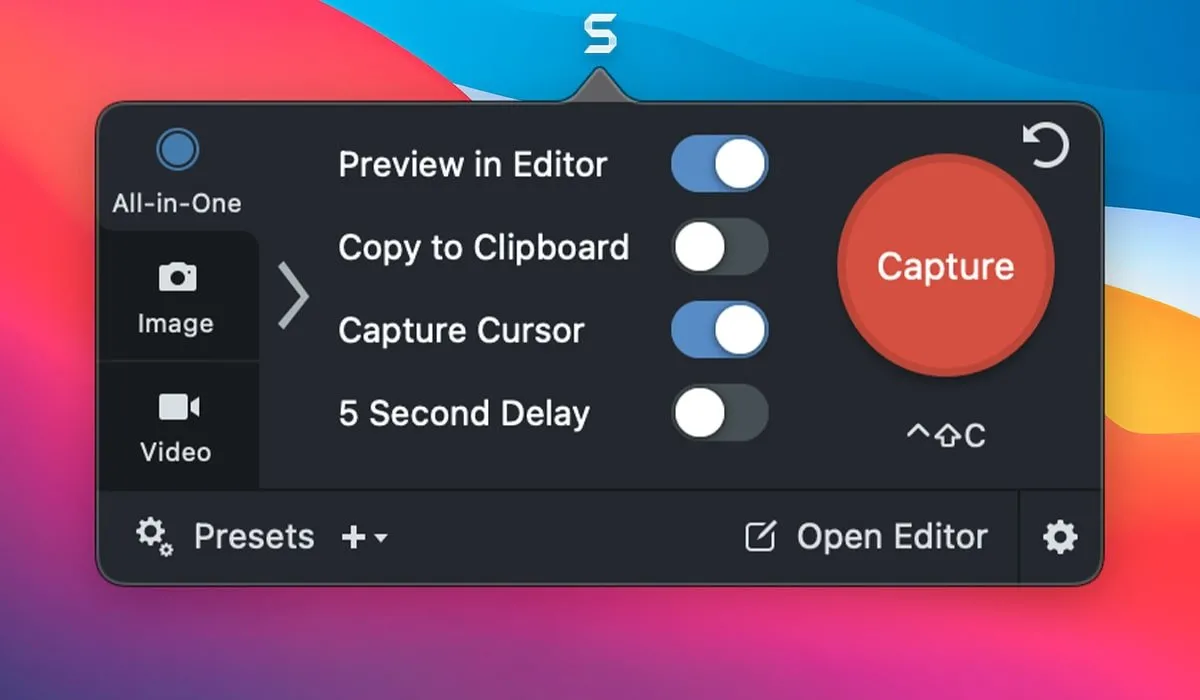
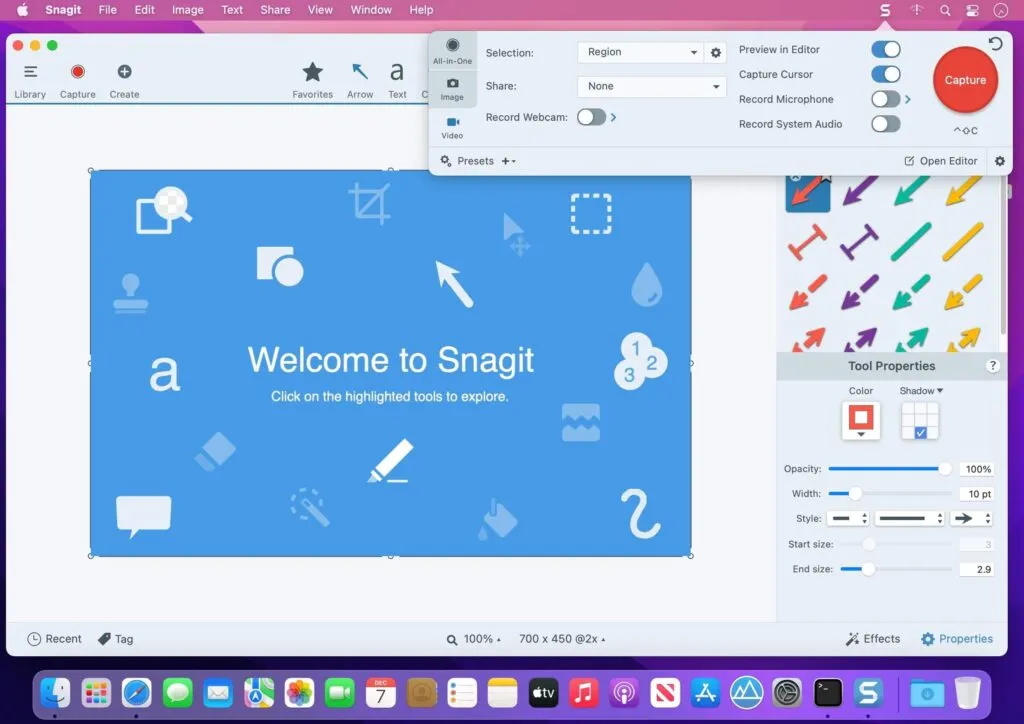
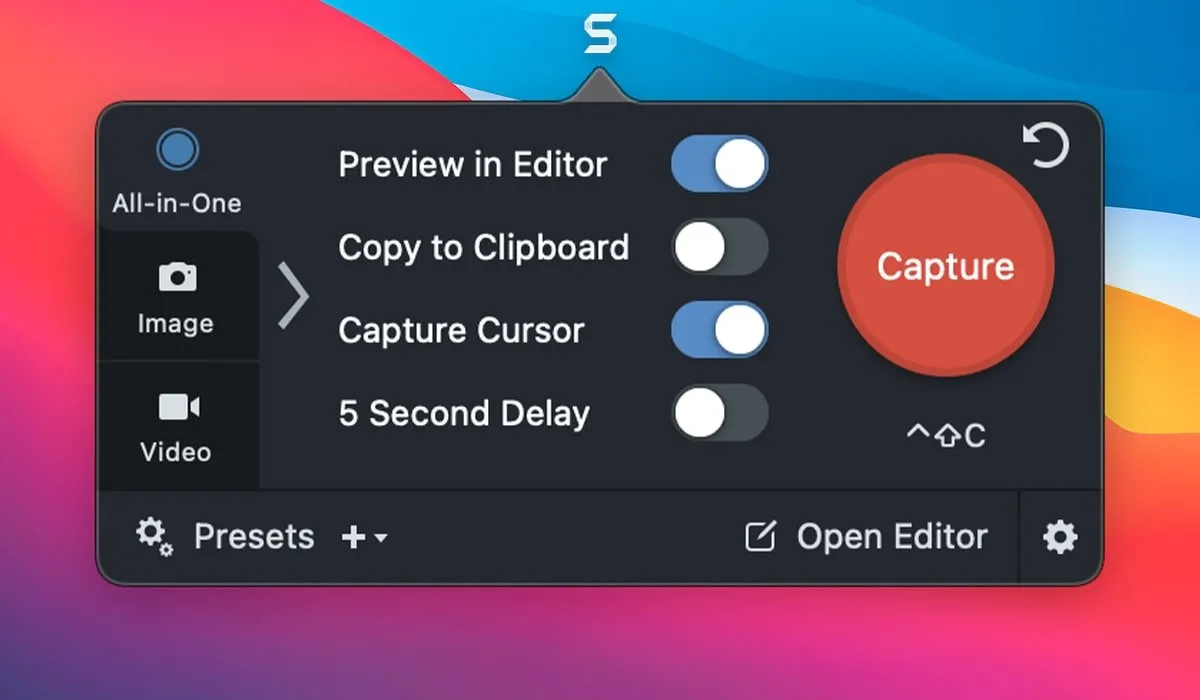
What's new
Snagit has recently introduced several exciting features and enhancements that improve user experience and functionality. Here’s a quick overview of what’s new:
- Enhanced Image Editing: The latest version includes advanced editing tools that allow for more precise adjustments, including new filters and effects to make your screenshots stand out.
- Video Recording Improvements: Snagit now offers improved video recording capabilities, including better audio quality and the ability to record webcam footage alongside screen captures.
- Simplified User Interface: The interface has been streamlined for easier navigation, making it more intuitive for both new and experienced users.
- Customizable Templates: Users can now create and save custom templates for their screenshots, allowing for consistent branding and presentation across projects.
- Integration with Other Tools: Snagit has expanded its integration options, allowing for seamless sharing to platforms like Microsoft Teams, Slack, and Google Drive.
- New Capture Options: The latest update includes additional capture options, such as scrolling capture for long web pages and the ability to capture specific regions with greater accuracy.
- Improved Performance: Overall performance enhancements ensure that Snagit runs smoother and faster, reducing lag during captures and edits.
These updates make Snagit an even more powerful tool for anyone looking to create high-quality visuals and share information effectively.
Question and Answer
Download Snagit
Won't download? Broken file? Not working? We have collected the answers on this page.
Old versions
Download from Mail.ruDirect link (may be affected by sanctions against VK)Download from MediaFireWon't download? Broken file? Not working? We have collected the answers on this page.