


ADOM (Ancient Domains Of Mystery)
Download ADOM (Ancient Domains Of Mystery)
Run the downloaded package and follow the standard installation procedure.
The installation is completed by choosing a location to place the game.
It is recommended to specify the Applications folder.
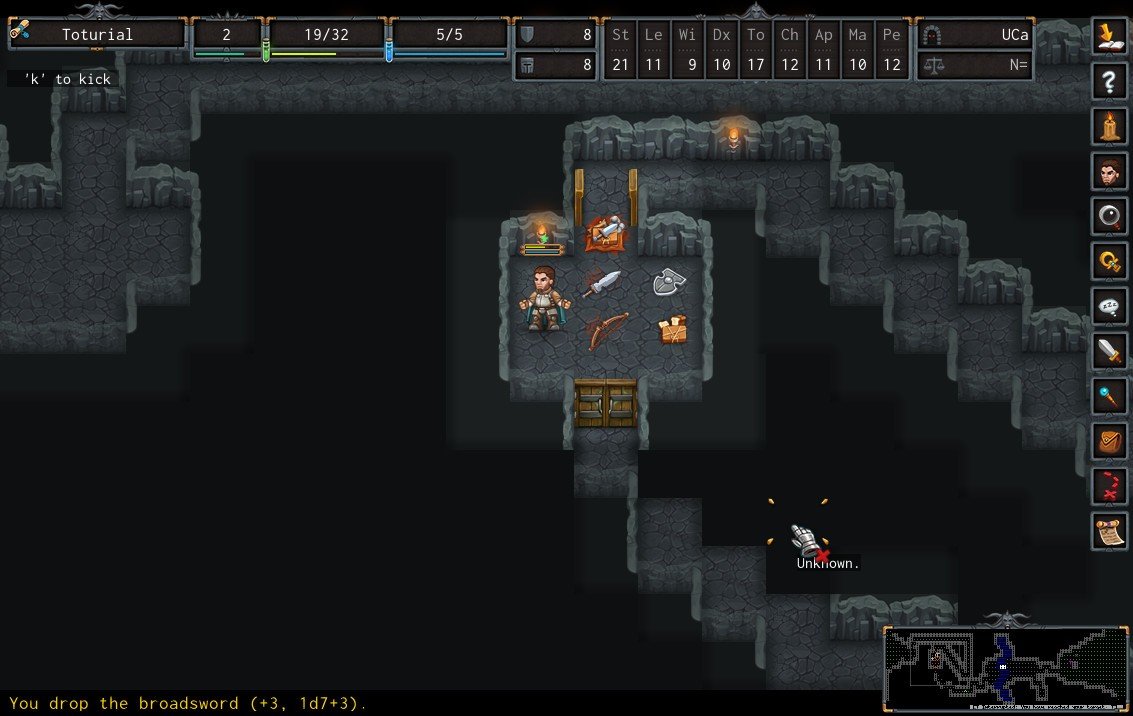
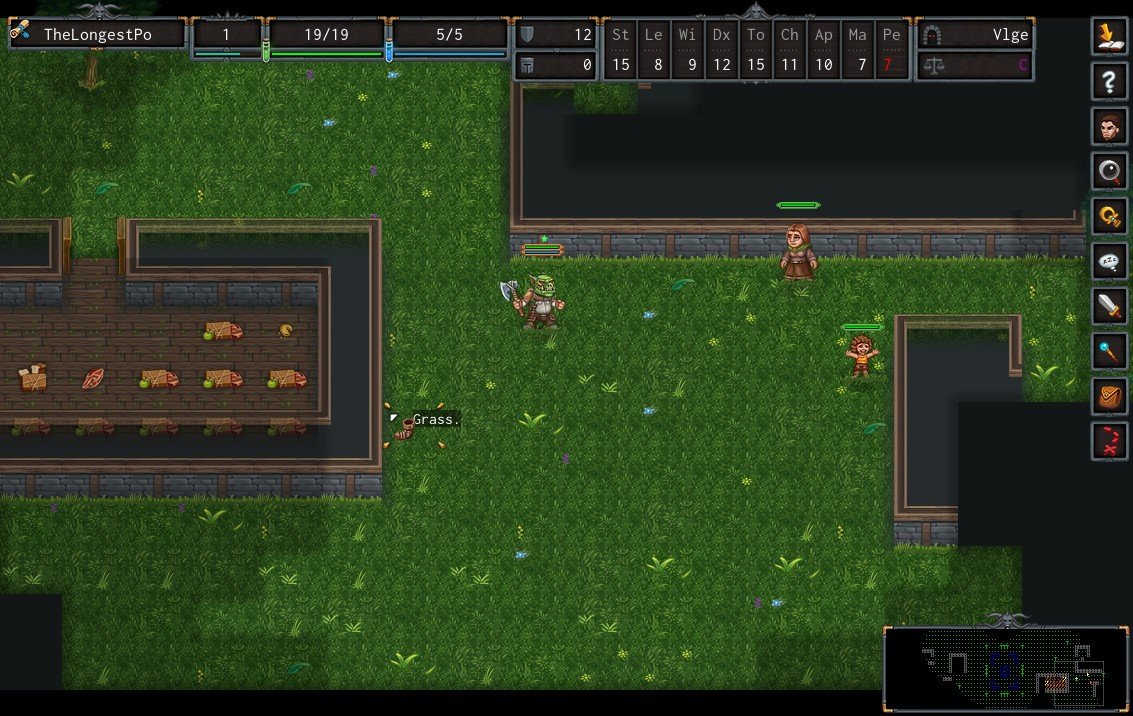
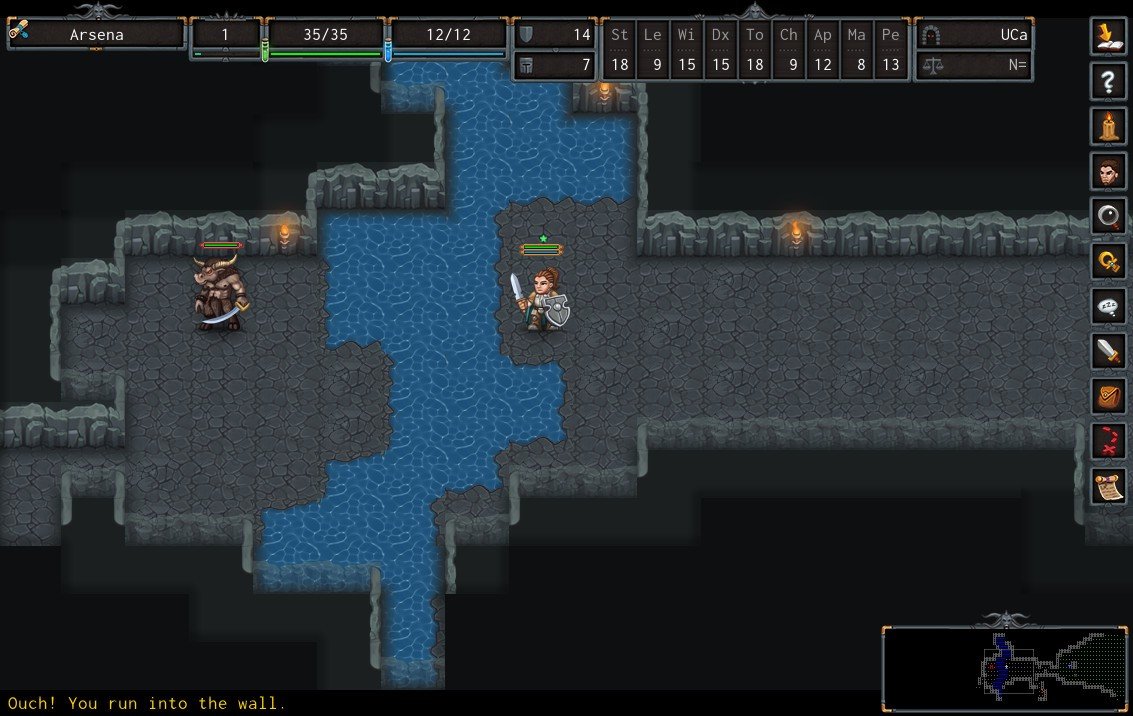
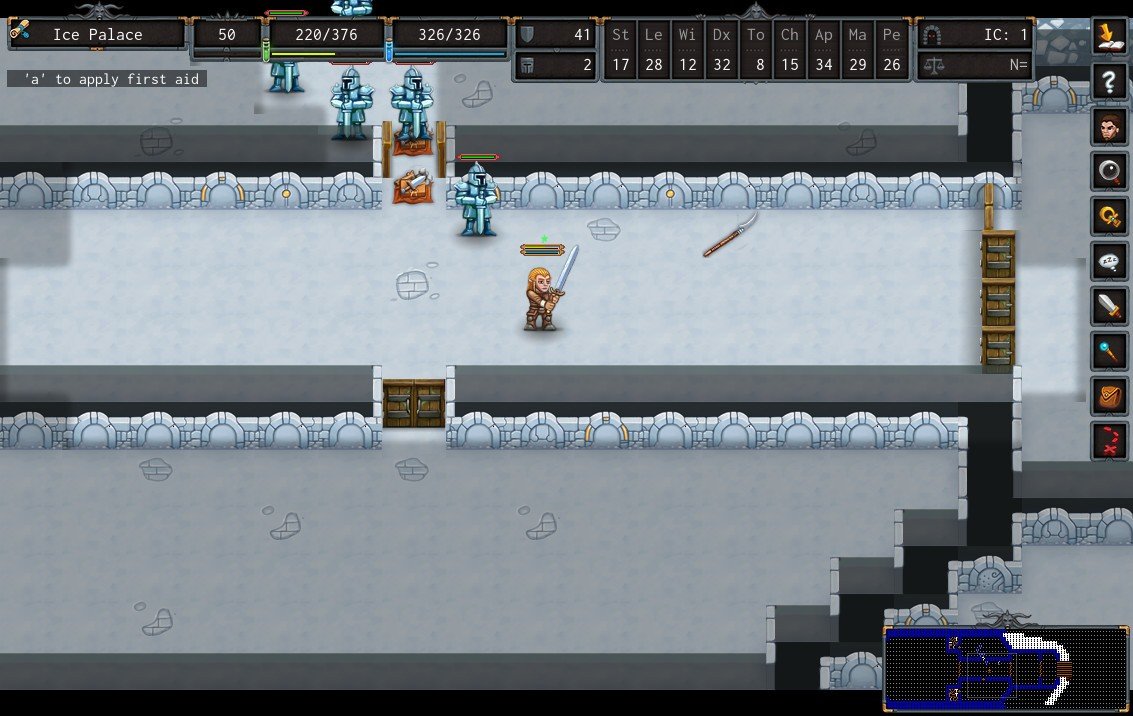
ADOM, short for Ancient Domains of Mystery, stands as a testament to depth, patience, and the unpredictable nature of adventure. It is not simply a game or a fantasy setting, but an experience shaped by decisions, chance, and long-term consequences. Every journey into its world feels personal, as if the land itself is responding to the player’s actions and intentions.
From the beginning, ADOM establishes a sense of uncertainty. Characters are not heroic legends from birth; they are ordinary beings stepping into a dangerous and unforgiving world. Survival is never guaranteed, and even the smallest mistake can echo throughout the adventure. This constant tension gives ADOM its unique identity, making progress feel meaningful rather than routine.
One of the most striking elements of ADOM is its emphasis on choice. Every decision, from how a character behaves toward others to how risks are approached, shapes the outcome of the journey. Moral alignment is not just a background detail; it influences events, relationships, and the ending itself. Acts of kindness or cruelty leave lasting marks, reinforcing the idea that actions truly matter.
The world of ADOM is layered with mystery. Hidden paths, unexpected encounters, and rare discoveries reward curiosity and patience. Exploration is not rushed, and knowledge often becomes more valuable than strength. Learning how the world functions, understanding its dangers, and recognizing subtle clues can mean the difference between success and failure.
Combat in ADOM is intense but thoughtful. It is not designed for reckless aggression. Preparation, awareness, and strategy are essential, as enemies can be unpredictable and unforgiving. The game encourages careful planning, turning every confrontation into a calculated risk rather than a mindless exchange of blows.
What truly separates ADOM from many other fantasy experiences is its relationship with fate. Randomness plays a powerful role, creating stories that can never be repeated in exactly the same way. At the same time, player skill and understanding shape how that randomness unfolds. This balance between chance and control creates an experience that feels both challenging and fair.
Beyond mechanics, ADOM explores deeper themes of destiny, corruption, and perseverance. The world is not static; it reacts to the presence of growing chaos. Time itself becomes a factor, adding pressure and urgency. These elements combine to create a narrative that feels alive, even without traditional storytelling.
Ultimately, ADOM is about endurance and wisdom. It rewards those who take the time to learn, adapt, and respect the dangers of its world. Each completed journey feels like a hard-earned victory, shaped by countless small decisions.
Ancient Domains of Mystery remains memorable because it trusts the player. It does not guide every step or soften every consequence. Instead, it invites individuals to carve their own path through uncertainty, making each adventure a unique reflection of choice, fate, and determination.
OS: macOS X 10.5.8 or betterProcessor: 1 GHzRAM: 512 MBVideo card: 800x600 minimum resolution, OpenGL 2.0 SupportDisk space: 1 GB
Run the downloaded package and follow the standard installation procedure.
The installation is completed by choosing a location to place the game.
It is recommended to specify the Applications folder.
Frequently Asked Questions
Mount the image and run Open Gatekeeper friendly.
Press Enter to bypass Gatekeeper in the Terminal window.
Drag the application to the Applications folder.
The application is ready for use.
ATTENTION! SIP must be disabled. Learn more >
Restart your Mac and hold down Command + R to enter Recovery Mode.
Open Terminal from the Utilities menu.
Enter the command: csrutil disable
Restart your Mac.
This is a common Gatekeeper issue. Follow these steps:
1. Open Terminal
2. Enter: sudo xattr -rd com.apple.quarantine /Applications/AppName.app
3. Replace "AppName" with the actual application name
4. Press Enter and enter your password
Yes, all our downloads are thoroughly checked for viruses and malware.
We use multiple antivirus engines to scan every file.
Our team tests each application before publishing.
We never bundle adware or unwanted software.
Yes, we regularly update our applications to the latest versions.
You can check our website for updates or subscribe to our newsletter.
We strive to provide the most recent versions within 24-48 hours of release.
If a download link is not working, please:
1. Try a different browser
2. Clear your browser cache and cookies
3. Try the alternative download links provided
4. Contact our support team if the issue persists