


ADOM (Ancient Domains Of Mystery)
Download ADOM (Ancient Domains Of Mystery)
Run the downloaded package and follow the standard installation procedure.
The installation is completed by choosing a location to place the game.
It is recommended to specify the Applications folder.
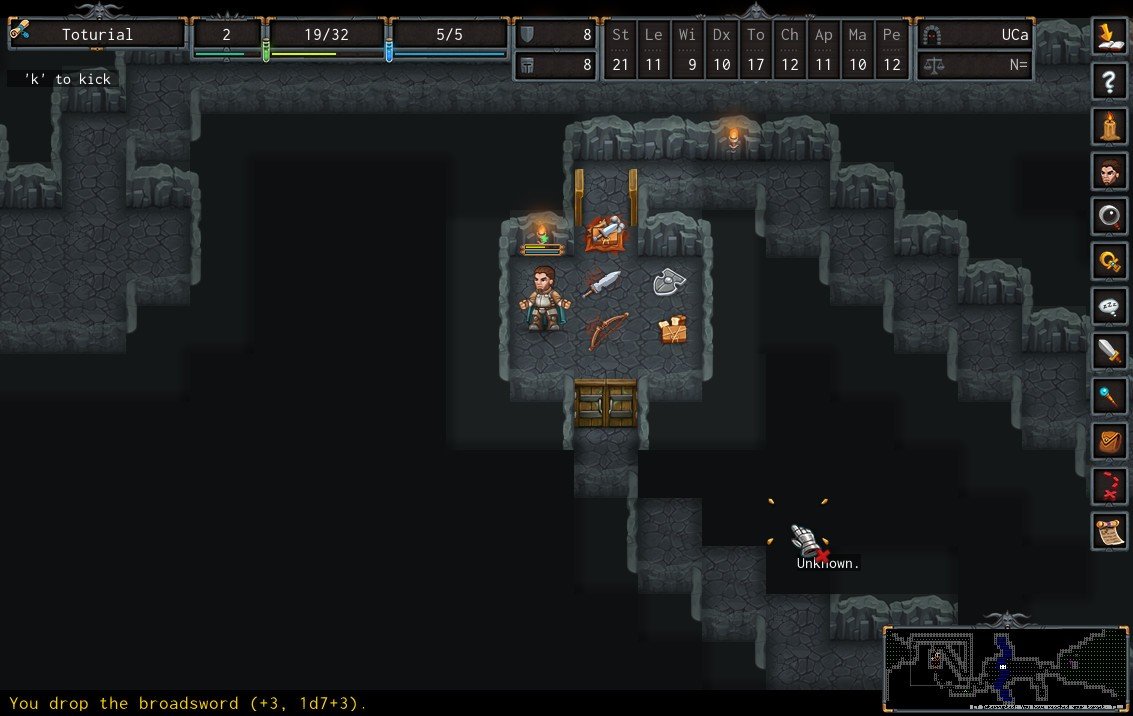
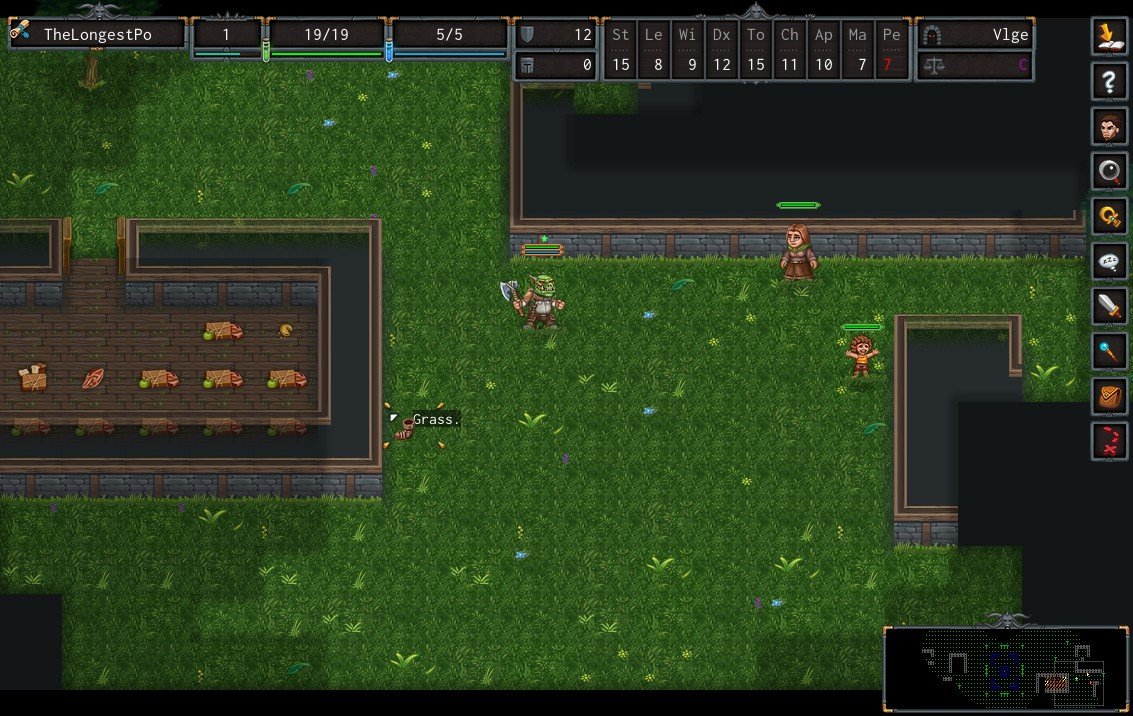
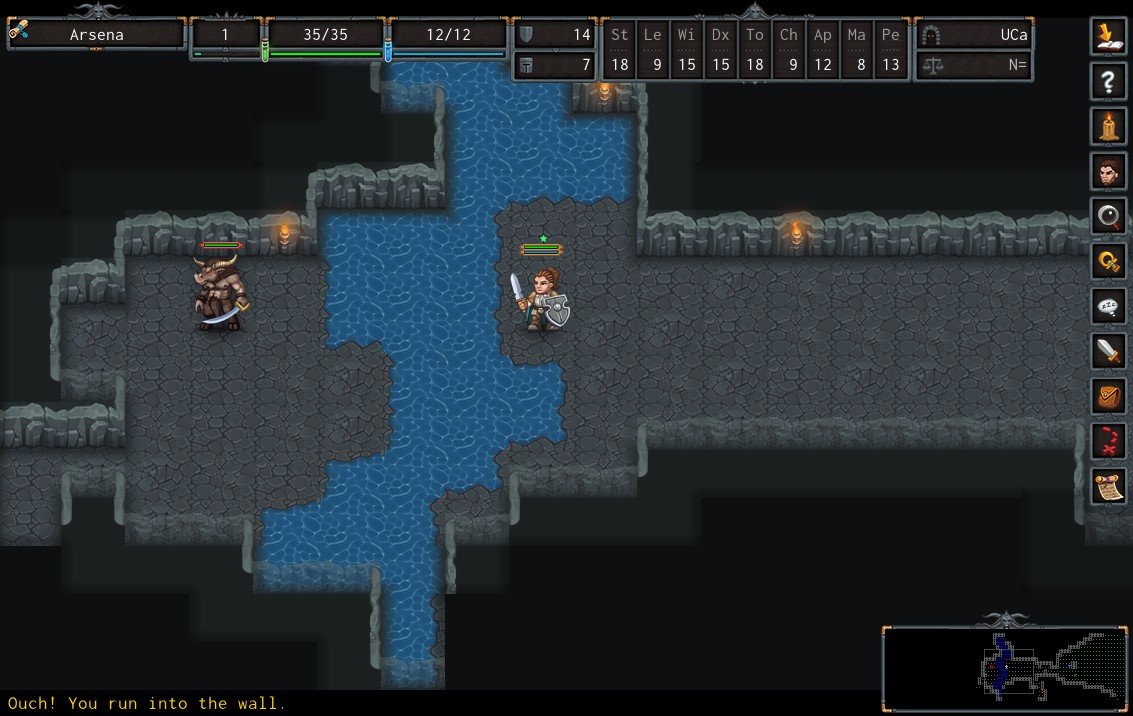
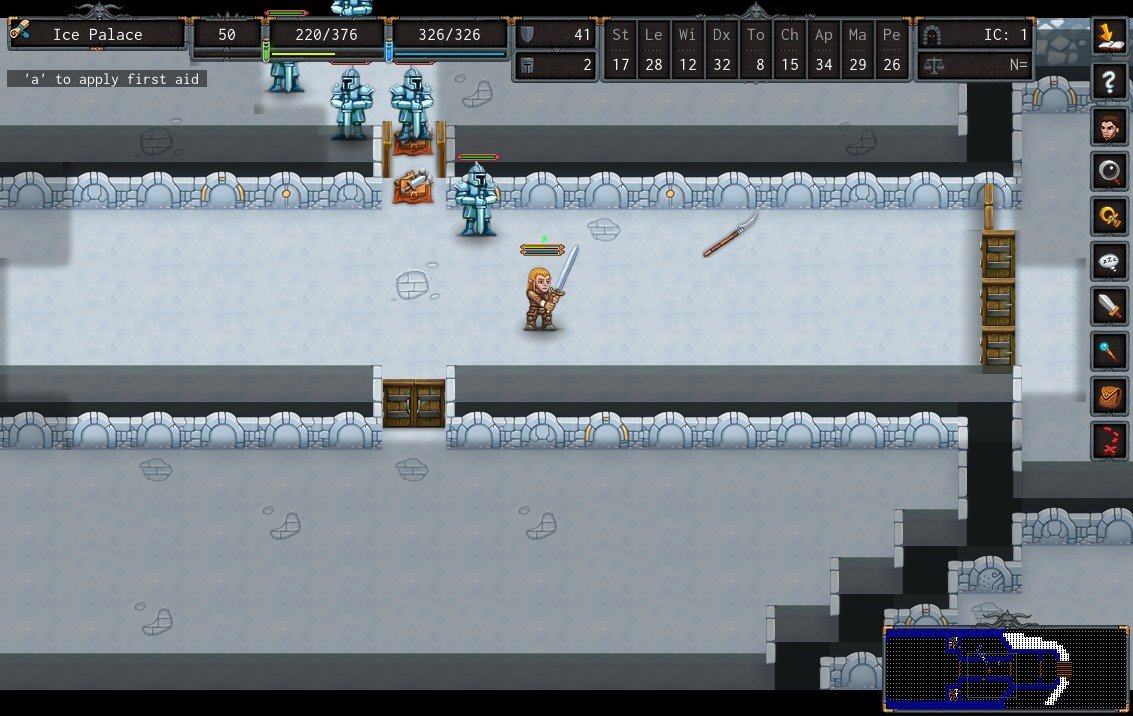
In the vast landscape of roguelike games, Ancient Domains of Mystery (ADOM) holds a unique and enduring place. Originally released in the early 1990s by Thomas Biskup, ADOM combines intricate storytelling, strategic gameplay, and endless exploration, offering a gaming experience that challenges both the mind and the imagination. Its appeal lies not only in its complexity but also in the depth of its world, which feels alive and reactive, far beyond what many modern games attempt to achieve.
At its core, ADOM is a roguelike, meaning players navigate randomly generated dungeons, encounter unpredictable events, and face permanent consequences for their actions. The game’s world, Ancardia, is rich with history, factions, and mysteries. Players can choose from a wide array of races and classes, each offering distinct abilities and playstyles. This diversity encourages multiple playthroughs, as no two adventures are ever quite the same. Whether you choose a nimble elf, a hardy dwarf, or a cunning human, your approach to survival and exploration will vary, making every decision meaningful.
One of ADOM’s most remarkable features is its balance between randomness and narrative depth. While dungeon layouts and encounters are procedurally generated, the game also weaves in a structured storyline. Players can undertake quests, align with factions, and make moral choices that influence the game world. This blend of unpredictability and purpose creates a tension that is both thrilling and immersive. Every foray into a dungeon feels significant, as danger lurks around every corner, and a single misstep could mean the end of a carefully crafted character.
ADOM also stands out for its rich systems of character development and interaction. Beyond combat, players must manage resources, learn spells, craft items, and even navigate social dynamics among factions. The interplay of these systems adds layers of strategy, as one must consider not only immediate survival but also long-term goals. It’s a game that rewards patience, planning, and creativity, making victories feel truly earned. Moreover, the difficulty and unpredictability give players a profound sense of accomplishment, a hallmark of classic roguelikes.
The game’s visuals and interface, while minimalistic compared to contemporary titles, enhance its depth rather than detract from it. ASCII graphics and tile-based modes may seem primitive, yet they allow the imagination to fill in the details, creating a personal connection to the world. For many players, this style is part of the charm, emphasizing gameplay and story over flashy visuals.
Ultimately, ADOM remains a testament to the enduring appeal of roguelikes. It combines strategic depth, narrative richness, and endless replayability, proving that a game does not need cutting-edge graphics to captivate players. For anyone willing to embrace challenge and exploration, ADOM offers a journey unlike any other, one where every decision matters, every dungeon hides secrets, and every adventure feels uniquely personal. Its legacy is not just in its gameplay but in the imagination it sparks—a true adventure into the ancient domains of mystery.
OS: macOS X 10.5.8 or betterProcessor: 1 GHzRAM: 512 MBVideo card: 800x600 minimum resolution, OpenGL 2.0 SupportDisk space: 1 GB
Run the downloaded package and follow the standard installation procedure.
The installation is completed by choosing a location to place the game.
It is recommended to specify the Applications folder.
Frequently Asked Questions
Mount the image and run Open Gatekeeper friendly.
Press Enter to bypass Gatekeeper in the Terminal window.
Drag the application to the Applications folder.
The application is ready for use.
ATTENTION! SIP must be disabled. Learn more >
Restart your Mac and hold down Command + R to enter Recovery Mode.
Open Terminal from the Utilities menu.
Enter the command: csrutil disable
Restart your Mac.
This is a common Gatekeeper issue. Follow these steps:
1. Open Terminal
2. Enter: sudo xattr -rd com.apple.quarantine /Applications/AppName.app
3. Replace "AppName" with the actual application name
4. Press Enter and enter your password
Yes, all our downloads are thoroughly checked for viruses and malware.
We use multiple antivirus engines to scan every file.
Our team tests each application before publishing.
We never bundle adware or unwanted software.
Yes, we regularly update our applications to the latest versions.
You can check our website for updates or subscribe to our newsletter.
We strive to provide the most recent versions within 24-48 hours of release.
If a download link is not working, please:
1. Try a different browser
2. Clear your browser cache and cookies
3. Try the alternative download links provided
4. Contact our support team if the issue persists