


Afterparty
Download Afterparty
Run the downloaded package and follow the standard installation procedure.
The installation is completed by choosing a location to place the game.
It is recommended to specify the Applications folder.
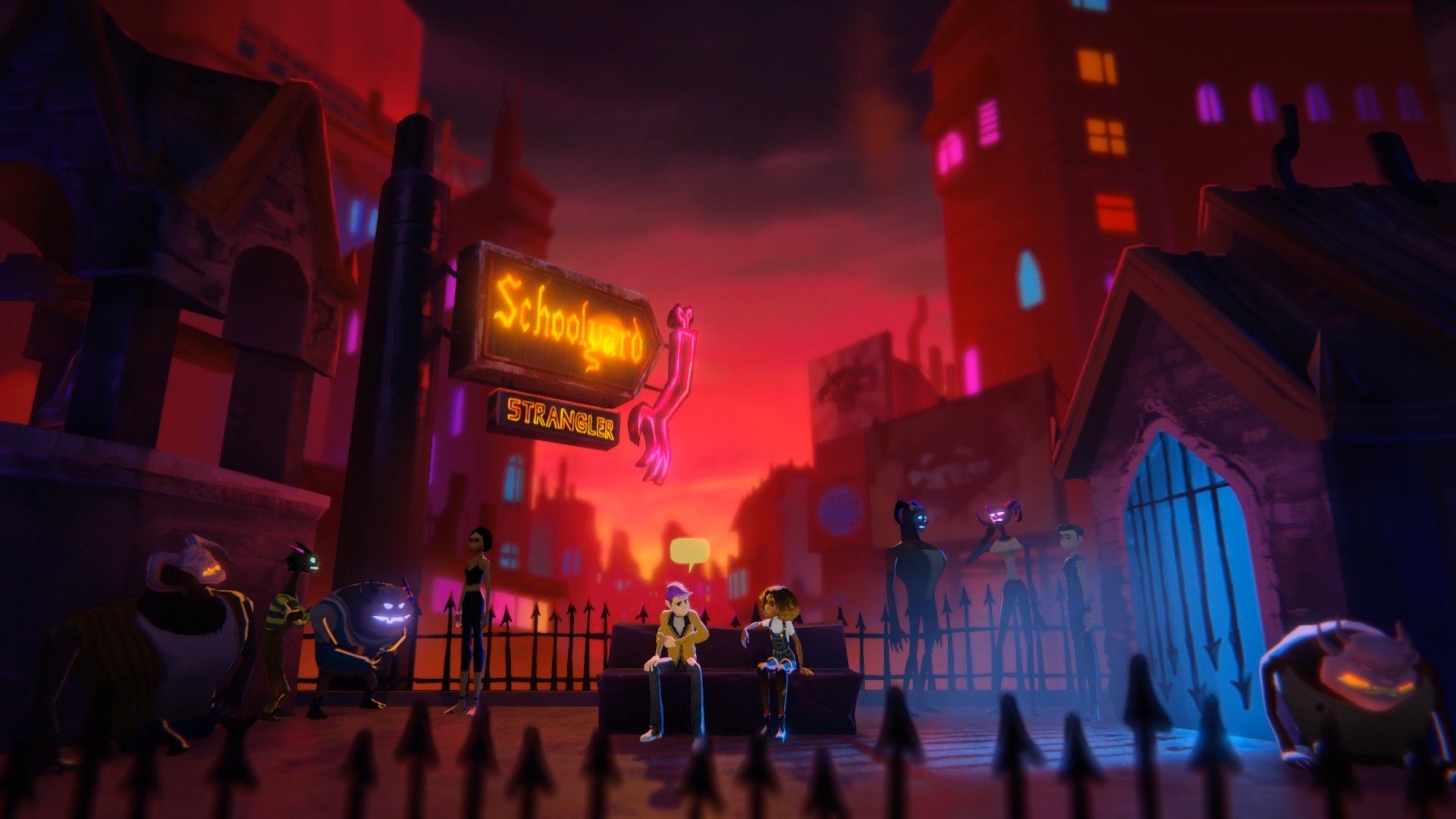
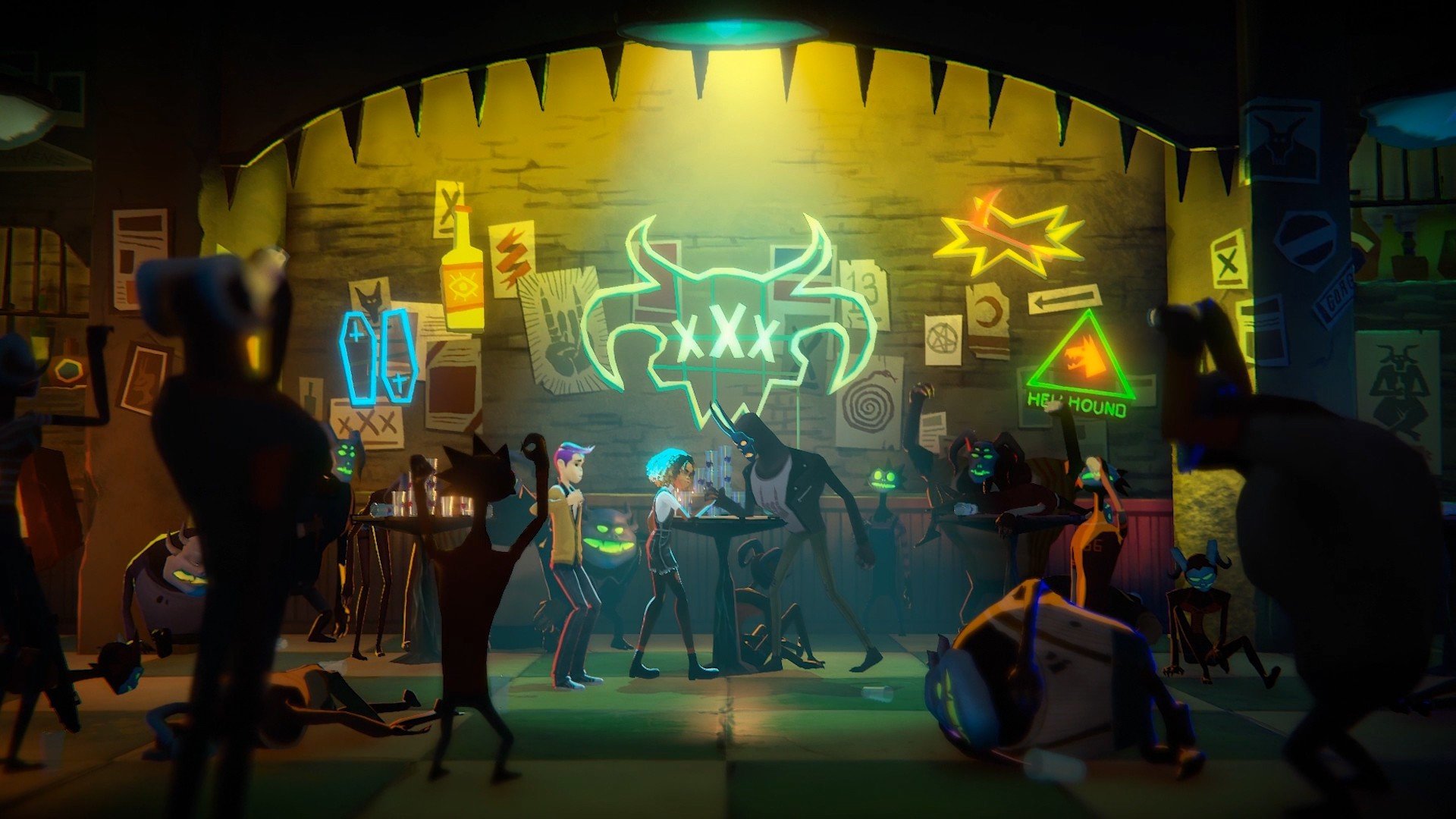
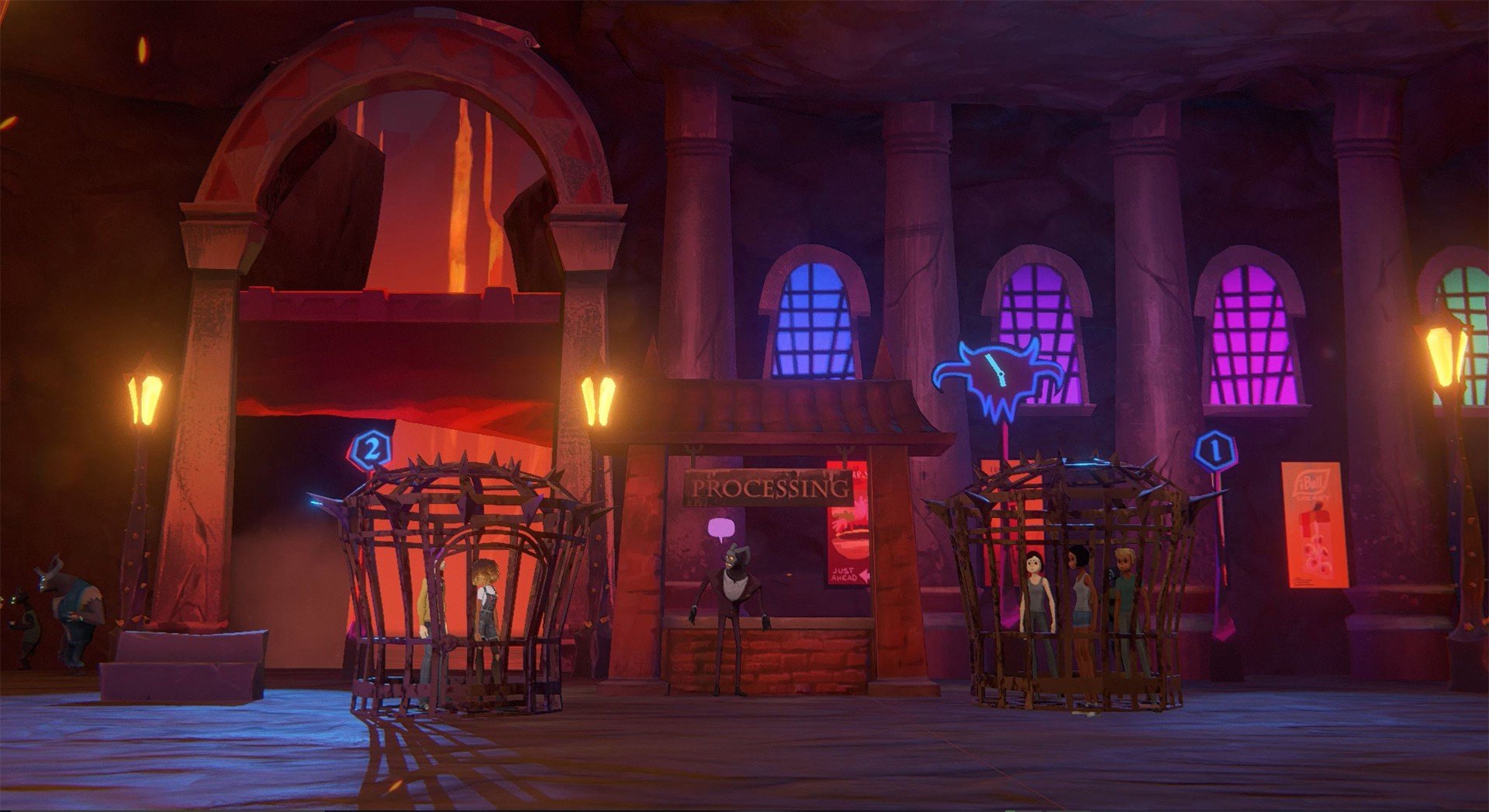
In a gaming landscape filled with typical narratives of heroes and villains, Afterparty takes a refreshingly irreverent approach by combining humor, adventure, and a touch of the supernatural. Developed as a narrative-driven adventure game, it invites players to navigate the afterlife in a way few games dare to explore: with booze, wit, and moral choices that matter. Unlike traditional story games, Afterparty thrives on character interactions, clever dialogue, and a world where every decision carries both comedic and existential weight.
The story begins with protagonists Milo and Lola, two best friends who find themselves trapped in Hell after an untimely demise. Unlike the dark, oppressive versions of the underworld depicted in other media, this Hell is vibrant, chaotic, and surprisingly social. The only way to escape and return to Earth is simple in theory but complex in execution: they must outdrink Satan himself. This premise sets the tone for a game that balances absurd humor with surprisingly clever storytelling.
What sets Afterparty apart is its emphasis on dialogue and choice. Players navigate conversations with a wide array of characters, from other damned souls to mischievous demons, using wit, persuasion, or sometimes sheer recklessness to advance. Each dialogue choice can have cascading effects, opening new opportunities, revealing secrets, or even closing off paths entirely. The game encourages experimentation, making each playthrough feel fresh and unpredictable.
The game’s world design is another highlight. Hell in Afterparty is portrayed as a lively cityscape rather than a fiery abyss. Neon-lit streets, lively bars, and quirky demon-run businesses create an environment that is both immersive and entertaining. Players can explore at their own pace, discovering side quests, hidden locations, and humorous interactions that deepen the narrative without feeling like filler. This sense of exploration enhances the feeling of freedom and keeps players engaged beyond the main storyline.
Mechanically, Afterparty combines traditional point-and-click adventure elements with innovative mini-games, particularly the drinking challenges that determine progression. These segments require timing, strategy, and quick thinking, adding variety to the narrative-heavy gameplay. The game also rewards curiosity and creative problem-solving, offering multiple solutions to obstacles rather than enforcing a linear approach.
The soundtrack and art style further elevate the experience. A vibrant, synth-heavy soundtrack complements the game’s offbeat humor, while expressive character animations and stylized visuals convey personality and emotion in every scene. Together, they create a world that feels alive, absurd, and uniquely engaging, perfectly matching the game’s irreverent tone.
Ultimately, Afterparty is more than a comedy adventure; it’s an exploration of friendship, choice, and the absurdity of life (and afterlife). It challenges players to think creatively, embrace chaos, and engage with a narrative that is as funny as it is thought-provoking. By blending humor, story, and interactive gameplay, Afterparty delivers an unforgettable experience that lingers long after the credits roll, proving that even in Hell, a good time—and a clever game—can be had.
OS: OSX 10.9Processor: Intel Core i3 2.5GHzRAM: 4 GBVideo card: Radeon HD 6850 or equivalentDisk space: 5 MB
Run the downloaded package and follow the standard installation procedure.
The installation is completed by choosing a location to place the game.
It is recommended to specify the Applications folder.
Frequently Asked Questions
Mount the image and run Open Gatekeeper friendly.
Press Enter to bypass Gatekeeper in the Terminal window.
Drag the application to the Applications folder.
The application is ready for use.
ATTENTION! SIP must be disabled. Learn more >
Restart your Mac and hold down Command + R to enter Recovery Mode.
Open Terminal from the Utilities menu.
Enter the command: csrutil disable
Restart your Mac.
This is a common Gatekeeper issue. Follow these steps:
1. Open Terminal
2. Enter: sudo xattr -rd com.apple.quarantine /Applications/AppName.app
3. Replace "AppName" with the actual application name
4. Press Enter and enter your password
Yes, all our downloads are thoroughly checked for viruses and malware.
We use multiple antivirus engines to scan every file.
Our team tests each application before publishing.
We never bundle adware or unwanted software.
Yes, we regularly update our applications to the latest versions.
You can check our website for updates or subscribe to our newsletter.
We strive to provide the most recent versions within 24-48 hours of release.
If a download link is not working, please:
1. Try a different browser
2. Clear your browser cache and cookies
3. Try the alternative download links provided
4. Contact our support team if the issue persists