


Agent A: A puzzle in disguise
Download Agent A: A puzzle in disguise
Follow the standard installation procedure.
Installation concludes with selecting a location for the game.
It is recommended to select the Applications folder.
Previous Versions
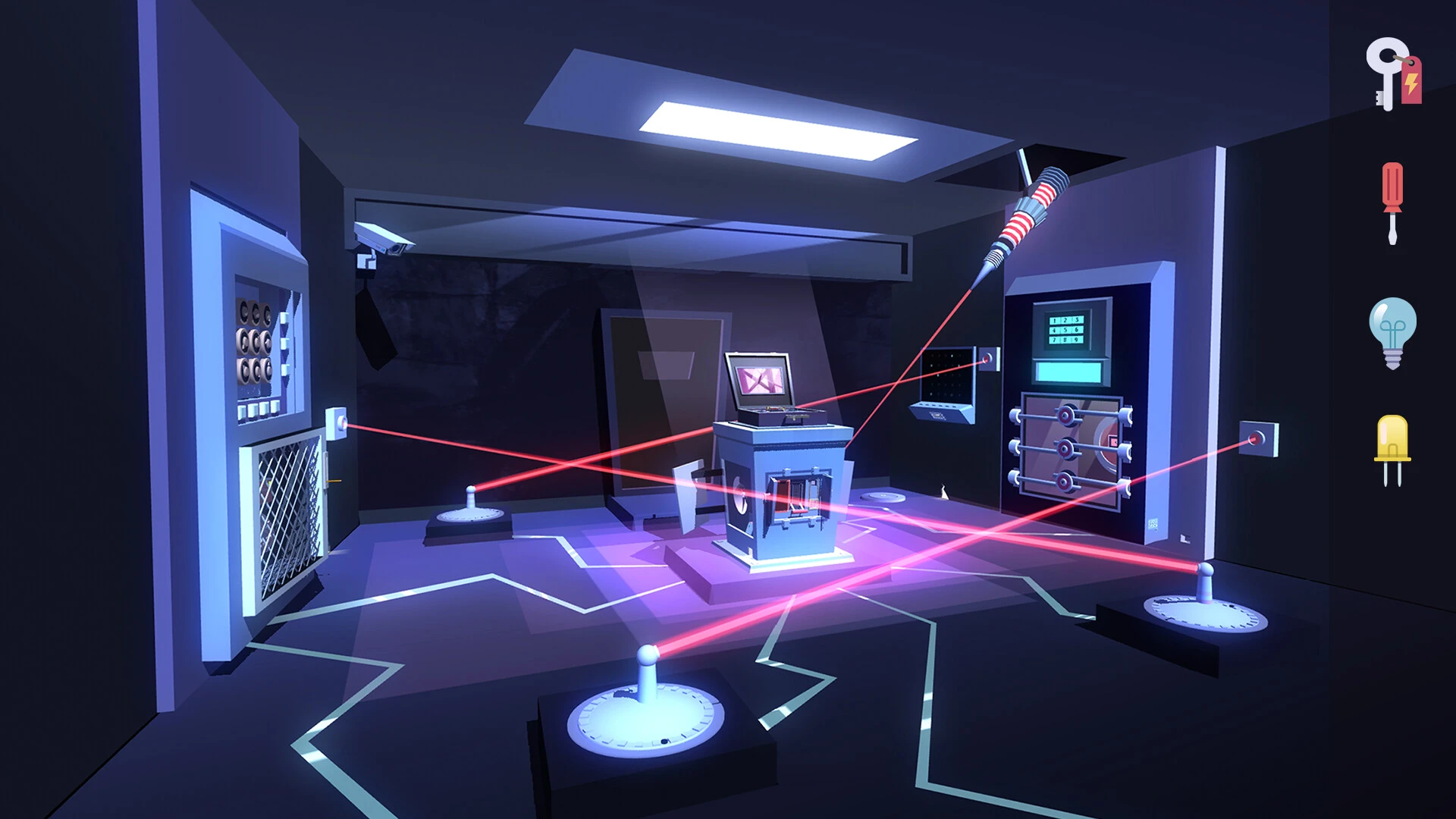
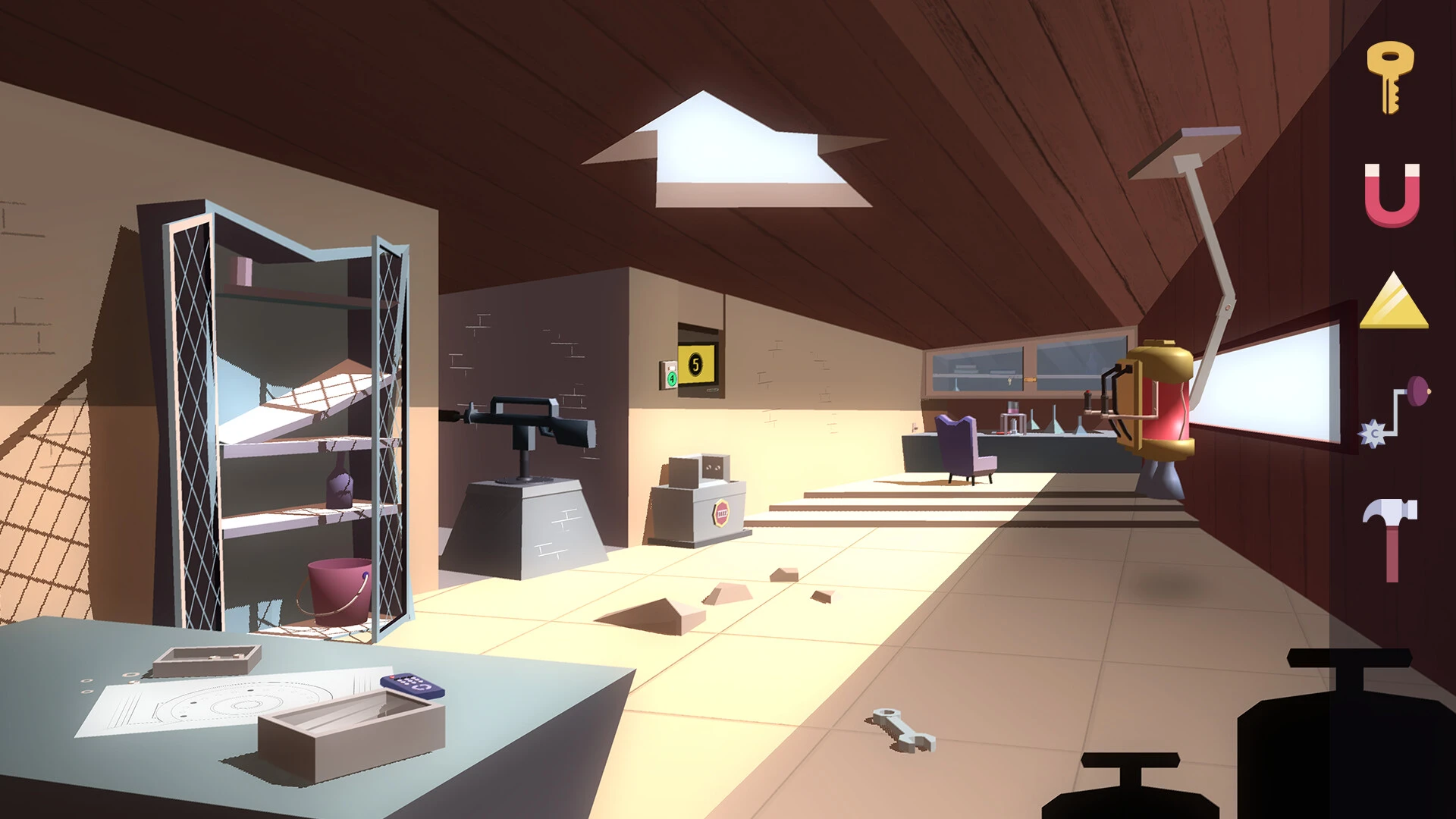


Agent A: A Puzzle in Disguise is an engaging blend of stealth, adventure, and clever puzzle-solving that immerses players in a world of espionage and intrigue. Developed by Yak & Co, the game stands out with its stylish design, intriguing narrative, and challenging puzzles, making it a compelling experience for fans of brain-teasing adventures. Unlike conventional puzzle games, Agent A emphasizes exploration, observation, and creative problem-solving, all set within a polished spy-themed environment.
Players assume the role of Agent A, a skilled secret agent tasked with infiltrating the lair of the elusive villain, Ruby La Rouge. The narrative unfolds through detailed environments, subtle clues, and interactive puzzles, providing a sense of story-driven progression without relying on heavy dialogue. The plot may appear straightforward at first—stop Ruby and prevent her evil plans—but the game’s charm lies in how it encourages players to engage with every detail of the meticulously crafted world.
At the heart of Agent A is its puzzle design. Each room in Ruby’s hideout presents a unique challenge that requires observation, logic, and experimentation. From unlocking safes to manipulating hidden mechanisms, the puzzles are varied, creative, and thoughtfully integrated into the environment. The game avoids repetitive or overly simplistic challenges, ensuring that players remain mentally engaged throughout. Importantly, solutions often involve lateral thinking, rewarding players who pay attention to subtle hints or explore alternative approaches.
The visual presentation of Agent A is striking and immediately sets it apart. The game employs a minimalist, retro-inspired aesthetic with bold colors, clean lines, and a stylish, almost comic-book-like design. This visual clarity not only contributes to the game’s charm but also serves a practical purpose: puzzles are easier to interact with and clues are more distinguishable. Animations are smooth, transitions between rooms are seamless, and environmental details enhance the sense of immersion without overwhelming the player.
Audio design complements the visual style perfectly. Subtle background music, ambient sounds, and responsive effects help set the tone of espionage and tension. The sound cues often assist in puzzle-solving, guiding players to hidden mechanisms or signaling successful actions. Together with the visuals, the audio creates a cohesive and atmospheric experience that reinforces the feeling of being a secret agent navigating a complex villain’s lair.
Exploration and interactivity are central to gameplay. Players are encouraged to inspect every object, search for hidden compartments, and experiment with different tools or mechanisms. This level of interaction fosters curiosity and rewards careful observation, making each puzzle a satisfying blend of challenge and discovery. Additionally, the game’s logical structure allows players to progress at their own pace, reducing frustration and encouraging thoughtful problem-solving.
In conclusion, Agent A: A Puzzle in Disguise is more than just a puzzle game; it is a stylish, immersive, and intellectually engaging adventure. Its clever integration of puzzles within a visually striking, spy-themed world offers a unique experience that balances challenge, exploration, and narrative intrigue. For anyone who enjoys thoughtful puzzles, elegant design, and the thrill of stealthy espionage, Agent A delivers a sophisticated and unforgettable journey into the art of problem-solving.
OS: macOS 10.14+Processor: Intel i3 2.0 GHz or Apple SiliconRAM: 2 GB RAMVideo Card: 1 GB Shader Model 3.0 Compatible
Follow the standard installation procedure.
Installation concludes with selecting a location for the game.
It is recommended to select the Applications folder.
Frequently Asked Questions
Mount the image and run Open Gatekeeper friendly.
Press Enter to bypass Gatekeeper in the Terminal window.
Drag the application to the Applications folder.
The application is ready for use.
ATTENTION! SIP must be disabled. Learn more >
Restart your Mac and hold down Command + R to enter Recovery Mode.
Open Terminal from the Utilities menu.
Enter the command: csrutil disable
Restart your Mac.
This is a common Gatekeeper issue. Follow these steps:
1. Open Terminal
2. Enter: sudo xattr -rd com.apple.quarantine /Applications/AppName.app
3. Replace "AppName" with the actual application name
4. Press Enter and enter your password
Yes, all our downloads are thoroughly checked for viruses and malware.
We use multiple antivirus engines to scan every file.
Our team tests each application before publishing.
We never bundle adware or unwanted software.
Yes, we regularly update our applications to the latest versions.
You can check our website for updates or subscribe to our newsletter.
We strive to provide the most recent versions within 24-48 hours of release.
If a download link is not working, please:
1. Try a different browser
2. Clear your browser cache and cookies
3. Try the alternative download links provided
4. Contact our support team if the issue persists