


Agrivore: Incremental Farming
Download Agrivore: Incremental Farming
Run the downloaded image and drag the application to the Applications folder shortcut.
Once copying is complete, the application can be launched via Launchpad.
Previous Versions

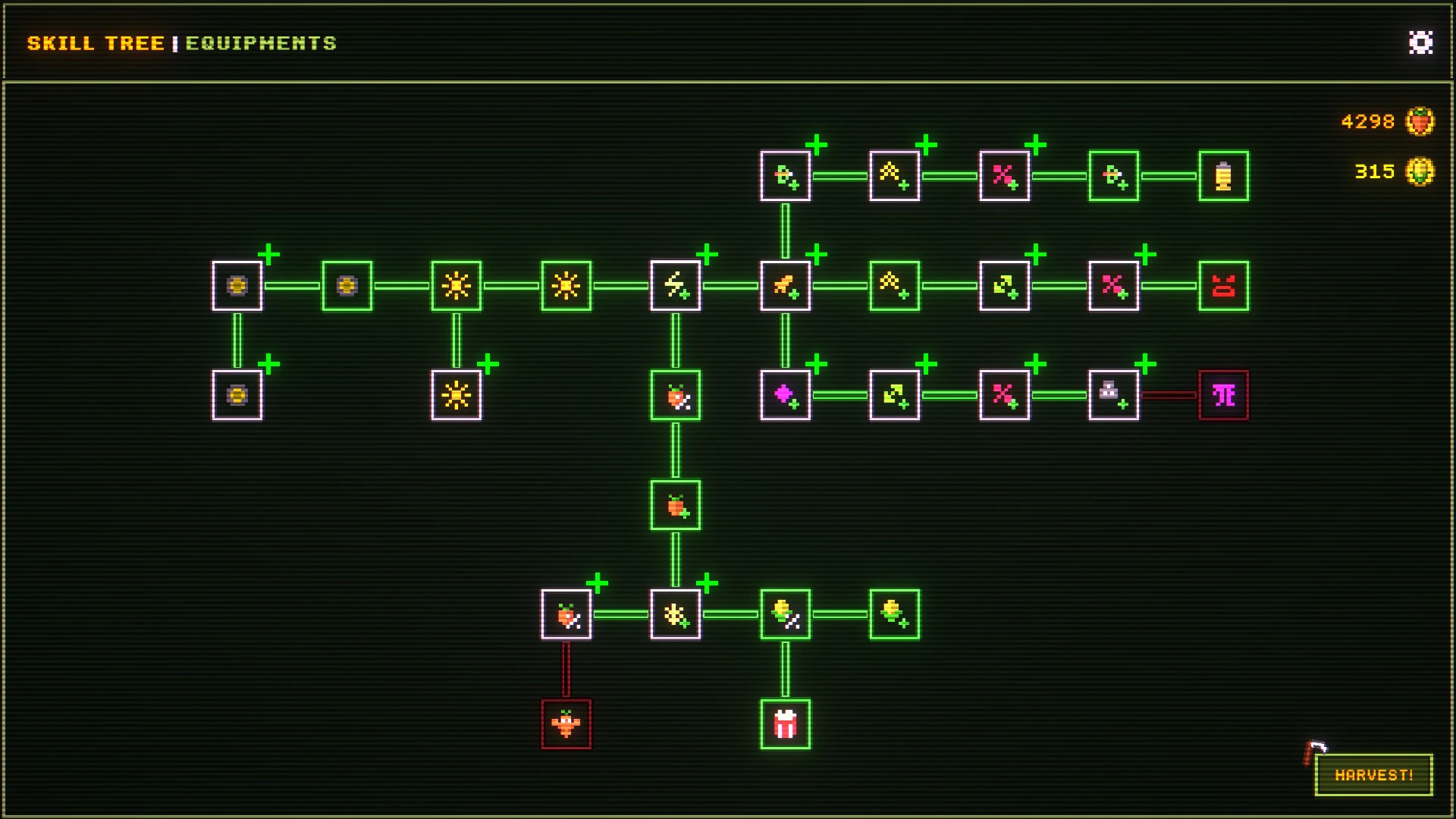
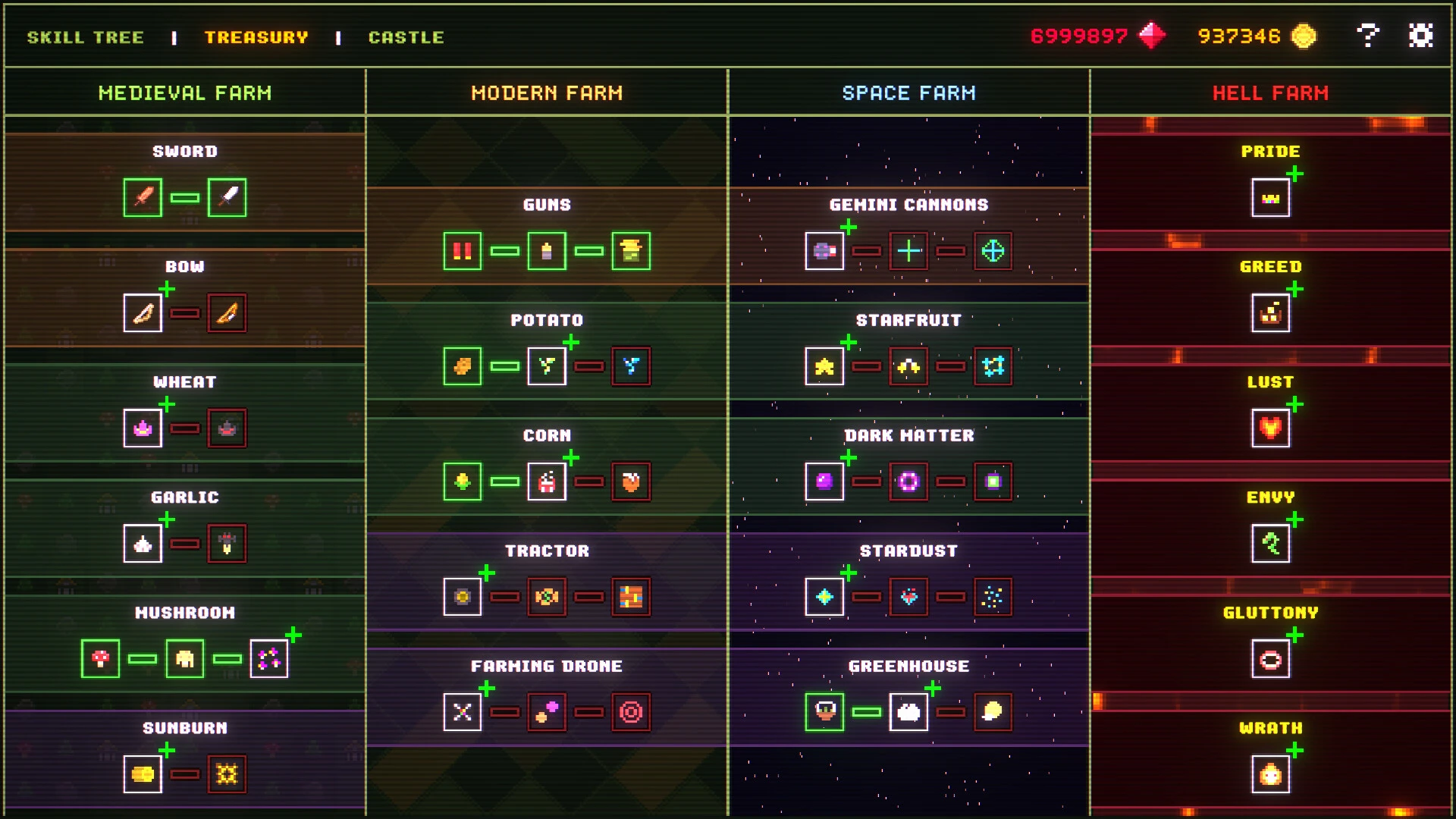

The indie game world continues to surprise players with creative genre combinations, and one of the most interesting recent releases is Agrivore: Incremental Farming. Combining farming mechanics, passive progression, roguelite systems, and strategic upgrades, this title offers a unique, relaxing, and addictive gameplay experience. Designed for fans of incremental games and resource management, Agrivore: Incremental Farming brings an innovative concept to the farming simulation genre.
Developed by Verty and published by Rogue Duck Interactive and Gamersky Games, the game was officially released on April 27, 2026. Steam describes it as an incremental farming roguelike where players equip magical farming tools, harvest endless crops, and feed a hungry king while developing more powerful farming combinations across multiple playthroughs.
A Farming Game with a Unique Twist
Unlike traditional farming games focused on planting seeds, waiting for the harvest, and managing the land, Agrivore adds action and progression mechanics to the formula. Players actively move through the fields, harvesting everything in their path while collecting rewards, resources, and upgrades.
The main objective is simple yet engaging: harvest as many crops as possible and deliver them to the kingdom's gluttonous ruler. This original concept creates a fun gameplay dynamic that keeps players motivated to improve with each session.
According to official game information, players can use magical farming tools, unlock powerful equipment, and create hyper combos by progressing through the skill tree.
Deep Incremental Progression
One of Agrivore's standout features is its incremental progression system. Each day of farming rewards players with crowns and resources that can be invested in permanent upgrades.
As players progress, they unlock more powerful equipment, faster harvesting skills, and more efficient farming strategies. This generates the classic satisfaction of seeing your numbers climb, so beloved by fans of incremental and auto-progression games.
The skill tree system adds strategic depth, allowing players to experiment with different setups and optimization strategies.
Roguelite Mechanics That Keep the Gameplay Fresh
Unlike many idle games that can become repetitive, Agrivore includes roguelite elements that make each playthrough exciting. Players start new sessions with different opportunities to improve their setup, making each attempt feel unique.
This system encourages experimentation and rewards creative thinking.
The combination of farming, action, and roguelite progression helps the game stand out in a saturated indie market.
Pixel Art and Fluid Presentation
Visually, Agrivore features colorful 2D graphics, retro-inspired animations, and charming farming environments. The bright art style makes the game accessible, while the fast-paced visual effects create a dynamic gameplay experience.
Initial community reactions on Reddit praised the art direction and gameplay concept, with players describing it as visually appealing and showing great promise during development.
Growing Community Interest
Since its release, the game has received mostly positive user reviews on Steam, demonstrating strong initial player support. Steam lists it with positive community feedback and highlights its combination of clicker, idle, strategic, and farming gameplay.
Conclusions
Agrivore: Incremental Farming successfully combines farming simulation, auto-progression, and roguelite mechanics into an addictive game. With its creative gameplay, strategic upgrades, attractive graphics, and high replayability, it offers something special for fans of indie strategy games. For those who enjoy watching their progress grow while mastering new systems, Agrivore is definitely worth exploring.
OS: Mac OS X 10.6 or higherProcessor: Apple Silicon M1 (M2 and M3) or Intel Core MMemory: 1 GB RAMVideo Card: 1280x720 minimum resolution, OpenGL 2.0 support, and recommended dedicated graphics card with 128 MB of RAMSound Card: OpenAL Compatible Sound CardAdditional: M1, M2, M3 Silicon Mac & ARM Supported
Run the downloaded image and drag the application to the Applications folder shortcut.
Once copying is complete, the application can be launched via Launchpad.
Frequently Asked Questions
Mount the image and run Open Gatekeeper friendly.
Press Enter to bypass Gatekeeper in the Terminal window.
Drag the application to the Applications folder.
The application is ready for use.
ATTENTION! SIP must be disabled. Learn more >
Restart your Mac and hold down Command + R to enter Recovery Mode.
Open Terminal from the Utilities menu.
Enter the command: csrutil disable
Restart your Mac.
This is a common Gatekeeper issue. Follow these steps:
1. Open Terminal
2. Enter: sudo xattr -rd com.apple.quarantine /Applications/AppName.app
3. Replace "AppName" with the actual application name
4. Press Enter and enter your password
Yes, all our downloads are thoroughly checked for viruses and malware.
We use multiple antivirus engines to scan every file.
Our team tests each application before publishing.
We never bundle adware or unwanted software.
Yes, we regularly update our applications to the latest versions.
You can check our website for updates or subscribe to our newsletter.
We strive to provide the most recent versions within 24-48 hours of release.
If a download link is not working, please:
1. Try a different browser
2. Clear your browser cache and cookies
3. Try the alternative download links provided
4. Contact our support team if the issue persists