


AI War 2
Download AI War 2
Unzip the archive and follow the standard installation procedure.
The installation is completed by choosing a location to place the game.
It is recommended to specify the Applications folder.
Previous Versions
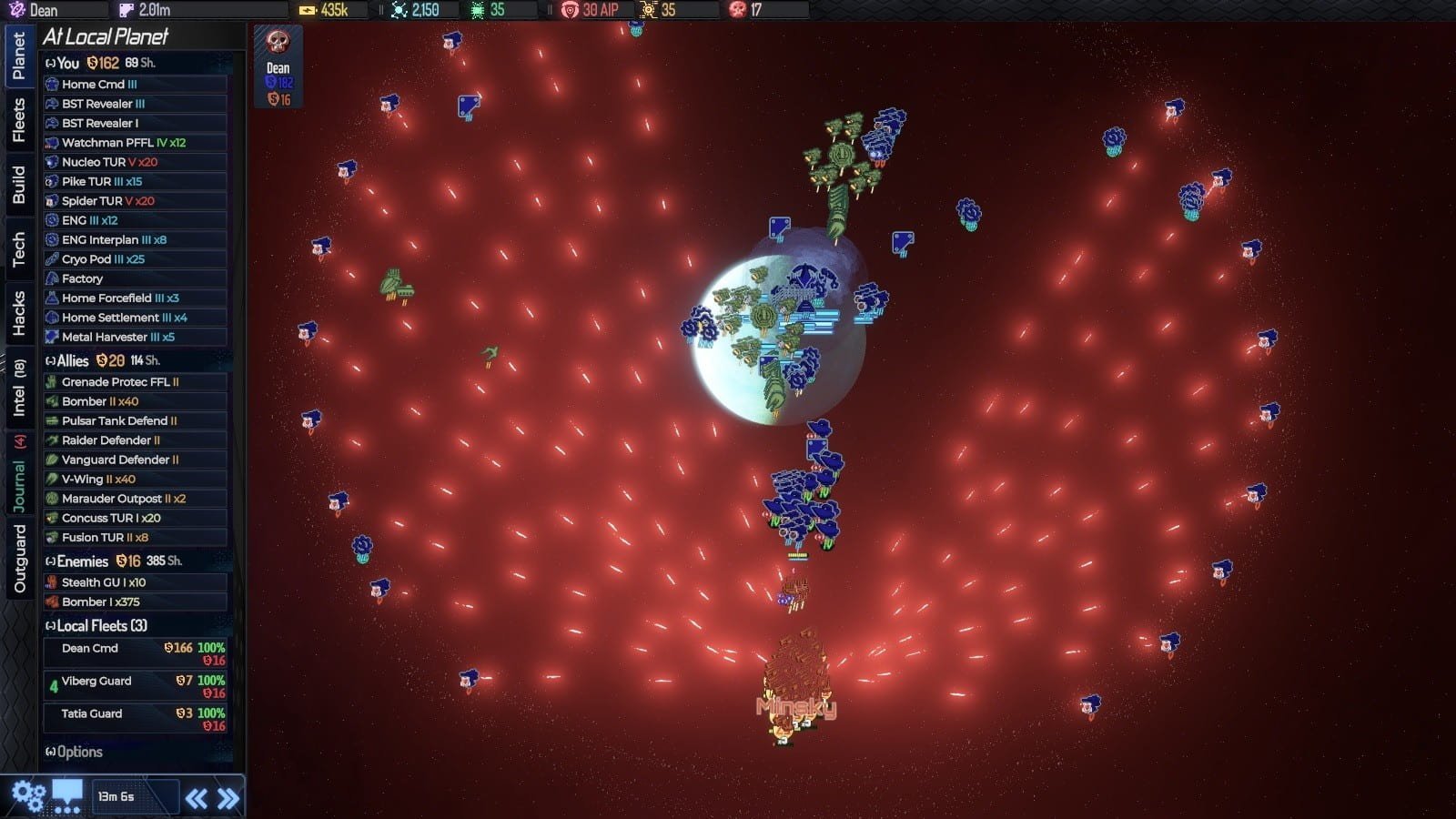
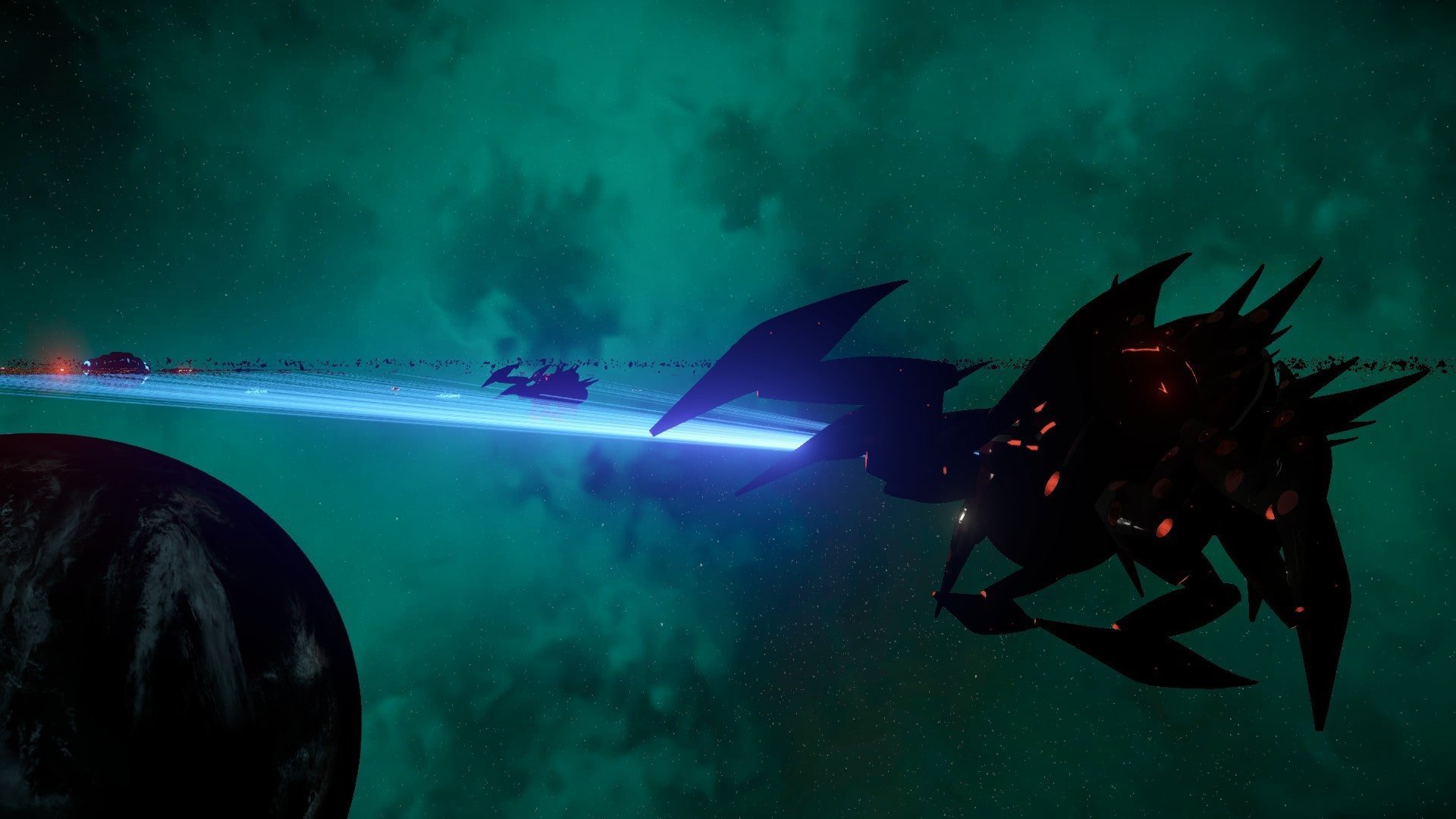
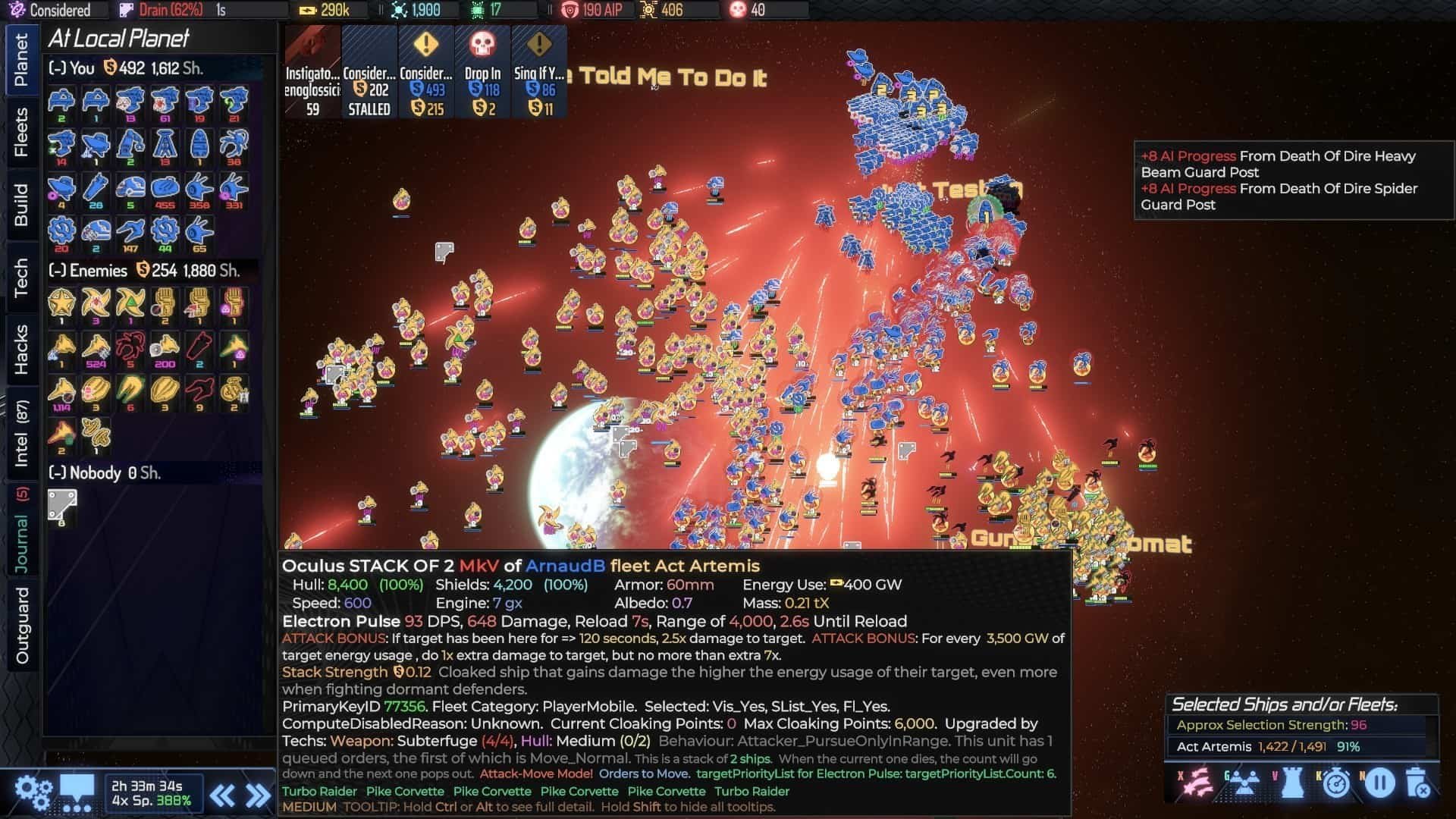
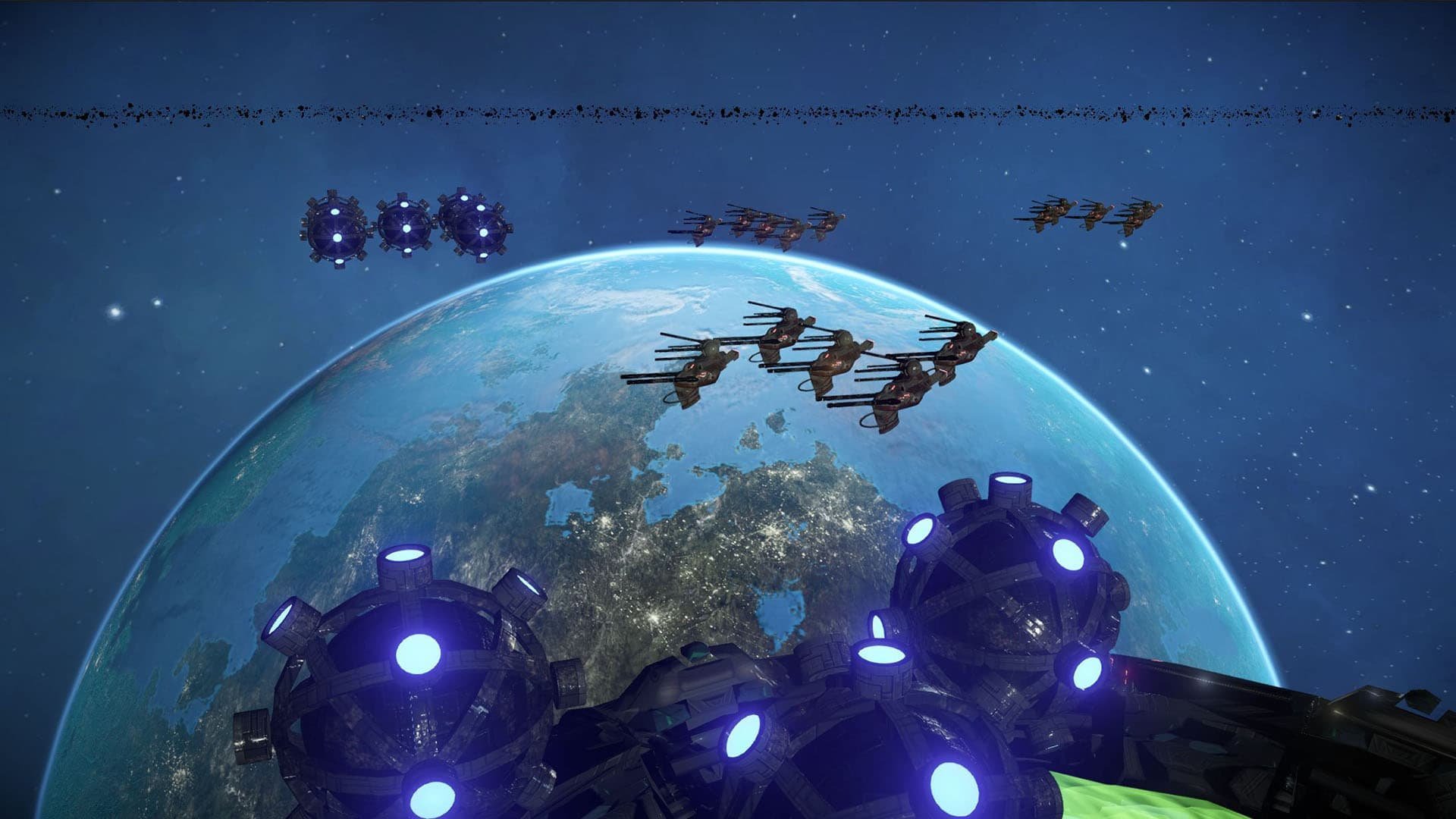
AI War 2 is a complex and compelling real-time strategy game that challenges players to outthink and outmaneuver highly intelligent artificial adversaries. Unlike conventional strategy titles, where predictable patterns and fixed enemy behavior often dominate, AI War 2 introduces dynamic AI opponents that adapt, strategize, and evolve in response to player actions. The result is a game that emphasizes foresight, patience, and creative problem-solving as much as tactical skill.
At its core, AI War 2 revolves around asymmetrical warfare. Players start with limited forces, while the AI commands overwhelming numbers and superior technology. This imbalance creates a constant tension that demands careful planning rather than brute force. Every decision—whether allocating resources, positioning fleets, or launching attacks—carries weight, and mistakes can quickly spiral into catastrophic losses.
One of the game’s standout features is its intelligent AI system. Enemy commanders are not merely reactive; they analyze patterns, exploit weaknesses, and even anticipate player strategies. This creates encounters that are unpredictable and engaging, where traditional “rush and conquer” tactics rarely succeed. Players must experiment, adapt, and sometimes sacrifice immediate gains to achieve long-term advantage. The AI’s responsiveness ensures that no two games feel the same, maintaining a high level of replayability.
Resource management and expansion play a critical role in AI War 2. Players must secure planets, establish supply lines, and build infrastructure while defending against persistent AI assaults. Balancing offense and defense is crucial, as overextending can leave vital assets vulnerable. The game rewards careful planning and strategic foresight, turning every conquest into a calculated risk rather than a simple exercise in aggression.
Combat in AI War 2 is visually and mechanically satisfying. Fleets clash in dynamic space battles, with weapon systems, shields, and specialized units adding layers of complexity. Players must coordinate forces effectively, use terrain advantages, and exploit enemy weaknesses to emerge victorious. The combination of real-time action and strategic planning creates a tense, rewarding gameplay loop that keeps players engaged for hours.
Another strength of AI War 2 is its depth of customization. Players can design their units, assign commanders, and select technological upgrades that influence how they approach challenges. This level of control allows for diverse strategies and encourages creativity, as players can experiment with unconventional approaches to overcome the AI’s adaptability.
The game also excels in its presentation. Star systems are beautifully rendered, with planets, fleets, and spatial anomalies creating a vivid and immersive environment. Sound design reinforces the intensity of strategic planning and combat, using audio cues to alert players to incoming threats and critical events, enhancing situational awareness.
In conclusion, AI War 2 is more than a traditional strategy game—it is a rigorous test of intelligence, planning, and adaptability. By combining asymmetrical challenges, highly adaptive AI, and deep strategic systems, it delivers an experience that is both demanding and immensely satisfying. For players who thrive on careful thought, tactical precision, and dynamic challenges, AI War 2 offers a universe where every decision matters and victory is earned through intellect and foresight.
OS: Mac OS X 10.9+Processor: Dual Core 64bit CPU (2.2+ GHz Dual Core CPU or better)RAM: 4 GBVideo card: NVIDIA GTX 510+, Radeon HD5900+, or Intel HD4000+Disk space: 4 GB
Unzip the archive and follow the standard installation procedure.
The installation is completed by choosing a location to place the game.
It is recommended to specify the Applications folder.
Frequently Asked Questions
Mount the image and run Open Gatekeeper friendly.
Press Enter to bypass Gatekeeper in the Terminal window.
Drag the application to the Applications folder.
The application is ready for use.
ATTENTION! SIP must be disabled. Learn more >
Restart your Mac and hold down Command + R to enter Recovery Mode.
Open Terminal from the Utilities menu.
Enter the command: csrutil disable
Restart your Mac.
This is a common Gatekeeper issue. Follow these steps:
1. Open Terminal
2. Enter: sudo xattr -rd com.apple.quarantine /Applications/AppName.app
3. Replace "AppName" with the actual application name
4. Press Enter and enter your password
Yes, all our downloads are thoroughly checked for viruses and malware.
We use multiple antivirus engines to scan every file.
Our team tests each application before publishing.
We never bundle adware or unwanted software.
Yes, we regularly update our applications to the latest versions.
You can check our website for updates or subscribe to our newsletter.
We strive to provide the most recent versions within 24-48 hours of release.
If a download link is not working, please:
1. Try a different browser
2. Clear your browser cache and cookies
3. Try the alternative download links provided
4. Contact our support team if the issue persists