


Anna’s Quest
Download Anna’s Quest
Run the downloaded image and drag the application to the Applications folder shortcut.
Once the copy is complete, you can launch the application from Launchpad.
Previous Versions
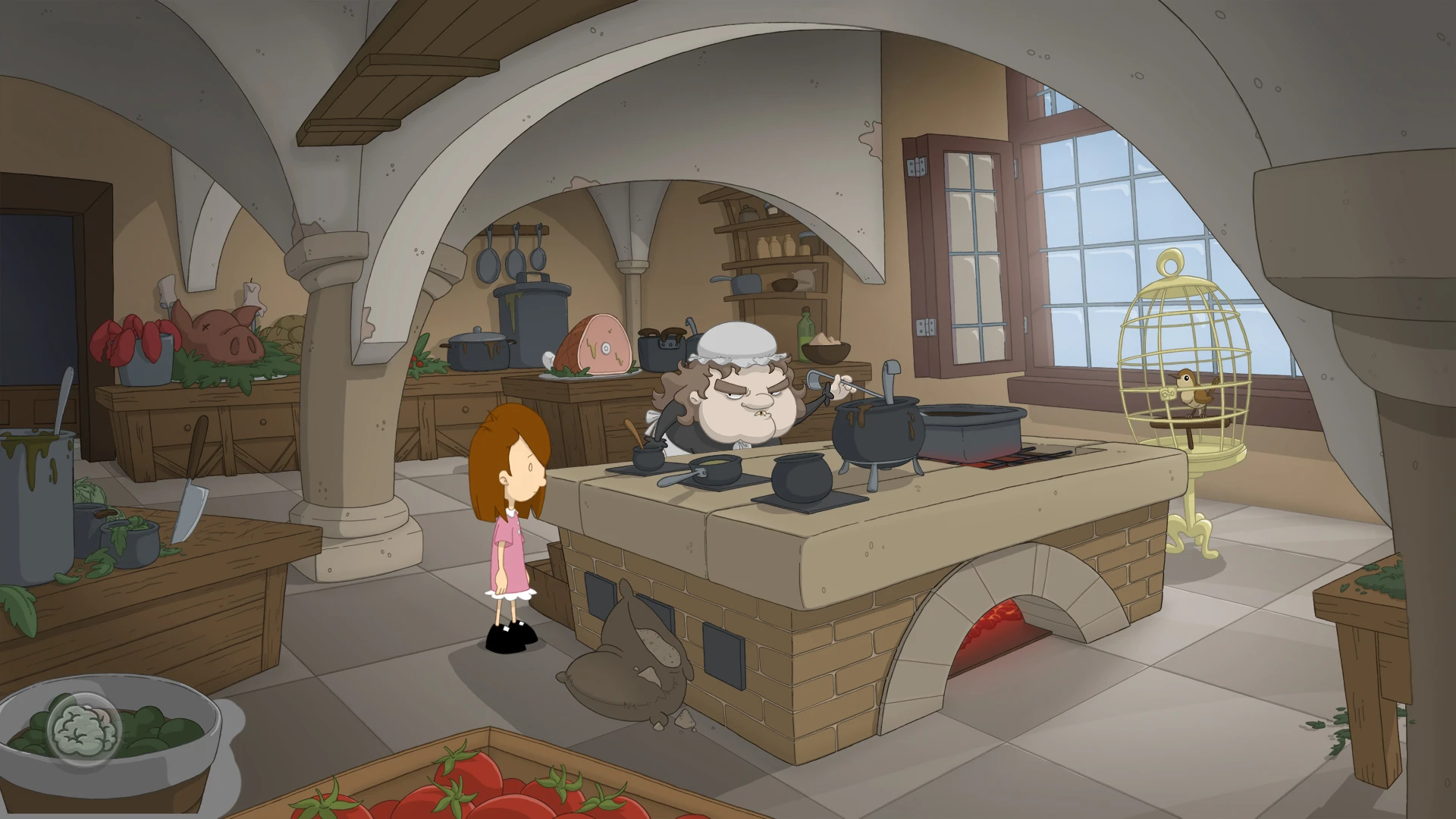

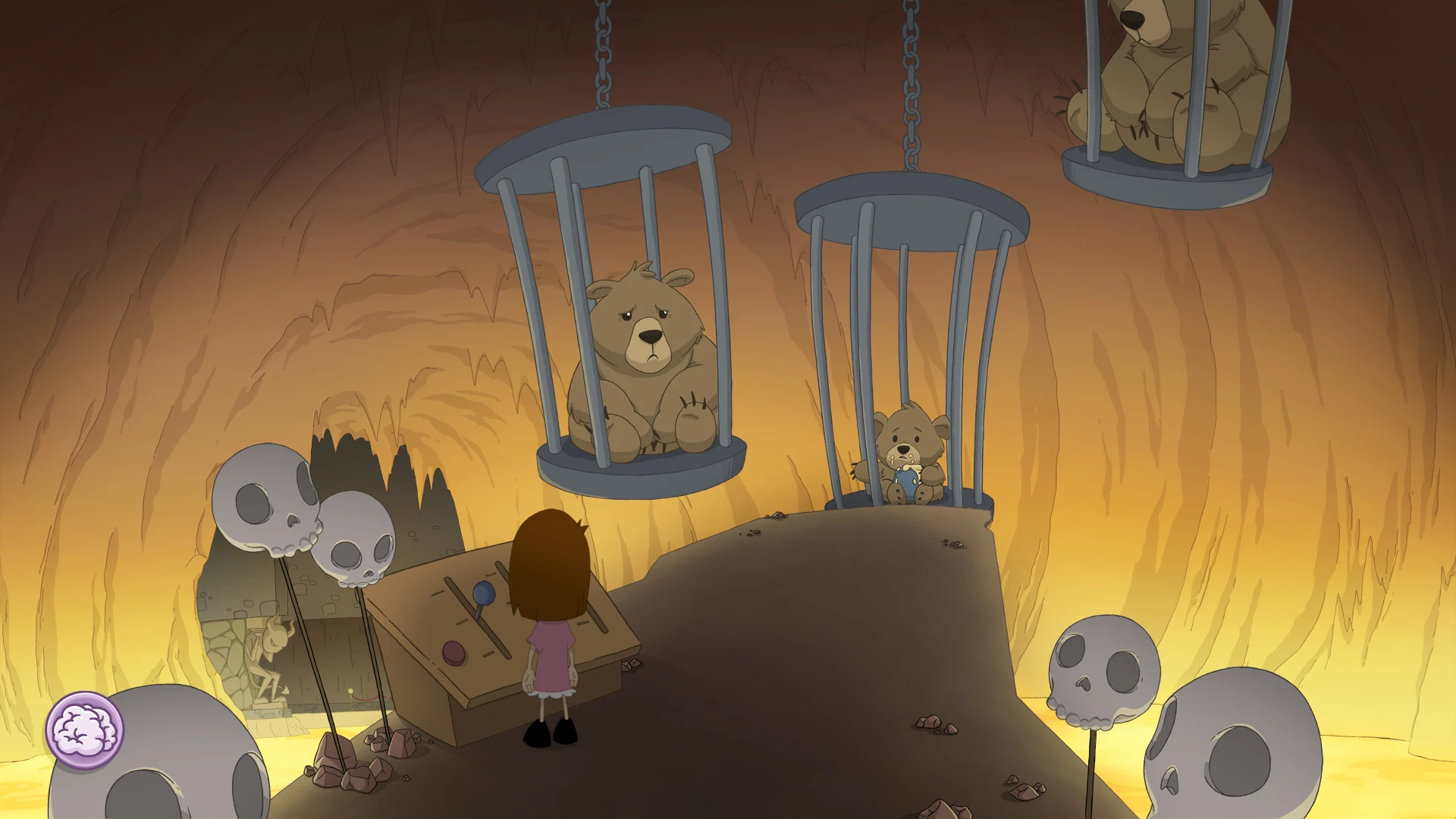
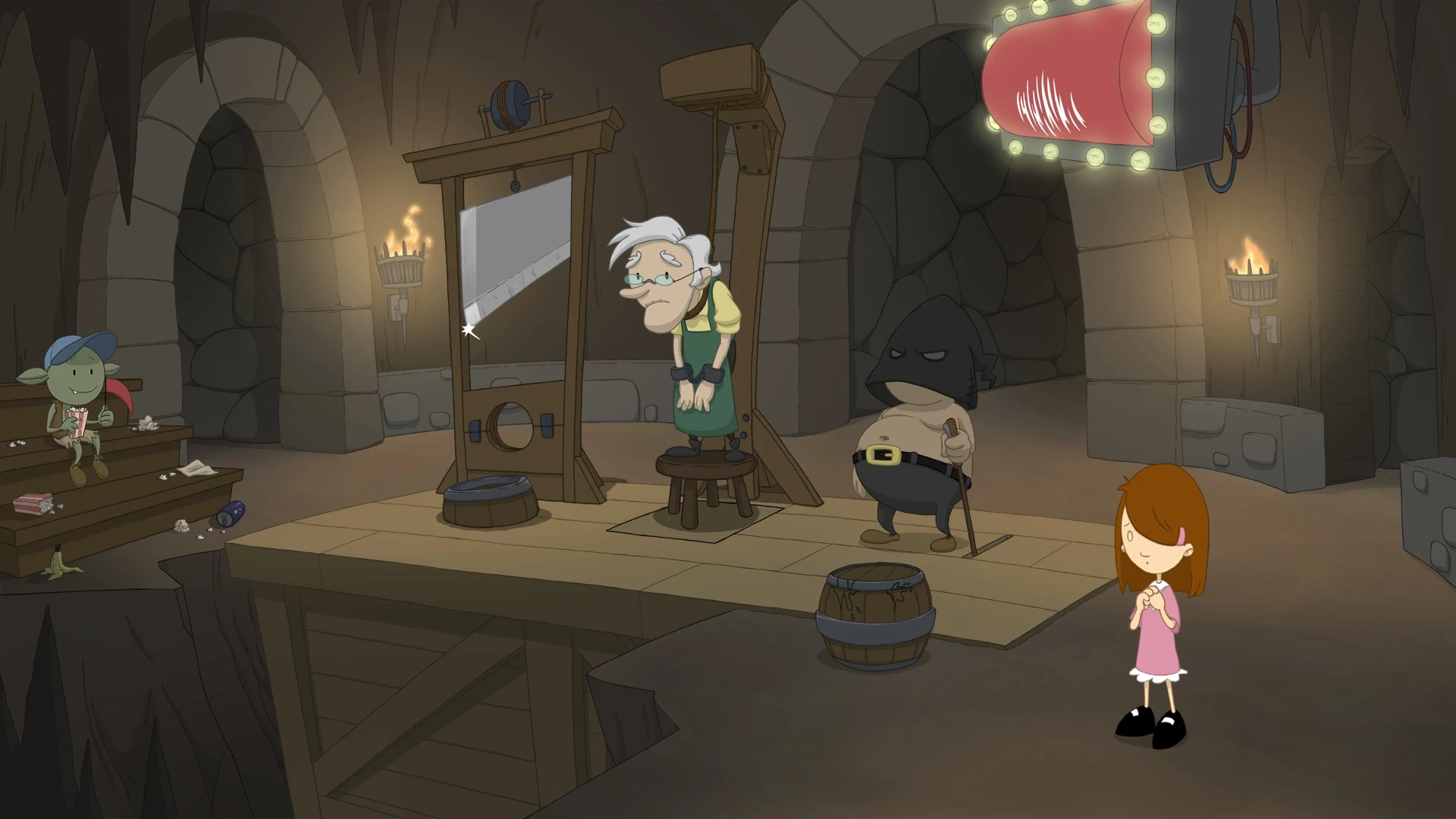
Anna’s Quest is a point-and-click adventure game that masterfully blends a gripping narrative with challenging puzzles, immersing players in a world where magic, mystery, and childhood innocence collide. Developed with a keen eye for detail, the game invites players to step into the shoes of Anna, a young girl thrust into extraordinary circumstances, and experience a story filled with danger, humor, and unexpected twists.
The game’s story begins with Anna, a bright and spirited child, trapped under the care of a sinister witch. Despite the threatening environment, Anna’s courage and determination set her apart. She embarks on a journey to rescue her grandfather, navigate treacherous situations, and uncover secrets about her own extraordinary abilities. The narrative’s strength lies in its balance between light-hearted moments and darker undertones, creating a rich, emotionally resonant experience. Players are not just observers; they become active participants in Anna’s growth and resilience.
One of the most captivating aspects of Anna’s Quest is its puzzle design. The game challenges players to think creatively, combining logic, observation, and problem-solving skills. From interacting with curious characters to using magical items in innovative ways, each puzzle feels like a meaningful step forward in the story. Unlike games that rely solely on difficulty for engagement, Anna’s Quest ensures that every challenge contributes to the narrative, maintaining a seamless connection between gameplay and story progression.
The visual style of Anna’s Quest further enhances its charm. The hand-drawn, cartoon-inspired graphics create a whimsical yet slightly eerie atmosphere, reflecting the duality of the game’s world—both enchanting and threatening. Environments are meticulously crafted, from lush forests and quaint villages to foreboding castles, each location brimming with personality and subtle details that reward exploration. The expressive character designs help convey emotions and personalities, making interactions feel authentic and engaging.
Sound design also plays a crucial role in immersing players. The soundtrack is a blend of playful melodies and haunting motifs, perfectly complementing the narrative’s shifts in tone. Sound effects, from the rustling of leaves to the cackles of the witch, heighten tension and contribute to the game’s overall atmosphere. Together, visuals and audio create a fully realized world that players are eager to explore.
Beyond its technical and artistic achievements, Anna’s Quest excels in storytelling. The game tackles themes of bravery, friendship, and the struggle between good and evil, all through the perspective of a child facing extraordinary challenges. It encourages players to think critically about choices, empathize with characters, and enjoy the satisfaction of overcoming obstacles through ingenuity rather than force.
In conclusion, Anna’s Quest is more than just a game; it is an adventure that combines charm, intellect, and heart. Its compelling narrative, creative puzzles, and enchanting presentation make it a standout title for fans of adventure games and story-driven experiences alike. Players who embark on Anna’s journey will find themselves immersed in a world that is as magical as it is memorable, leaving a lasting impression long after the final puzzle is solved.
OS: Mac OSX 10.7Processor: Intel 2 GHz Dual Core CPUMemory: 2 GB RAM
Run the downloaded image and drag the application to the Applications folder shortcut.
Once the copy is complete, you can launch the application from Launchpad.
Frequently Asked Questions
Mount the image and run Open Gatekeeper friendly.
Press Enter to bypass Gatekeeper in the Terminal window.
Drag the application to the Applications folder.
The application is ready for use.
ATTENTION! SIP must be disabled. Learn more >
Restart your Mac and hold down Command + R to enter Recovery Mode.
Open Terminal from the Utilities menu.
Enter the command: csrutil disable
Restart your Mac.
This is a common Gatekeeper issue. Follow these steps:
1. Open Terminal
2. Enter: sudo xattr -rd com.apple.quarantine /Applications/AppName.app
3. Replace "AppName" with the actual application name
4. Press Enter and enter your password
Yes, all our downloads are thoroughly checked for viruses and malware.
We use multiple antivirus engines to scan every file.
Our team tests each application before publishing.
We never bundle adware or unwanted software.
Yes, we regularly update our applications to the latest versions.
You can check our website for updates or subscribe to our newsletter.
We strive to provide the most recent versions within 24-48 hours of release.
If a download link is not working, please:
1. Try a different browser
2. Clear your browser cache and cookies
3. Try the alternative download links provided
4. Contact our support team if the issue persists