


Anodyne 2: Return to Dust
Download Anodyne 2: Return to Dust
Follow the standard installation procedure.
Installation concludes with selecting a location for the game.
It is recommended to select the Applications folder.
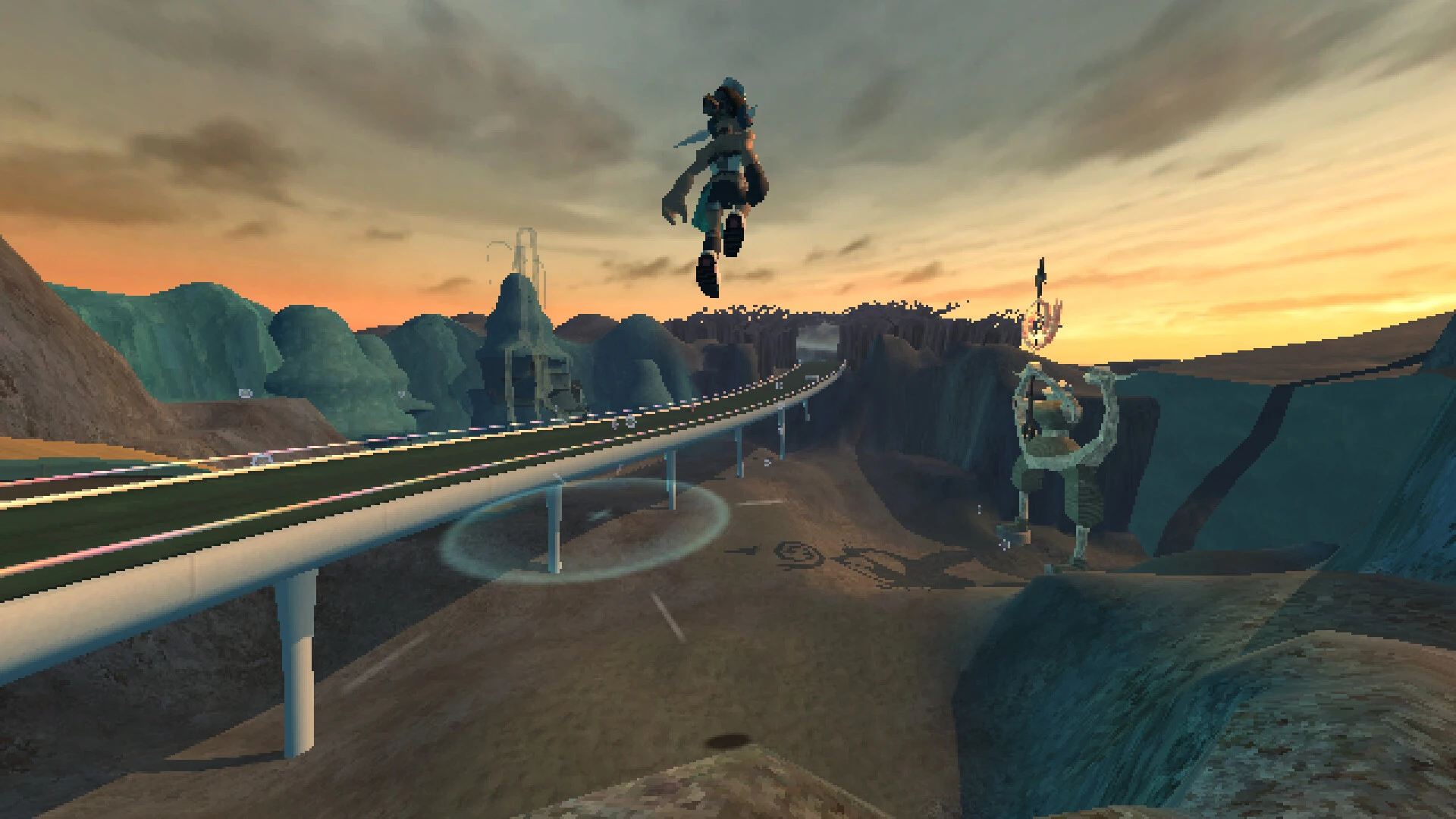
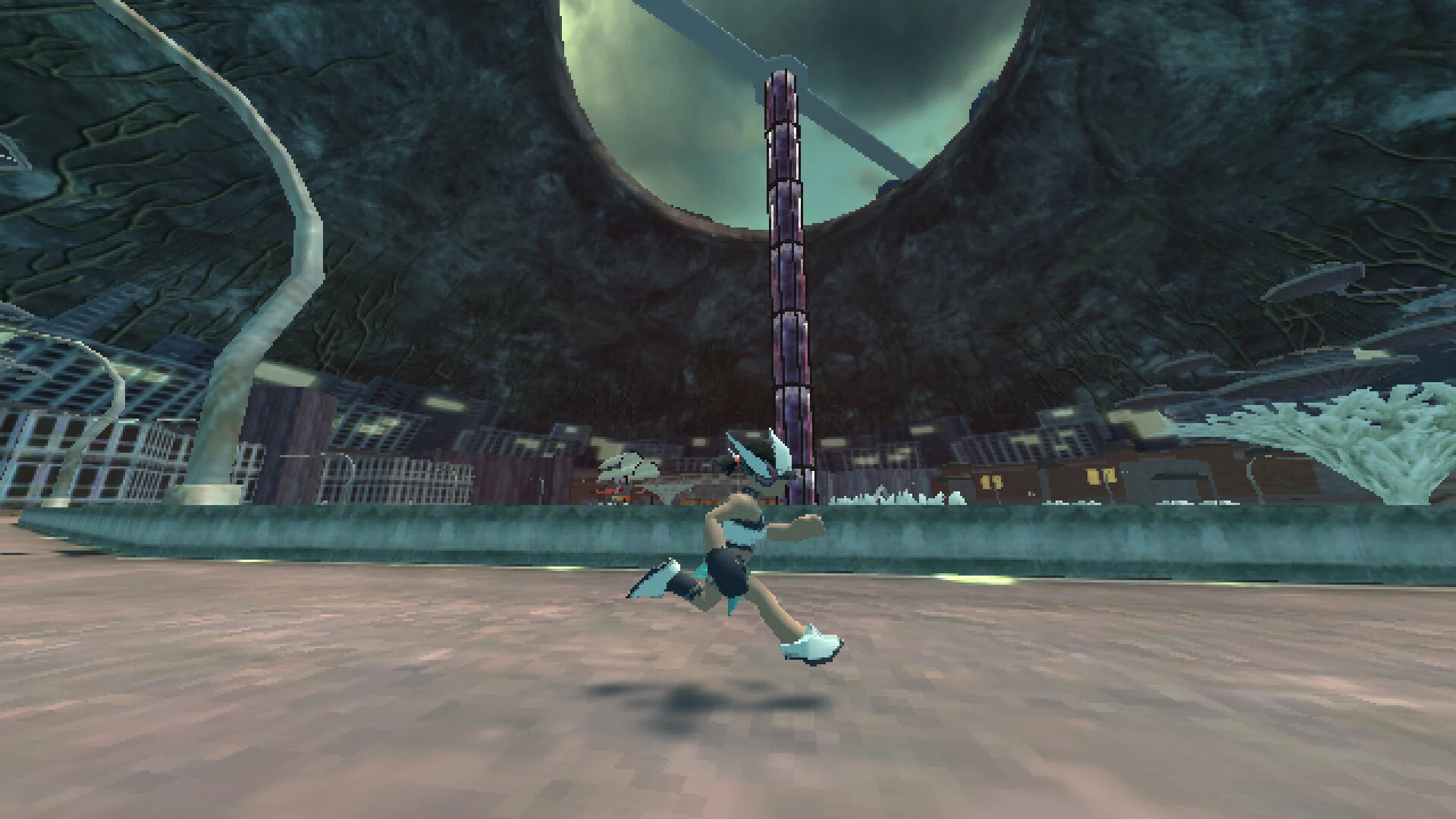
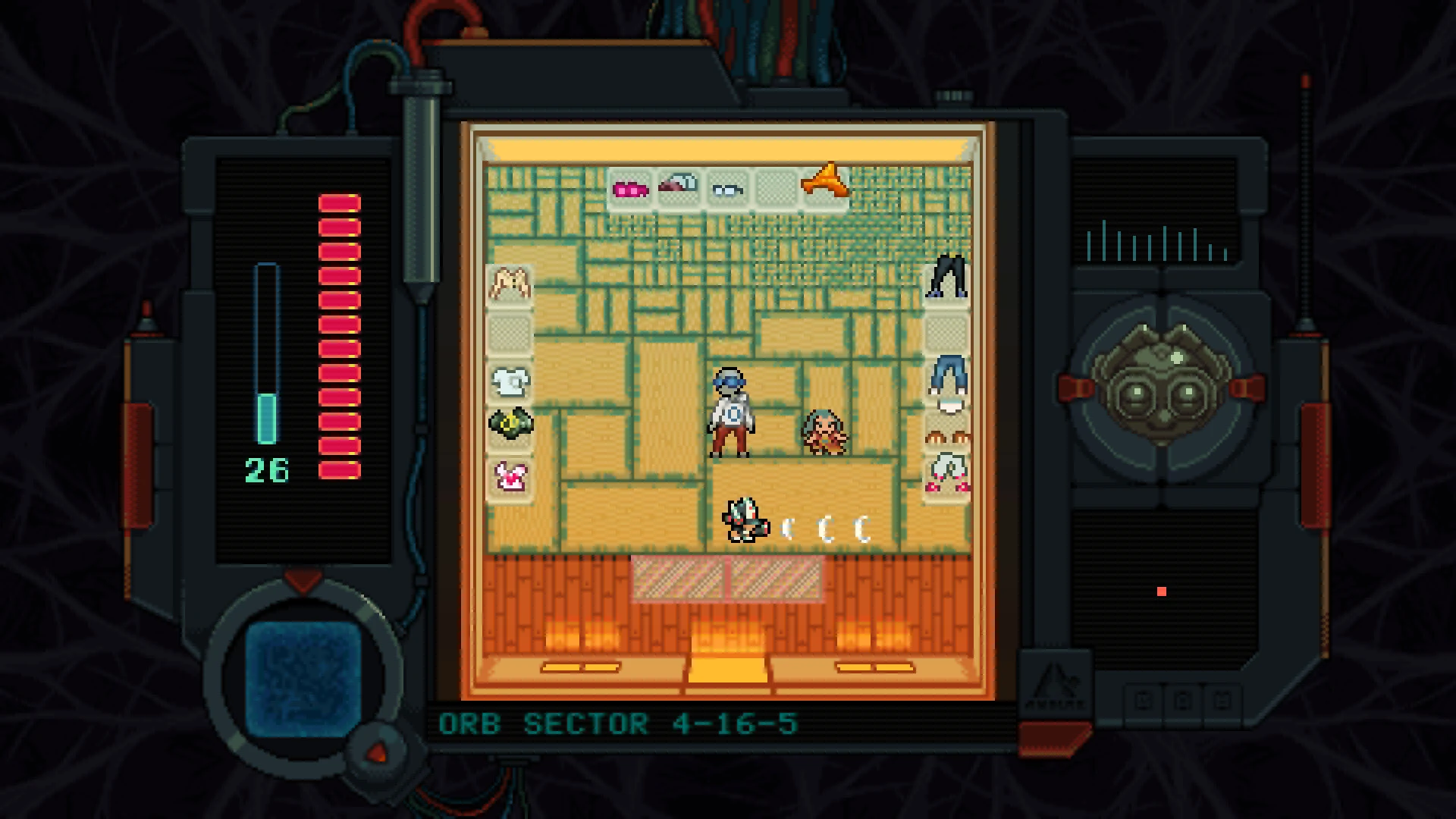

In a world flooded with games that prioritize spectacle over substance, Anodyne 2: Return to Dust stands as a strikingly introspective experience. Developed by Analgesic Productions, this indie title invites players to step into a realm where memories, emotions, and strange landscapes converge in an evocative blend of adventure and storytelling.
At its core, Anodyne 2 is a top-down action-adventure game, reminiscent of classic 16-bit titles, yet infused with a modern sensibility. Players assume the role of Nano, a small character tasked with exploring the interior of human minds. The narrative premise is deceptively simple: venture into these minds to heal emotional and psychological wounds. However, the execution is anything but ordinary. Each world Nano explores is a surreal reflection of its inhabitant’s psyche, blending whimsical visuals with unsettling undertones. It’s a game that asks players not just to move through space, but to move through layers of meaning.
The gameplay in Anodyne 2 is deceptively complex. Players navigate a mix of platforming, puzzle-solving, and combat, all presented in an abstract, dreamlike environment. The combat is minimalistic, relying on a simple melee attack and environmental interactions, yet it never feels shallow. Instead, it complements the game’s contemplative pacing, emphasizing exploration and discovery over mindless action. The puzzles are elegantly integrated into the world, often requiring players to think beyond traditional mechanics and consider the emotional context of the spaces they inhabit.
Visually, the game is a feast for the eyes. The use of pixel art is not merely nostalgic; it creates a tactile, intimate connection to the game’s universe. Each area is meticulously crafted, filled with hidden details that reward careful observation. Colors shift subtly to reflect mood, and the environments themselves often serve as storytelling devices. A seemingly ordinary street may hide a labyrinth of memories, while a simple field can evoke deep-seated feelings of loss or hope. The art style, coupled with a hauntingly beautiful soundtrack, ensures that every moment resonates on a sensory and emotional level.
The narrative of Anodyne 2 is where it truly shines. It explores themes of self-discovery, empathy, and the human experience, all through the lens of fantastical abstraction. Players are encouraged to interpret events and spaces in their own way, resulting in a deeply personal engagement with the story. Unlike traditional narratives, the game does not handhold or explain; it trusts the player to piece together meaning from visual cues, environmental storytelling, and subtle character interactions. This approach creates an experience that is both intimate and universal, offering insights into both the characters and, indirectly, the player themselves.
Anodyne 2: Return to Dust is more than a game; it is a meditation on the human mind and the landscapes of our inner lives. Its blend of nostalgic gameplay, artistic visuals, and thoughtful storytelling makes it a standout in the indie scene. For players seeking an experience that challenges both their intellect and their emotions, Anodyne 2 is an unforgettable journey—a game that lingers long after the screen goes dark.
OS: 10.12 or higher. Earlier versions are NOT supported.Processor: Dual-core 2.5 GHz.Memory: 4 GB RAM.Video Card: GeForce 610M Equivalent.Storage: 500 MB.
Follow the standard installation procedure.
Installation concludes with selecting a location for the game.
It is recommended to select the Applications folder.
Frequently Asked Questions
Mount the image and run Open Gatekeeper friendly.
Press Enter to bypass Gatekeeper in the Terminal window.
Drag the application to the Applications folder.
The application is ready for use.
ATTENTION! SIP must be disabled. Learn more >
Restart your Mac and hold down Command + R to enter Recovery Mode.
Open Terminal from the Utilities menu.
Enter the command: csrutil disable
Restart your Mac.
This is a common Gatekeeper issue. Follow these steps:
1. Open Terminal
2. Enter: sudo xattr -rd com.apple.quarantine /Applications/AppName.app
3. Replace "AppName" with the actual application name
4. Press Enter and enter your password
Yes, all our downloads are thoroughly checked for viruses and malware.
We use multiple antivirus engines to scan every file.
Our team tests each application before publishing.
We never bundle adware or unwanted software.
Yes, we regularly update our applications to the latest versions.
You can check our website for updates or subscribe to our newsletter.
We strive to provide the most recent versions within 24-48 hours of release.
If a download link is not working, please:
1. Try a different browser
2. Clear your browser cache and cookies
3. Try the alternative download links provided
4. Contact our support team if the issue persists