


Asterix & Obelix XXL 3 – The Crystal Menhir
Download Asterix & Obelix XXL 3 – The Crystal Menhir
Mount the downloaded image and follow the standard installation procedure.
The installation is completed by choosing a location to place the game.
It is recommended to specify the Applications folder.
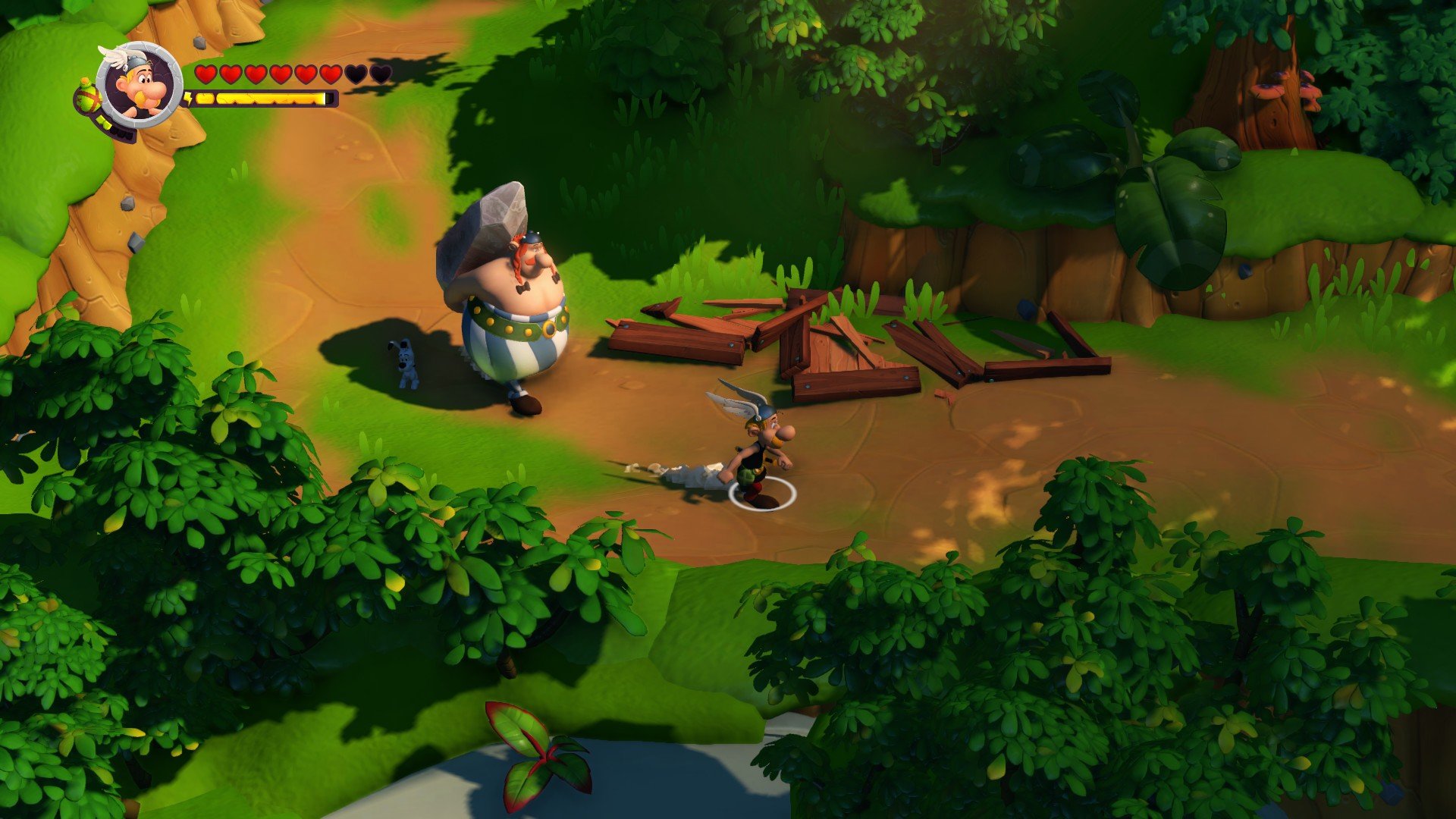
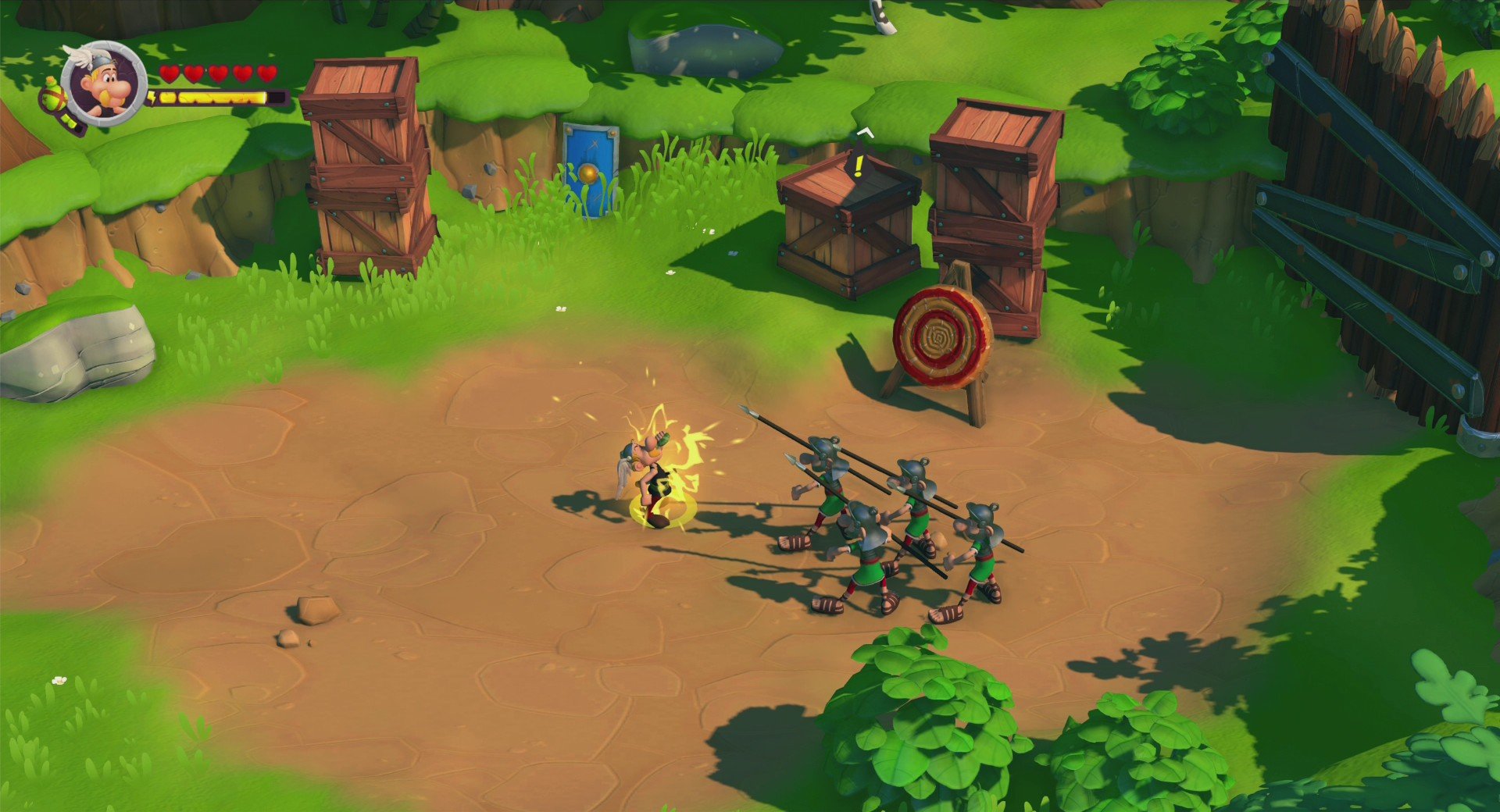
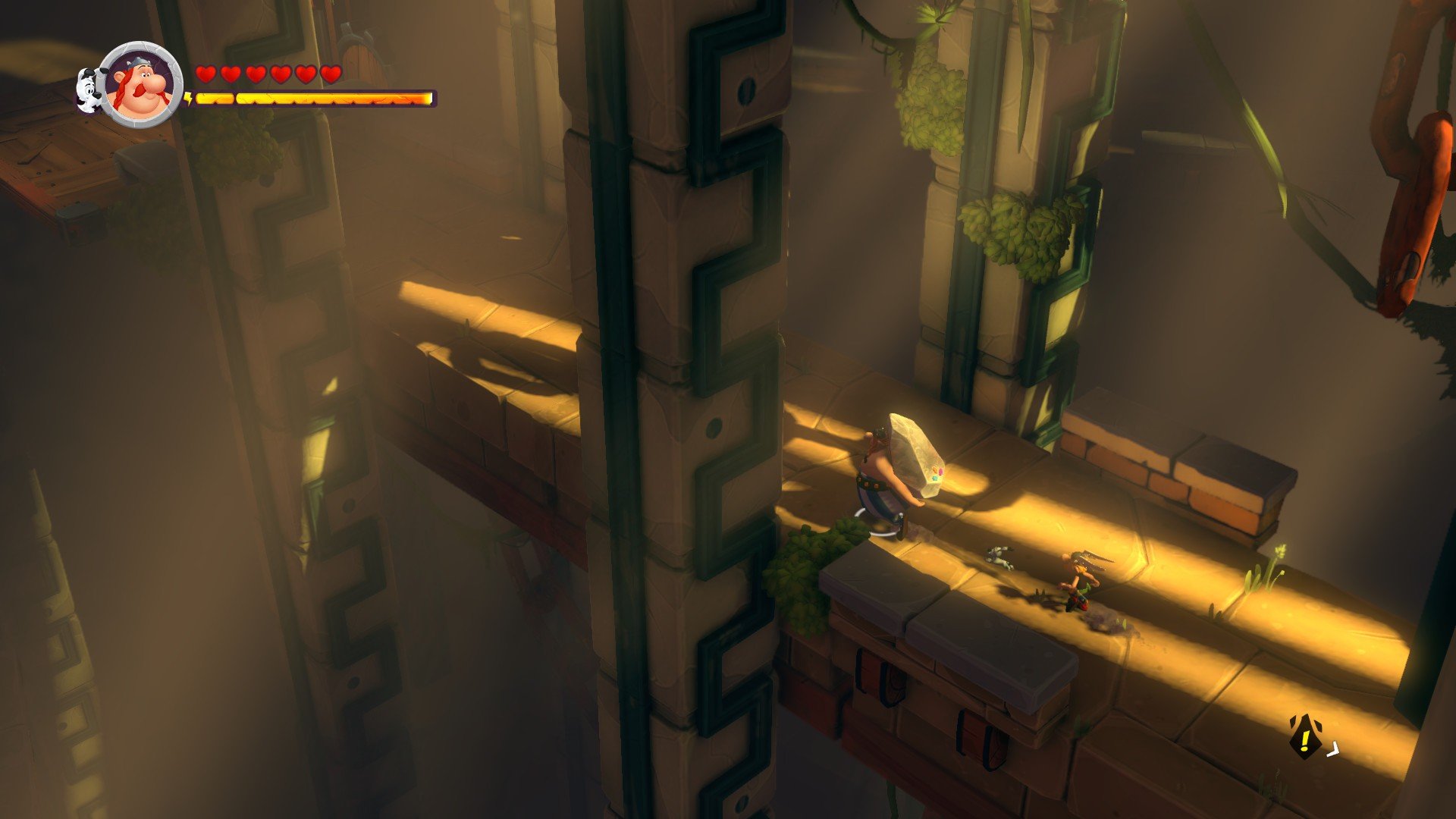
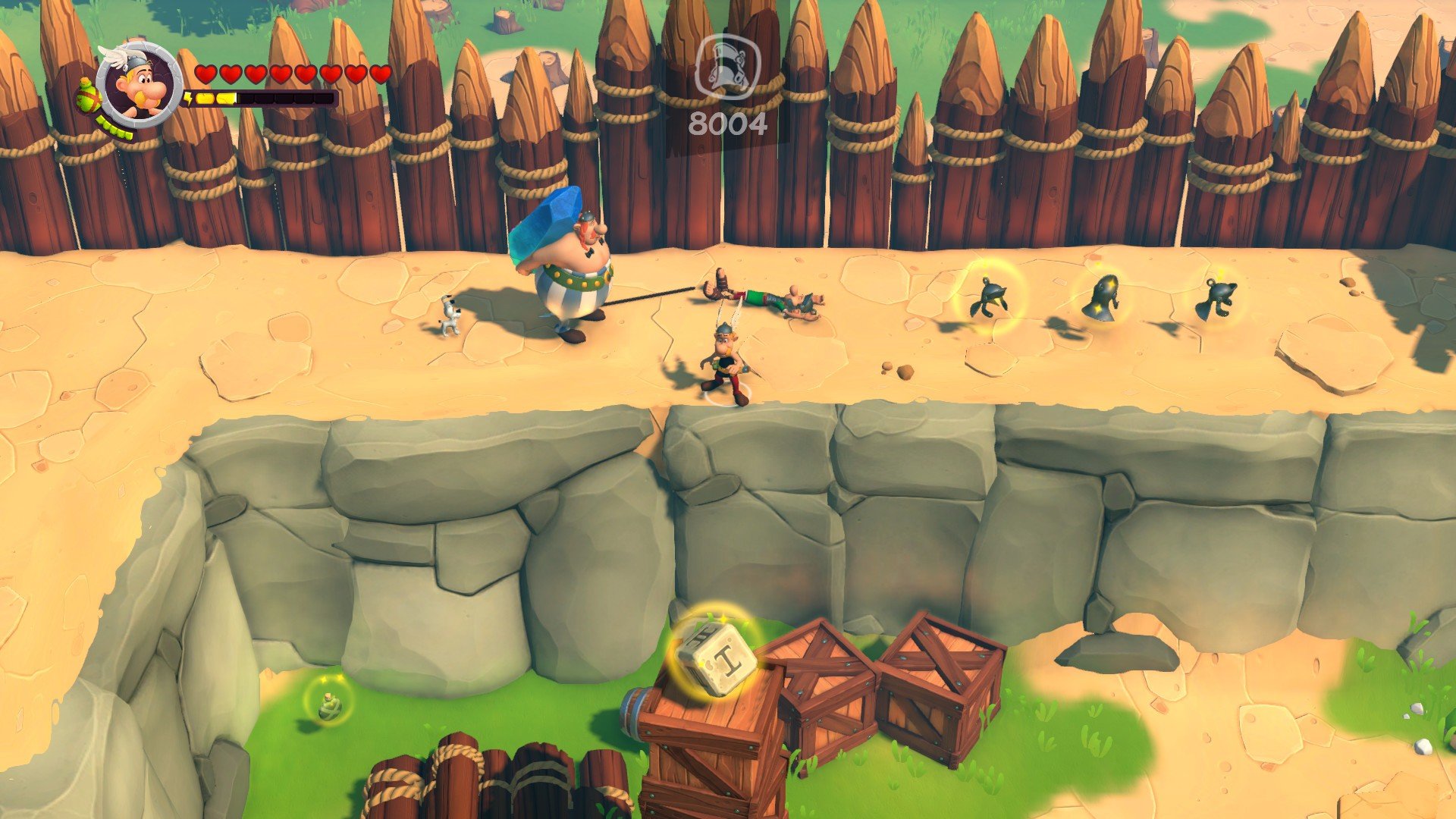
Asterix & Obelix XXL 3 – The Crystal Menhir, developed by OSome Studio, is a vibrant action-adventure game that brings the beloved comic book heroes to life in an interactive format. As the latest installment in the XXL series, the game combines humor, exploration, and combat, offering fans of the franchise and newcomers alike an engaging experience set in the whimsical world of ancient Gaul. With its charming graphics, lively characters, and playful storyline, the game captures the spirit of the original comics while adding layers of modern gameplay mechanics.
The story centers around Asterix and Obelix as they embark on a mission to recover the stolen Crystal Menhir, a powerful artifact that has fallen into the hands of the Romans. Players follow the duo through familiar landscapes, from quaint villages to Roman camps, encountering a mix of enemies, puzzles, and challenges along the way. True to the comics, the narrative is infused with humor, satire, and clever references that keep the tone lighthearted while maintaining an engaging sense of adventure.
Gameplay in The Crystal Menhir balances combat and exploration. Players control both Asterix and Obelix, each with unique abilities. Asterix is agile and quick, excelling in precise attacks and evasion, while Obelix relies on raw strength to overpower foes and break obstacles. This dual-character system encourages players to switch between heroes strategically, using their complementary skills to tackle enemies, solve environmental puzzles, and access hidden areas. The combat is intuitive but satisfying, blending classic beat-em-up mechanics with tactical choices that keep encounters fresh and entertaining.
Exploration is a significant component of the game. Levels are designed with branching paths, secret areas, and collectible items that reward curiosity and experimentation. Players can uncover hidden treasures, unlock bonus content, and gain insights into the humorous world of Gaul. The environments are richly detailed and colorful, faithfully capturing the comic book aesthetic with stylized character designs, expressive animations, and vibrant backgrounds. Every area feels alive, from bustling villages to perilous Roman fortresses, providing a sense of immersion and adventure.
Another highlight of Asterix & Obelix XXL 3 is its cooperative gameplay. Players can team up locally, controlling Asterix and Obelix simultaneously, enhancing the fun through coordinated attacks and shared exploration. The cooperative mode adds replay value and reinforces the game’s lighthearted, accessible design, making it suitable for players of all ages.
The game also embraces humor as a core element. From witty dialogues to slapstick animations, the comedic timing is consistent throughout the adventure. Fans of the original comics will appreciate the references and character interactions, while newcomers can enjoy the playful tone without prior knowledge of the series.
Ultimately, Asterix & Obelix XXL 3 – The Crystal Menhir delivers a nostalgic yet modernized experience that celebrates one of the most beloved comic duos in history. With its combination of engaging combat, exploration, humor, and cooperative play, it offers a fun and memorable adventure for both longtime fans and new players. For anyone looking to step into the boots of Gaulish heroes and thwart the Romans with style and laughter, this game provides an entertaining and visually delightful journey.
OS: Mac OS X 10.13+Processor: Intel Core i5RAM: 8 GBVideo card: AMD R9 M390 2GBDisk space: 3 GB
Mount the downloaded image and follow the standard installation procedure.
The installation is completed by choosing a location to place the game.
It is recommended to specify the Applications folder.
Frequently Asked Questions
Mount the image and run Open Gatekeeper friendly.
Press Enter to bypass Gatekeeper in the Terminal window.
Drag the application to the Applications folder.
The application is ready for use.
ATTENTION! SIP must be disabled. Learn more >
Restart your Mac and hold down Command + R to enter Recovery Mode.
Open Terminal from the Utilities menu.
Enter the command: csrutil disable
Restart your Mac.
This is a common Gatekeeper issue. Follow these steps:
1. Open Terminal
2. Enter: sudo xattr -rd com.apple.quarantine /Applications/AppName.app
3. Replace "AppName" with the actual application name
4. Press Enter and enter your password
Yes, all our downloads are thoroughly checked for viruses and malware.
We use multiple antivirus engines to scan every file.
Our team tests each application before publishing.
We never bundle adware or unwanted software.
Yes, we regularly update our applications to the latest versions.
You can check our website for updates or subscribe to our newsletter.
We strive to provide the most recent versions within 24-48 hours of release.
If a download link is not working, please:
1. Try a different browser
2. Clear your browser cache and cookies
3. Try the alternative download links provided
4. Contact our support team if the issue persists