


Avernum 4: Greed and Glory
Download Avernum 4: Greed and Glory
Run the downloaded image and drag the application to the Applications folder shortcut.
Once copying is complete, the application can be launched via Launchpad.
Previous Versions
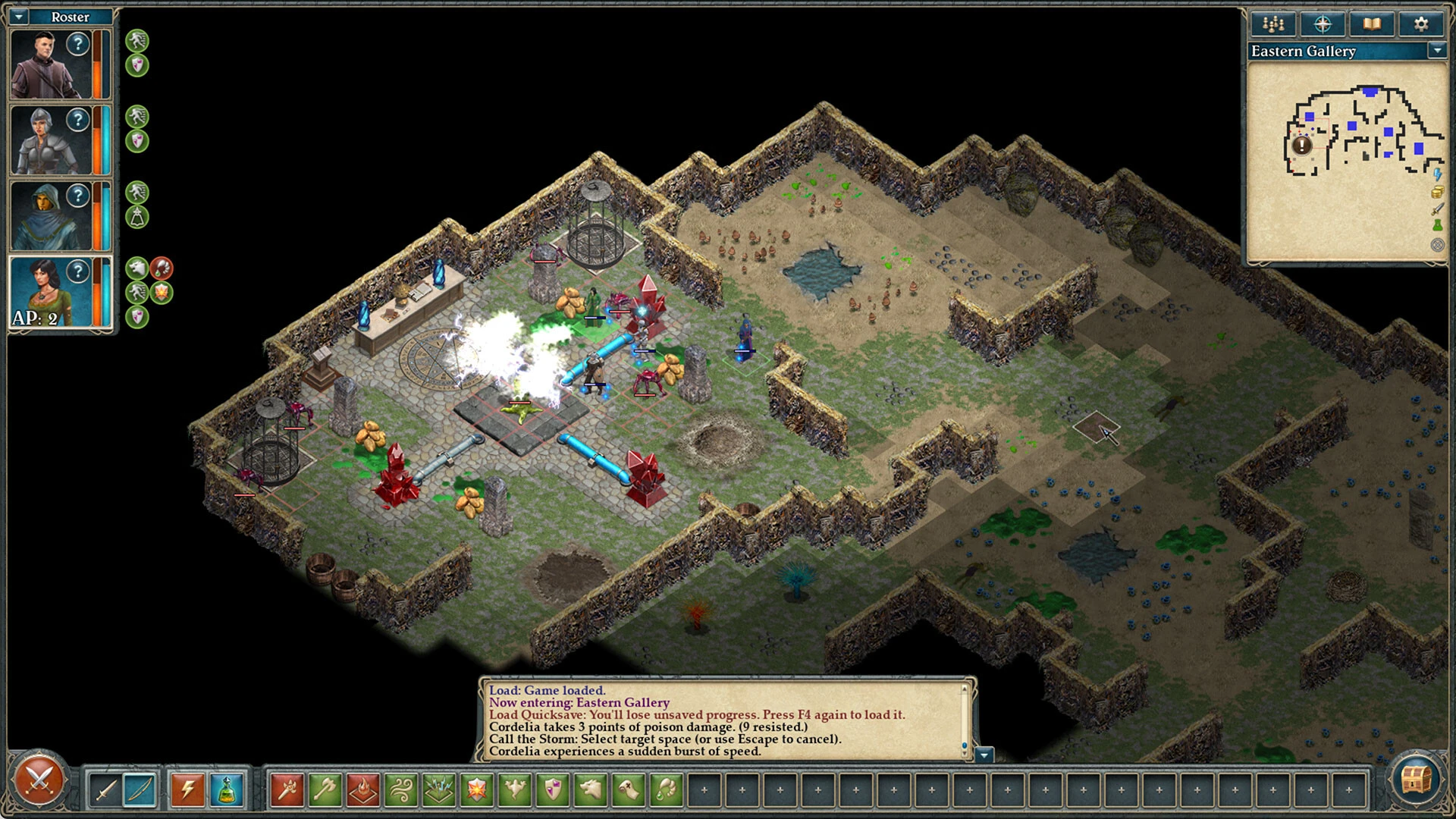
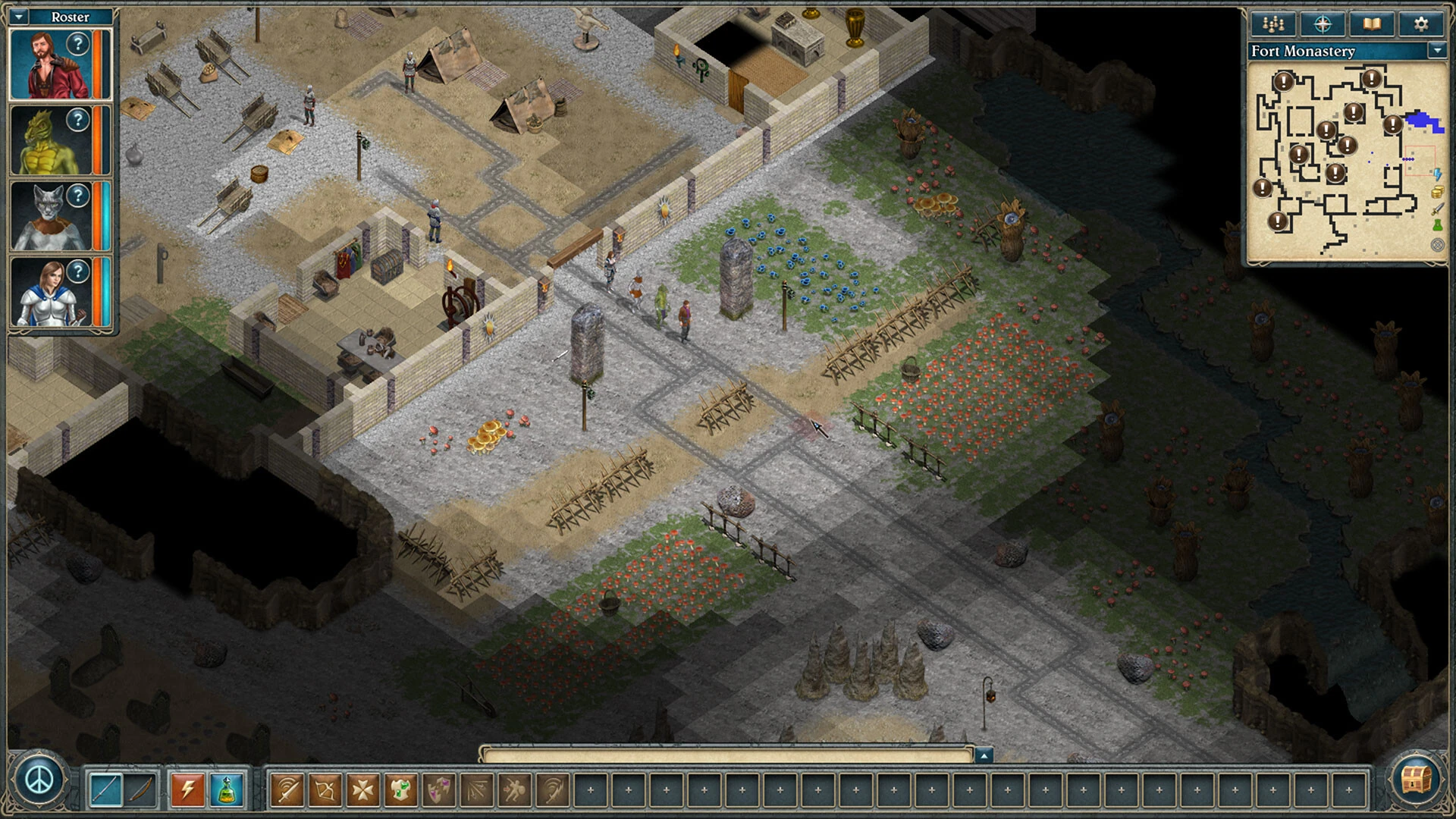
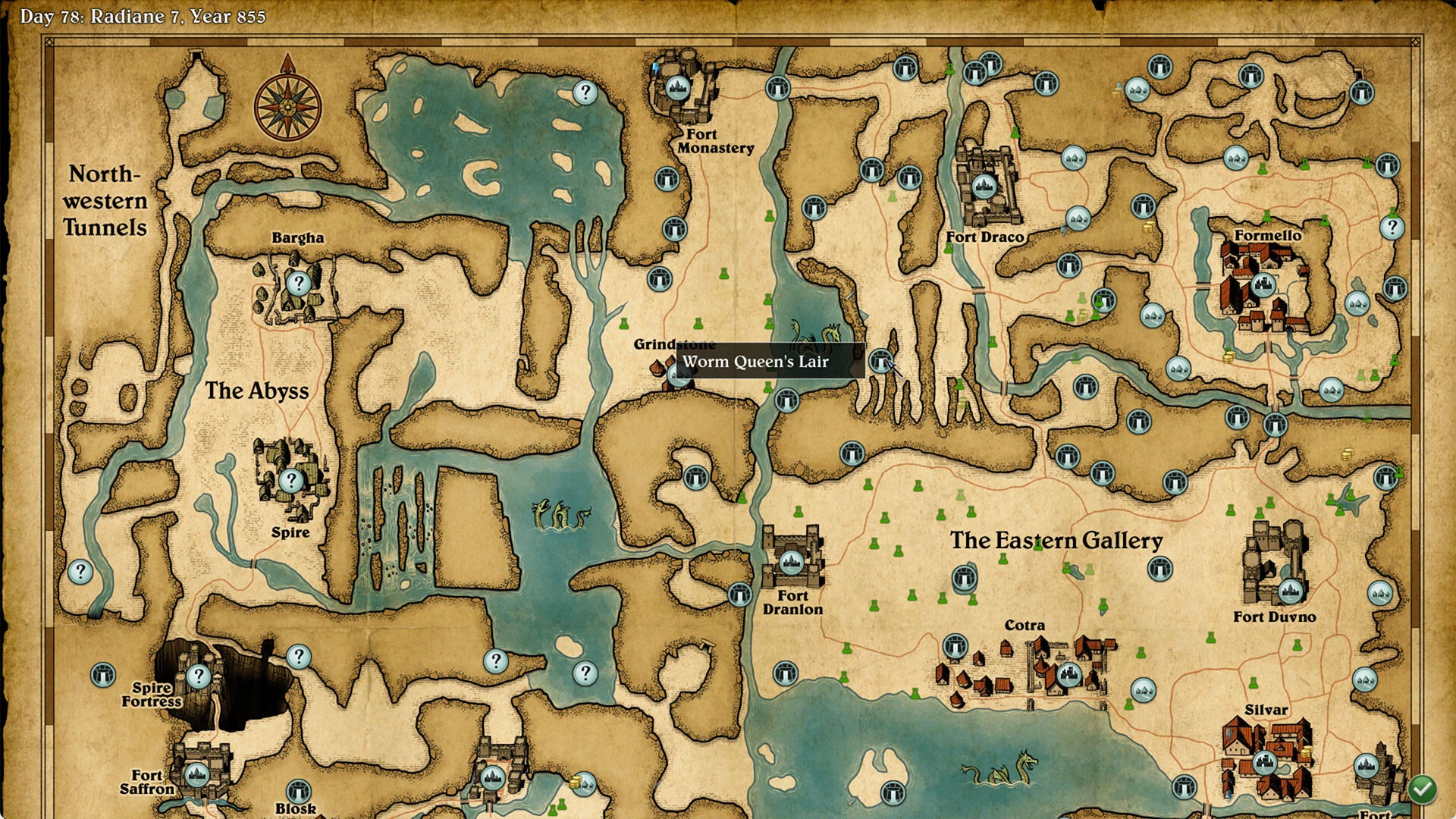
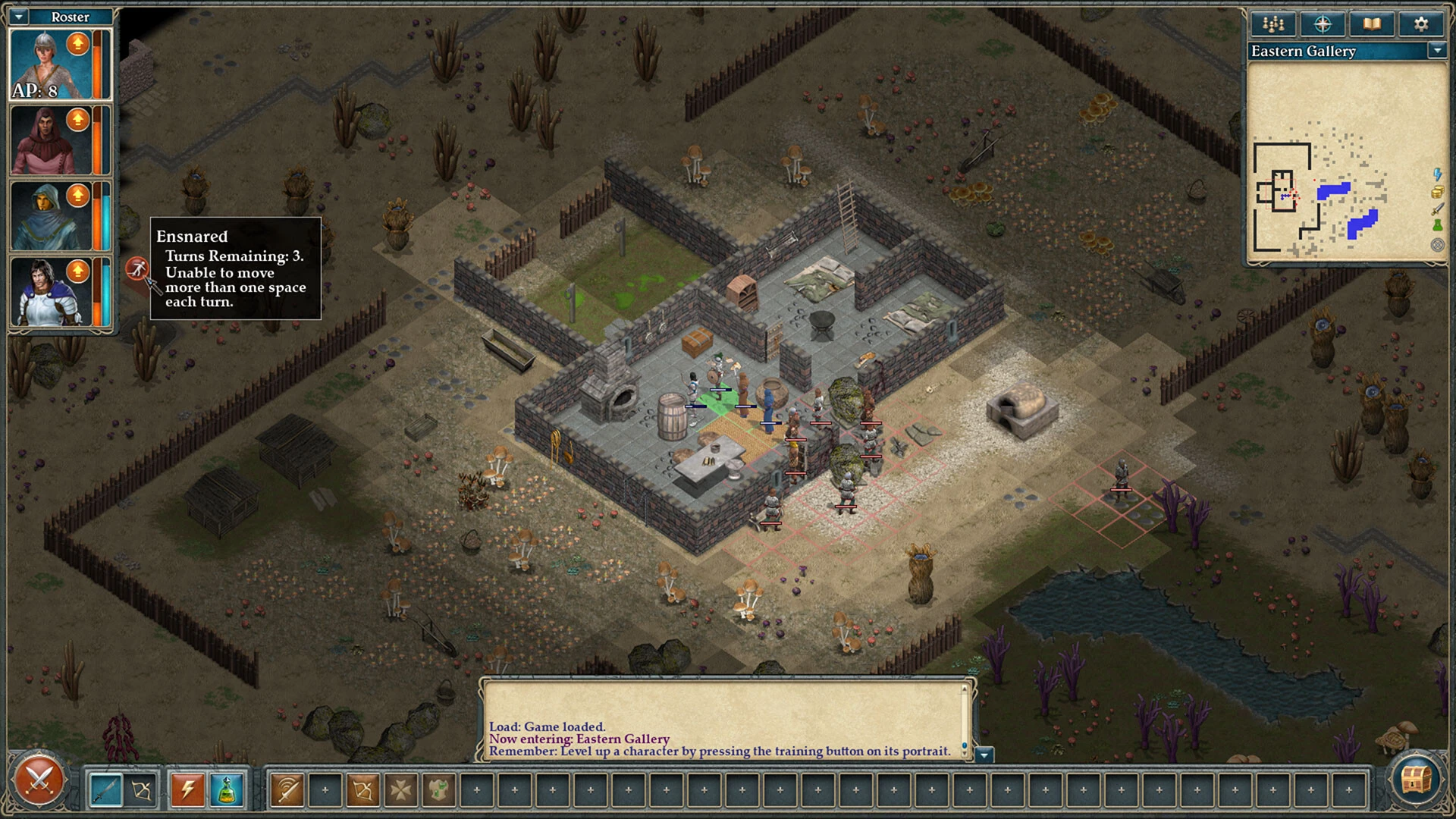
In the world of role-playing games, few titles manage to capture both the nostalgic charm of classic RPGs and the depth demanded by modern players. Avernum 4: Greed and Glory is one such game, standing out as a meticulously crafted experience that combines tactical combat, expansive exploration, and an engaging narrative. Developed by Spiderweb Software, this installment in the Avernum series revitalizes the underground fantasy world with improved mechanics while maintaining the series’ signature storytelling style.
Set in the vast subterranean world of Avernum, players are immediately immersed in a realm full of mysteries, dangers, and moral complexity. Unlike traditional high-fantasy landscapes, Avernum presents a more grounded, gritty environment where survival requires wit, strategy, and careful resource management. From hidden caverns to ancient ruins, each area is brimming with secrets, lore, and challenges that reward exploration and curiosity. The game’s design encourages players to investigate every nook and cranny, offering a sense of accomplishment with each discovery.
One of the defining features of Avernum 4: Greed and Glory is its combat system. The game employs turn-based tactical battles that emphasize strategy over brute force. Players must thoughtfully manage their party’s abilities, spells, and positioning to overcome increasingly formidable foes. Each character brings unique skills and attributes, allowing for a variety of approaches in combat. This system ensures that battles are consistently engaging and require careful planning, rather than relying solely on repetitive attacks.
Character development is another strength of the game. Players can create and customize a party of adventurers, tailoring skills, classes, and abilities to suit their preferred playstyle. This freedom allows for deep role-playing opportunities, as choices made during character creation and progression significantly impact gameplay. Additionally, the narrative choices within the game can alter outcomes, making every decision meaningful and enhancing the replayability factor.
The story of Avernum 4: Greed and Glory is layered and immersive, blending heroism, moral dilemmas, and political intrigue. Players encounter a variety of factions and NPCs, each with their own agendas and personalities. Dialogues and quests often present complex choices that test a player’s ethics and strategy. The narrative is rich without being overwhelming, striking a balance between depth and accessibility.
Graphically, the game embraces a retro aesthetic, reminiscent of classic RPGs, but with modern refinements. While the visuals are intentionally minimalist, they are complemented by detailed maps, vibrant environments, and intuitive interfaces that make navigation and exploration seamless. Coupled with an atmospheric soundtrack, the game successfully draws players into the depths of Avernum’s underground world.
In conclusion, Avernum 4: Greed and Glory is a masterclass in traditional role-playing design, revitalized for modern audiences. Its combination of tactical combat, immersive storytelling, and expansive exploration makes it a compelling adventure for both longtime fans of the series and newcomers alike. For those seeking a challenging and richly detailed RPG experience, Avernum 4: Greed and Glory offers a journey into a world where every choice, battle, and discovery matters.
OS: 12.6Processor: Apple Silicon or IntelDisk space: 400 MB
Run the downloaded image and drag the application to the Applications folder shortcut.
Once copying is complete, the application can be launched via Launchpad.
Frequently Asked Questions
Mount the image and run Open Gatekeeper friendly.
Press Enter to bypass Gatekeeper in the Terminal window.
Drag the application to the Applications folder.
The application is ready for use.
ATTENTION! SIP must be disabled. Learn more >
Restart your Mac and hold down Command + R to enter Recovery Mode.
Open Terminal from the Utilities menu.
Enter the command: csrutil disable
Restart your Mac.
This is a common Gatekeeper issue. Follow these steps:
1. Open Terminal
2. Enter: sudo xattr -rd com.apple.quarantine /Applications/AppName.app
3. Replace "AppName" with the actual application name
4. Press Enter and enter your password
Yes, all our downloads are thoroughly checked for viruses and malware.
We use multiple antivirus engines to scan every file.
Our team tests each application before publishing.
We never bundle adware or unwanted software.
Yes, we regularly update our applications to the latest versions.
You can check our website for updates or subscribe to our newsletter.
We strive to provide the most recent versions within 24-48 hours of release.
If a download link is not working, please:
1. Try a different browser
2. Clear your browser cache and cookies
3. Try the alternative download links provided
4. Contact our support team if the issue persists