


Badland Party
Download Badland Party
Run the downloaded image and drag the application to the Applications folder shortcut.
Once the copy is complete, you can launch the application from Launchpad.
Previous Versions
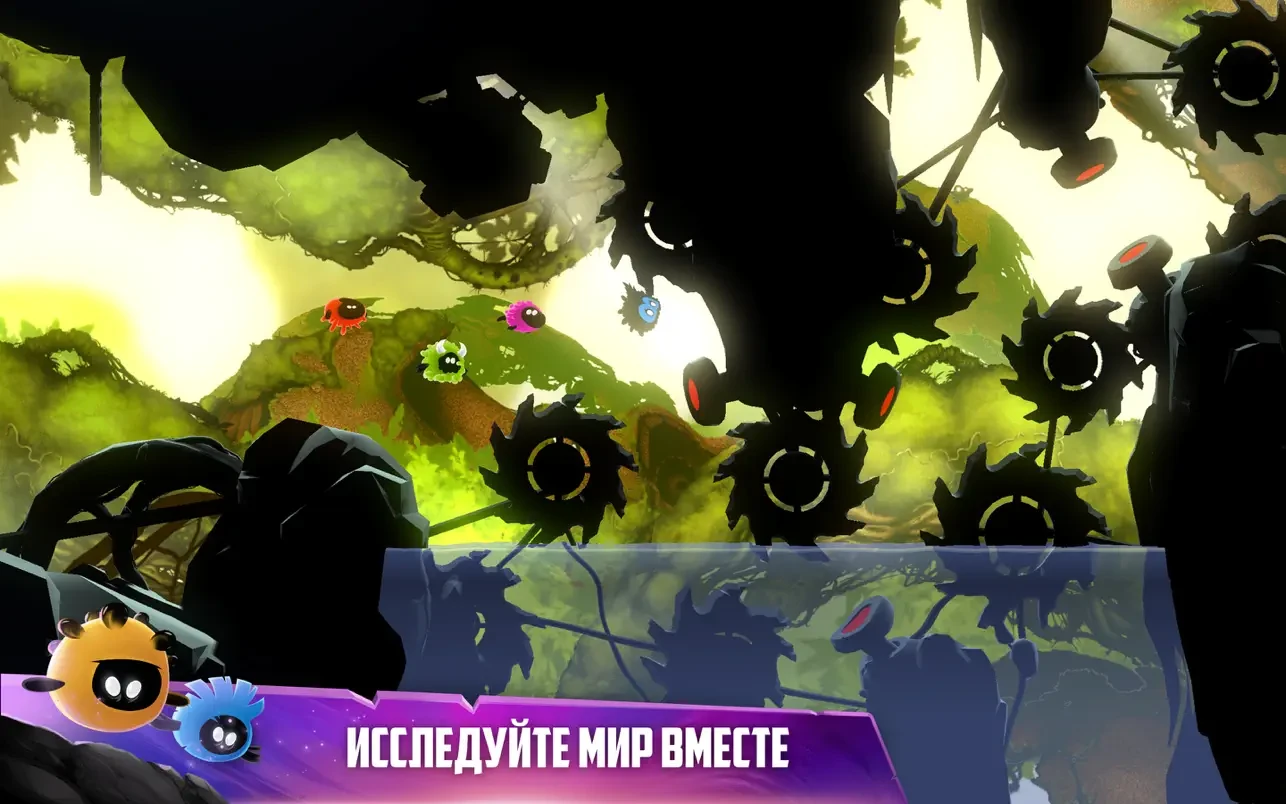
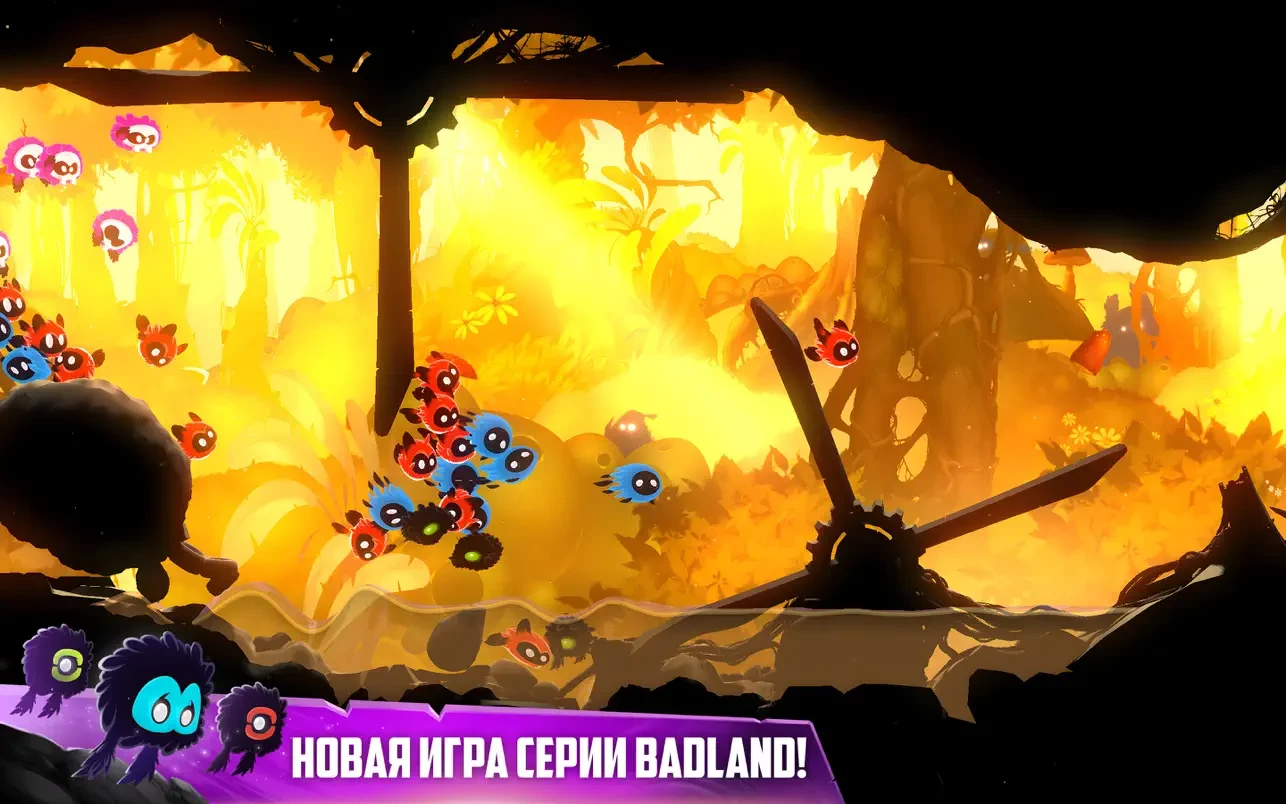
In the realm of indie games, few titles manage to combine fast-paced action, colorful visuals, and cooperative fun as seamlessly as Badland Party. Developed by Frogmind, the game builds upon the quirky charm of its predecessor, Badland, while introducing new multiplayer mechanics, imaginative levels, and chaotic gameplay that keeps players coming back for more. With its emphasis on fun, creativity, and social play, Badland Party stands out as an entertaining experience suitable for both casual and dedicated gamers.
At its core, Badland Party is a physics-based platformer that thrives on chaotic gameplay and interactive environments. Players control small, adorable creatures known as Clonies as they navigate increasingly complex levels filled with obstacles, traps, and environmental hazards. Unlike traditional platformers, the game encourages improvisation, experimentation, and collaboration, as each level offers multiple paths and unpredictable challenges that require quick thinking and dexterity. The result is a game that is never the same twice, providing a fresh experience with every playthrough.
One of the defining features of Badland Party is its multiplayer focus. The game allows local or online cooperative play, letting friends team up to tackle levels together or compete in friendly challenges. This multiplayer dynamic adds layers of strategy and excitement, as players must coordinate their movements, time jumps perfectly, and adapt to the unpredictable behaviors of other participants. The cooperative element not only enhances replayability but also makes the game a perfect choice for social gaming sessions.
The game also excels in its level design and visual presentation. Each stage is meticulously crafted, featuring a mix of whimsical landscapes, intricate traps, and moving platforms that challenge the player’s timing and problem-solving skills. The vibrant, hand-crafted art style enhances the game’s playful tone, with colorful backgrounds, charming character designs, and smooth animations that keep the world engaging and immersive. Combined with a lively soundtrack and expressive sound effects, Badland Party creates a sensory experience that is both fun and captivating.
In addition to the core platforming challenges, Badland Party offers a variety of game modes and mini-games that extend its replay value. From time trials and obstacle courses to competitive challenges against friends, the game rewards skill, creativity, and quick reflexes. Players can also unlock new characters, skins, and abilities, adding a layer of customization and personal expression to the gameplay. This combination of variety, creativity, and challenge ensures that the game remains engaging for players of all ages.
In conclusion, Badland Party is a masterful blend of action, strategy, and cooperative fun. Its innovative physics-based mechanics, whimsical art style, and emphasis on multiplayer gameplay make it a standout title in the platformer genre. Whether playing solo or teaming up with friends, players are guaranteed an entertaining and chaotic adventure that is as challenging as it is charming. For anyone seeking a game that combines creativity, excitement, and endless replayability, Badland Party offers an experience that is both delightful and unforgettable.
Requires macOS 11.0 or later.
Run the downloaded image and drag the application to the Applications folder shortcut.
Once the copy is complete, you can launch the application from Launchpad.
Frequently Asked Questions
Mount the image and run Open Gatekeeper friendly.
Press Enter to bypass Gatekeeper in the Terminal window.
Drag the application to the Applications folder.
The application is ready for use.
ATTENTION! SIP must be disabled. Learn more >
Restart your Mac and hold down Command + R to enter Recovery Mode.
Open Terminal from the Utilities menu.
Enter the command: csrutil disable
Restart your Mac.
This is a common Gatekeeper issue. Follow these steps:
1. Open Terminal
2. Enter: sudo xattr -rd com.apple.quarantine /Applications/AppName.app
3. Replace "AppName" with the actual application name
4. Press Enter and enter your password
Yes, all our downloads are thoroughly checked for viruses and malware.
We use multiple antivirus engines to scan every file.
Our team tests each application before publishing.
We never bundle adware or unwanted software.
Yes, we regularly update our applications to the latest versions.
You can check our website for updates or subscribe to our newsletter.
We strive to provide the most recent versions within 24-48 hours of release.
If a download link is not working, please:
1. Try a different browser
2. Clear your browser cache and cookies
3. Try the alternative download links provided
4. Contact our support team if the issue persists