


Baldi’s Basics Plus
Download Baldi’s Basics Plus
Mount the downloaded image and follow the standard installation procedure.
The installation is completed by choosing a location to place the game.
It is recommended to specify the Applications folder.
Previous Versions
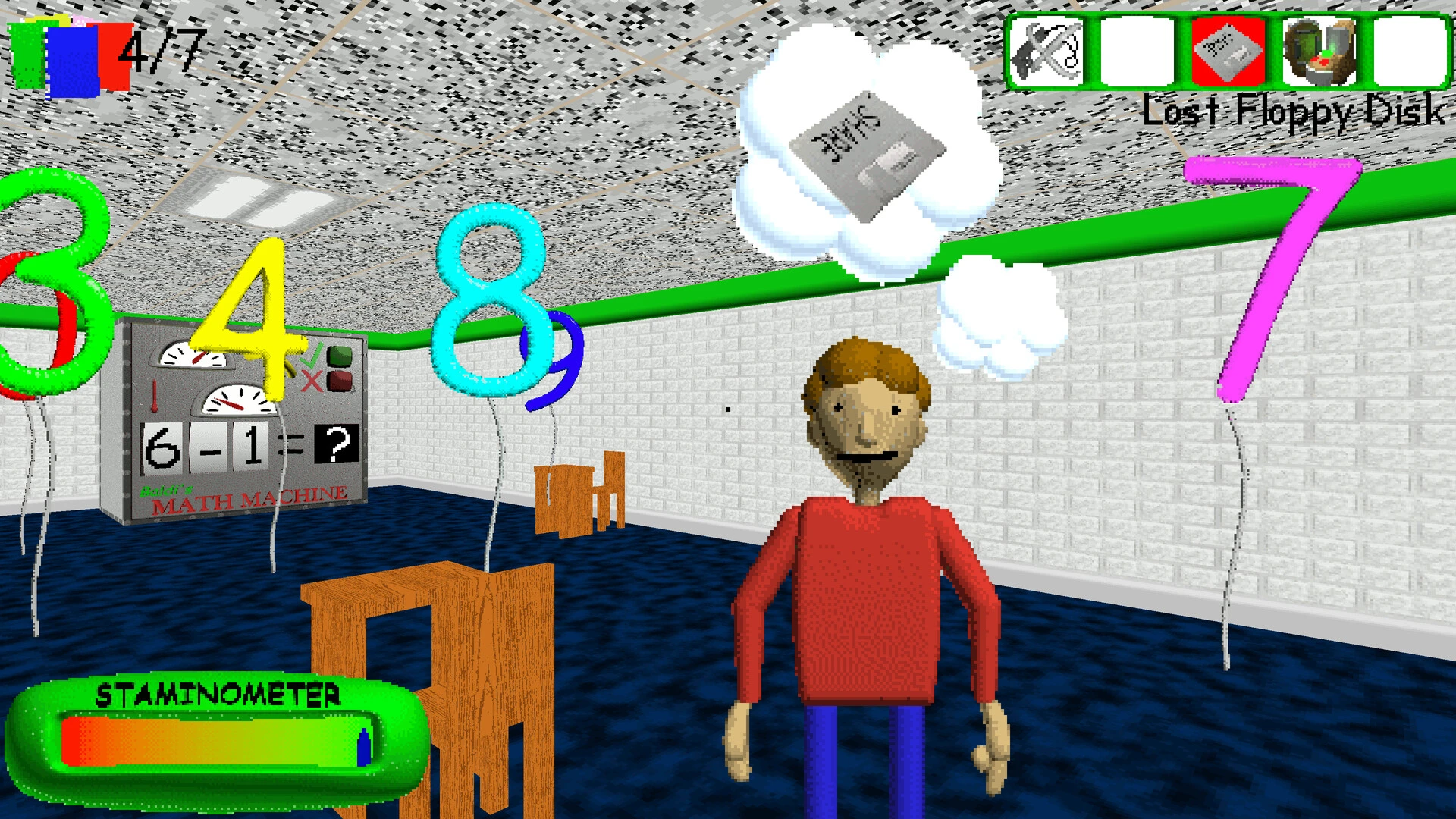
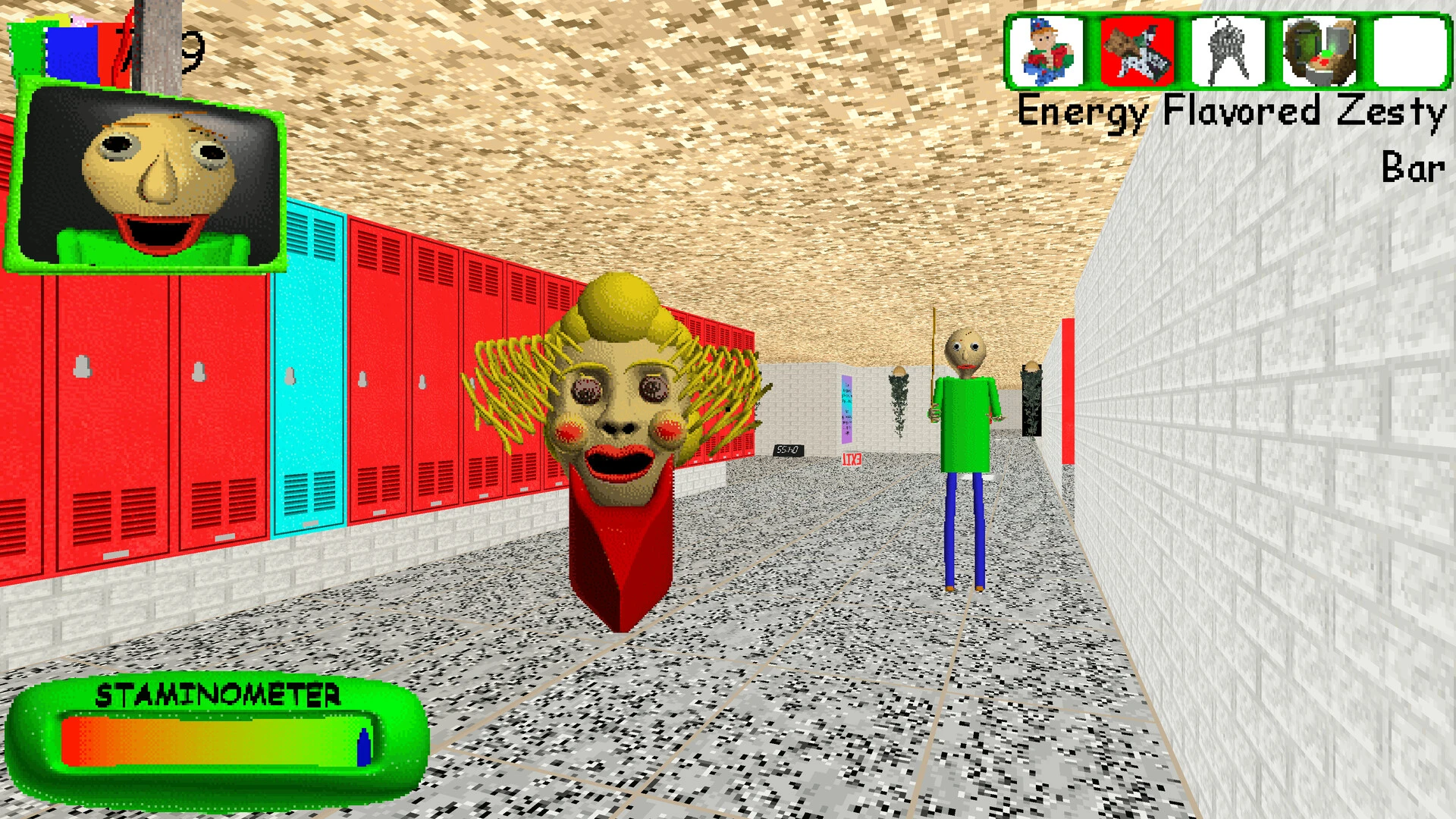
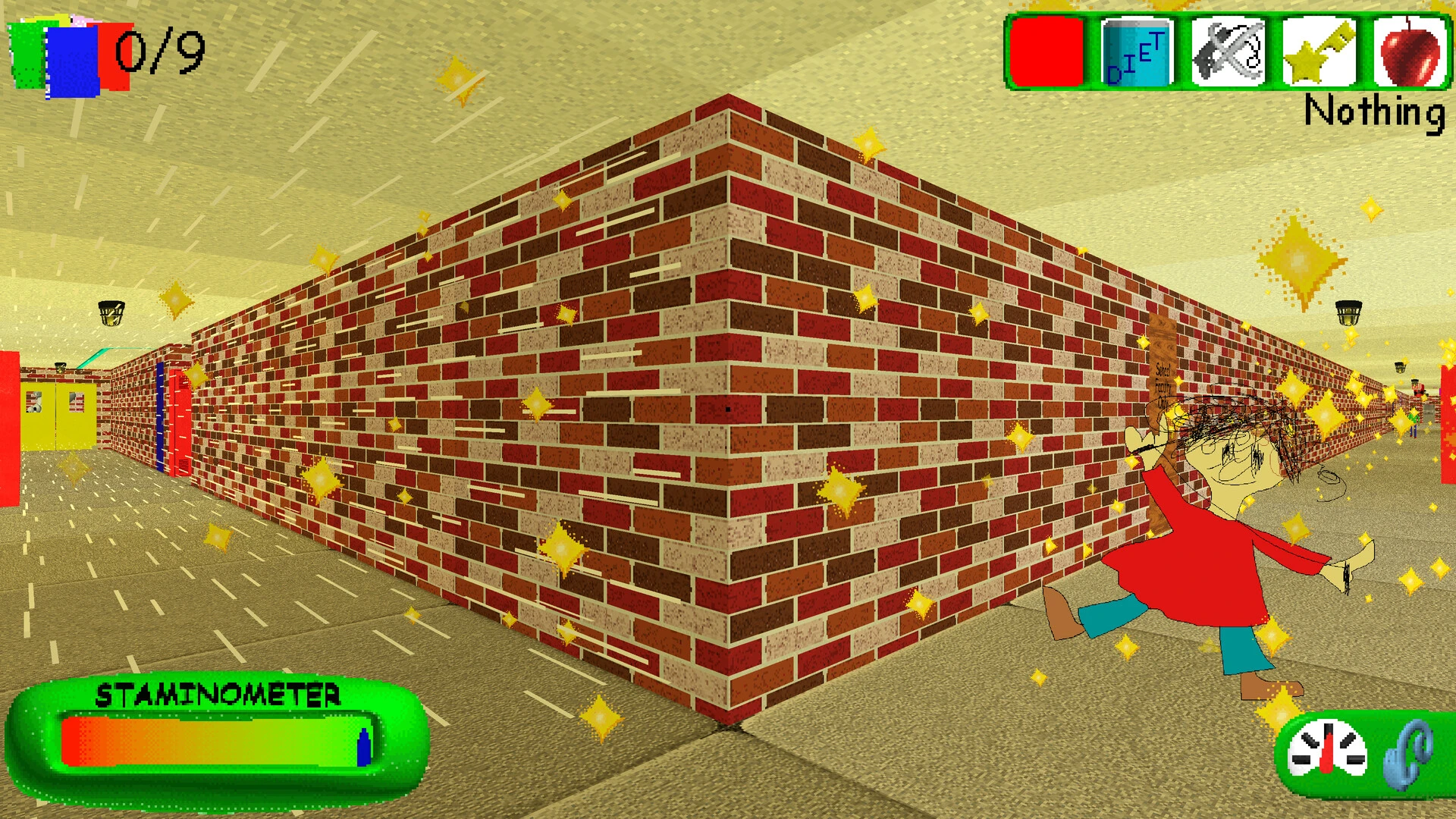
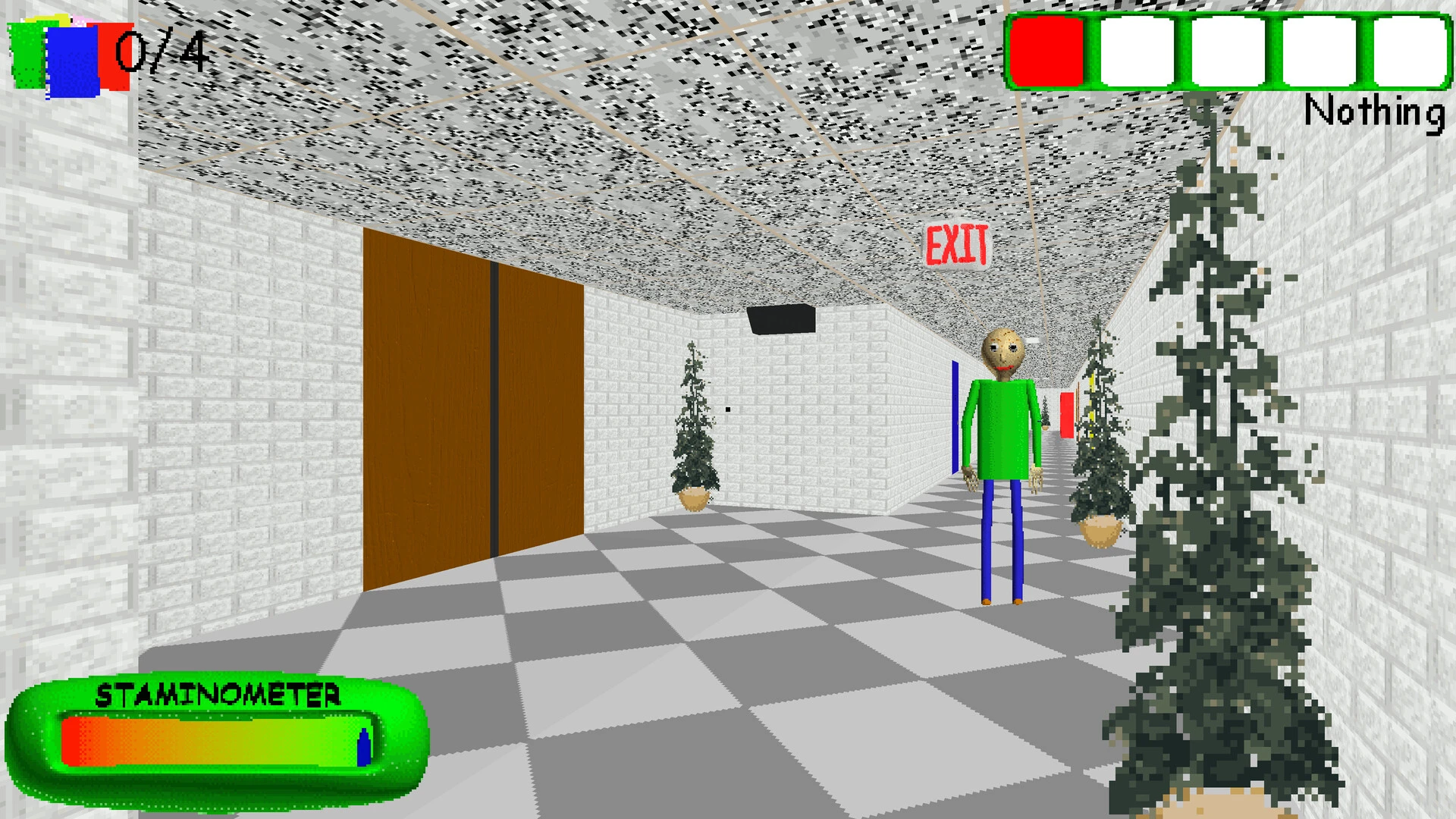
Baldi’s Basics Plus takes the strange charm of the original game and expands it into something far more unpredictable and engaging. What began as a parody of old educational software has evolved into a full experience that blends humor, tension, and procedural gameplay. The result is a game that looks simple on the surface but consistently surprises players the longer they explore it.
The visual style remains intentionally rough, echoing the feel of outdated classroom programs from the late 1990s. Bright colors, awkward animations, and simple shapes give the game a harmless appearance at first glance. However, this design choice is part of its strength. The cheerful environment contrasts sharply with the growing sense of danger, making every mistake feel more intense. Baldi himself, with his calm voice and sudden anger, remains one of the most unsettling figures in indie horror.
What truly sets Baldi’s Basics Plus apart is its procedural structure. Each playthrough generates a different school layout, item placement, and challenge combination. This removes the comfort of memorization and forces players to adapt on the fly. Hallways may twist unexpectedly, exits can be harder to reach, and familiar strategies might fail without warning. This constant variation keeps the experience fresh and replayable.
Gameplay revolves around collecting notebooks while avoiding Baldi and other unpredictable characters. Each character behaves differently, creating layers of strategy and tension. Some slow the player down, others block paths, and a few can unintentionally help if approached carefully. Learning how these characters interact with one another becomes just as important as running away at the right moment.
Sound design plays a major role in building atmosphere. Simple footsteps, slamming doors, and Baldi’s ruler strikes echo through the school, providing critical audio cues. Silence can be just as frightening, especially when the player knows danger is close but cannot see it. These audio elements create constant pressure, encouraging players to stay alert at all times.
Baldi’s Basics Plus also introduces multiple modes and challenges, allowing players to choose how intense or chaotic their experience will be. From exploration-focused runs to fast-paced survival challenges, the game supports different play styles. This flexibility makes it accessible to new players while still offering depth for those who want a serious challenge.
Beyond its mechanics, the game succeeds because it never takes itself too seriously. Humor is woven into every part of the experience, from exaggerated characters to intentionally unfair moments. This balance between comedy and fear prevents the game from becoming overwhelming, keeping frustration in check even during repeated failures.
In conclusion, Baldi’s Basics Plus is a clever evolution of an already unique concept. By combining procedural design, unsettling atmosphere, and playful absurdity, it delivers a horror experience that feels fresh every time. It proves that simple visuals and unconventional ideas can create something memorable, especially when creativity is placed above convention.
OS: High Sierra 10.13 or newerProcessor: 1.5 GHz or higherRAM: 4 GB RAMVideo Card: Intel IrisDisk Space: 600 MB
Mount the downloaded image and follow the standard installation procedure.
The installation is completed by choosing a location to place the game.
It is recommended to specify the Applications folder.
Frequently Asked Questions
Mount the image and run Open Gatekeeper friendly.
Press Enter to bypass Gatekeeper in the Terminal window.
Drag the application to the Applications folder.
The application is ready for use.
ATTENTION! SIP must be disabled. Learn more >
Restart your Mac and hold down Command + R to enter Recovery Mode.
Open Terminal from the Utilities menu.
Enter the command: csrutil disable
Restart your Mac.
This is a common Gatekeeper issue. Follow these steps:
1. Open Terminal
2. Enter: sudo xattr -rd com.apple.quarantine /Applications/AppName.app
3. Replace "AppName" with the actual application name
4. Press Enter and enter your password
Yes, all our downloads are thoroughly checked for viruses and malware.
We use multiple antivirus engines to scan every file.
Our team tests each application before publishing.
We never bundle adware or unwanted software.
Yes, we regularly update our applications to the latest versions.
You can check our website for updates or subscribe to our newsletter.
We strive to provide the most recent versions within 24-48 hours of release.
If a download link is not working, please:
1. Try a different browser
2. Clear your browser cache and cookies
3. Try the alternative download links provided
4. Contact our support team if the issue persists