


Baldur’s Gate II: Enhanced Edition
Download Baldur’s Gate II: Enhanced Edition
Unzip the archive and follow the standard installation procedure.
Installation concludes with selecting a location for the game.
It is recommended to select the Applications folder.
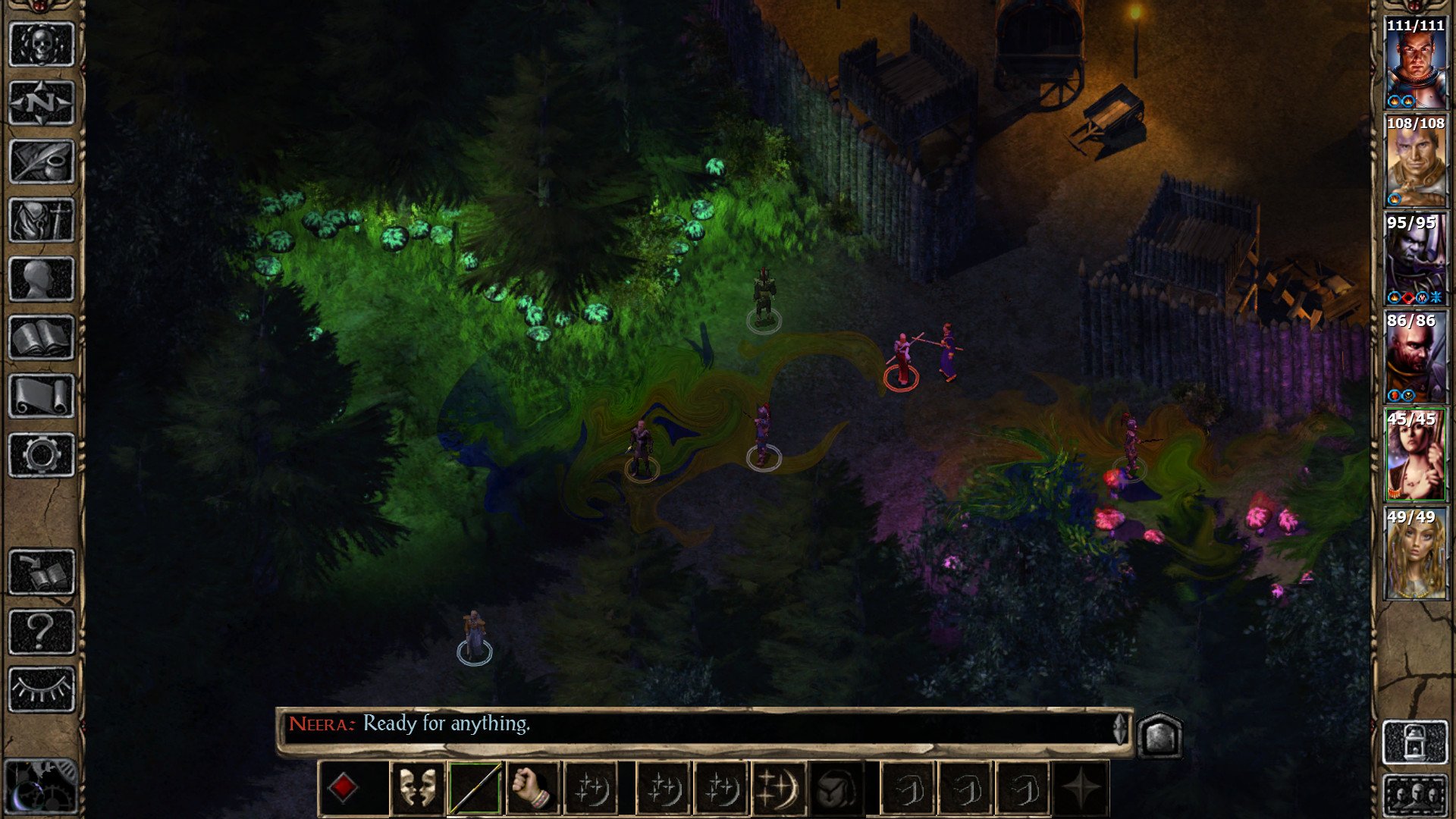
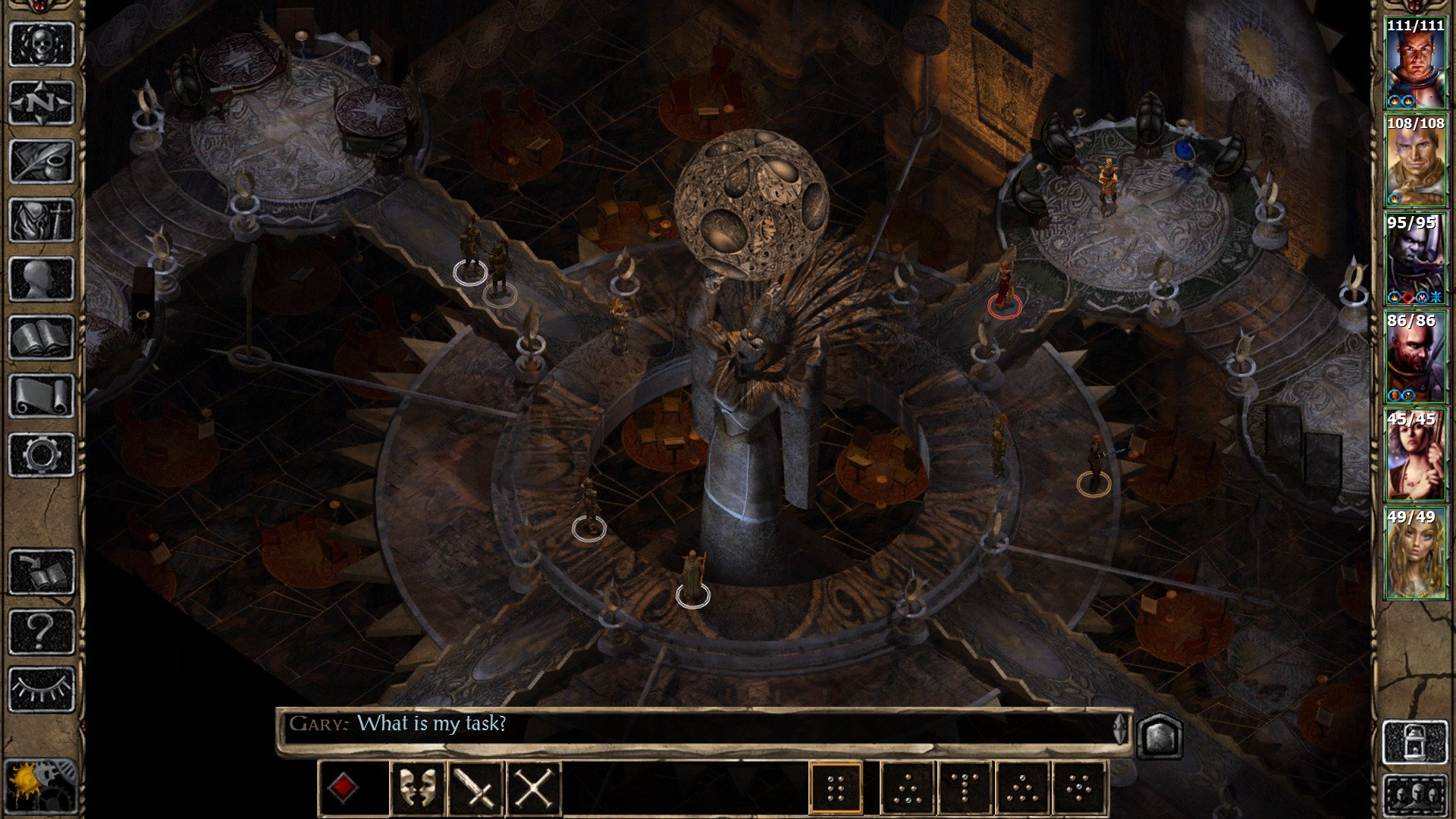
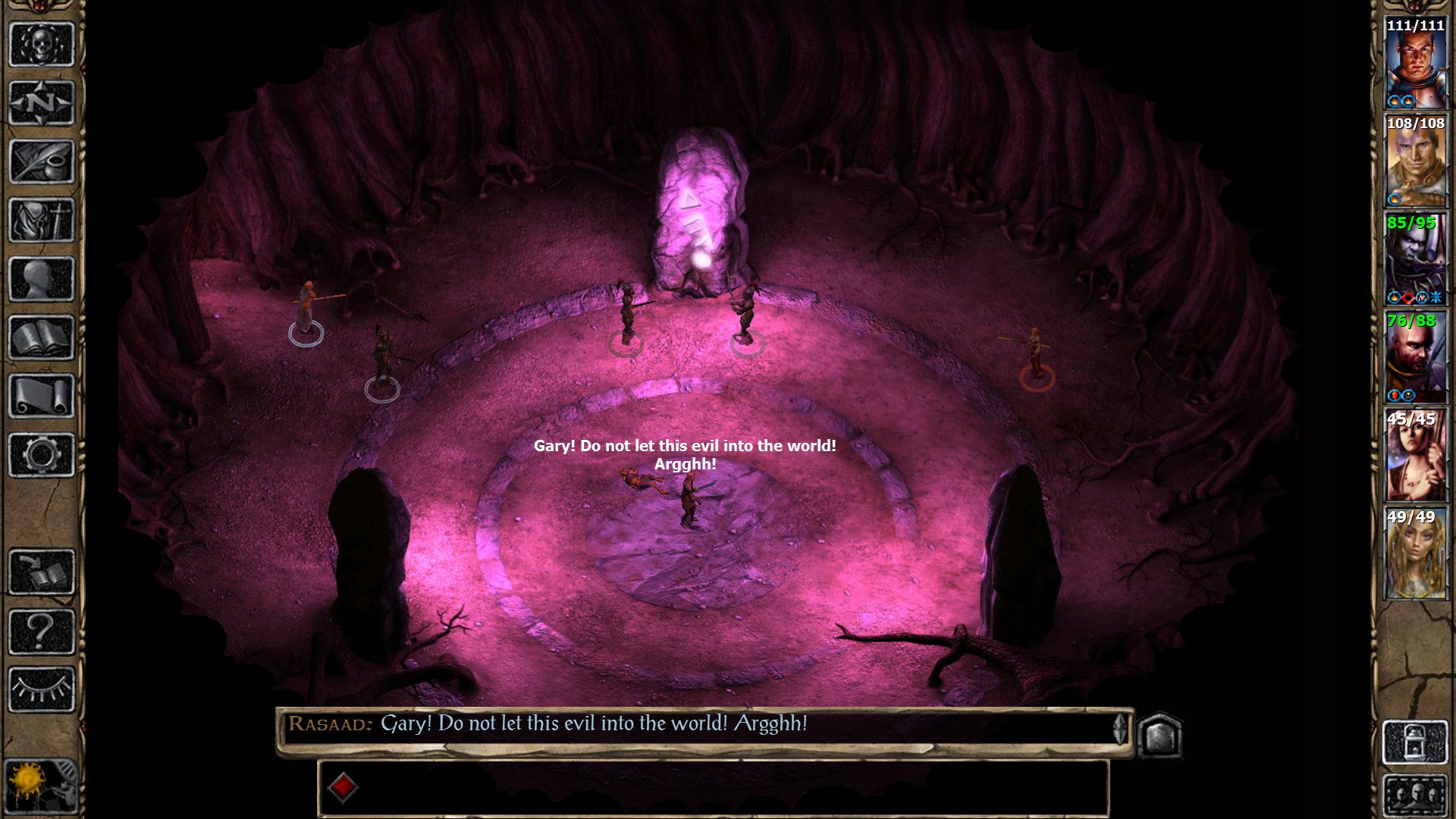
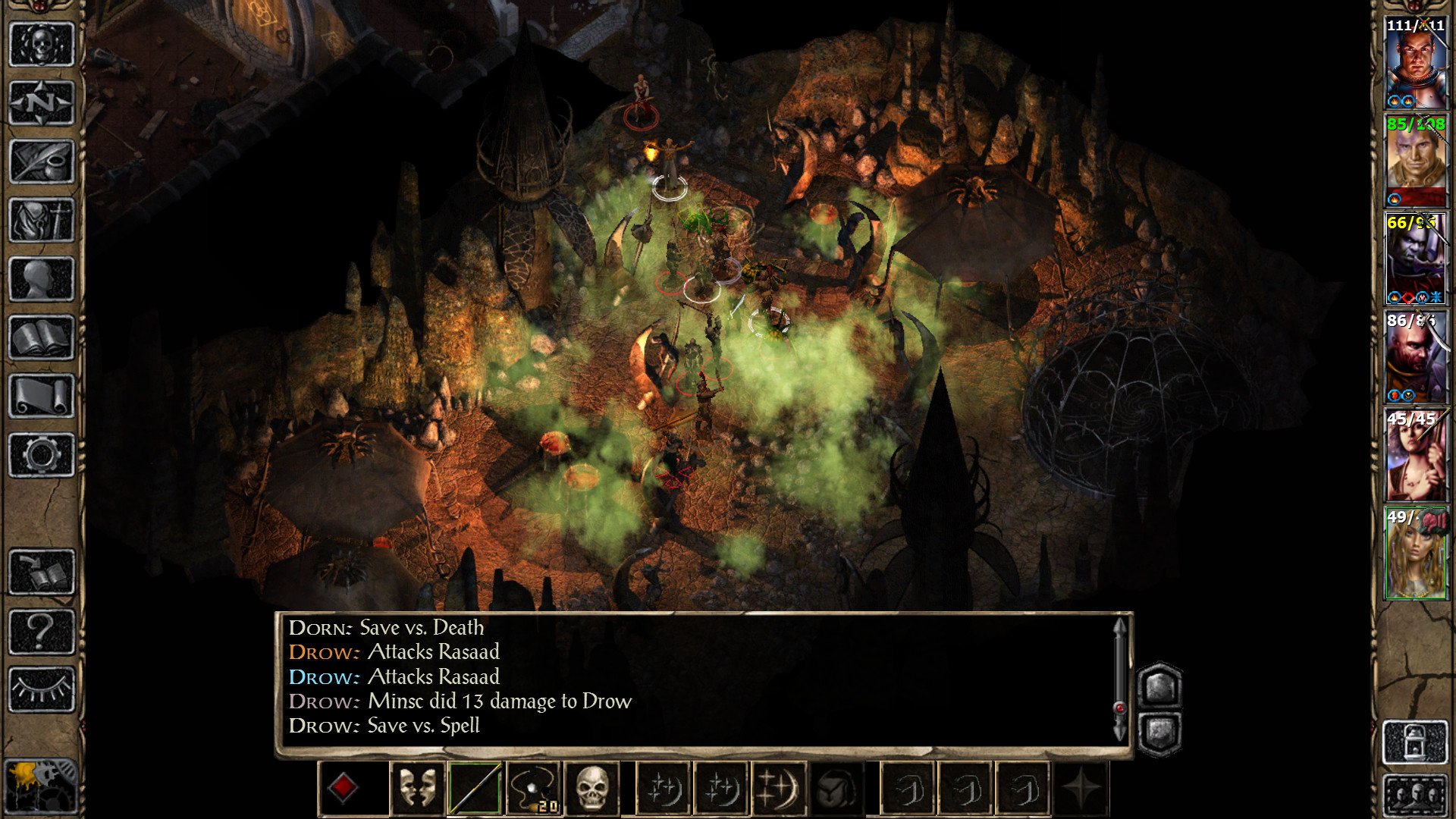
Baldur’s Gate II: Enhanced Edition is a remastered version of the iconic role-playing game that originally captivated players over two decades ago. Developed to honor the legacy of the original while introducing modern enhancements, this edition offers both longtime fans and newcomers a deeply engaging experience set in the rich, expansive world of the Forgotten Realms. With refined graphics, updated mechanics, and additional content, Baldur’s Gate II: Enhanced Edition stands as a testament to the enduring appeal of classic RPGs.
At the heart of the game lies an intricate narrative that combines political intrigue, personal quests, and epic battles. Players assume the role of a customizable protagonist, who begins the journey imprisoned by a malevolent wizard. As the story unfolds, players encounter a wide array of characters, each with their own backstory, motivations, and potential for companionship. The game’s dialogue-driven approach allows for deep role-playing, where choices impact relationships, story outcomes, and even the fate of entire regions. This narrative depth ensures that every playthrough can offer a unique experience, encouraging multiple replays to explore alternate paths.
Gameplay in Baldur’s Gate II: Enhanced Edition strikes a perfect balance between strategy and accessibility. Building on the original Dungeons & Dragons 2nd Edition ruleset, the game challenges players to make tactical decisions in combat, from party positioning to spell selection. The enhanced edition improves interface elements, making inventory management, skill allocation, and spellcasting smoother and more intuitive. Both real-time combat with pause and turn-based options cater to different playstyles, allowing newcomers and veterans alike to enjoy the tactical depth that has defined the series.
One of the standout features of the Enhanced Edition is its expanded content. Beyond remastered graphics and audio, players gain access to additional campaigns, quests, and characters not available in the original release. These additions enrich the overall experience, providing more opportunities for exploration, character development, and strategic decision-making. Furthermore, enhanced multiplayer support allows players to experience the epic journey cooperatively, adding a social dimension to the traditional RPG formula.
The visual and auditory upgrades breathe new life into the Forgotten Realms. Hand-painted environments, detailed character portraits, and improved animations create a more immersive world without losing the charm of the original art style. The orchestral soundtrack and reworked sound effects further enhance the atmosphere, drawing players into the game’s epic story and high-stakes conflicts. Every town, dungeon, and wilderness area feels alive, encouraging thorough exploration and rewarding curiosity with hidden lore and valuable treasures.
In conclusion, Baldur’s Gate II: Enhanced Edition successfully bridges the gap between nostalgia and modern gaming expectations. Its compelling story, complex characters, strategic combat, and enriched content make it an essential title for fans of classic RPGs and newcomers alike. By preserving the essence of the original while refining gameplay and aesthetics, the Enhanced Edition ensures that the legendary journey through the Forgotten Realms continues to captivate and inspire players for years to come.
Operating system: macOS X 10.8.0 or laterProcessor: Dual Core ProcessorMemory: 512 MB RAMGraphics: OpenGL 2.0 compatible
Unzip the archive and follow the standard installation procedure.
Installation concludes with selecting a location for the game.
It is recommended to select the Applications folder.
Frequently Asked Questions
Mount the image and run Open Gatekeeper friendly.
Press Enter to bypass Gatekeeper in the Terminal window.
Drag the application to the Applications folder.
The application is ready for use.
ATTENTION! SIP must be disabled. Learn more >
Restart your Mac and hold down Command + R to enter Recovery Mode.
Open Terminal from the Utilities menu.
Enter the command: csrutil disable
Restart your Mac.
This is a common Gatekeeper issue. Follow these steps:
1. Open Terminal
2. Enter: sudo xattr -rd com.apple.quarantine /Applications/AppName.app
3. Replace "AppName" with the actual application name
4. Press Enter and enter your password
Yes, all our downloads are thoroughly checked for viruses and malware.
We use multiple antivirus engines to scan every file.
Our team tests each application before publishing.
We never bundle adware or unwanted software.
Yes, we regularly update our applications to the latest versions.
You can check our website for updates or subscribe to our newsletter.
We strive to provide the most recent versions within 24-48 hours of release.
If a download link is not working, please:
1. Try a different browser
2. Clear your browser cache and cookies
3. Try the alternative download links provided
4. Contact our support team if the issue persists