


Battle Suit Aces
Download Battle Suit Aces
Run the downloaded image and drag the application to the Applications folder shortcut.
Once copying is complete, the application can be launched via Launchpad.
Previous Versions
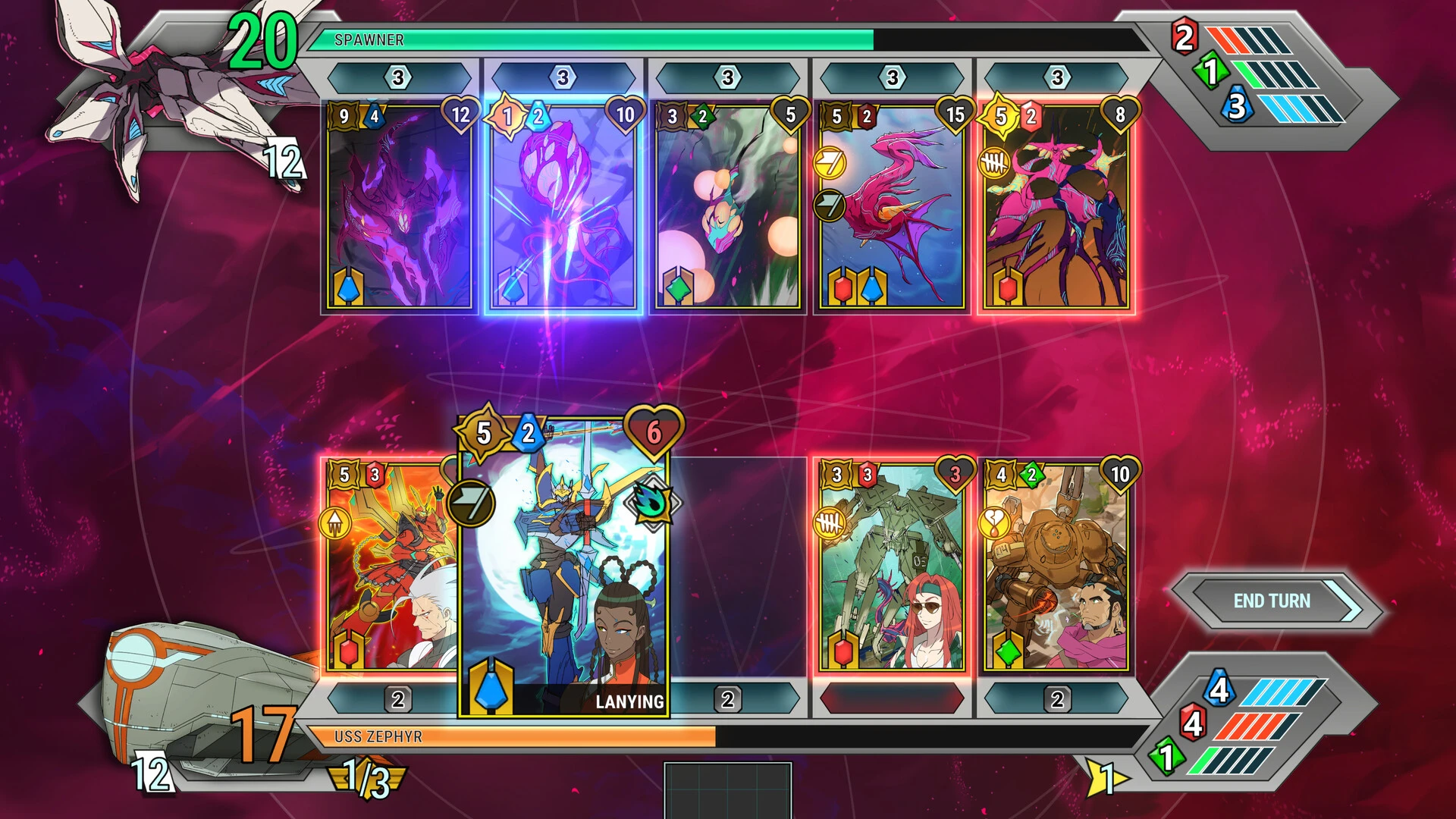
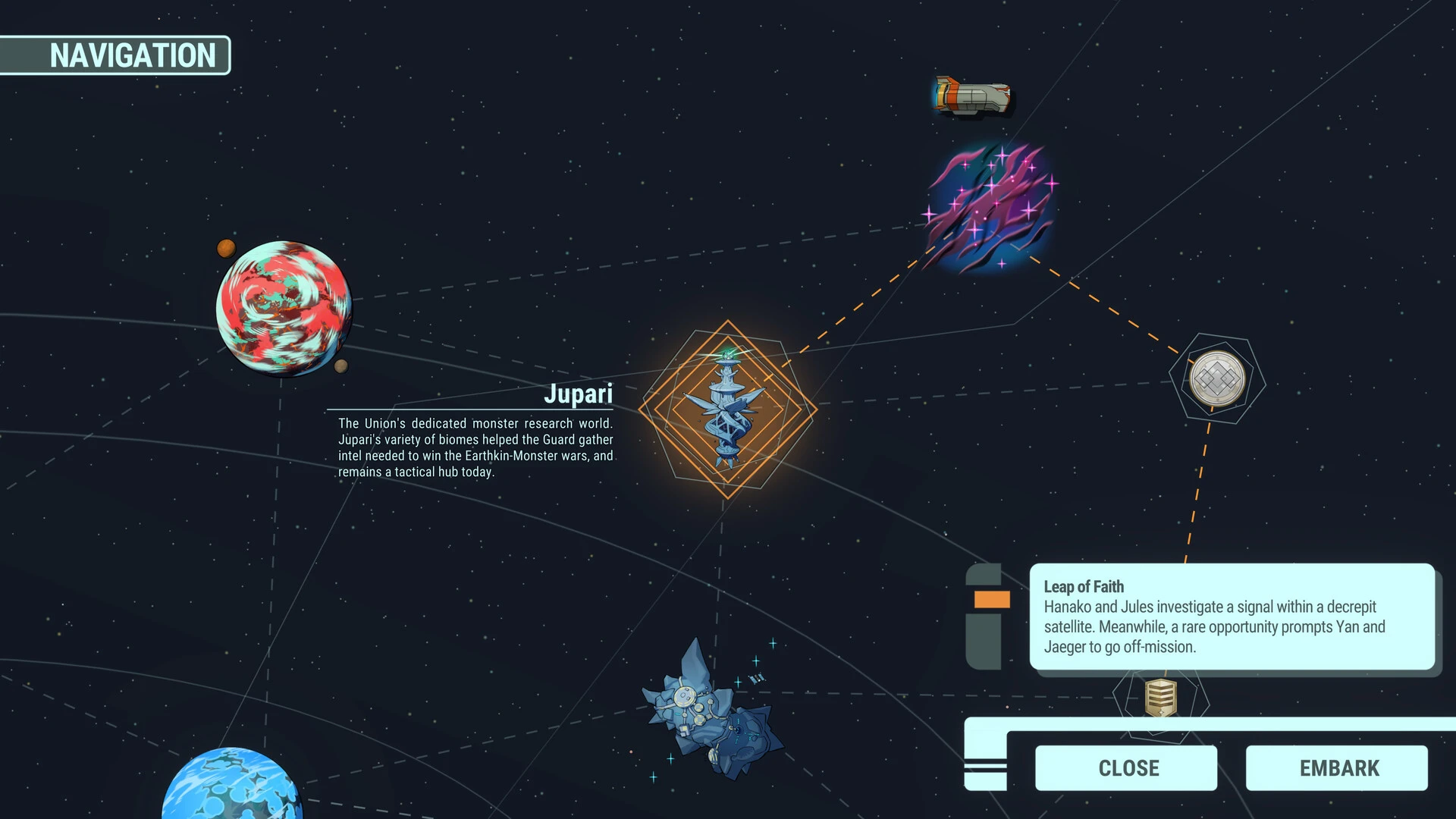
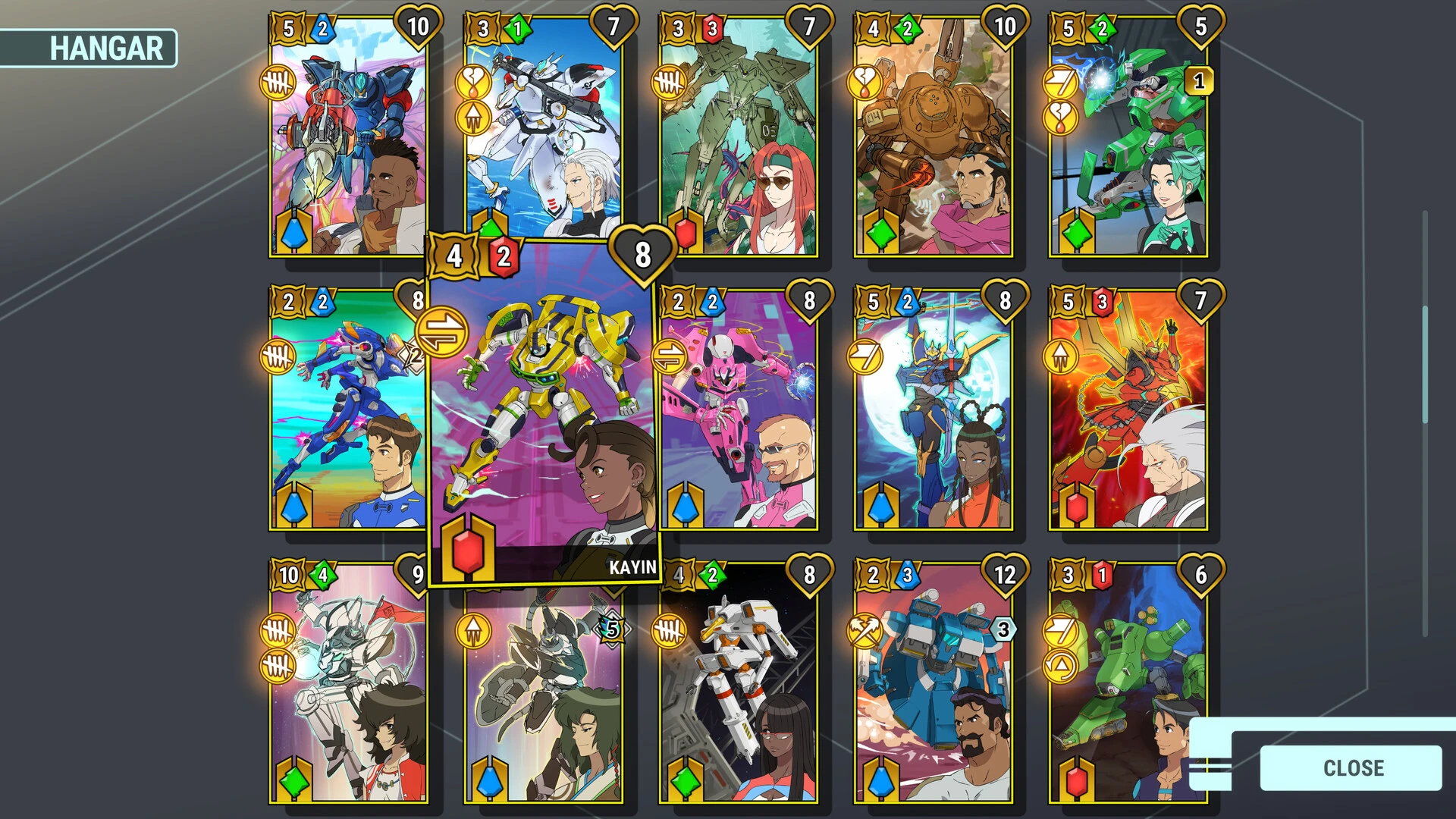

Battle Suit Aces is an exhilarating action game that combines high-speed aerial combat with tactical decision-making, creating a thrilling experience for players who crave both intensity and strategy. Set in a futuristic world where elite pilots don technologically advanced battle suits, the game delivers fast-paced dogfights, intricate maneuvers, and a deep layer of customization that keeps every encounter fresh and exciting.
The core gameplay revolves around piloting customizable battle suits through dynamic environments while engaging enemy forces in air-to-air and air-to-ground combat. Each suit is equipped with a variety of weapons, including energy cannons, missile systems, and close-combat tools. Success in combat requires more than button-mashing; players must carefully manage their arsenal, anticipate enemy movements, and exploit environmental advantages to gain the upper hand.
One of the most impressive aspects of Battle Suit Aces is its combat system. Flight controls are responsive and precise, allowing for rapid dives, sharp turns, and evasive rolls that make dogfights feel both challenging and rewarding. The game emphasizes skillful maneuvering as much as firepower, ensuring that even heavily armed suits can be outmatched by a clever pilot. This focus on player mastery encourages practice, experimentation, and the development of unique combat styles.
Customization plays a significant role in shaping gameplay. Players can upgrade their battle suits with new weapons, enhanced armor, and specialized modules that affect speed, agility, and defensive capabilities. This level of personalization allows pilots to adapt to different combat scenarios, whether they prefer hit-and-run tactics, heavy assaults, or balanced versatility. Choosing the right combination of upgrades and strategies is crucial for survival in increasingly difficult missions.
Missions in Battle Suit Aces are designed to be diverse and dynamic. Players engage in solo campaigns, cooperative missions, and competitive multiplayer battles. Objectives vary from eliminating enemy squads and defending key positions to escorting allies through hostile territories. The game encourages players to analyze situations carefully, coordinate attacks, and make split-second decisions that can turn the tide of battle.
Visuals and audio are carefully crafted to enhance immersion. Battlefields feature sprawling urban environments, open skies, and complex terrain that influence combat strategies. Particle effects, explosions, and weapon animations add a sense of weight and impact to every encounter. Sound design further elevates the experience, with roaring engines, the hum of energy weapons, and dynamic music that reacts to combat intensity, keeping players fully engaged.
Battle Suit Aces also rewards creativity and strategic thinking. Players can experiment with unconventional tactics, such as using the environment for cover, exploiting enemy AI behavior, or coordinating multi-angle assaults in multiplayer modes. This combination of action and strategy makes every match feel unique and encourages replayability.
In conclusion, Battle Suit Aces is more than just a flight combat game—it is a test of reflexes, tactics, and decision-making. Its fluid controls, customizable battle suits, diverse missions, and high-stakes combat create a thrilling experience that appeals to both action enthusiasts and strategic thinkers. By blending adrenaline-fueled aerial battles with thoughtful gameplay, Battle Suit Aces establishes itself as a standout title in futuristic combat games, offering players the chance to soar, fight, and dominate the skies like a true ace.
OS: macOS 13/14/15RAM: 2 GB RAMDisk space: 1500 MB
Run the downloaded image and drag the application to the Applications folder shortcut.
Once copying is complete, the application can be launched via Launchpad.
Frequently Asked Questions
Mount the image and run Open Gatekeeper friendly.
Press Enter to bypass Gatekeeper in the Terminal window.
Drag the application to the Applications folder.
The application is ready for use.
ATTENTION! SIP must be disabled. Learn more >
Restart your Mac and hold down Command + R to enter Recovery Mode.
Open Terminal from the Utilities menu.
Enter the command: csrutil disable
Restart your Mac.
This is a common Gatekeeper issue. Follow these steps:
1. Open Terminal
2. Enter: sudo xattr -rd com.apple.quarantine /Applications/AppName.app
3. Replace "AppName" with the actual application name
4. Press Enter and enter your password
Yes, all our downloads are thoroughly checked for viruses and malware.
We use multiple antivirus engines to scan every file.
Our team tests each application before publishing.
We never bundle adware or unwanted software.
Yes, we regularly update our applications to the latest versions.
You can check our website for updates or subscribe to our newsletter.
We strive to provide the most recent versions within 24-48 hours of release.
If a download link is not working, please:
1. Try a different browser
2. Clear your browser cache and cookies
3. Try the alternative download links provided
4. Contact our support team if the issue persists