


Beholder: Conductor
Download Beholder: Conductor
Mount the downloaded image and follow the standard installation procedure.
The installation is completed by choosing a location to place the game.
It is recommended to specify the Applications folder.
Previous Versions
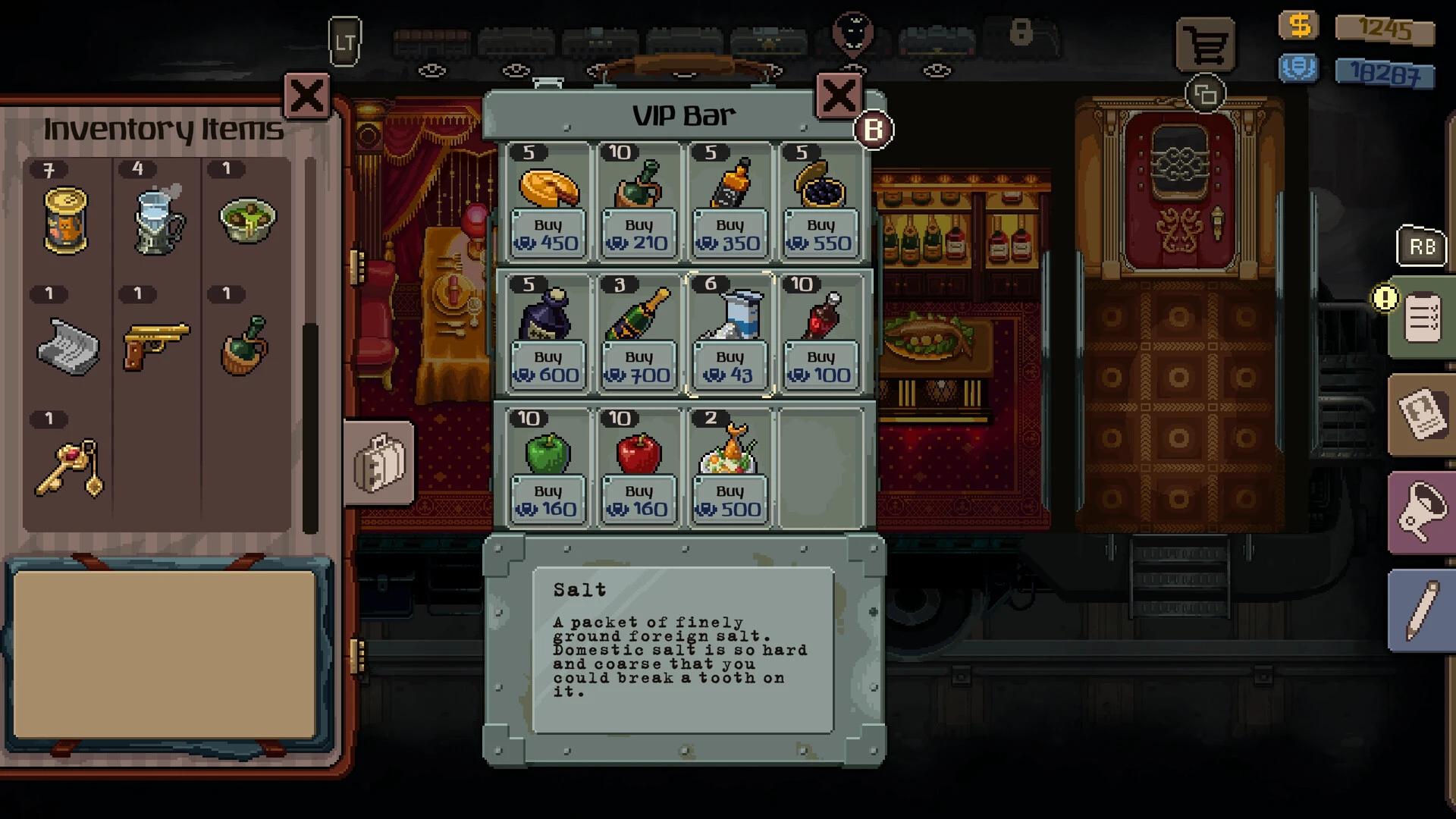
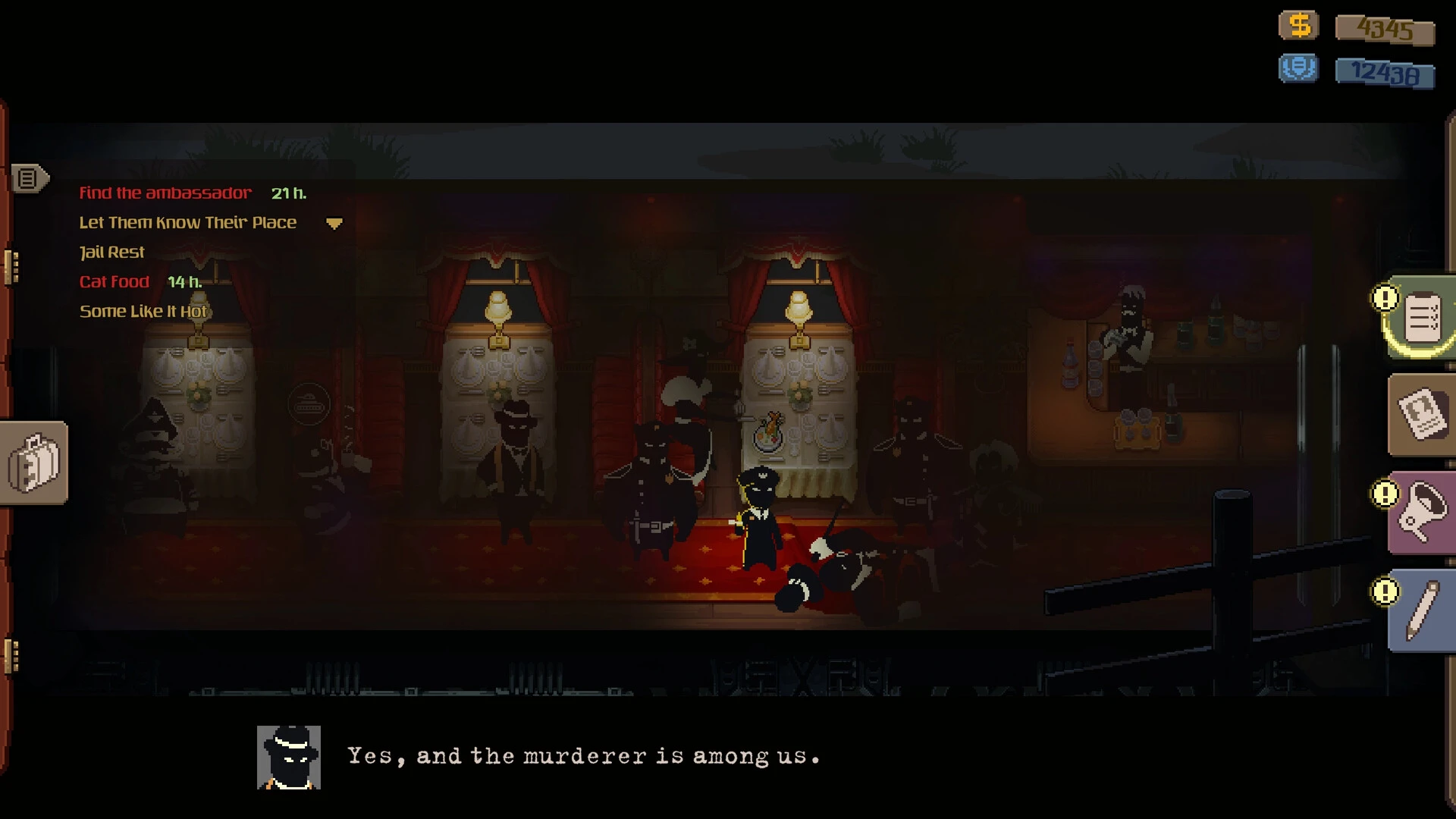
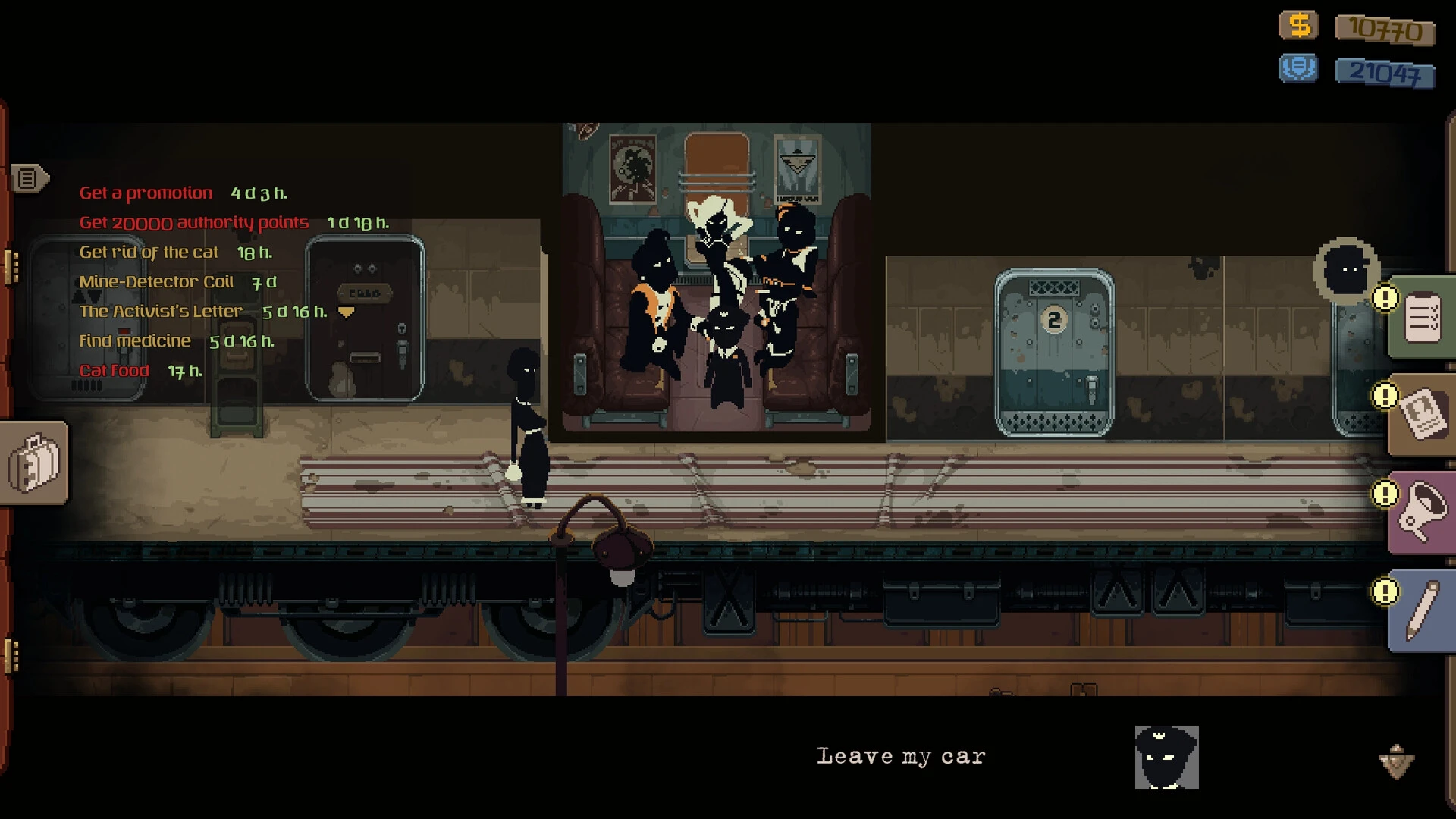
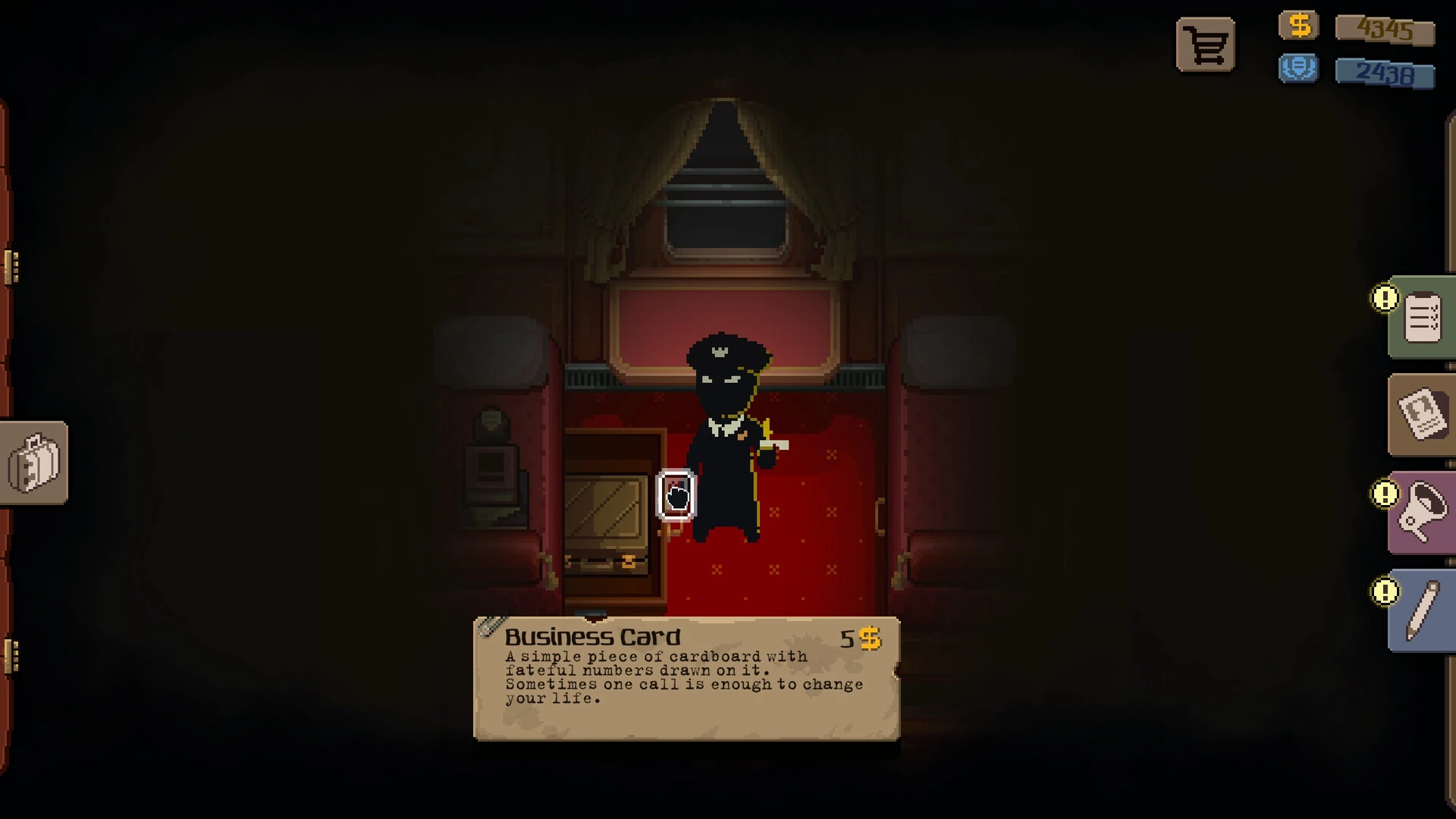
In the landscape of simulation and strategy games, Beholder: Conductor stands out as a thought-provoking title that combines moral dilemmas, surveillance, and management mechanics. Unlike traditional simulation games that focus purely on building or resource management, Beholder: Conductor immerses players in a morally complex world, where every decision has consequences and human lives are affected by your choices. Its unique blend of strategy, story, and ethical tension makes it a compelling experience for players seeking both challenge and narrative depth.
At its core, Beholder: Conductor is about control and responsibility. Players take on the role of a conductor in a dystopian society, tasked with monitoring individuals, managing operations, and maintaining order under the directives of a powerful authority. The game’s environment is rich with detail, portraying a society where obedience, suspicion, and secrecy shape daily life. Every action—from inspecting documents to reporting suspicious behavior—requires careful thought, as mistakes or misjudgments can have severe consequences.
Gameplay in Beholder: Conductor revolves around surveillance and strategic decision-making. Players must track the movements and activities of characters, gather information, and decide whether to report, intervene, or ignore potential threats. The game challenges players to balance efficiency with ethics; while following orders may grant rewards and career advancement, it can also compromise personal morals and the well-being of those under your watch. This duality creates tension and encourages thoughtful engagement rather than impulsive action.
Another defining feature of Beholder: Conductor is its branching narrative. The choices players make influence the story, relationships, and outcomes of various scenarios. Characters respond to decisions in realistic ways, creating a dynamic world where trust, loyalty, and suspicion fluctuate. This design ensures that no two playthroughs are exactly alike, offering significant replayability and encouraging players to explore alternative approaches to the same challenges.
The game also emphasizes resource and operational management. Players must allocate staff, maintain systems, and ensure the smooth functioning of their domain. Strategic planning is essential, as poor management can compromise missions or lead to unintended consequences. This layer of gameplay adds complexity, transforming the game from a simple narrative experience into a multi-dimensional strategy simulation.
Visually and aurally, Beholder: Conductor enhances immersion through atmospheric design. The environments are detailed and often claustrophobic, reflecting the oppressive society in which the game is set. Ambient sounds, subtle music, and carefully timed audio cues amplify tension, keeping players alert and emotionally invested in their choices. The combination of visual storytelling and sound design creates a compelling sense of place, heightening the game’s psychological impact.
Ultimately, Beholder: Conductor is more than just a strategy simulation—it is a study of morality, power, and human behavior. By blending tactical decision-making, ethical dilemmas, and narrative depth, it challenges players to navigate a complex world where every choice carries weight. For those who enjoy thoughtful gameplay and immersive storytelling, Beholder: Conductor delivers a unique and unforgettable experience, testing not only strategic skill but also moral judgment in a society fraught with uncertainty.
OS: OSX Big Sur 11.7.10 or newerProcessor: Apple M1Memory: 6 GB RAMVideo Card: An OpenGL supported GPUStorage: 6 GB
Mount the downloaded image and follow the standard installation procedure.
The installation is completed by choosing a location to place the game.
It is recommended to specify the Applications folder.
Frequently Asked Questions
Mount the image and run Open Gatekeeper friendly.
Press Enter to bypass Gatekeeper in the Terminal window.
Drag the application to the Applications folder.
The application is ready for use.
ATTENTION! SIP must be disabled. Learn more >
Restart your Mac and hold down Command + R to enter Recovery Mode.
Open Terminal from the Utilities menu.
Enter the command: csrutil disable
Restart your Mac.
This is a common Gatekeeper issue. Follow these steps:
1. Open Terminal
2. Enter: sudo xattr -rd com.apple.quarantine /Applications/AppName.app
3. Replace "AppName" with the actual application name
4. Press Enter and enter your password
Yes, all our downloads are thoroughly checked for viruses and malware.
We use multiple antivirus engines to scan every file.
Our team tests each application before publishing.
We never bundle adware or unwanted software.
Yes, we regularly update our applications to the latest versions.
You can check our website for updates or subscribe to our newsletter.
We strive to provide the most recent versions within 24-48 hours of release.
If a download link is not working, please:
1. Try a different browser
2. Clear your browser cache and cookies
3. Try the alternative download links provided
4. Contact our support team if the issue persists