


Chasm
Download Chasm
Follow the standard installation procedure.
The installation is completed by choosing a location to place the game.
It is recommended to specify the Applications folder.
Previous Versions
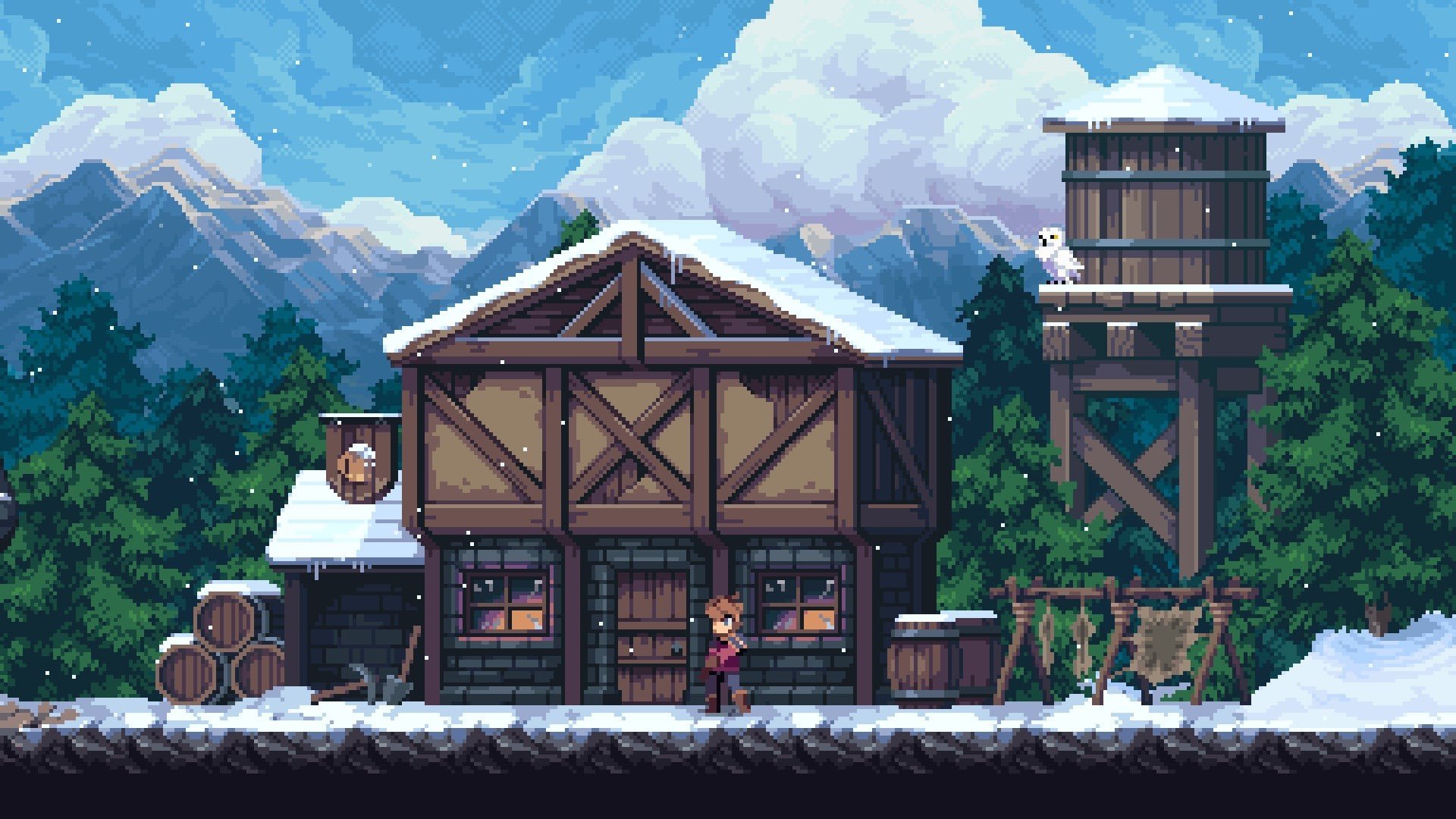
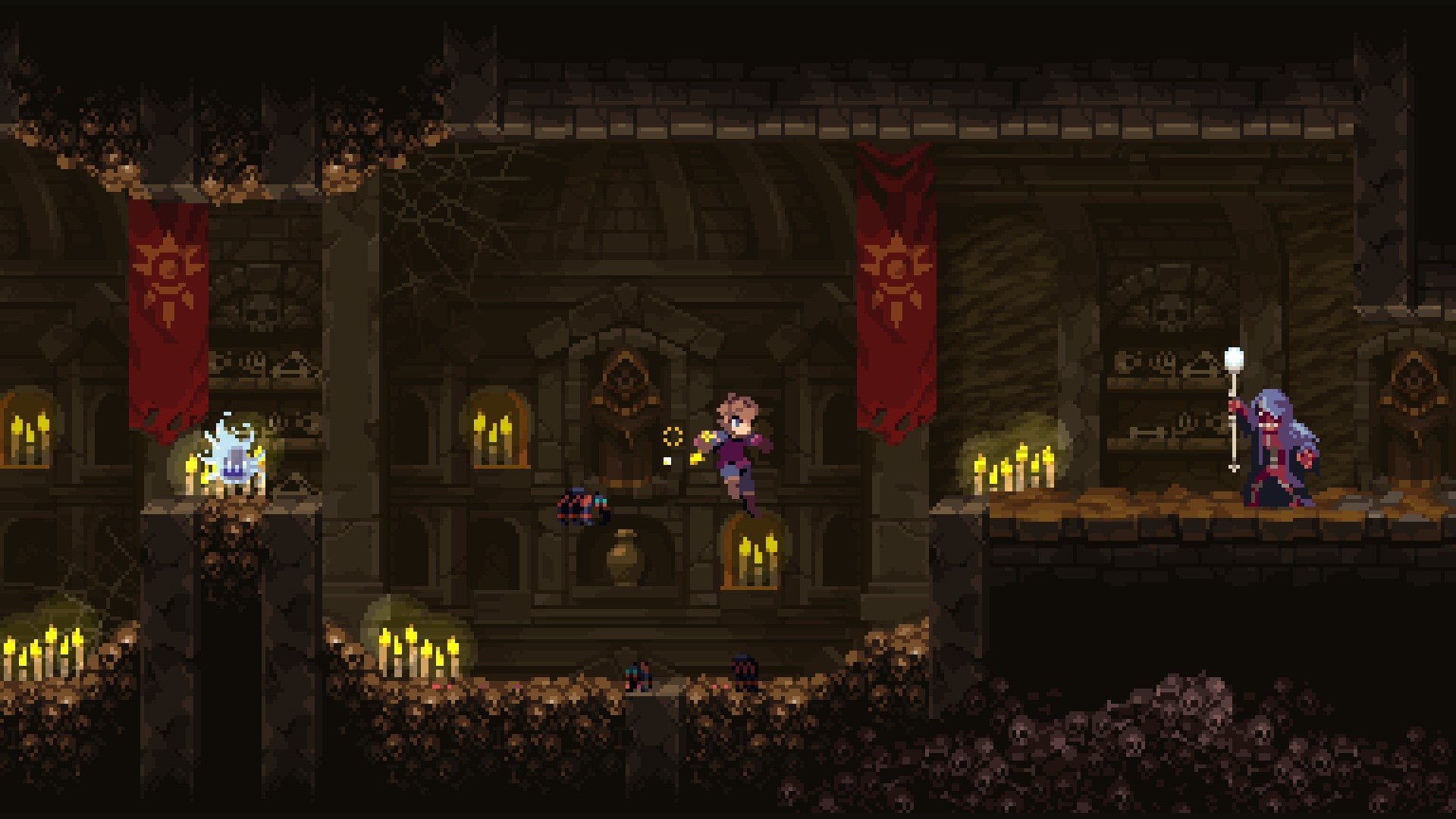
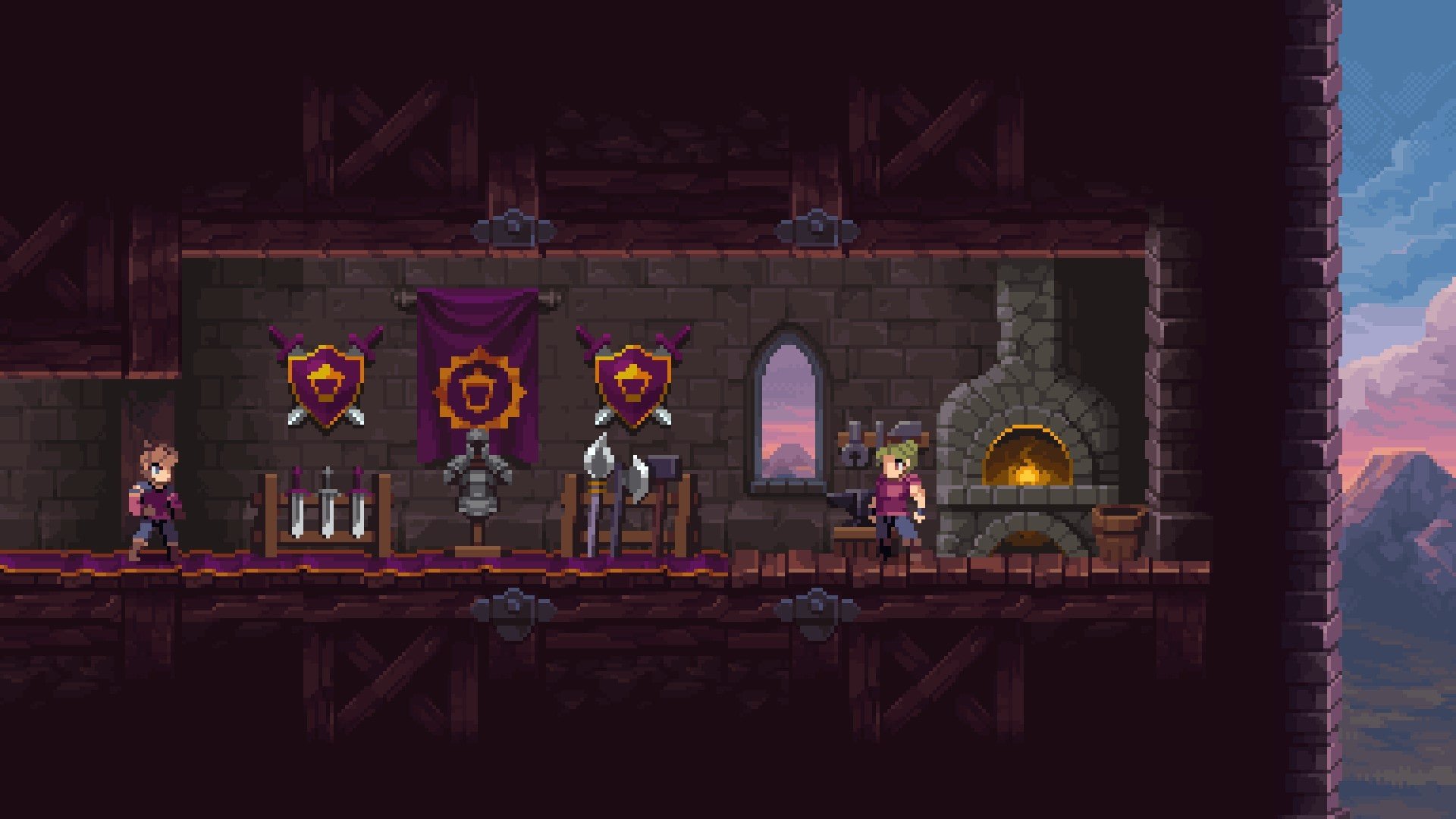
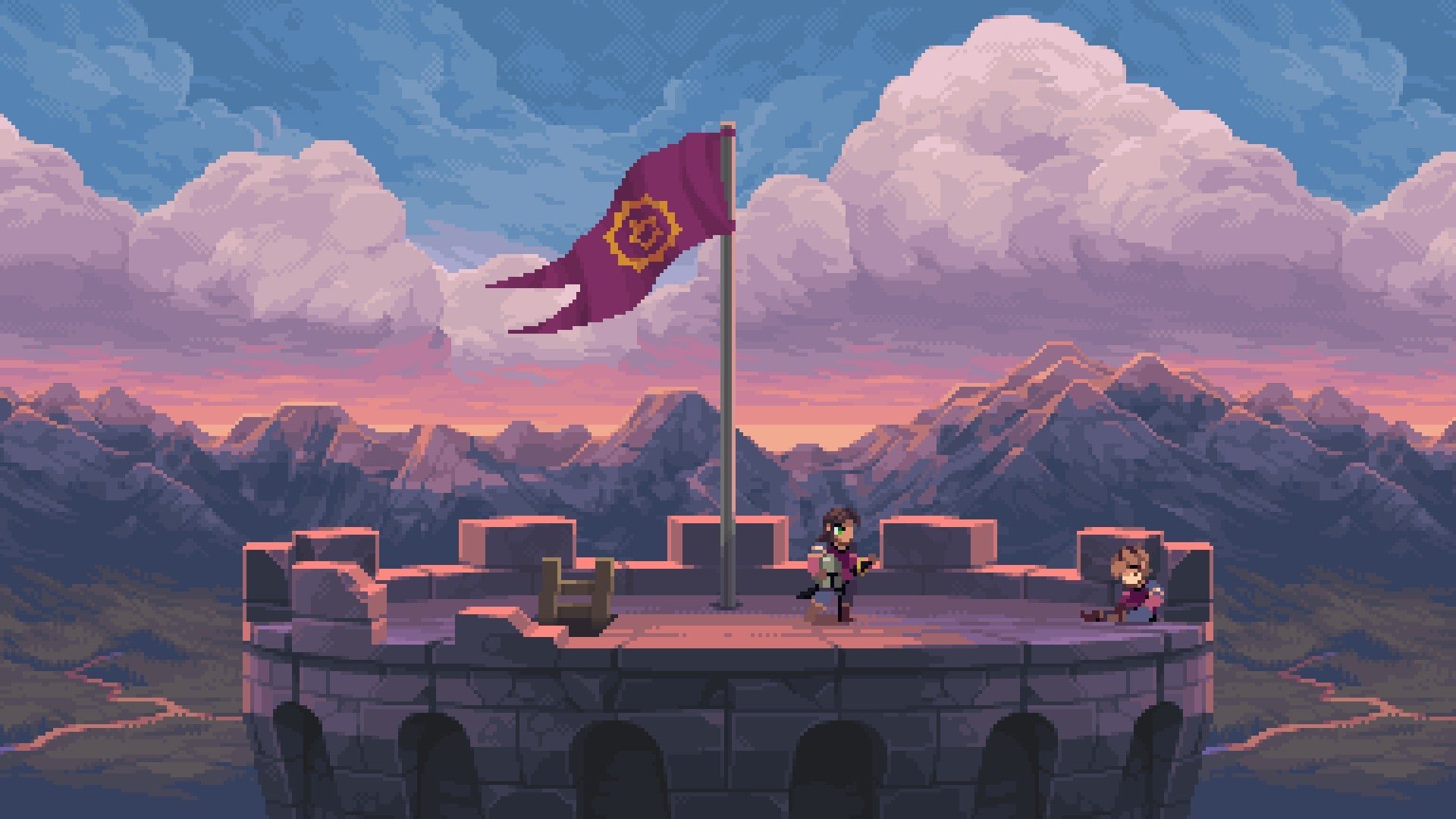
In the realm of action-adventure games, Chasm stands out as a vibrant blend of exploration, combat, and strategic platforming. Unlike traditional linear games, Chasm offers a procedurally generated world, ensuring that each player’s experience is unique. Its combination of Metroidvania-style mechanics, deep customization, and challenging enemies makes it an engaging adventure for players who enjoy exploration and skill-based gameplay.
At the heart of Chasm is the thrill of discovery. Players take on the role of a young, courageous knight sent to investigate a mysterious mine that has been plagued by strange occurrences and dark forces. The mine itself is an intricate labyrinth filled with hidden passages, secret treasures, and deadly traps. Every descent into the depths feels different thanks to the game’s procedural generation system, which reshapes rooms, corridors, and enemy placements with each new journey. This unpredictability keeps players engaged, ensuring that no two runs feel the same.
Gameplay in Chasm combines combat, platforming, and exploration. Players face a variety of enemies, ranging from nimble creatures to formidable bosses, each requiring different tactics and skills. Combat is fluid and responsive, rewarding players who learn enemy patterns and employ strategy over brute force. At the same time, platforming challenges demand precision and timing, adding an additional layer of difficulty that keeps players focused and engaged.
One of the most compelling aspects of Chasm is its progression system. Players earn experience points from defeating enemies and completing quests, which can then be used to unlock new abilities and upgrades. This system encourages exploration, as venturing into hidden areas often yields unique weapons, gear, or enhancements that improve combat and mobility. The sense of progression is satisfying, giving players tangible rewards for their curiosity and effort.
Chasm also emphasizes customization and strategic choice. Players can equip different weapons, armor, and accessories to suit their preferred playstyle. Whether favoring fast attacks, heavy damage, or defensive maneuvers, the game allows experimentation and adaptation, making each encounter and exploration session feel personal and rewarding. Additionally, side quests and optional challenges provide additional content for those who wish to delve deeper into the game’s world.
Visually, Chasm features a rich pixel-art style that blends charm with intensity. The environments are detailed, from the rocky mine shafts to eerie caverns, creating a sense of immersion and adventure. Complementing the visuals is a dynamic soundtrack and ambient sound design, which enhance the feeling of exploring an ancient, dangerous world. The combination of art, music, and environmental storytelling makes every corner of the mine intriguing and atmospheric.
Ultimately, Chasm is more than a platformer or action-adventure game; it is an exploration-focused journey filled with danger, discovery, and strategy. By merging procedural world design, skill-based combat, and deep progression systems, it offers a unique experience that appeals to both casual players and hardcore explorers. For anyone seeking a game that combines excitement, challenge, and exploration, Chasm provides a captivating descent into adventure.
System: OSX 10.11 or laterProcessor: Dual Core CPUMemory: 1 GB RAMGraphics: OpenGL 3.0+ support (2.1 with ARB extensions acceptable)Disk space: 1 GB
Follow the standard installation procedure.
The installation is completed by choosing a location to place the game.
It is recommended to specify the Applications folder.
Frequently Asked Questions
Mount the image and run Open Gatekeeper friendly.
Press Enter to bypass Gatekeeper in the Terminal window.
Drag the application to the Applications folder.
The application is ready for use.
ATTENTION! SIP must be disabled. Learn more >
Restart your Mac and hold down Command + R to enter Recovery Mode.
Open Terminal from the Utilities menu.
Enter the command: csrutil disable
Restart your Mac.
This is a common Gatekeeper issue. Follow these steps:
1. Open Terminal
2. Enter: sudo xattr -rd com.apple.quarantine /Applications/AppName.app
3. Replace "AppName" with the actual application name
4. Press Enter and enter your password
Yes, all our downloads are thoroughly checked for viruses and malware.
We use multiple antivirus engines to scan every file.
Our team tests each application before publishing.
We never bundle adware or unwanted software.
Yes, we regularly update our applications to the latest versions.
You can check our website for updates or subscribe to our newsletter.
We strive to provide the most recent versions within 24-48 hours of release.
If a download link is not working, please:
1. Try a different browser
2. Clear your browser cache and cookies
3. Try the alternative download links provided
4. Contact our support team if the issue persists