


City Legends 3: Ghost of Misty Hill Collector’s Edition
Download City Legends 3: Ghost of Misty Hill Collector’s Edition
Run the downloaded image and drag the application to the Applications folder shortcut.
Once copying is complete, the application can be launched via Launchpad.
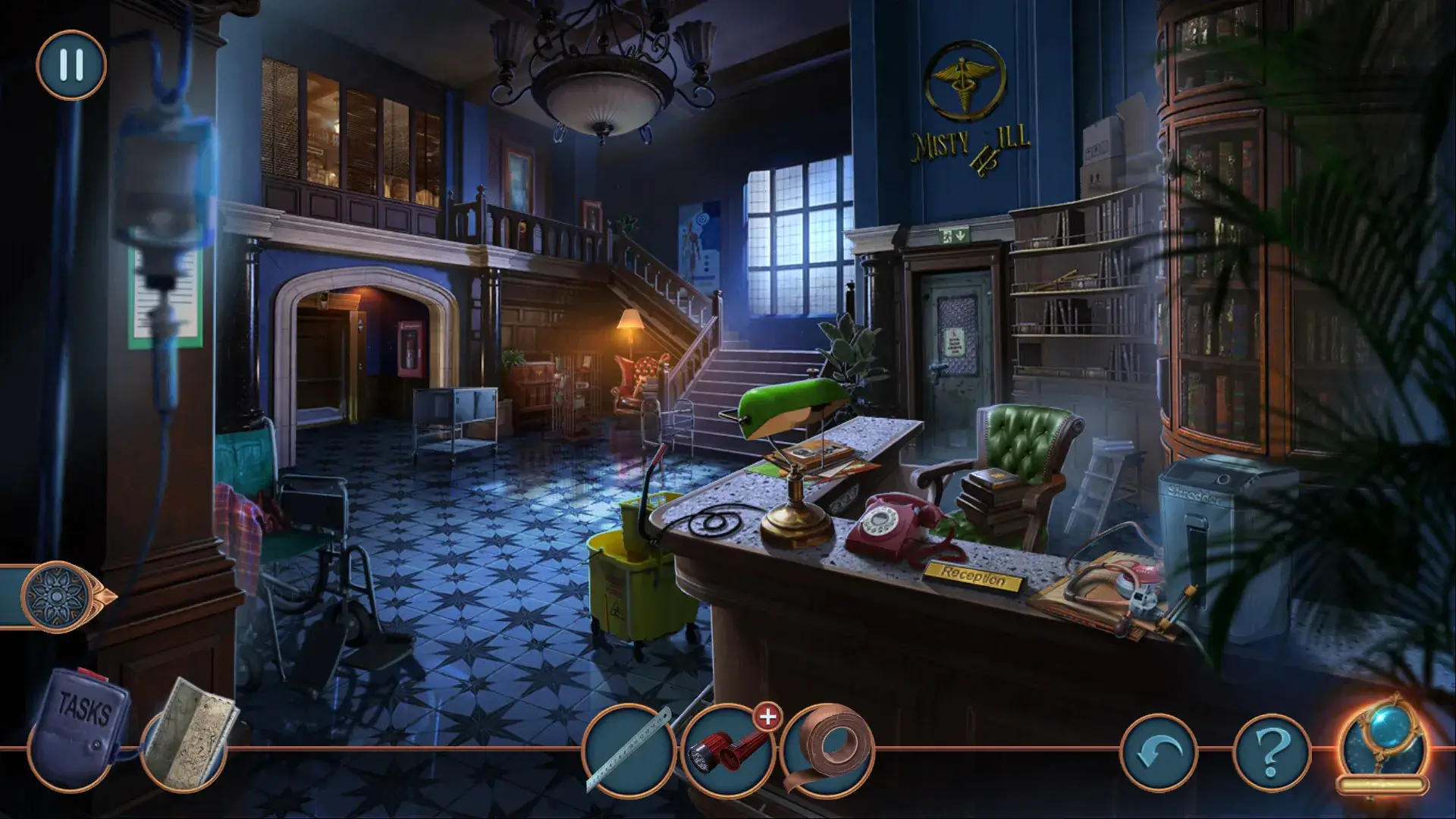
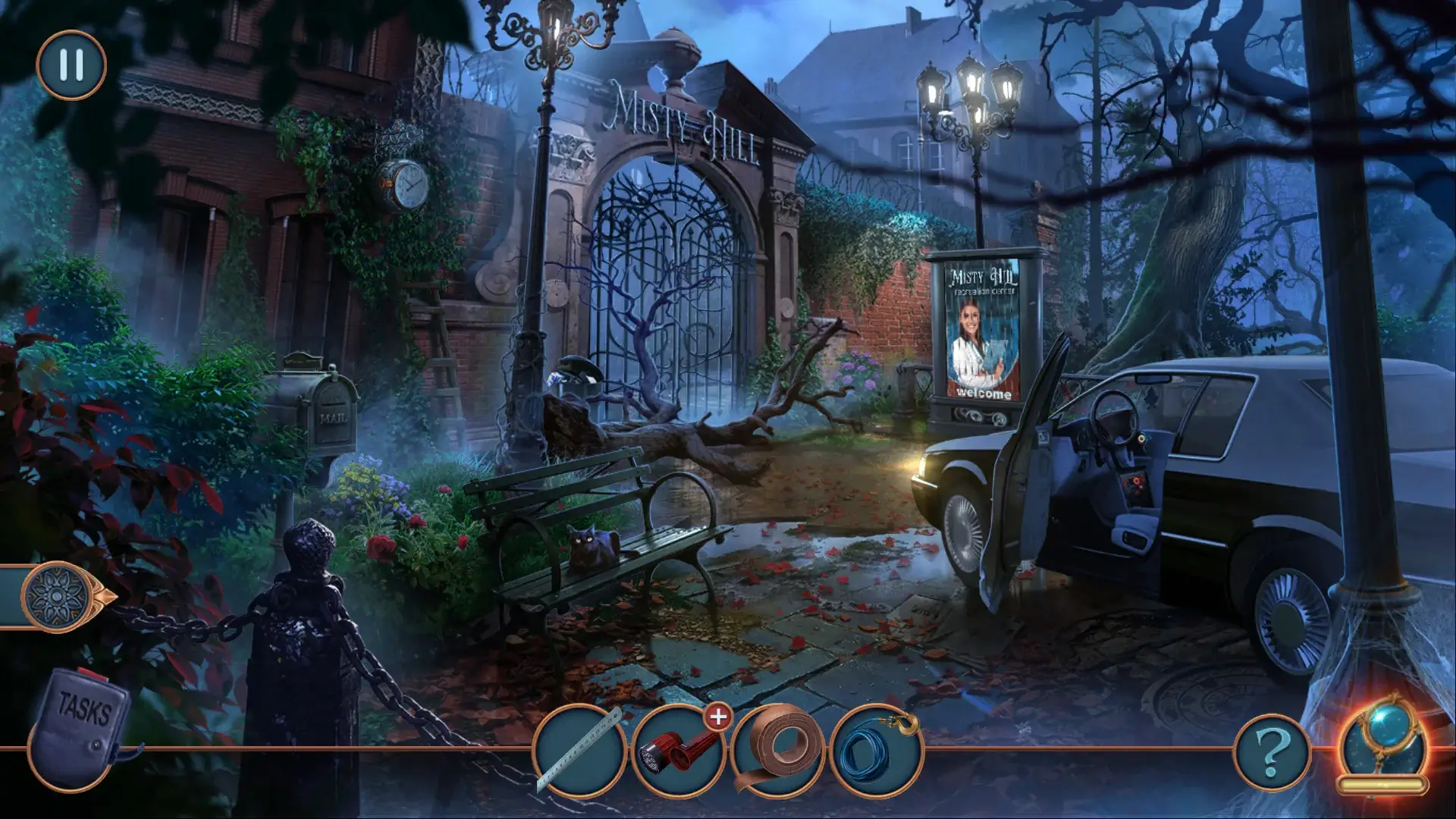
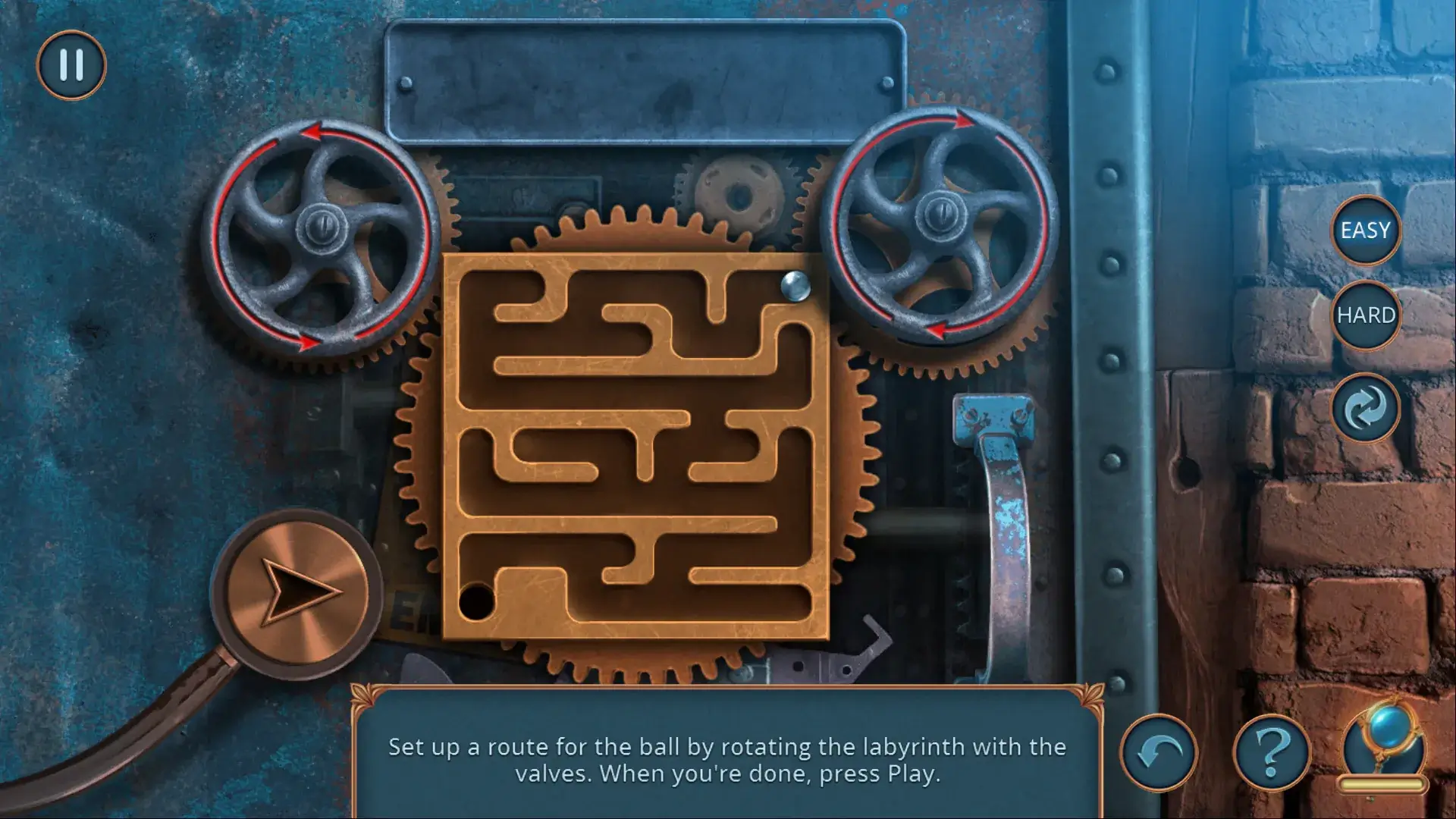
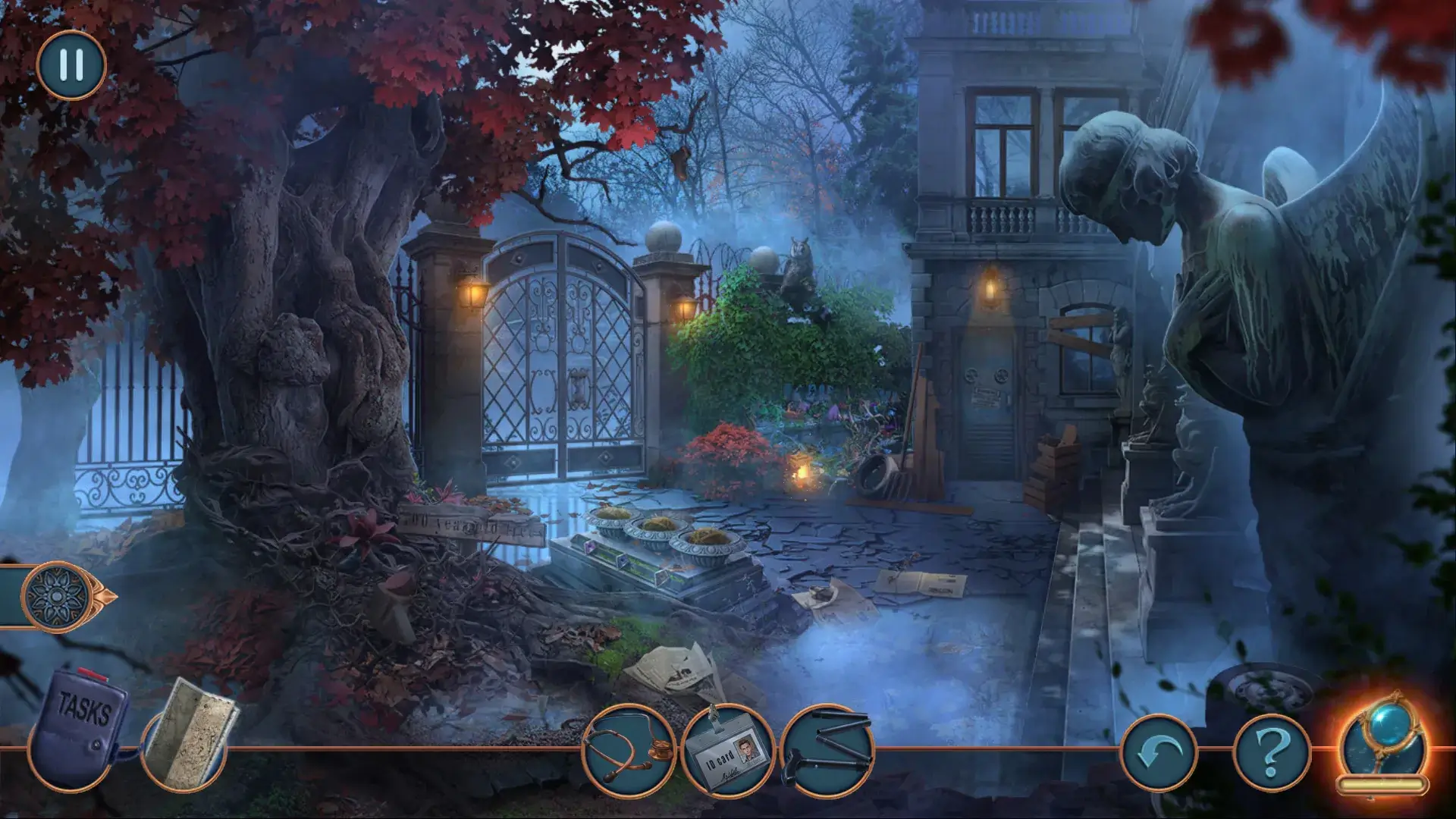
City Legends 3: Ghost of Misty Hill Collector’s Edition invites players into a haunting tale where folklore, memory, and modern life collide. This hidden-object adventure builds upon the series’ signature approach to storytelling, weaving an eerie narrative that feels both intimate and unsettling. Set in a fog-drenched town overshadowed by rumor and tragedy, the game slowly pulls players into a mystery that refuses to stay buried.
The story centers on Misty Hill, a place shaped by whispers of a vengeful spirit and a past marked by loss. As the protagonist, players return to the town seeking answers, only to discover that the legend of the ghost is far more complex than local superstition suggests. Rather than relying on sudden scares, the game creates tension through atmosphere, emotional weight, and gradual revelation. Every clue uncovered adds another layer to the story, making the mystery feel deeply personal.
Gameplay blends classic hidden-object mechanics with puzzle-solving and light exploration. Scenes are carefully constructed, challenging players to observe closely and think critically. Objects are not simply collected but often tied directly to the unfolding narrative, giving purpose to every task. The puzzles vary in complexity, offering logical challenges that feel rewarding without disrupting the story’s pacing. This balance keeps players engaged while maintaining immersion.
The Collector’s Edition enhances the experience with additional content that expands the world of Misty Hill. Bonus chapters provide new perspectives on key events, deepening the emotional impact of the main story. Concept art, soundtracks, and developer notes offer insight into the creative process, allowing players to appreciate the craftsmanship behind the game. These extras feel meaningful rather than superficial, adding real value for fans of the genre.
Visually, Ghost of Misty Hill excels at mood-building. Muted color palettes, drifting fog, and carefully placed lighting create a constant sense of unease. Locations such as abandoned buildings, forest paths, and forgotten homes feel alive with memories, even in silence. Subtle animations and environmental details suggest that the town itself is watching, reinforcing the game’s psychological tone.
Sound design plays a crucial role in shaping the atmosphere. Soft echoes, distant footsteps, and melancholic music blend together to create an immersive audio landscape. The soundtrack never overwhelms the scene, instead guiding emotion and heightening suspense. Voice acting is restrained and effective, delivering performances that feel natural and emotionally grounded.
What sets City Legends 3: Ghost of Misty Hill apart is its focus on human stories behind the supernatural. The ghost at the heart of the legend is not just a frightening presence but a symbol of unresolved pain and forgotten truths. This approach adds emotional depth, transforming the mystery into a reflection on grief, guilt, and remembrance.
In the end, City Legends 3: Ghost of Misty Hill Collector’s Edition offers more than a traditional hidden-object adventure. It is a carefully crafted narrative experience that rewards patience, curiosity, and emotional engagement. For players who appreciate atmospheric storytelling and thoughtful mystery, this journey into Misty Hill is both haunting and unforgettable.
OS: macOS 10.9 and laterProcessor: 2.5 GhZ, M1 and aboveRAM: 1 GB RAMDisk space: 1.5 GB
Run the downloaded image and drag the application to the Applications folder shortcut.
Once copying is complete, the application can be launched via Launchpad.
Frequently Asked Questions
Mount the image and run Open Gatekeeper friendly.
Press Enter to bypass Gatekeeper in the Terminal window.
Drag the application to the Applications folder.
The application is ready for use.
ATTENTION! SIP must be disabled. Learn more >
Restart your Mac and hold down Command + R to enter Recovery Mode.
Open Terminal from the Utilities menu.
Enter the command: csrutil disable
Restart your Mac.
This is a common Gatekeeper issue. Follow these steps:
1. Open Terminal
2. Enter: sudo xattr -rd com.apple.quarantine /Applications/AppName.app
3. Replace "AppName" with the actual application name
4. Press Enter and enter your password
Yes, all our downloads are thoroughly checked for viruses and malware.
We use multiple antivirus engines to scan every file.
Our team tests each application before publishing.
We never bundle adware or unwanted software.
Yes, we regularly update our applications to the latest versions.
You can check our website for updates or subscribe to our newsletter.
We strive to provide the most recent versions within 24-48 hours of release.
If a download link is not working, please:
1. Try a different browser
2. Clear your browser cache and cookies
3. Try the alternative download links provided
4. Contact our support team if the issue persists