


Clutter RefleXIVe 14: The Diceman Cometh. Collector’s Edition
Download Clutter RefleXIVe 14: The Diceman Cometh. Collector’s Edition
Run the downloaded image and drag the application to the Applications folder shortcut.
Once copying is complete, the application can be launched via Launchpad.
Previous Versions
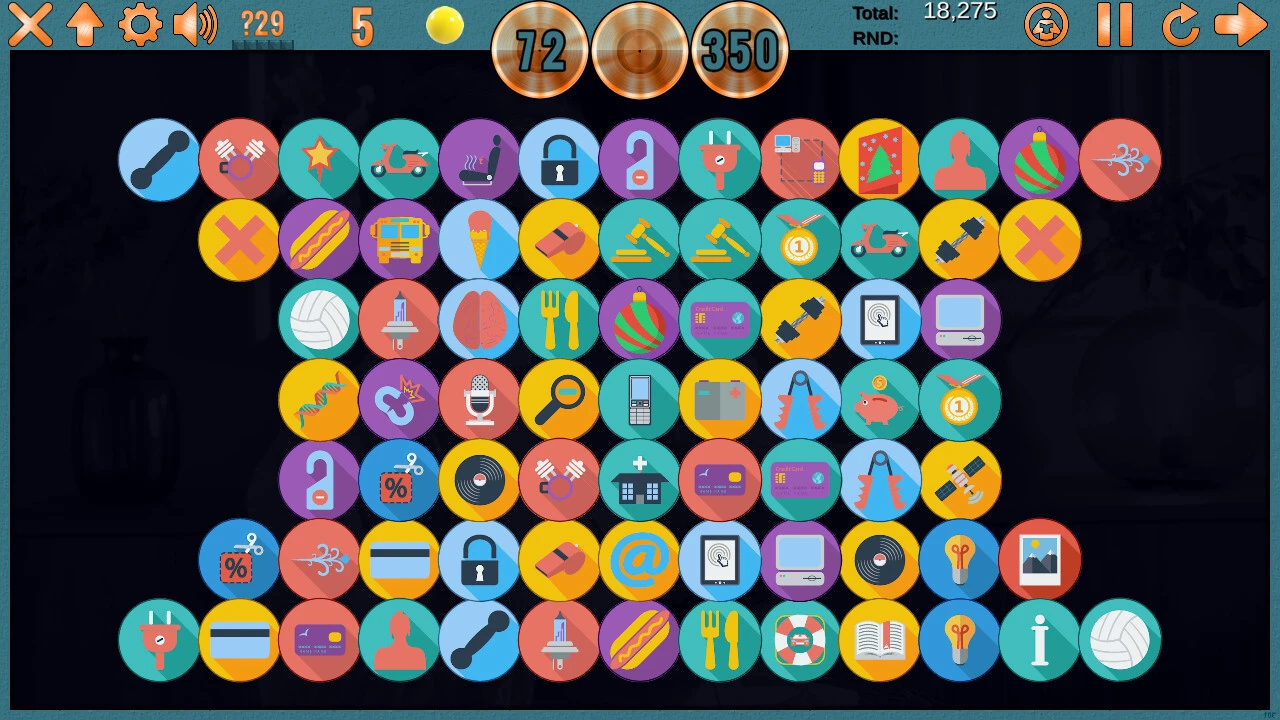
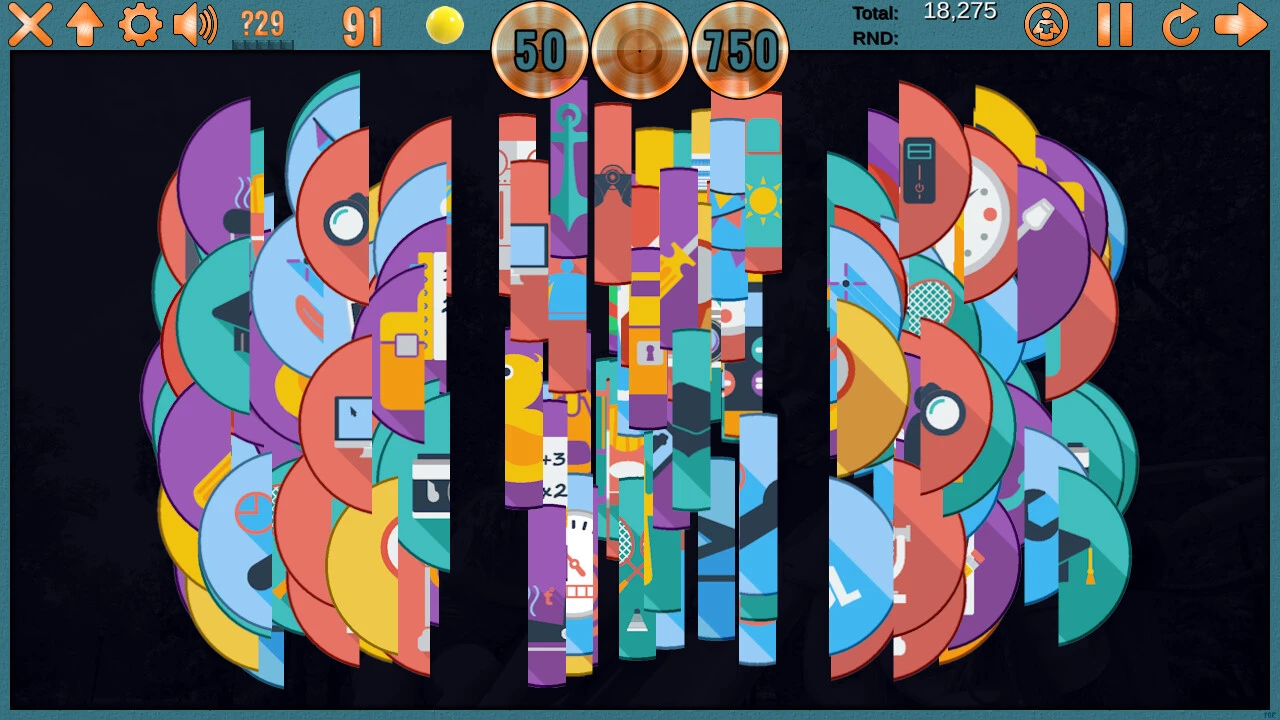
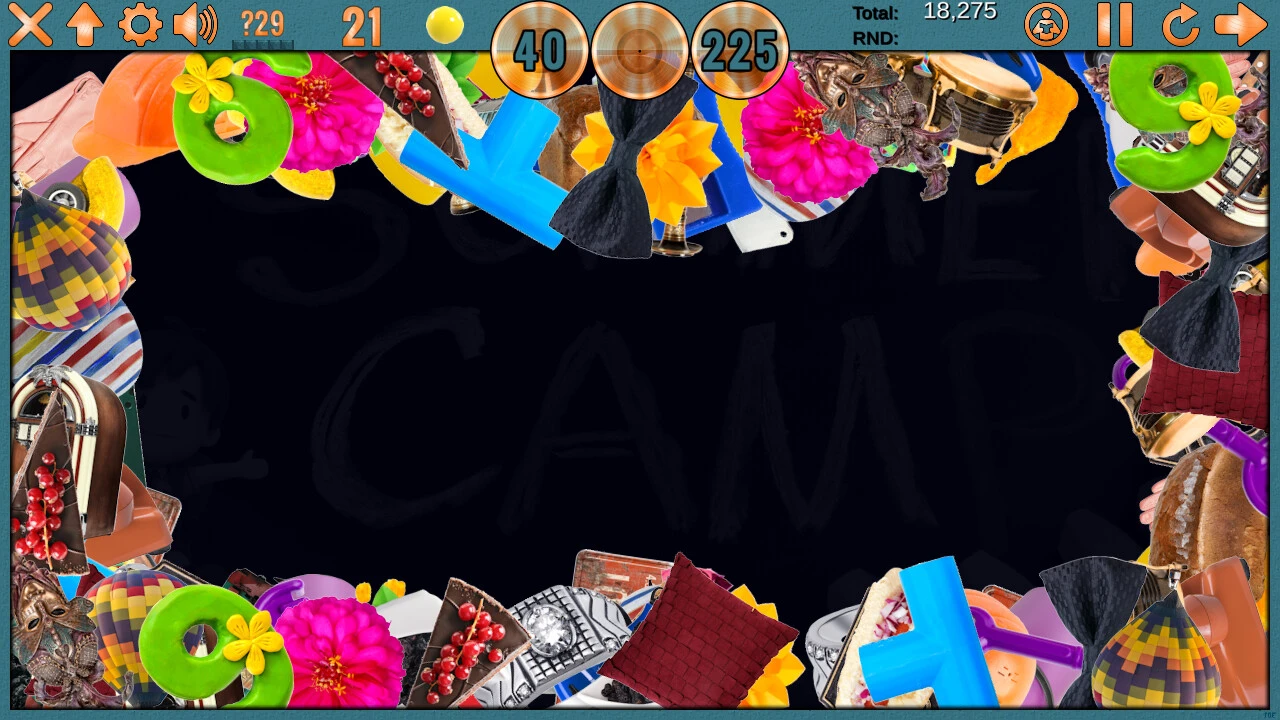
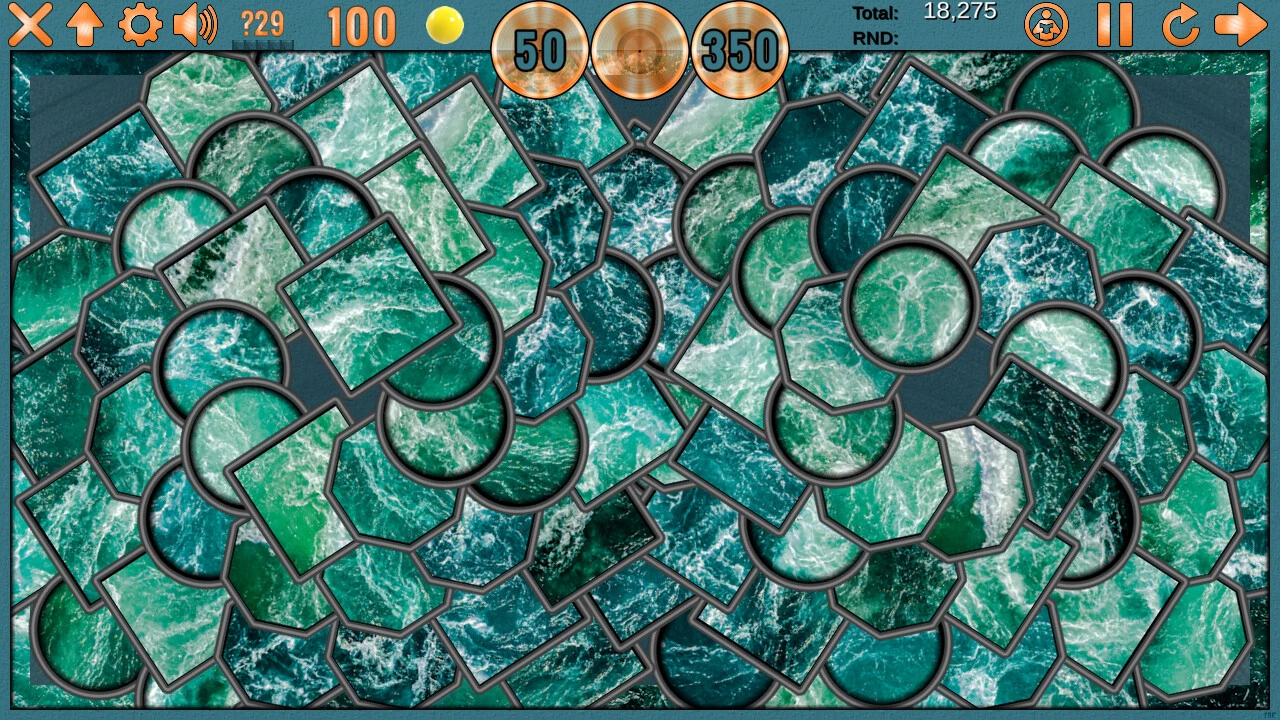
Clutter RefleXIVe 14: The Diceman Cometh Collector's Edition is an inventive hidden object and puzzle game that pushes the boundaries of traditional interactive gameplay. Known for its imaginative scenarios and challenging puzzles, this installment delivers a uniquely surreal experience, blending clever storytelling, intricate design, and captivating visuals. The Collector’s Edition enhances the adventure, offering additional content and exclusive features that elevate the game for both newcomers and long-time fans.
The game revolves around the enigmatic Diceman, a character whose mischievous antics and unpredictable nature serve as the catalyst for the story. Players are tasked with navigating a series of increasingly complex and visually rich environments to uncover hidden objects, solve puzzles, and unlock the mysteries surrounding the Diceman’s chaotic schemes. Each level is meticulously designed, offering a combination of carefully concealed objects, brain-teasing riddles, and interactive elements that challenge observation, logic, and creativity.
One of the most striking aspects of Clutter RefleXIVe 14 is its surreal, whimsical art style. Environments range from fantastical landscapes and abstract interiors to everyday settings twisted by the Diceman’s eccentric influence. The use of vibrant colors, imaginative layouts, and unexpected visual details keeps players engaged and encourages careful exploration. The game rewards attention to detail, with cleverly hidden objects that require patience and a keen eye to discover. This intricate design ensures that players remain immersed and constantly intrigued by what lies ahead.
The Collector’s Edition adds a wealth of exclusive content, including bonus chapters that expand the storyline, revealing hidden layers of the Diceman’s character and the universe he inhabits. Players also gain access to concept art galleries, soundtrack selections, and behind-the-scenes features that provide insight into the creative process behind the game. These extras not only enrich the narrative experience but also offer fans a deeper connection to the game’s world and characters.
Puzzle design in Clutter RefleXIVe 14 is particularly noteworthy. The challenges range from straightforward hidden object hunts to complex logic and pattern-based tasks, requiring thoughtful problem-solving and creative approaches. The game balances difficulty carefully, making it accessible to casual players while still providing enough challenge for seasoned puzzle enthusiasts. Additionally, interactive hints and optional mini-games help maintain engagement without interrupting the flow of the main storyline.
Narratively, the game excels by weaving humor, mystery, and surrealism into an engaging storyline. The Diceman’s unpredictable antics create situations that are both amusing and intriguing, driving players forward while maintaining a sense of suspense and curiosity. Each discovery feels meaningful, with narrative threads connecting cleverly to both the main plot and bonus content.
In conclusion, Clutter RefleXIVe 14: The Diceman Cometh Collector's Edition is an extraordinary hidden object adventure that combines artistic innovation, challenging puzzles, and imaginative storytelling. Its Collector’s Edition features enrich the experience, providing additional layers of engagement and exploration. For players seeking a visually striking, mentally stimulating, and uniquely entertaining puzzle adventure, this game delivers an unforgettable journey into a world where chaos, creativity, and cleverness reign supreme.
OS: macOS 10.15 and aboveProcessor: 1.8 GhZRAM: 1 GB RAMDisk space: 1.5 GB
Run the downloaded image and drag the application to the Applications folder shortcut.
Once copying is complete, the application can be launched via Launchpad.
Frequently Asked Questions
Mount the image and run Open Gatekeeper friendly.
Press Enter to bypass Gatekeeper in the Terminal window.
Drag the application to the Applications folder.
The application is ready for use.
ATTENTION! SIP must be disabled. Learn more >
Restart your Mac and hold down Command + R to enter Recovery Mode.
Open Terminal from the Utilities menu.
Enter the command: csrutil disable
Restart your Mac.
This is a common Gatekeeper issue. Follow these steps:
1. Open Terminal
2. Enter: sudo xattr -rd com.apple.quarantine /Applications/AppName.app
3. Replace "AppName" with the actual application name
4. Press Enter and enter your password
Yes, all our downloads are thoroughly checked for viruses and malware.
We use multiple antivirus engines to scan every file.
Our team tests each application before publishing.
We never bundle adware or unwanted software.
Yes, we regularly update our applications to the latest versions.
You can check our website for updates or subscribe to our newsletter.
We strive to provide the most recent versions within 24-48 hours of release.
If a download link is not working, please:
1. Try a different browser
2. Clear your browser cache and cookies
3. Try the alternative download links provided
4. Contact our support team if the issue persists