


Cobalt Core
Download Cobalt Core
Run the downloaded image and drag the application to the Applications folder shortcut.
Once copying is complete, the application can be launched via Launchpad.
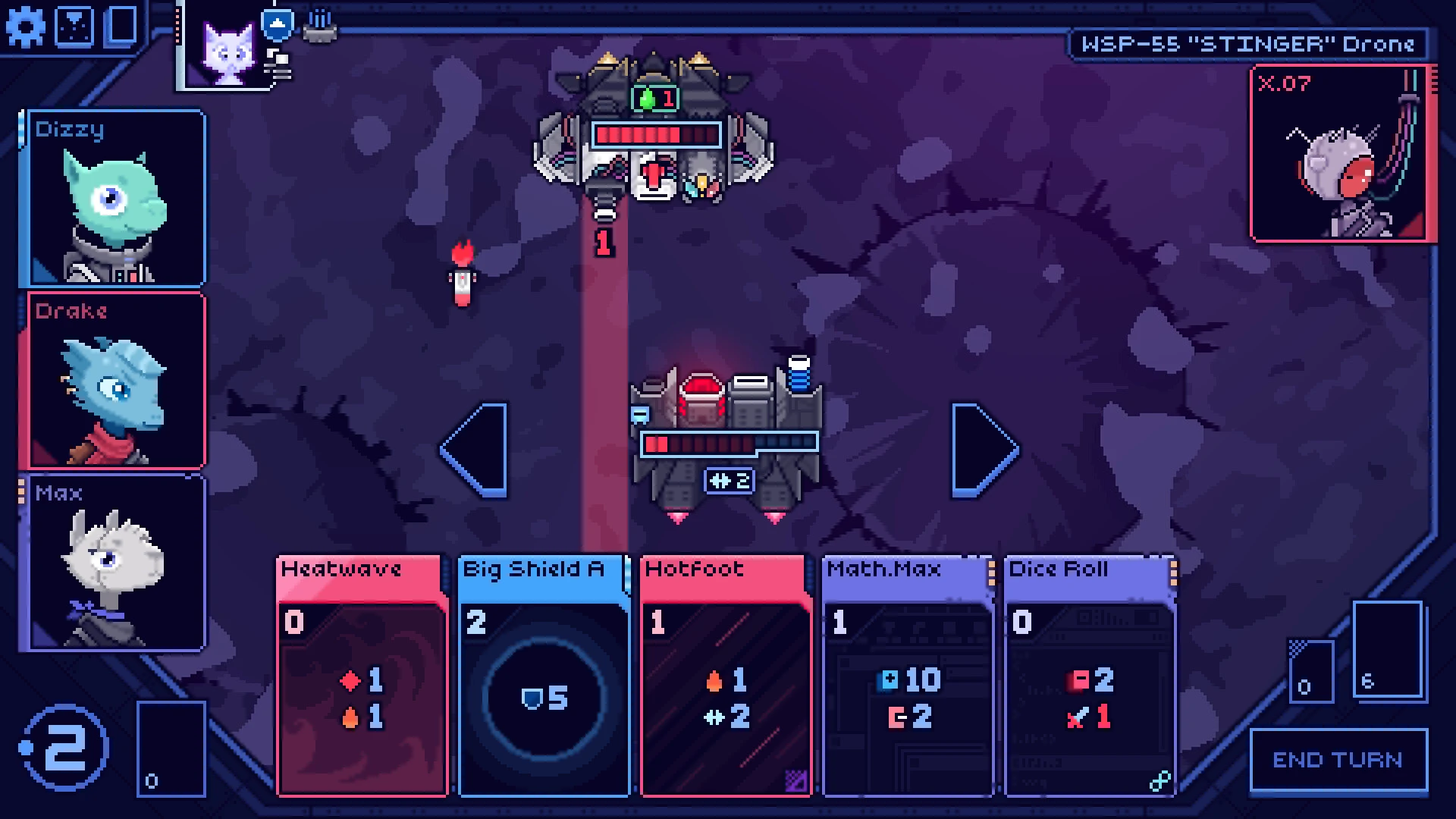
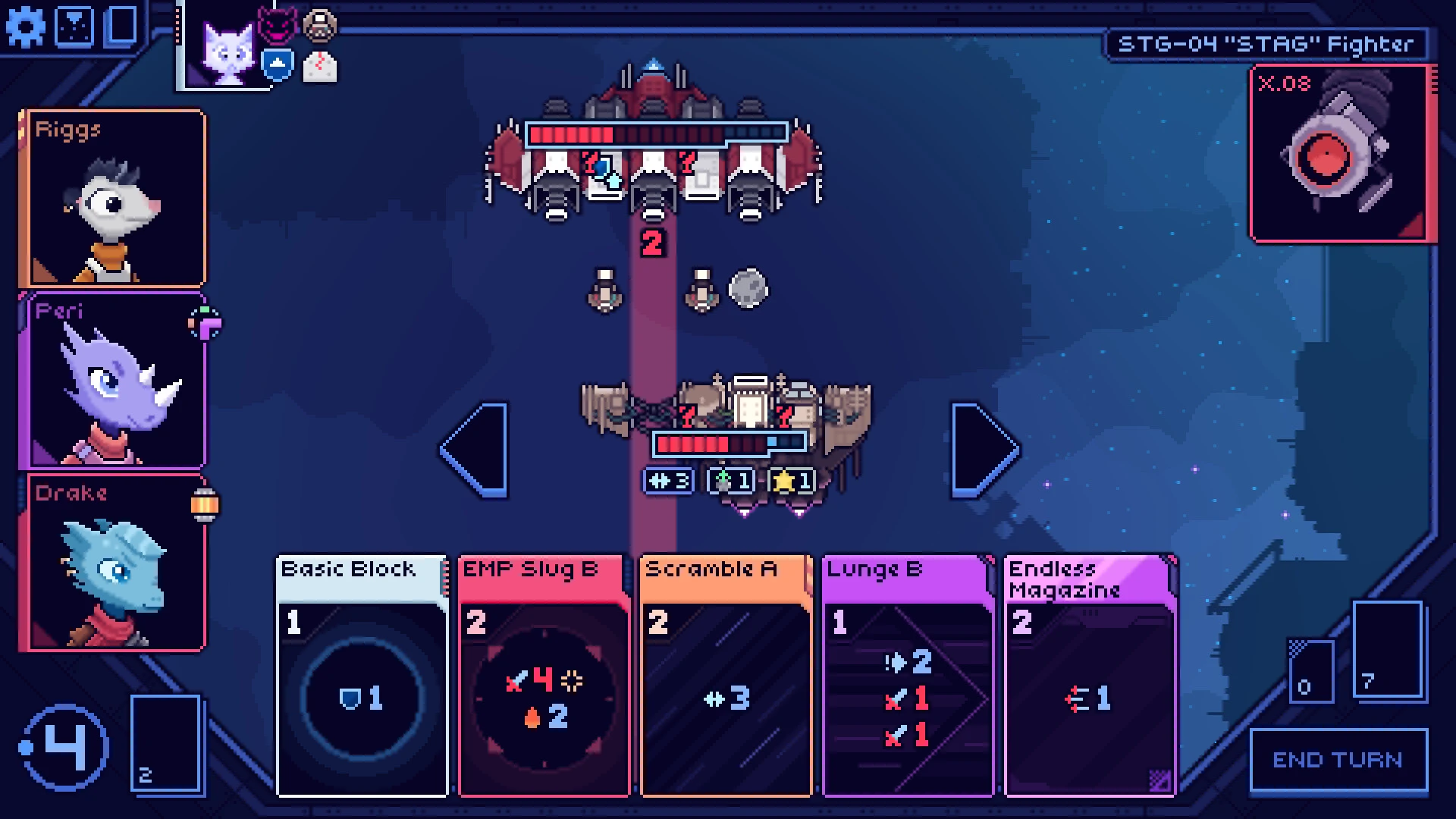
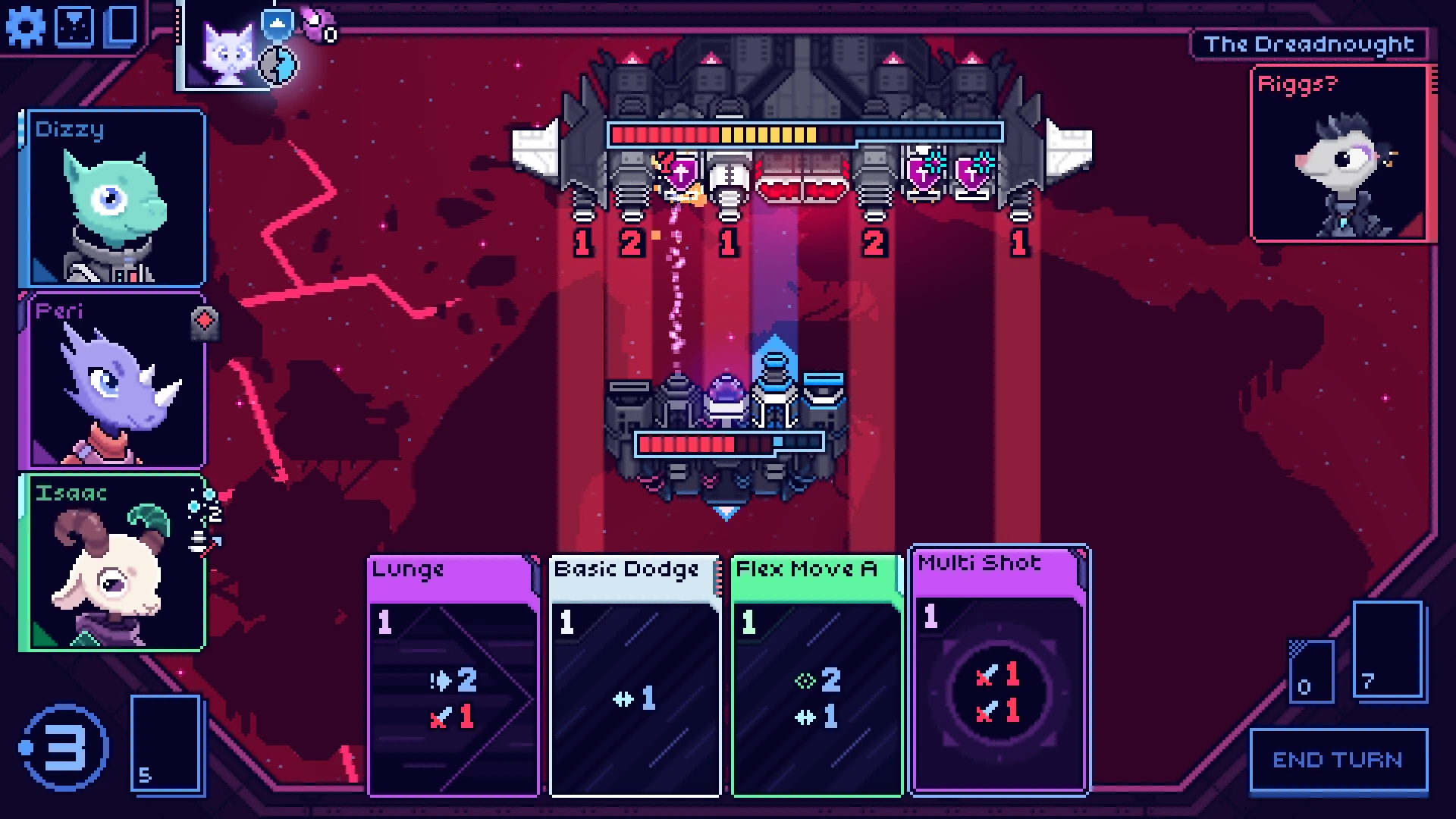
Cobalt Core is a turn-based space strategy game that blends clever mechanics with a charming sense of personality. Rather than overwhelming players with complex systems from the start, it introduces depth gradually, allowing strategy to unfold naturally. The result is a game that feels approachable yet deeply rewarding, offering tense decision-making wrapped in a colorful sci-fi setting.
The game places players in command of a small spaceship navigating hostile regions of space. Each encounter is a tactical battle where positioning, timing, and foresight matter just as much as raw firepower. Unlike traditional turn-based combat that focuses only on damage numbers, Cobalt Core emphasizes movement and spatial awareness. Ships slide across a grid-like battlefield, and even a single step can determine whether an attack hits or misses. This simple twist adds a layer of strategy that keeps every turn engaging.
What truly sets Cobalt Core apart is its combat flow. Players must predict enemy actions while planning their own, often several turns ahead. Shields, weapons, and special abilities interact in meaningful ways, encouraging experimentation rather than rigid strategies. Success comes from understanding patterns and adapting to changing situations, not from repeating the same tactics endlessly.
Between battles, players manage upgrades and crew decisions that shape the journey. Choosing which systems to improve or which abilities to prioritize can dramatically alter how the ship performs in combat. These choices feel impactful, as resources are limited and mistakes carry lasting consequences. The progression system strikes a satisfying balance, offering customization without becoming overwhelming.
The game’s presentation adds to its appeal. Cobalt Core features a vibrant art style that contrasts sharply with its high-stakes gameplay. Bright colors, expressive animations, and a clean interface make the experience feel lively and inviting. Characters aboard the ship have distinct personalities, adding warmth and humor to the journey. Their interactions provide brief moments of levity that balance the tension of constant battles.
Storytelling in Cobalt Core is subtle but effective. Rather than delivering long narrative sequences, the game reveals its world through short conversations, environmental details, and mission context. This approach keeps the focus on gameplay while still giving players a sense of purpose and progression. The universe feels alive, shaped by ongoing conflict and the crew’s determination to survive.
Replayability is another strong aspect of the game. Randomized encounters, varied upgrades, and different strategic paths ensure that no two runs feel exactly the same. Each playthrough offers new challenges and opportunities, encouraging players to refine their skills and experiment with different approaches.
In conclusion, Cobalt Core is a thoughtfully designed strategy game that rewards careful planning and adaptability. Its unique movement-based combat, charming presentation, and meaningful progression systems combine to create an experience that feels both fresh and satisfying. For players who enjoy tactical depth without unnecessary complexity, Cobalt Core offers a spacefaring journey where every decision counts and every battle tells a story.
OS: 10.15+Processor: Apple Silicon or IntelRAM: 4 GB RAMDisk space: 500 MB
Run the downloaded image and drag the application to the Applications folder shortcut.
Once copying is complete, the application can be launched via Launchpad.
Frequently Asked Questions
Mount the image and run Open Gatekeeper friendly.
Press Enter to bypass Gatekeeper in the Terminal window.
Drag the application to the Applications folder.
The application is ready for use.
ATTENTION! SIP must be disabled. Learn more >
Restart your Mac and hold down Command + R to enter Recovery Mode.
Open Terminal from the Utilities menu.
Enter the command: csrutil disable
Restart your Mac.
This is a common Gatekeeper issue. Follow these steps:
1. Open Terminal
2. Enter: sudo xattr -rd com.apple.quarantine /Applications/AppName.app
3. Replace "AppName" with the actual application name
4. Press Enter and enter your password
Yes, all our downloads are thoroughly checked for viruses and malware.
We use multiple antivirus engines to scan every file.
Our team tests each application before publishing.
We never bundle adware or unwanted software.
Yes, we regularly update our applications to the latest versions.
You can check our website for updates or subscribe to our newsletter.
We strive to provide the most recent versions within 24-48 hours of release.
If a download link is not working, please:
1. Try a different browser
2. Clear your browser cache and cookies
3. Try the alternative download links provided
4. Contact our support team if the issue persists