


Coffee Talk
Download Coffee Talk
Unzip the archive and follow the standard installation procedure.
The installation is completed by choosing a location to place the game.
It is recommended to specify the Applications folder.
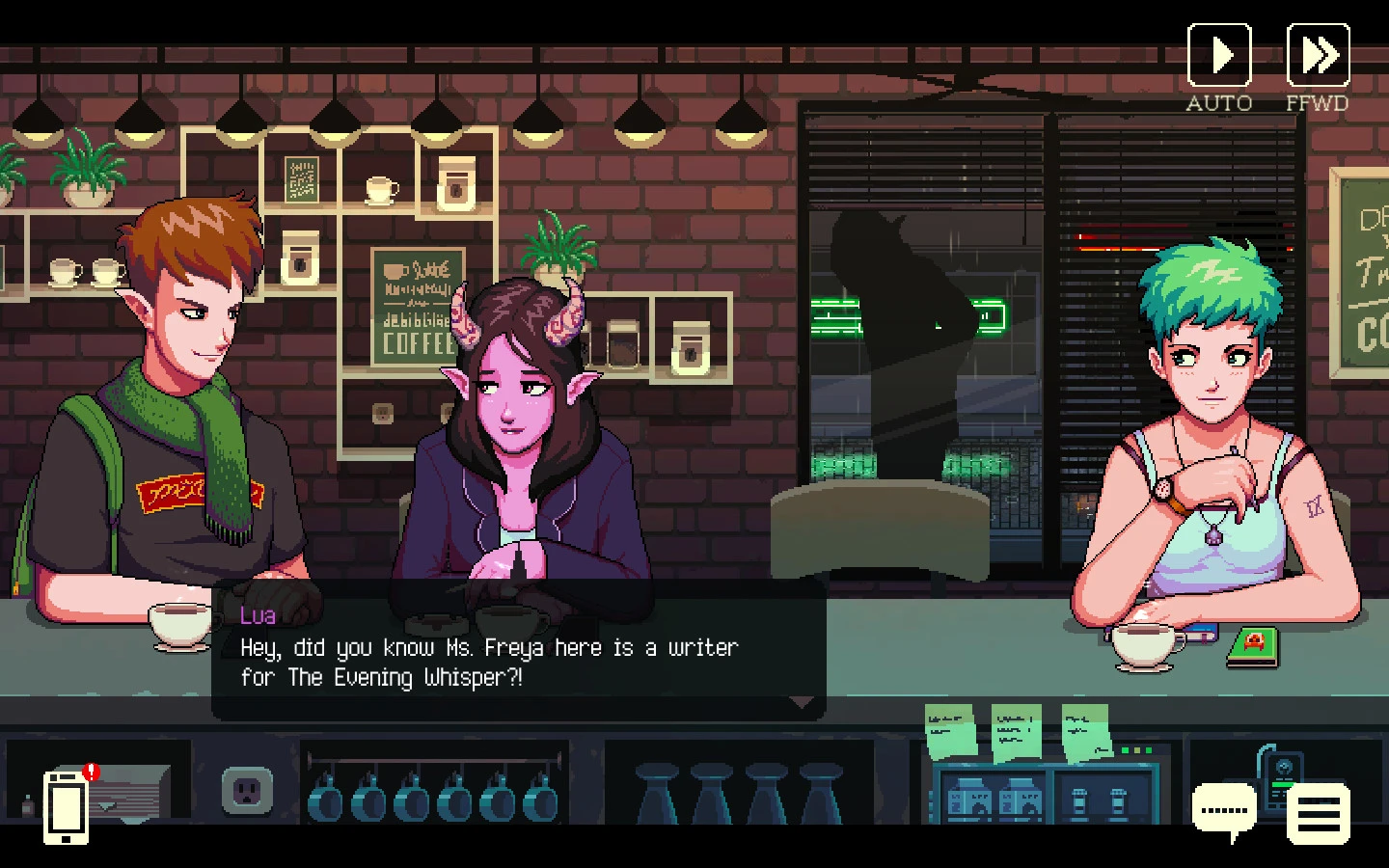
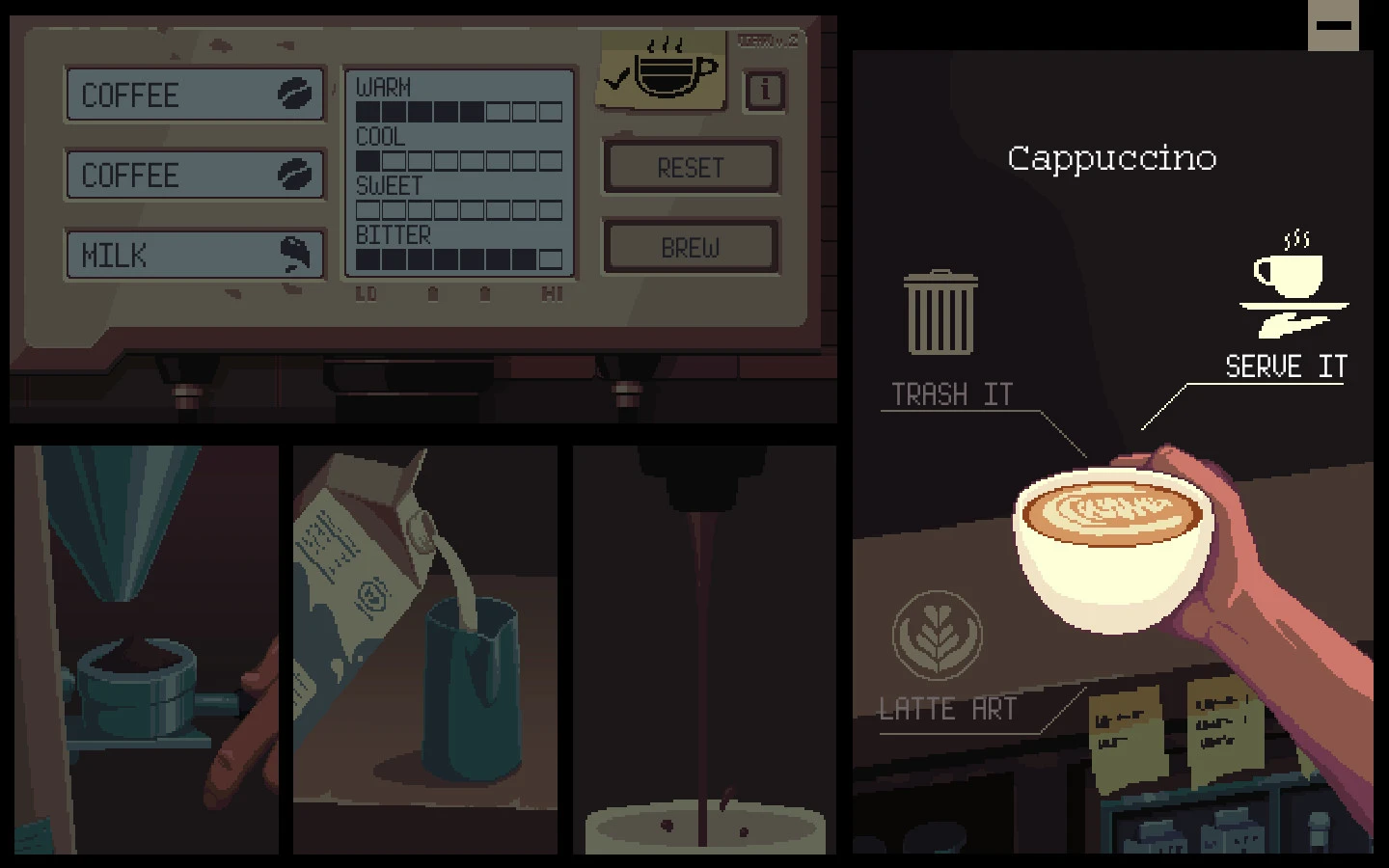
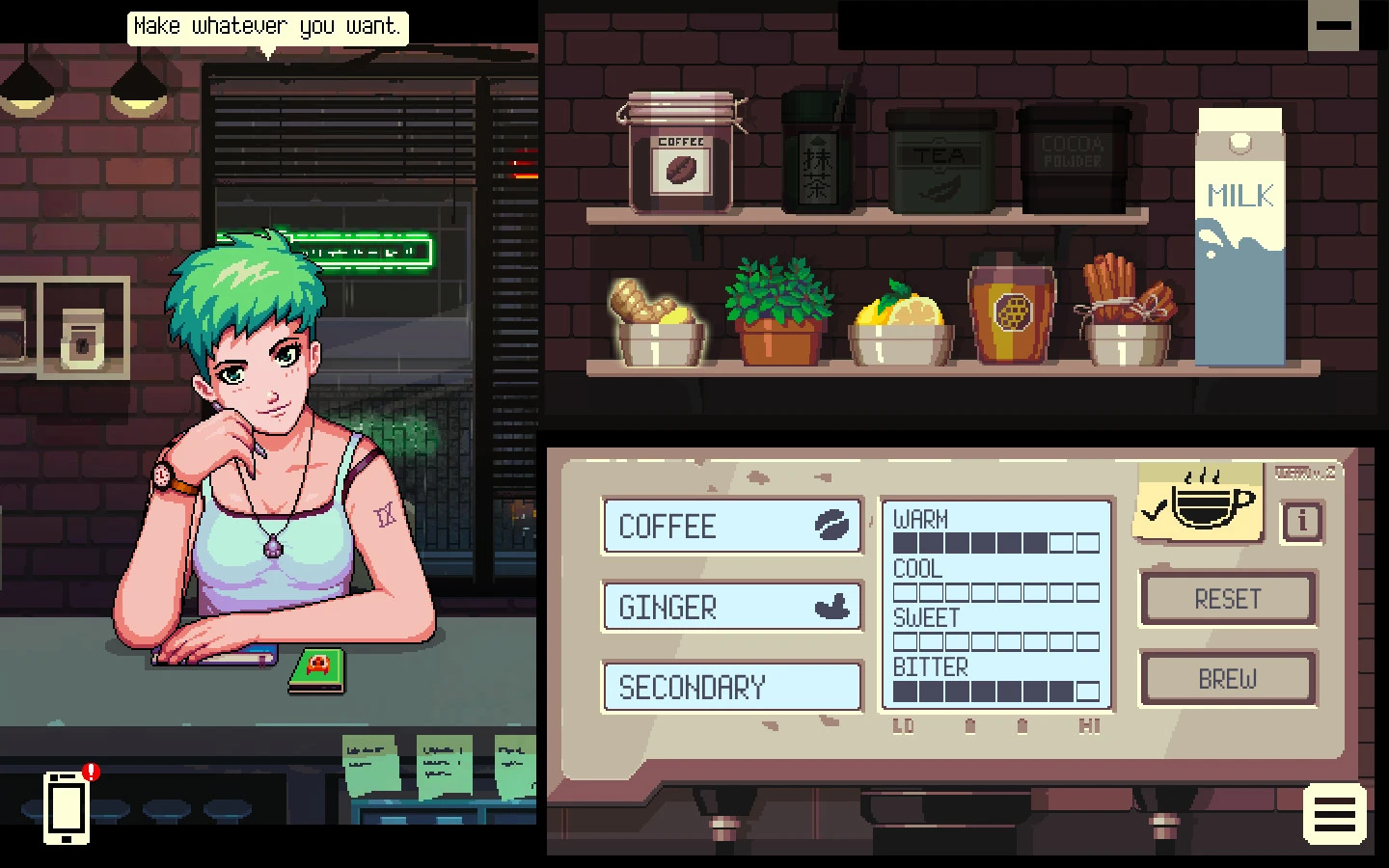
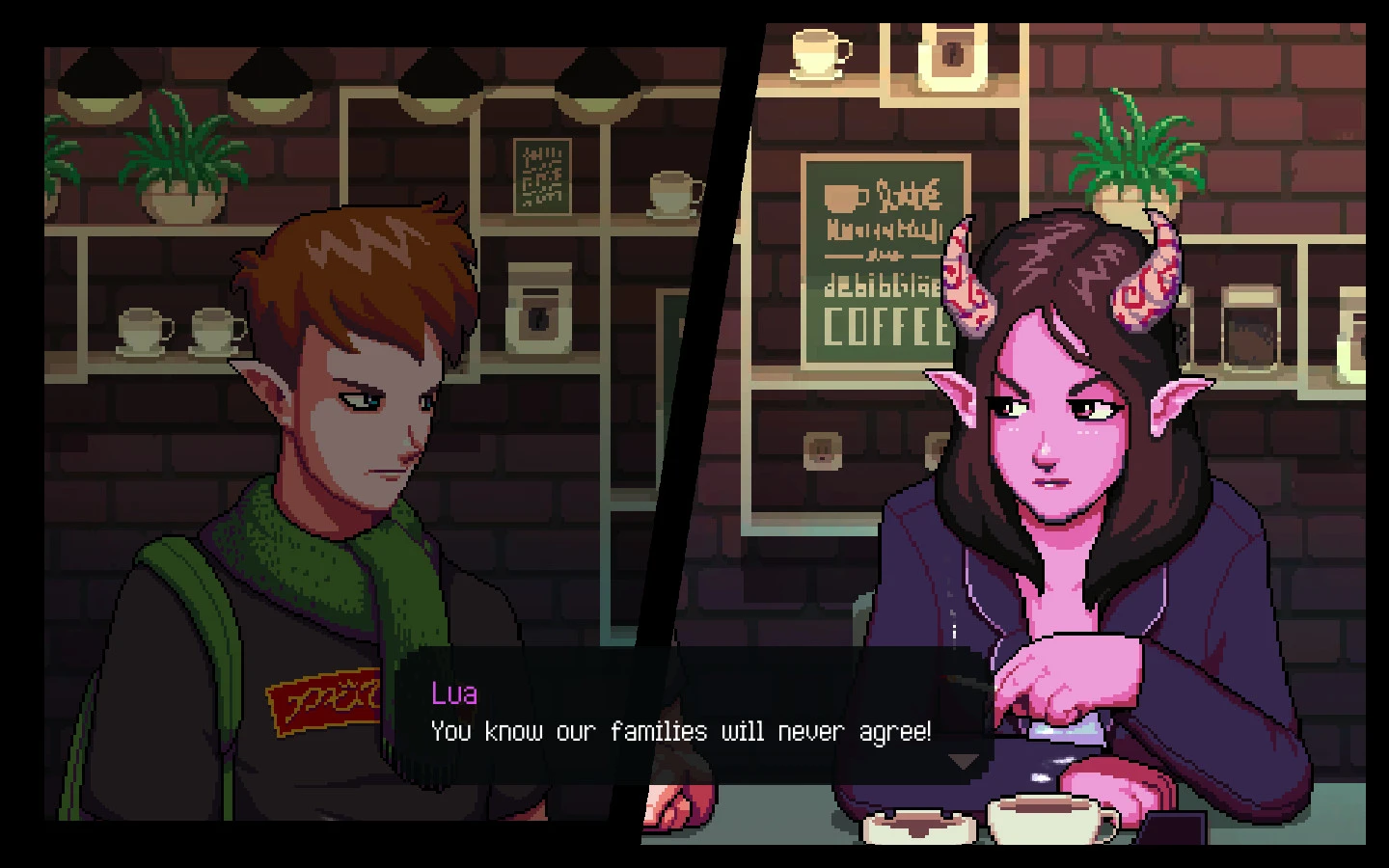
In the world of narrative-driven games, Coffee Talk stands out as a unique blend of storytelling, atmosphere, and human connection. Developed by Toge Productions, this game invites players into a cozy, late-night coffee shop where every cup brewed holds a story, and every conversation shapes the world in subtle yet meaningful ways. Unlike action-packed titles, Coffee Talk focuses on introspection, emotion, and the small yet significant moments that make life relatable.
Set in a contemporary urban fantasy world, Coffee Talk introduces a diverse cast of characters that includes elves, orcs, mermaids, and other fantastical beings, all living mundane lives with familiar struggles. Players take on the role of a barista, a gentle observer and listener, whose main task is preparing drinks while engaging in conversations that reveal the inner lives of patrons. What makes the game truly engaging is the way it intertwines the preparation of beverages with the unfolding narrative. Selecting the right ingredients can lead to meaningful interactions, making every choice feel impactful.
The strength of Coffee Talk lies in its storytelling. Conversations are the backbone of the game, exploring themes such as loneliness, friendship, love, career dilemmas, and self-discovery. Each character’s story is crafted with sensitivity, offering a glimpse into their vulnerabilities and aspirations. The game doesn’t rely on dramatic plot twists or high-stakes conflicts; instead, it emphasizes emotional realism and the quiet moments that define human—and non-human—experiences alike. This narrative approach creates a reflective environment where players can empathize deeply with characters while pondering their own life decisions.
Visually, Coffee Talk adopts a pixel-art style that complements its warm, intimate tone. The cozy interior of the café, soft lighting, and animated background details create an inviting atmosphere that draws players in. Coupled with a soothing lo-fi soundtrack, the game establishes a sense of calm and mindfulness rarely seen in the gaming world. This ambiance reinforces the central theme of connection, turning ordinary conversations into meaningful exchanges that linger even after the game is turned off.
Moreover, Coffee Talk serves as a platform for cultural expression. The game features a diverse mix of patrons, each reflecting different backgrounds and life experiences. Through thoughtful dialogue and relatable conflicts, it encourages empathy and understanding. Players are invited to consider perspectives different from their own while navigating the simple yet intricate process of making coffee.
In conclusion, Coffee Talk is more than just a simulation of running a café; it is a meditation on human connection and the stories that shape us. By focusing on dialogue, emotional depth, and a calming environment, the game transcends typical gaming experiences. It reminds players that sometimes the most profound moments happen in small, everyday interactions. Whether it’s sharing a cup of coffee or listening to someone’s struggles, Coffee Talk captures the essence of meaningful connections, one cup at a time.
OS: Mac OS X 10.5Processor: 2.33 GHz or faster processorRAM: 2 GBVideo card: 512 MB display memoryDisk space: 600 MB
Unzip the archive and follow the standard installation procedure.
The installation is completed by choosing a location to place the game.
It is recommended to specify the Applications folder.
Frequently Asked Questions
Mount the image and run Open Gatekeeper friendly.
Press Enter to bypass Gatekeeper in the Terminal window.
Drag the application to the Applications folder.
The application is ready for use.
ATTENTION! SIP must be disabled. Learn more >
Restart your Mac and hold down Command + R to enter Recovery Mode.
Open Terminal from the Utilities menu.
Enter the command: csrutil disable
Restart your Mac.
This is a common Gatekeeper issue. Follow these steps:
1. Open Terminal
2. Enter: sudo xattr -rd com.apple.quarantine /Applications/AppName.app
3. Replace "AppName" with the actual application name
4. Press Enter and enter your password
Yes, all our downloads are thoroughly checked for viruses and malware.
We use multiple antivirus engines to scan every file.
Our team tests each application before publishing.
We never bundle adware or unwanted software.
Yes, we regularly update our applications to the latest versions.
You can check our website for updates or subscribe to our newsletter.
We strive to provide the most recent versions within 24-48 hours of release.
If a download link is not working, please:
1. Try a different browser
2. Clear your browser cache and cookies
3. Try the alternative download links provided
4. Contact our support team if the issue persists