


Commandos 2 – HD Remaster
Download Commandos 2 – HD Remaster
Mount the downloaded image and drag the game to the Applications folder.
Previous Versions
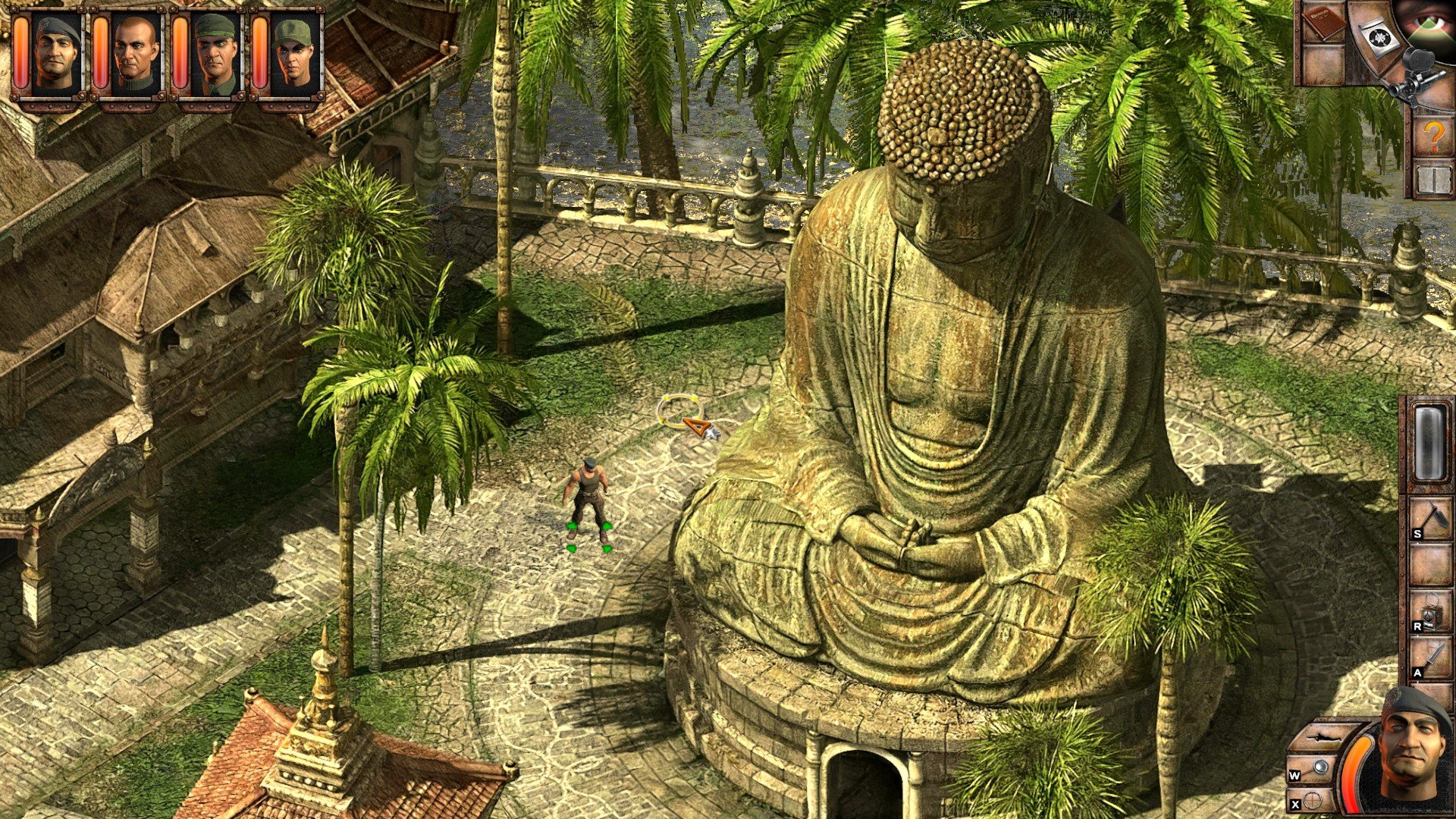
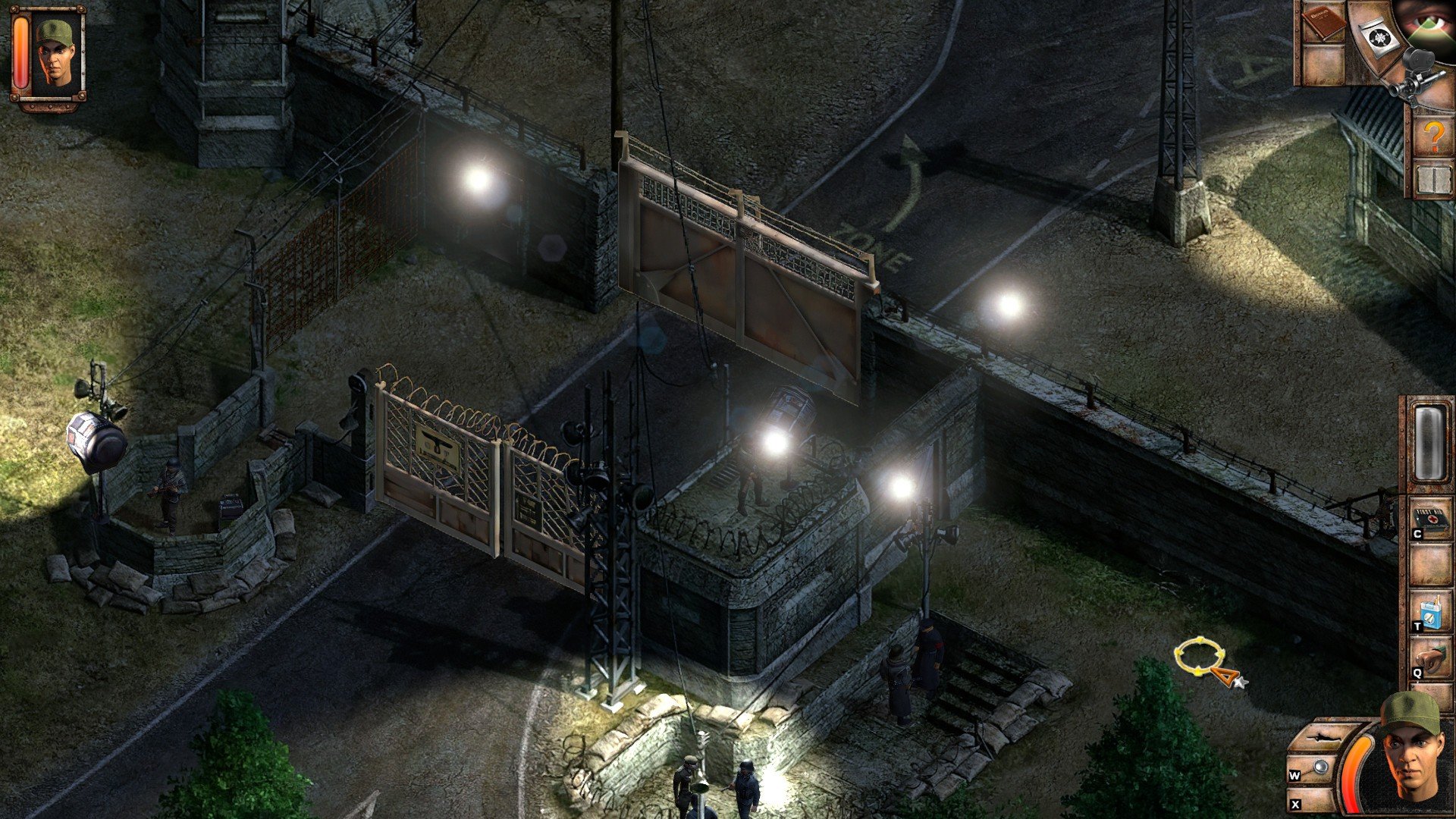
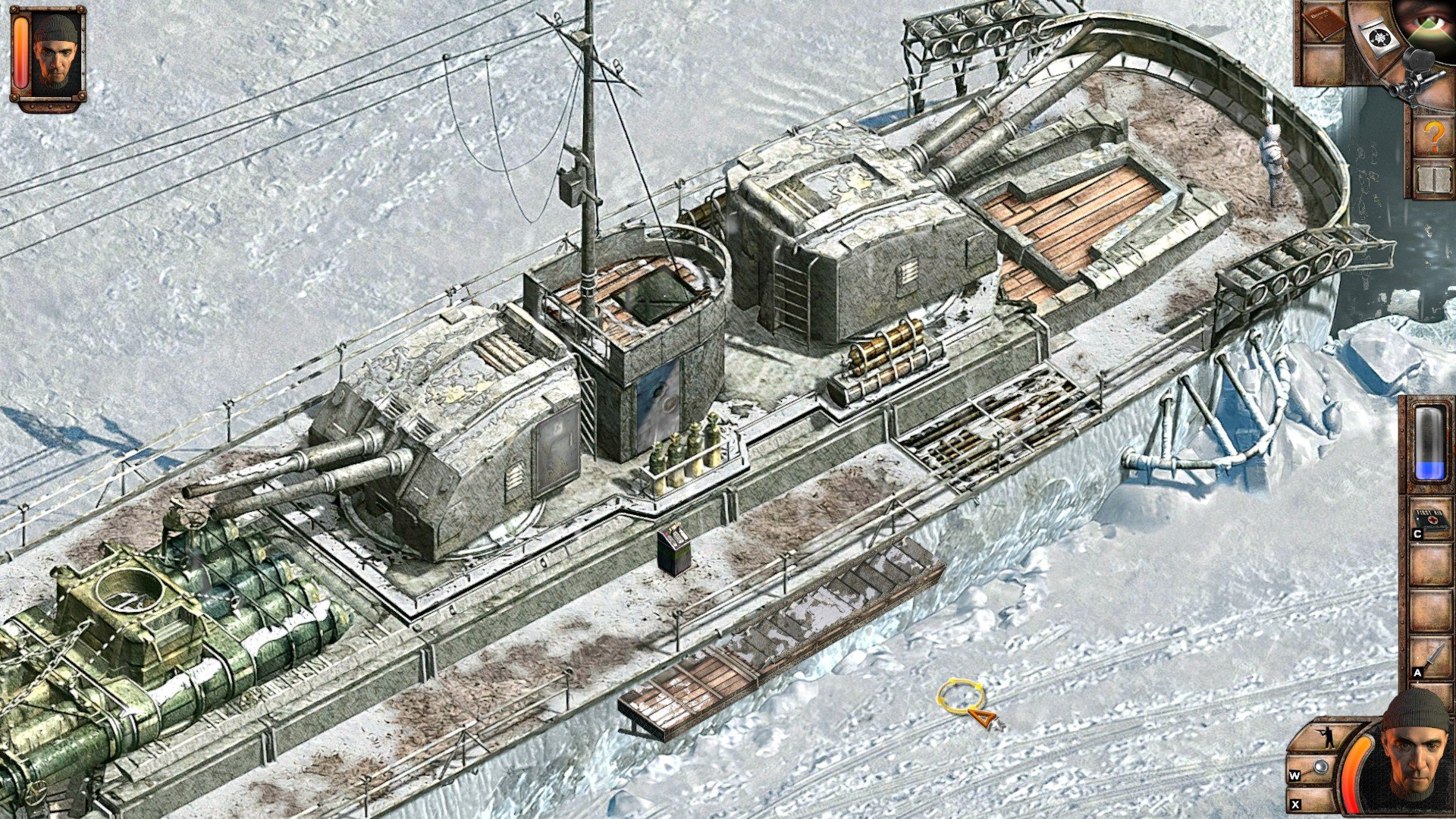
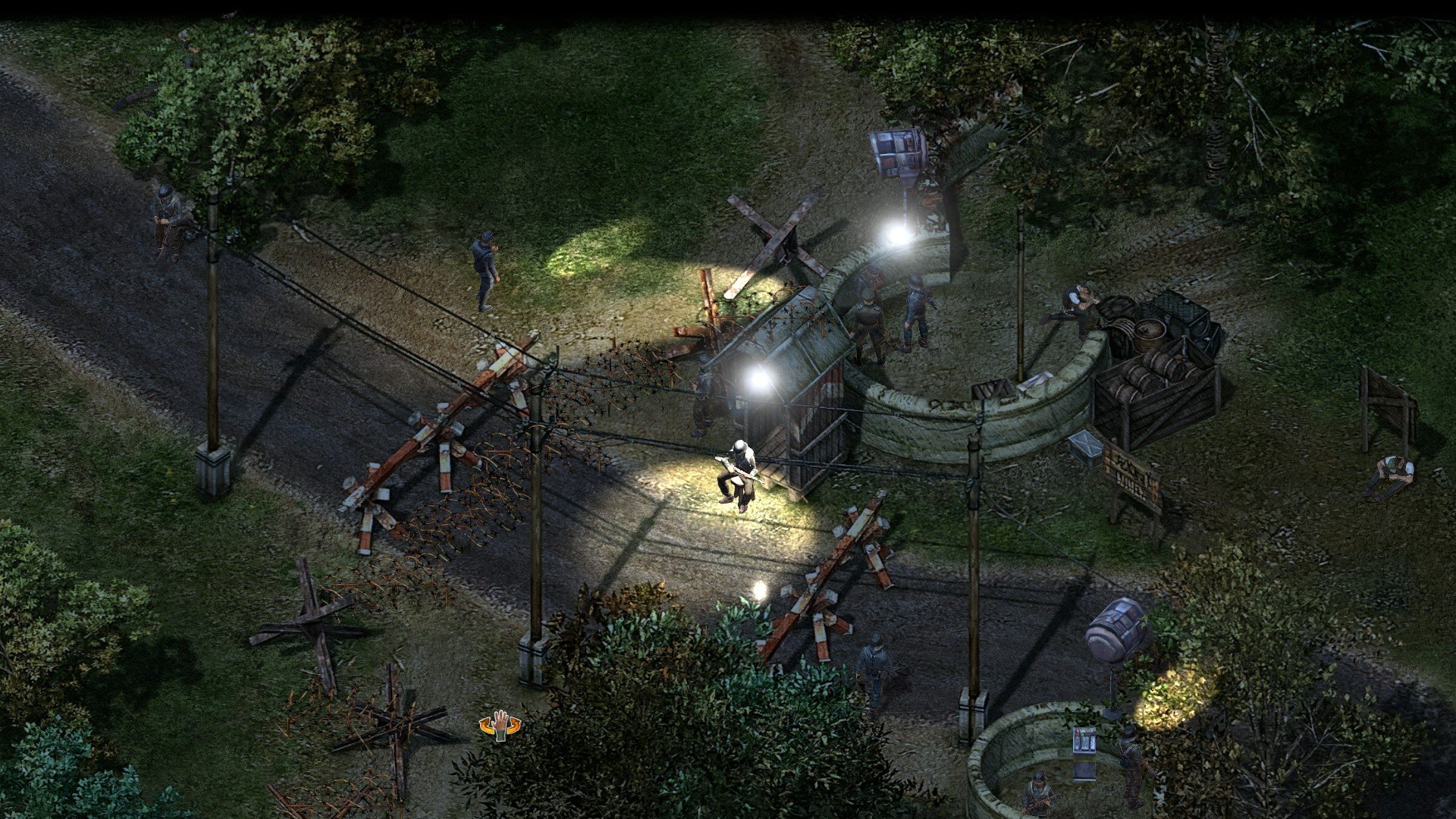
Few games in the tactical strategy genre have left as lasting an impression as Commandos 2, and the HD Remaster brings this classic to modern audiences with refreshed visuals and improved accessibility. Originally released in 2001, Commandos 2 challenged players to lead a small squad of elite soldiers behind enemy lines during World War II. With the HD Remaster, the game retains its intricate tactical depth while updating graphics, controls, and interface to meet contemporary standards.
Commandos 2 is renowned for its demanding gameplay, requiring players to think several steps ahead to succeed. Each mission demands precision, planning, and adaptability. Players control a diverse team, including a Green Beret, Sniper, Driver, and Spy, each with unique abilities essential for completing objectives. Whether sabotaging enemy equipment, rescuing prisoners, or gathering intelligence, every action must be carefully timed and executed. A single misstep can compromise an entire operation, creating a tense and rewarding challenge.
The HD Remaster enhances the original’s visual appeal without altering its iconic top-down perspective. Characters, environments, and animations have been modernized, making it easier to distinguish objects and interactable elements. The updated interface also streamlines controls and inventory management, reducing frustration while preserving the game’s signature difficulty. These improvements allow both veterans and newcomers to experience the game’s strategic depth without being hindered by outdated mechanics.
One of the most compelling aspects of Commandos 2 is its variety of missions. Players traverse multiple theaters of war, from the beaches of Normandy to the snow-covered mountains of Siberia. Each level is carefully crafted to challenge problem-solving and adaptability, often requiring creative solutions. Unlike many modern strategy games that allow brute-force tactics, Commandos 2 rewards stealth, observation, and patience. Success often hinges on using the right commando in the right situation, demonstrating the game’s deep tactical design.
Another hallmark of the series is its atmospheric world-building. The HD Remaster preserves the original’s tense and immersive environments while subtly enhancing audio and visual effects. Enemy patrols feel intelligent, and the environmental design supports multiple approaches to each objective. Players feel the tension of operating behind enemy lines, making the sense of accomplishment from completing missions all the more satisfying.
The HD Remaster also introduces modern conveniences such as improved resolution, enhanced sound quality, and easier saving options, which make the game more accessible without compromising its challenge. This careful balance ensures that the game remains faithful to its original vision while appealing to a contemporary audience.
In conclusion, Commandos 2 – HD Remaster is a triumph of tactical strategy, combining careful planning, stealth, and ingenuity in a way few games manage. It honors the original while making it approachable for new players, offering an experience that is both challenging and rewarding. For fans of strategy games or anyone interested in military tactics and historical settings, Commandos 2 – HD Remaster is a must-play, proving that a well-designed classic can remain relevant even decades after its initial release.
OS: macOS Big Sur (11.2)Processor: Quad-Core (i5 or i7) 3GHz*RAM: 16 GBVideo card: Intel Iris Pro, 2GB VRamDisk space: 8 GBAdditionally: *Intel-based Mac hardware only supported (Apple M1 unsupported)
Mount the downloaded image and drag the game to the Applications folder.
Frequently Asked Questions
Mount the image and run Open Gatekeeper friendly.
Press Enter to bypass Gatekeeper in the Terminal window.
Drag the application to the Applications folder.
The application is ready for use.
ATTENTION! SIP must be disabled. Learn more >
Restart your Mac and hold down Command + R to enter Recovery Mode.
Open Terminal from the Utilities menu.
Enter the command: csrutil disable
Restart your Mac.
This is a common Gatekeeper issue. Follow these steps:
1. Open Terminal
2. Enter: sudo xattr -rd com.apple.quarantine /Applications/AppName.app
3. Replace "AppName" with the actual application name
4. Press Enter and enter your password
Yes, all our downloads are thoroughly checked for viruses and malware.
We use multiple antivirus engines to scan every file.
Our team tests each application before publishing.
We never bundle adware or unwanted software.
Yes, we regularly update our applications to the latest versions.
You can check our website for updates or subscribe to our newsletter.
We strive to provide the most recent versions within 24-48 hours of release.
If a download link is not working, please:
1. Try a different browser
2. Clear your browser cache and cookies
3. Try the alternative download links provided
4. Contact our support team if the issue persists