


Creeper World 3: Arc Eternal
Download Creeper World 3: Arc Eternal
Mount the downloaded image and drag the game to the Applications folder.
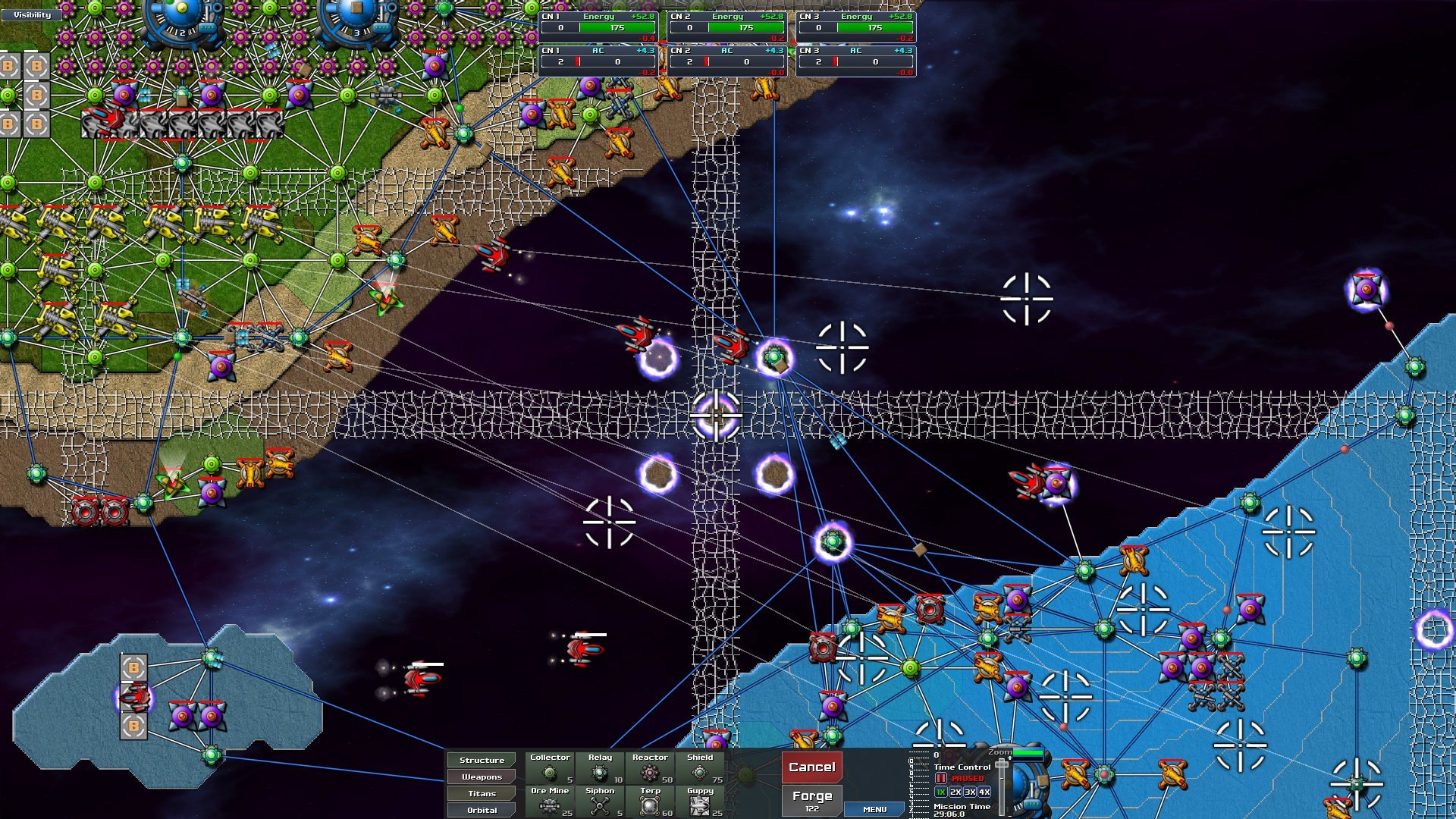
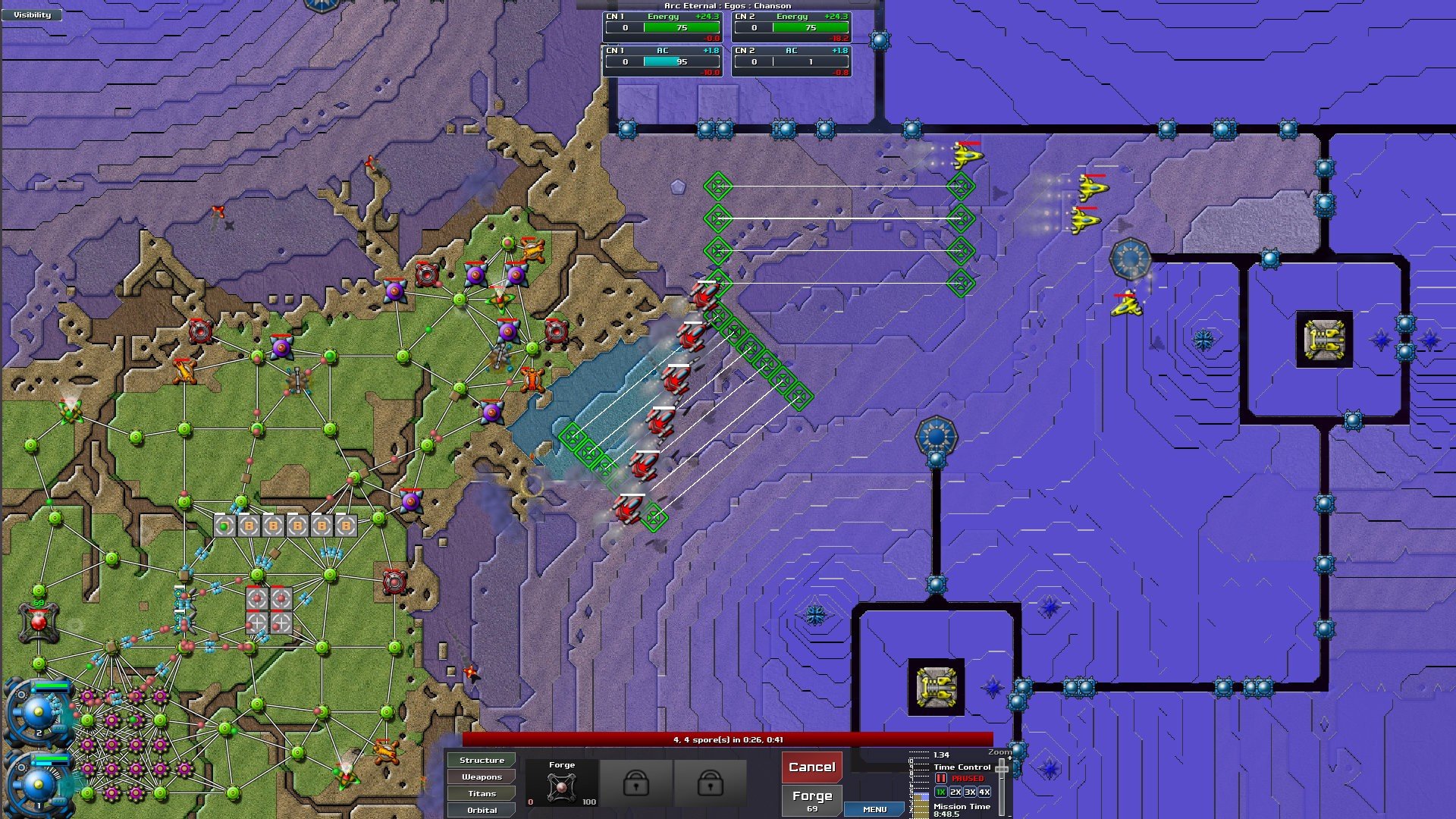
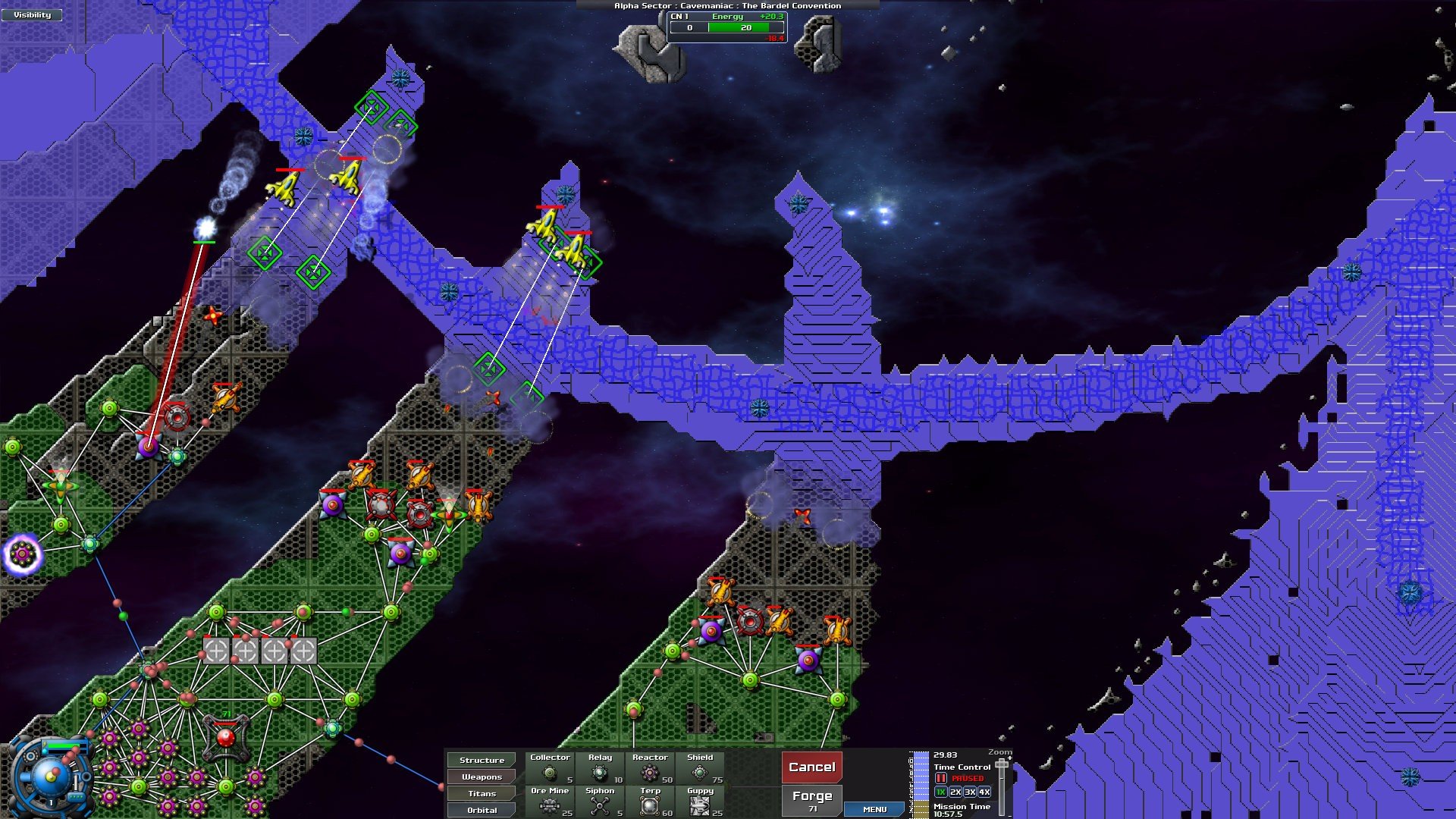
In the ever-evolving world of strategy games, Creeper World 3: Arc Eternal stands out as a unique blend of tower defense and real-time strategy, offering players a challenge unlike any other. Developed by Knuckle Cracker, this third installment in the Creeper World series pushes the boundaries of traditional strategy games by introducing dynamic environments, expansive maps, and a fluid, tactical combat system.
At the heart of Creeper World 3 lies a deceptively simple concept: an alien fluid known as the “Creeper” is relentlessly advancing across each map, consuming everything in its path. The player’s mission is to halt its spread while securing resources, building defenses, and maintaining a strategic foothold. Unlike conventional tower defense games where enemies follow predictable paths, the Creeper behaves like a liquid, flowing and pooling naturally, creating an ever-changing battlefield that demands constant adaptation.
One of the most striking features of Arc Eternal is its depth of strategy. Players must not only place weapons and structures efficiently but also manage energy flow, terrain elevation, and network connectivity. Every decision has ripple effects; misplacing a single node or misjudging the Creeper’s advance can cascade into disaster. This adds a layer of complexity that rewards careful planning, experimentation, and quick thinking.
The game also emphasizes exploration and expansion. Unlike static levels in traditional tower defense games, Creeper World 3 offers massive maps with multiple objectives. Players must venture into uncharted territory, extract resources, and establish forward bases, all while fending off the encroaching Creeper. This encourages a blend of offensive and defensive strategies, as aggressive expansion can provide critical advantages but also exposes new vulnerabilities.
Creeper World 3’s visual and audio design contributes significantly to the immersive experience. The fluid dynamics of the Creeper are visually striking, with waves spreading, pooling, and reacting to the environment in real-time. Combined with ambient soundscapes and subtle audio cues, players are provided with both aesthetic pleasure and crucial gameplay information. The interface, though complex, remains intuitive, allowing players to manage sprawling networks without feeling overwhelmed.
Moreover, the game fosters creativity and replayability. Multiple mission paths, customizable units, and experimental strategies ensure that no two playthroughs are identical. Whether a player prefers slow, methodical expansion or aggressive, high-risk maneuvers, the game accommodates diverse playstyles. Fans of the series have praised this flexibility, noting that it keeps the game fresh even after numerous hours of play.
However, Creeper World 3 is more than just mechanics and strategy; it challenges players’ ability to think ahead and adapt continuously. It turns every victory into a testament to skillful planning and rapid problem-solving, while every setback becomes an opportunity to refine tactics.
In conclusion, Creeper World 3: Arc Eternal elevates tower defense to an art form. Its combination of fluid mechanics, strategic depth, expansive maps, and immersive design creates a gameplay experience that is both challenging and rewarding. For strategy enthusiasts looking for a game that demands creativity, foresight, and adaptability, Creeper World 3 offers a compelling adventure into the relentless world of the Creeper.
OS: OS X 10.6RAM: 1 GB RAMDisk space: 500 MB
Mount the downloaded image and drag the game to the Applications folder.
Frequently Asked Questions
Mount the image and run Open Gatekeeper friendly.
Press Enter to bypass Gatekeeper in the Terminal window.
Drag the application to the Applications folder.
The application is ready for use.
ATTENTION! SIP must be disabled. Learn more >
Restart your Mac and hold down Command + R to enter Recovery Mode.
Open Terminal from the Utilities menu.
Enter the command: csrutil disable
Restart your Mac.
This is a common Gatekeeper issue. Follow these steps:
1. Open Terminal
2. Enter: sudo xattr -rd com.apple.quarantine /Applications/AppName.app
3. Replace "AppName" with the actual application name
4. Press Enter and enter your password
Yes, all our downloads are thoroughly checked for viruses and malware.
We use multiple antivirus engines to scan every file.
Our team tests each application before publishing.
We never bundle adware or unwanted software.
Yes, we regularly update our applications to the latest versions.
You can check our website for updates or subscribe to our newsletter.
We strive to provide the most recent versions within 24-48 hours of release.
If a download link is not working, please:
1. Try a different browser
2. Clear your browser cache and cookies
3. Try the alternative download links provided
4. Contact our support team if the issue persists