


Croc Legend of the Gobbos
Download Croc Legend of the Gobbos
Run the downloaded image and drag the application to the Applications folder shortcut.
Once copying is complete, the application can be launched via Launchpad.
Previous Versions
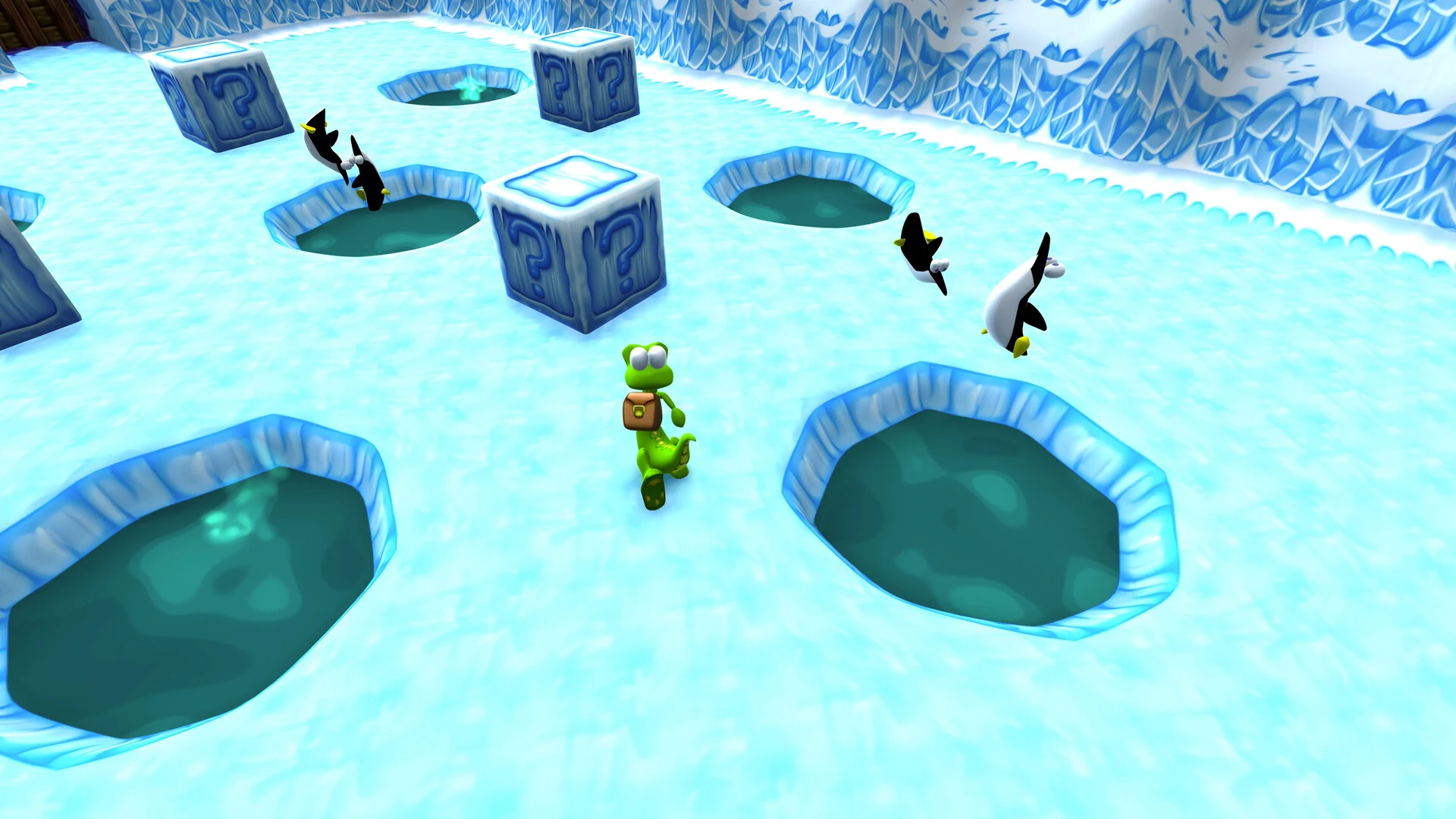
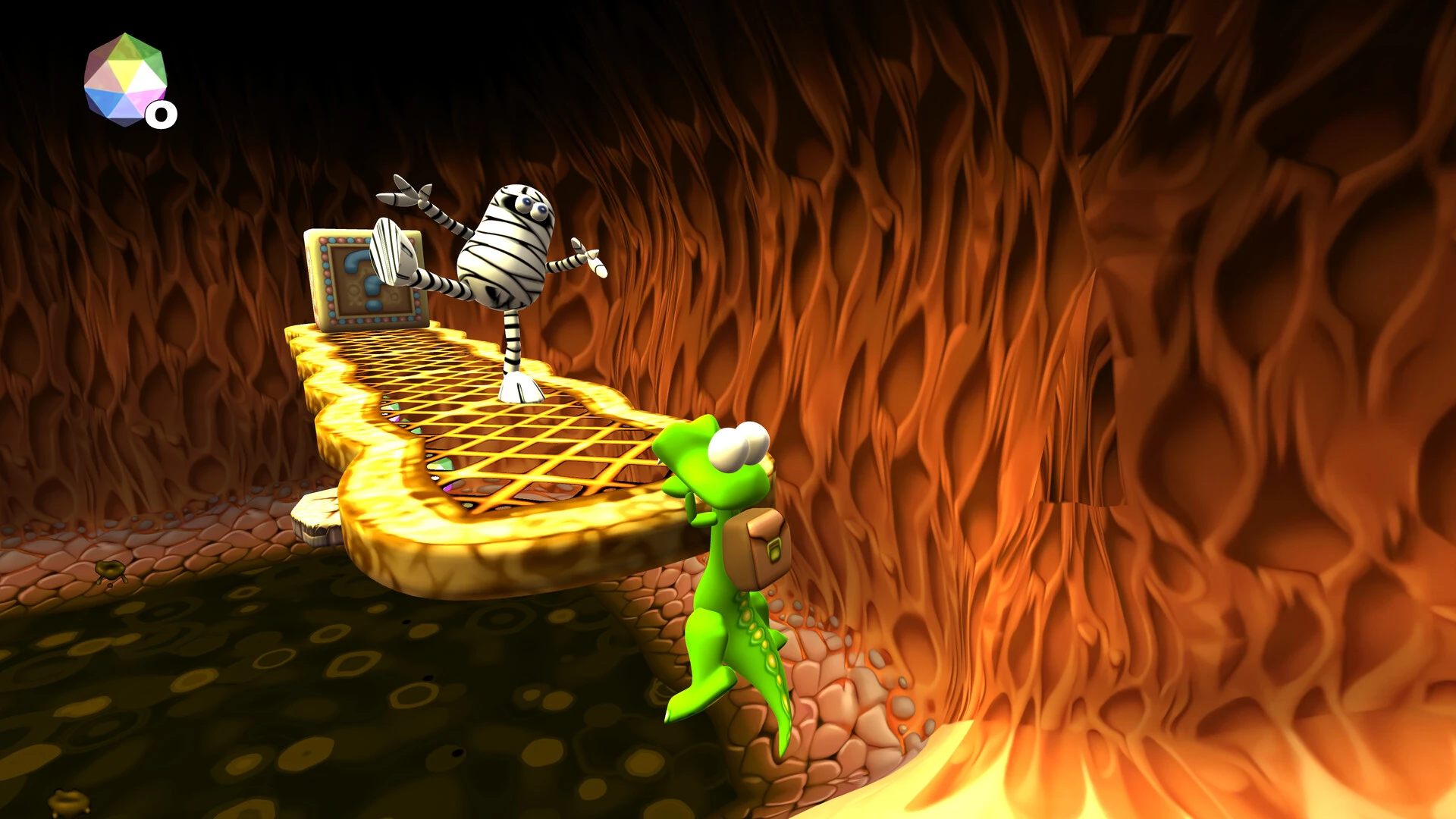
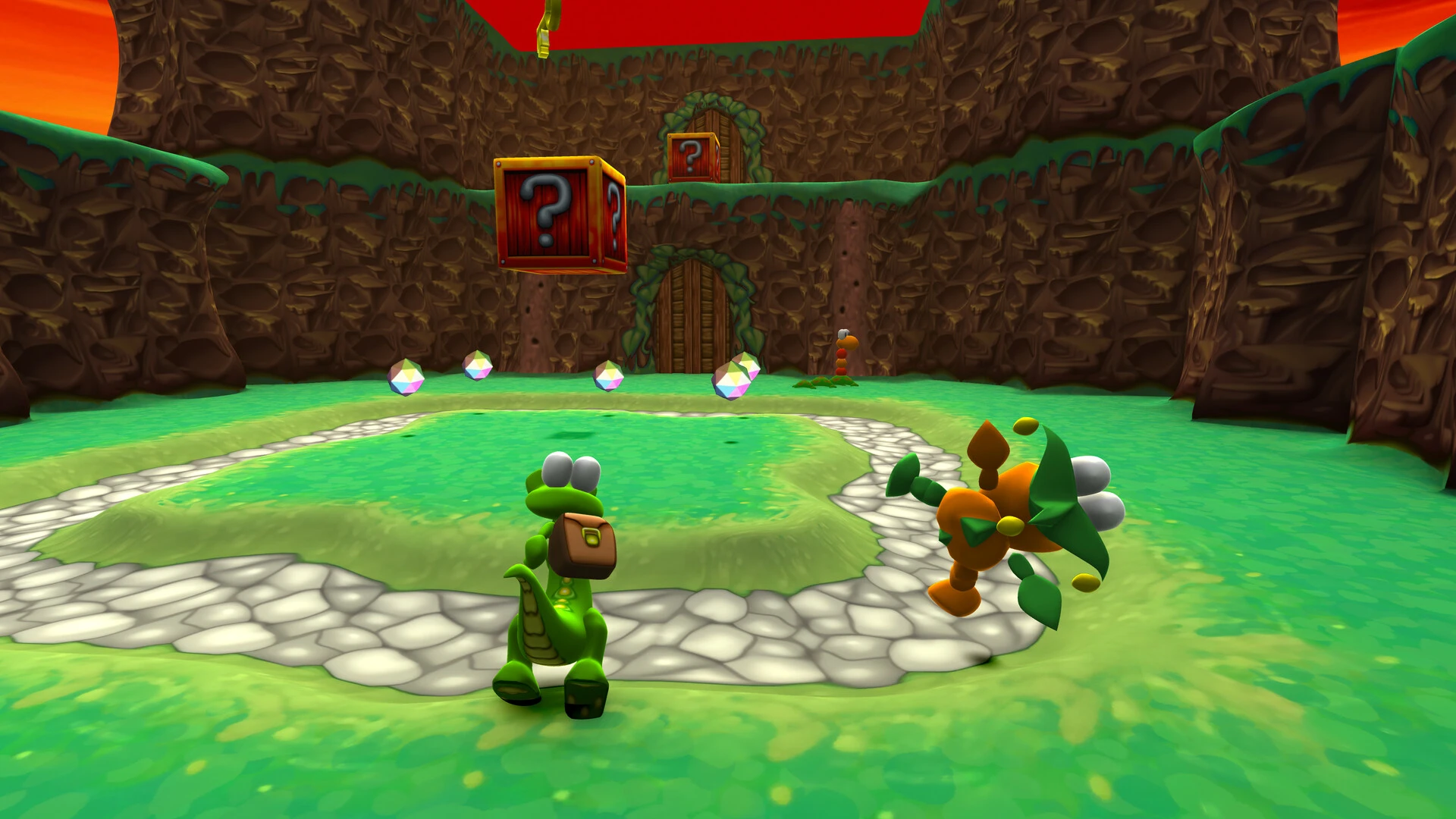
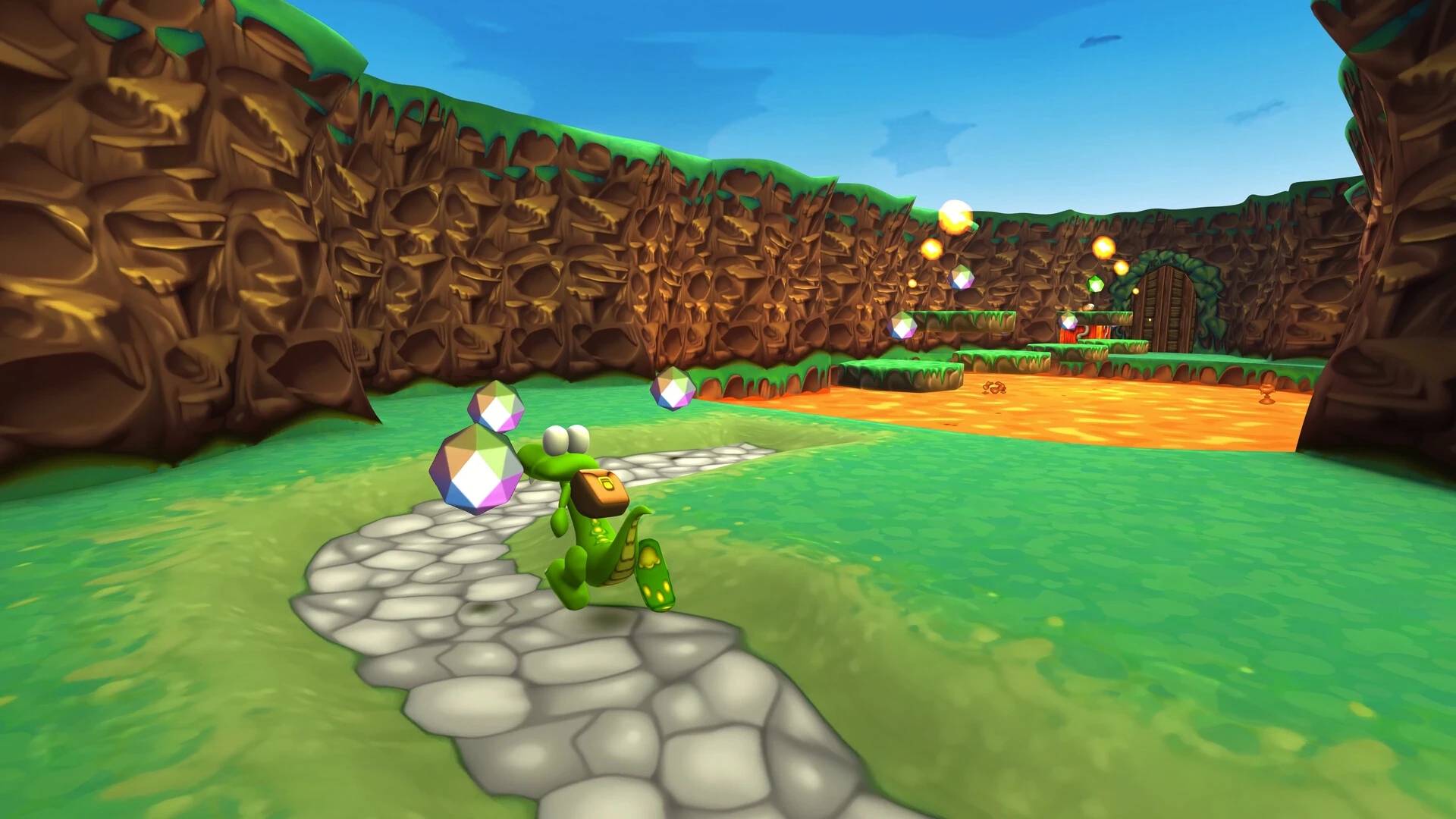
Few classic platformers possess the same nostalgic charm as Croc: Legend of the Gobbos. Originally released in 1997 by Argonaut Software and published by Fox Interactive, it became one of the most memorable 3D platformers of the PlayStation era. With colorful worlds, endearing characters, and creative level design, Croc quickly gained a loyal fanbase among gamers worldwide.
Even decades after its release, Croc: Legend of the Gobbos remains a beloved title among retro gaming enthusiasts. Its unique personality and accessible gameplay helped it stand out in an era when 3D platformers were rapidly gaining popularity.
Classic 3D Platforming Gameplay
Croc: Legend of the Gobbos became popular thanks to its fun and accessible gameplay. Players explore colorful worlds filled with enemies, puzzles, hidden collectibles, and platforming challenges.
The game's main features include:
Jumping and climbing mechanics
Puzzle-solving sections
Rescuing hidden Gobbos
Secret rooms and collectibles
Boss battles across multiple themed worlds
Each level encourages exploration, rewarding players who carefully search for hidden crystals and trapped Gobbos.
Although the controls reflected the early days of 3D gaming, many fans appreciated the game's slower, more deliberate movement style compared to other fast-paced platformers.
A memorable visual style
At the time of its release, Croc impressed players with its vibrant graphics and imaginative world design. Each area featured a unique theme, including snowy mountains, volcanic caves, underwater environments, and ancient ruins.
Its cartoonish visual style gave the game a timeless look that remains charming even today. Croc himself became instantly recognizable thanks to his adorable animations and playful personality.
The soundtrack also played a fundamental role in the game's identity. Its cheerful melodies and atmospheric sound effects contributed to creating a magical adventure experience.
Why did Croc become a retro classic?
The late 1990s saw the rise of many iconic mascot-star platformers, but Croc managed to forge its own identity thanks to its creativity and charm. While competing with larger franchises, the game developed a solid fanbase thanks to its relaxing gameplay and endearing world.
Retro gaming communities continue to celebrate this title for its nostalgic value and its importance in the early days of 3D platforming.
In recent years, discussions about modern remasters and re-releases have reignited interest in the franchise, introducing Croc to a new generation of players.
The legacy of Croc: Legend of the Gobbos
Croc's influence on classic platformers remains significant. It demonstrated how character-driven adventures could thrive during the transition from 2D to 3D.
Its focus on exploration, family-friendly storytelling, and creative environments helped define the identity of many subsequent platformers.
Conclusion
Croc: Legend of the Gobbos is more than just a nostalgic PlayStation title: it's a memorable adventure that helped define an important era in video game history.
▎Apple Silicon (ARM)- macOS Tahoe 26.1-26.4 and later. - Apple Silicon processors (M1-M5, M Pro/Max/Ultra).- ±8 GB of shared memory.- ±15 GB of free disk space.▎There is support for the Dualsense gamepad
Run the downloaded image and drag the application to the Applications folder shortcut.
Once copying is complete, the application can be launched via Launchpad.
Frequently Asked Questions
Mount the image and run Open Gatekeeper friendly.
Press Enter to bypass Gatekeeper in the Terminal window.
Drag the application to the Applications folder.
The application is ready for use.
ATTENTION! SIP must be disabled. Learn more >
Restart your Mac and hold down Command + R to enter Recovery Mode.
Open Terminal from the Utilities menu.
Enter the command: csrutil disable
Restart your Mac.
This is a common Gatekeeper issue. Follow these steps:
1. Open Terminal
2. Enter: sudo xattr -rd com.apple.quarantine /Applications/AppName.app
3. Replace "AppName" with the actual application name
4. Press Enter and enter your password
Yes, all our downloads are thoroughly checked for viruses and malware.
We use multiple antivirus engines to scan every file.
Our team tests each application before publishing.
We never bundle adware or unwanted software.
Yes, we regularly update our applications to the latest versions.
You can check our website for updates or subscribe to our newsletter.
We strive to provide the most recent versions within 24-48 hours of release.
If a download link is not working, please:
1. Try a different browser
2. Clear your browser cache and cookies
3. Try the alternative download links provided
4. Contact our support team if the issue persists