


Crusader Kings III
Download Crusader Kings III
Mount the image and move its contents to the Applications folder.
Previous Versions
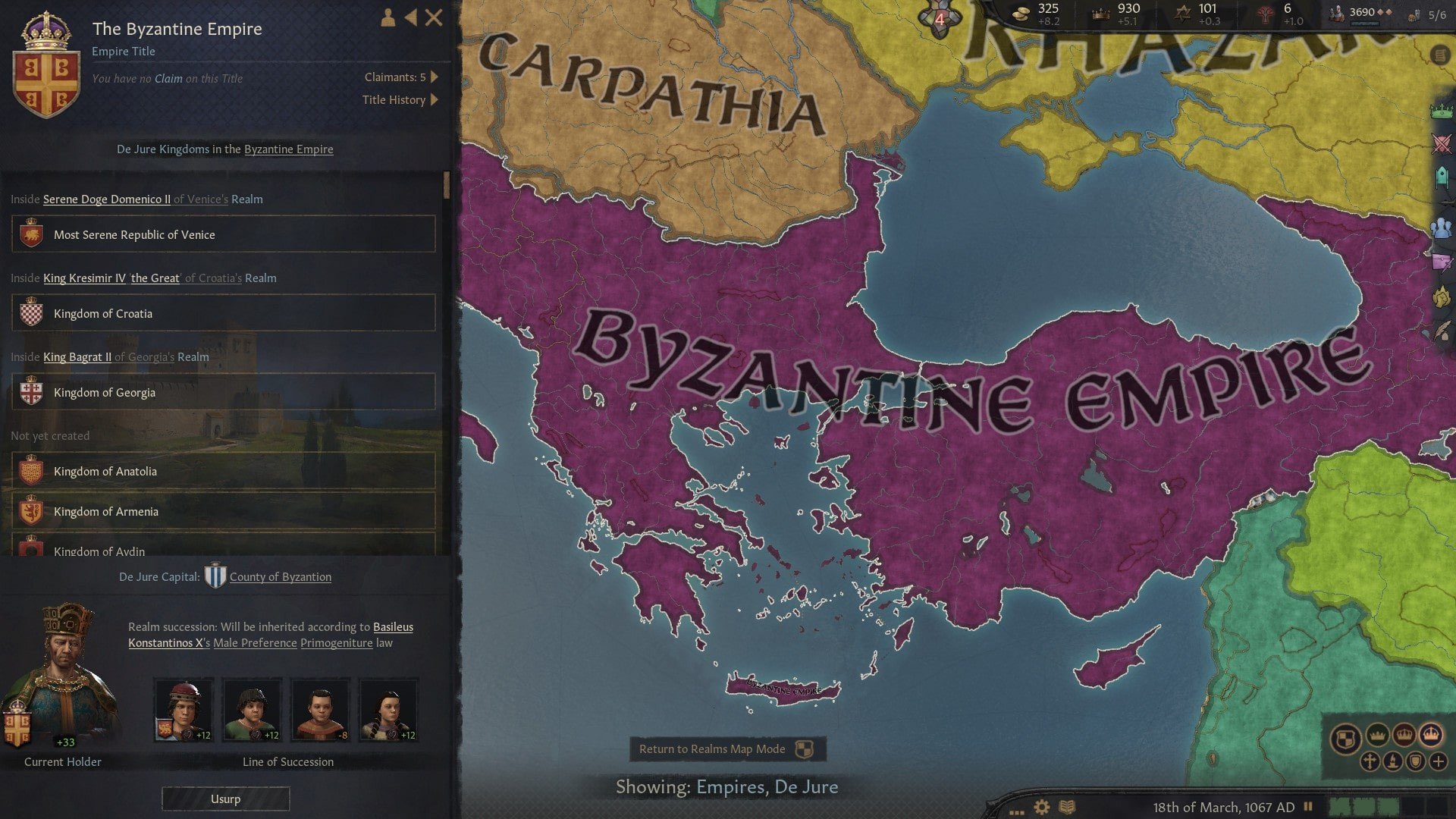
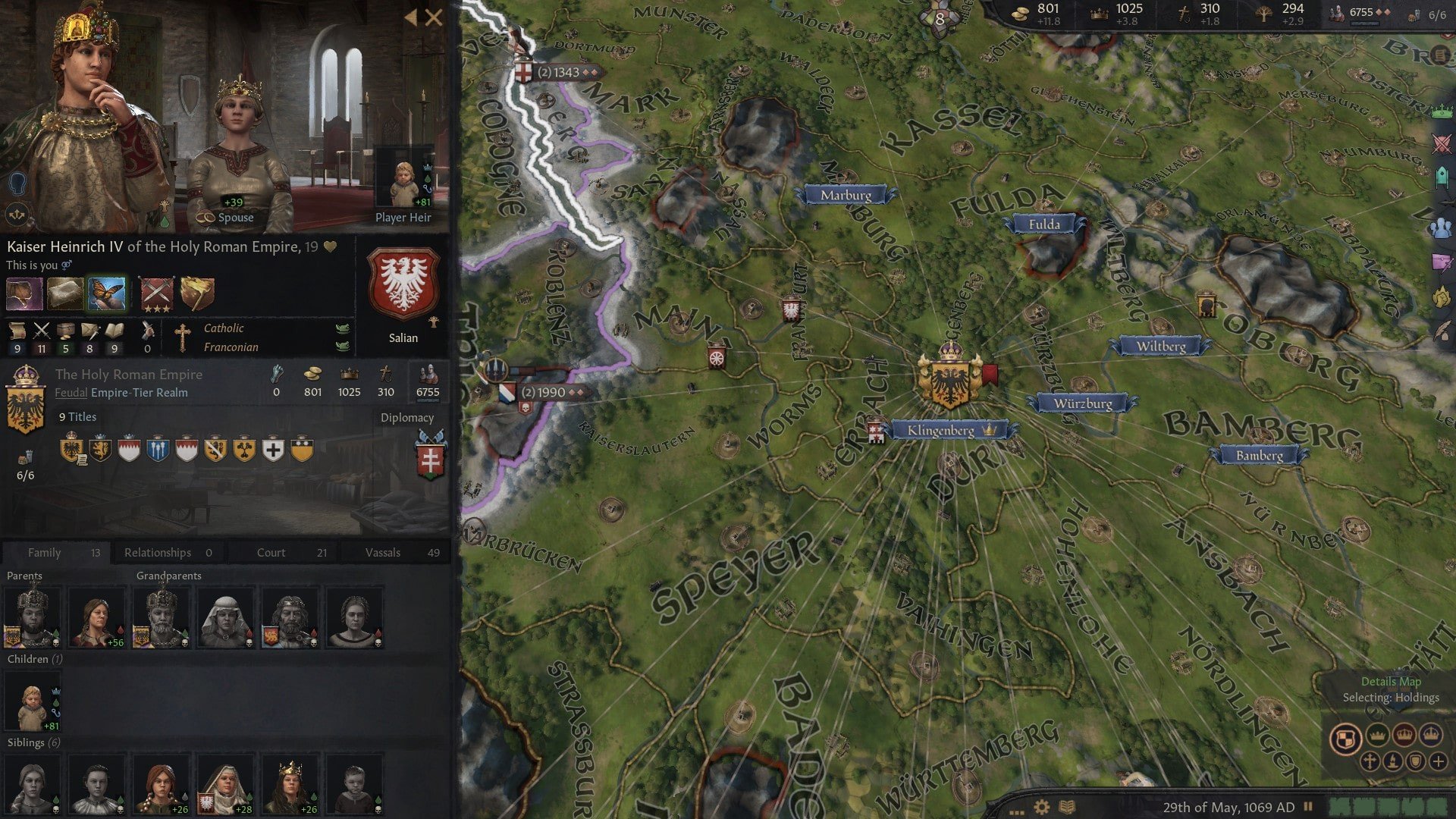
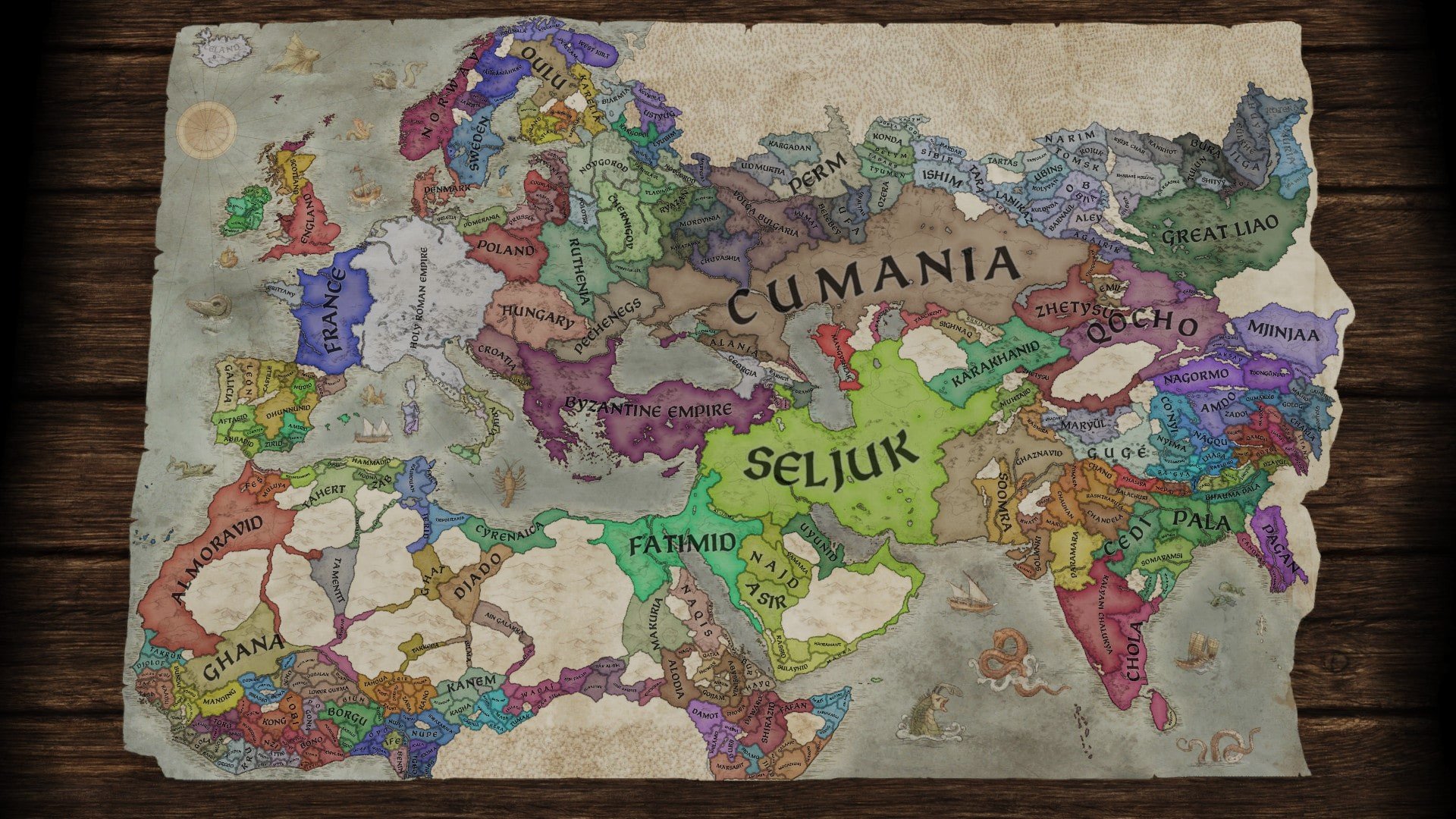
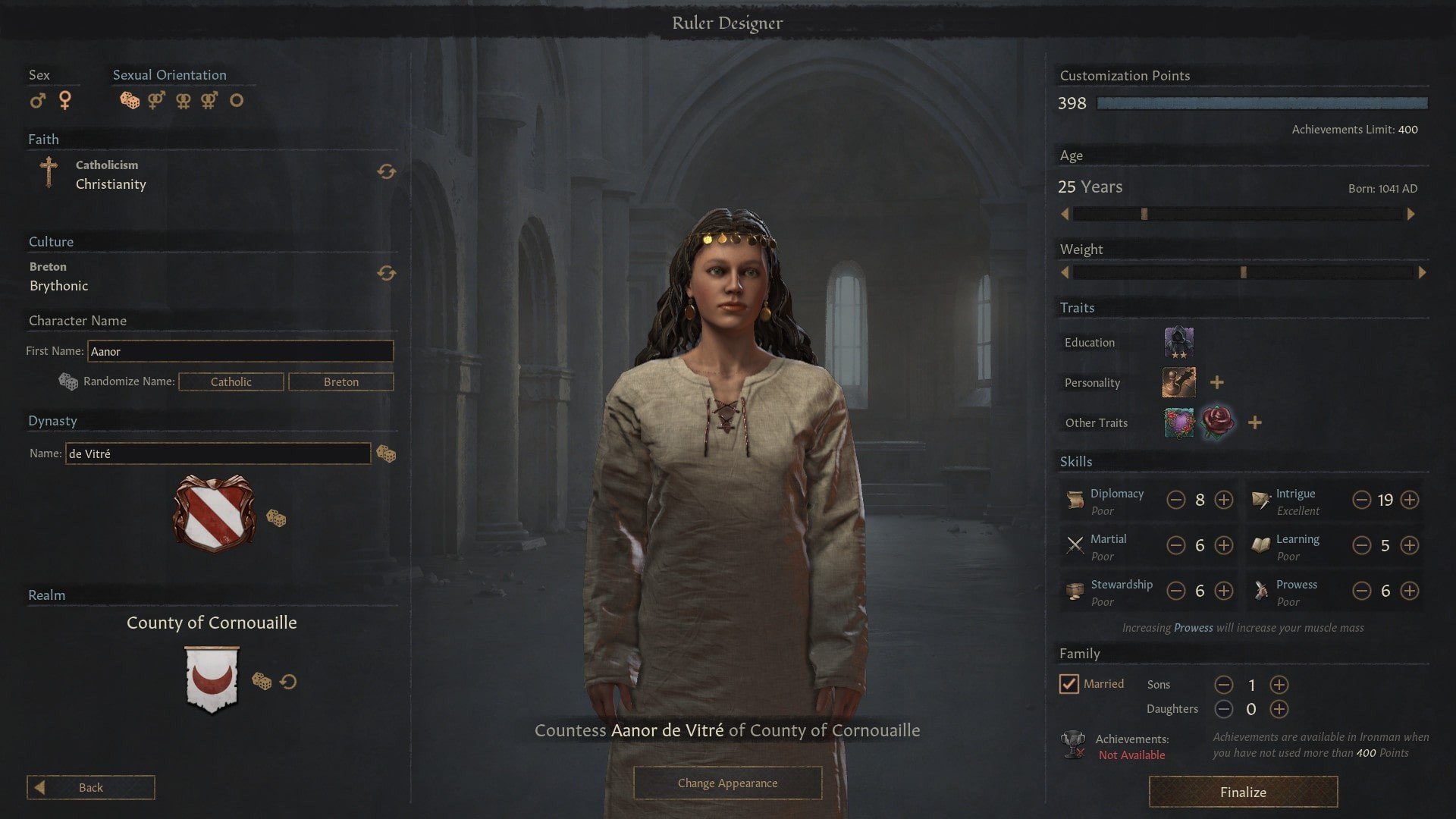
Crusader Kings III is a grand strategy game that goes beyond typical conquest mechanics to immerse players in the intricate web of medieval politics, family dynamics, and personal ambition. Developed by Paradox Interactive, the game places players in control of a noble dynasty, challenging them to expand influence, navigate alliances, and ensure their family’s legacy survives through generations. Its blend of strategy, role-playing, and emergent storytelling makes it one of the most complex and rewarding experiences in modern gaming.
At its heart, Crusader Kings III is about power and decision-making. Players do not merely conquer lands; they manage relationships, negotiate marriages, and maintain loyalty among vassals and courtiers. Every choice, from arranging strategic marriages to choosing which laws to implement, affects the stability of the realm and the future of the dynasty. Unlike many strategy games that focus solely on military might, Crusader Kings III emphasizes diplomacy, intrigue, and the delicate balance between ambition and caution.
The role-playing elements are what truly distinguish the game. Each ruler has traits, ambitions, and relationships that influence how events unfold. Characters can be brave, cunning, ambitious, or cruel, and these attributes affect both personal interactions and larger political decisions. This human element adds depth and unpredictability, making each playthrough feel like a living narrative rather than a scripted campaign. A trusted advisor may betray you, a child may become a brilliant ruler—or a disaster—depending on how carefully the dynasty is nurtured.
Military strategy remains a vital component. Players raise armies, plan campaigns, and defend territories against rivals. Success in battle requires more than numerical superiority; terrain, troop composition, and timing all matter. However, warfare in Crusader Kings III is only one tool in the broader game of power. Alliances, marriages, assassinations, and diplomacy can achieve what brute force cannot, highlighting the game’s focus on strategic thinking and foresight.
The game also excels in its emergent storytelling. No two campaigns are alike, as random events, succession crises, and AI behavior create unique narratives. From religious conflicts and peasant uprisings to unexpected betrayals and dynastic triumphs, the game ensures that players are constantly challenged and engaged. The rich historical context, featuring real-world cultures, religions, and regions, adds authenticity and educational value, allowing players to explore medieval society in an interactive and entertaining way.
Visual and interface design in Crusader Kings III balances detail with clarity. The map, character portraits, and menus provide a wealth of information without overwhelming the player, and the tooltips and guidance systems help newcomers understand complex mechanics. Combined with a captivating soundtrack, the game creates an immersive environment where players feel the weight of history and the importance of every decision.
Ultimately, Crusader Kings III is more than a strategy game—it is an exploration of power, legacy, and human nature. By blending role-playing with grand strategy, it challenges players to think critically, plan carefully, and embrace the unexpected. Each dynasty tells its own story, shaped by ambition, luck, and skill, making every campaign a personal and memorable journey through the intricacies of medieval life.
System: Mac OS X 10.14+Processor: Intel® Core™ i7-7820HQMemory: 12 GB RAMGraphics: AMD® Radeon™ PRO 560 (4 GB)Storage: 8 GB
Mount the image and move its contents to the Applications folder.
Frequently Asked Questions
Mount the image and run Open Gatekeeper friendly.
Press Enter to bypass Gatekeeper in the Terminal window.
Drag the application to the Applications folder.
The application is ready for use.
ATTENTION! SIP must be disabled. Learn more >
Restart your Mac and hold down Command + R to enter Recovery Mode.
Open Terminal from the Utilities menu.
Enter the command: csrutil disable
Restart your Mac.
This is a common Gatekeeper issue. Follow these steps:
1. Open Terminal
2. Enter: sudo xattr -rd com.apple.quarantine /Applications/AppName.app
3. Replace "AppName" with the actual application name
4. Press Enter and enter your password
Yes, all our downloads are thoroughly checked for viruses and malware.
We use multiple antivirus engines to scan every file.
Our team tests each application before publishing.
We never bundle adware or unwanted software.
Yes, we regularly update our applications to the latest versions.
You can check our website for updates or subscribe to our newsletter.
We strive to provide the most recent versions within 24-48 hours of release.
If a download link is not working, please:
1. Try a different browser
2. Clear your browser cache and cookies
3. Try the alternative download links provided
4. Contact our support team if the issue persists