


Dangerous Dave
Download Dangerous Dave
Run the downloaded image and drag the application to the Applications folder shortcut.
Once copying is complete, the application can be launched via Launchpad.

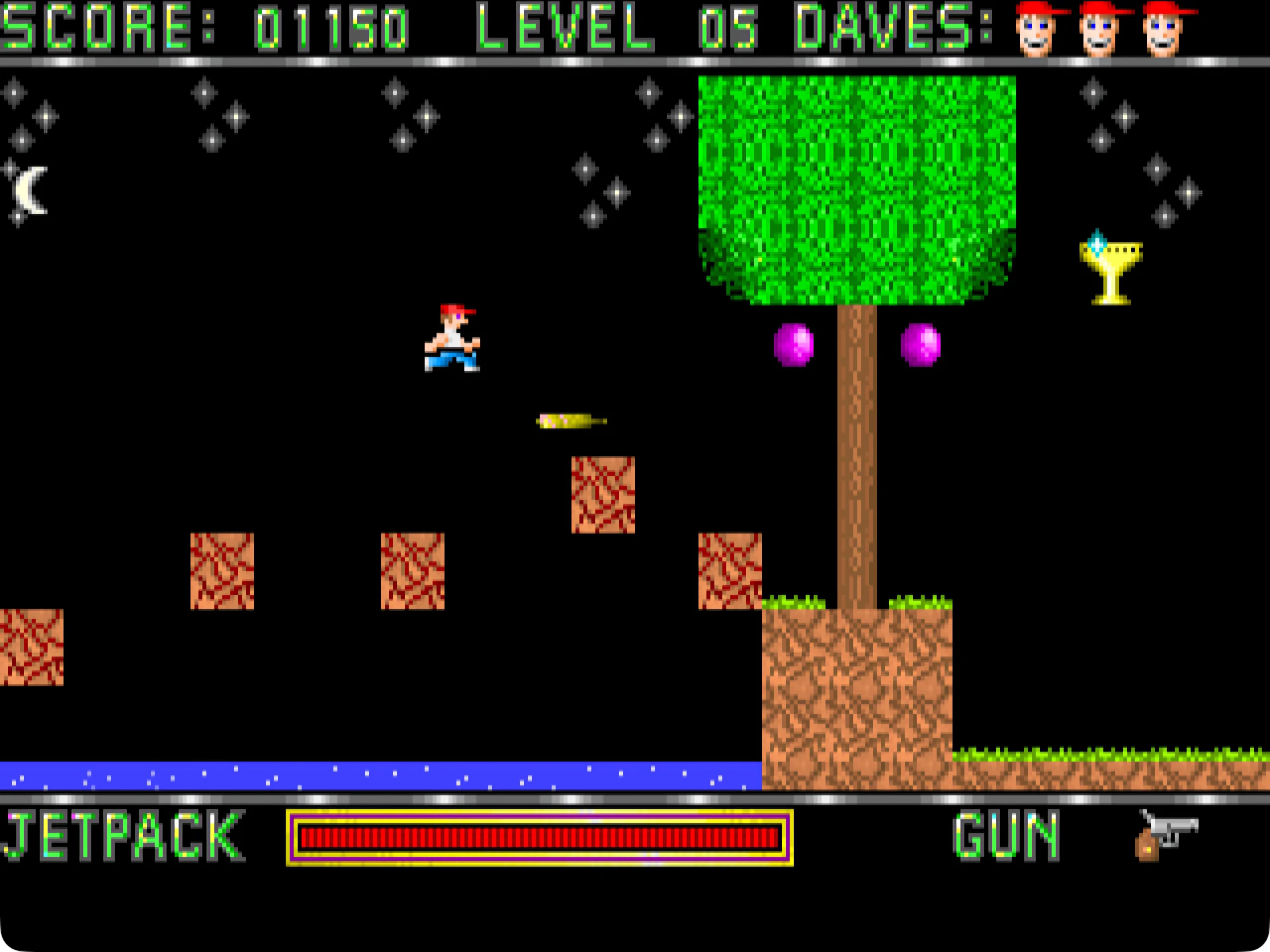
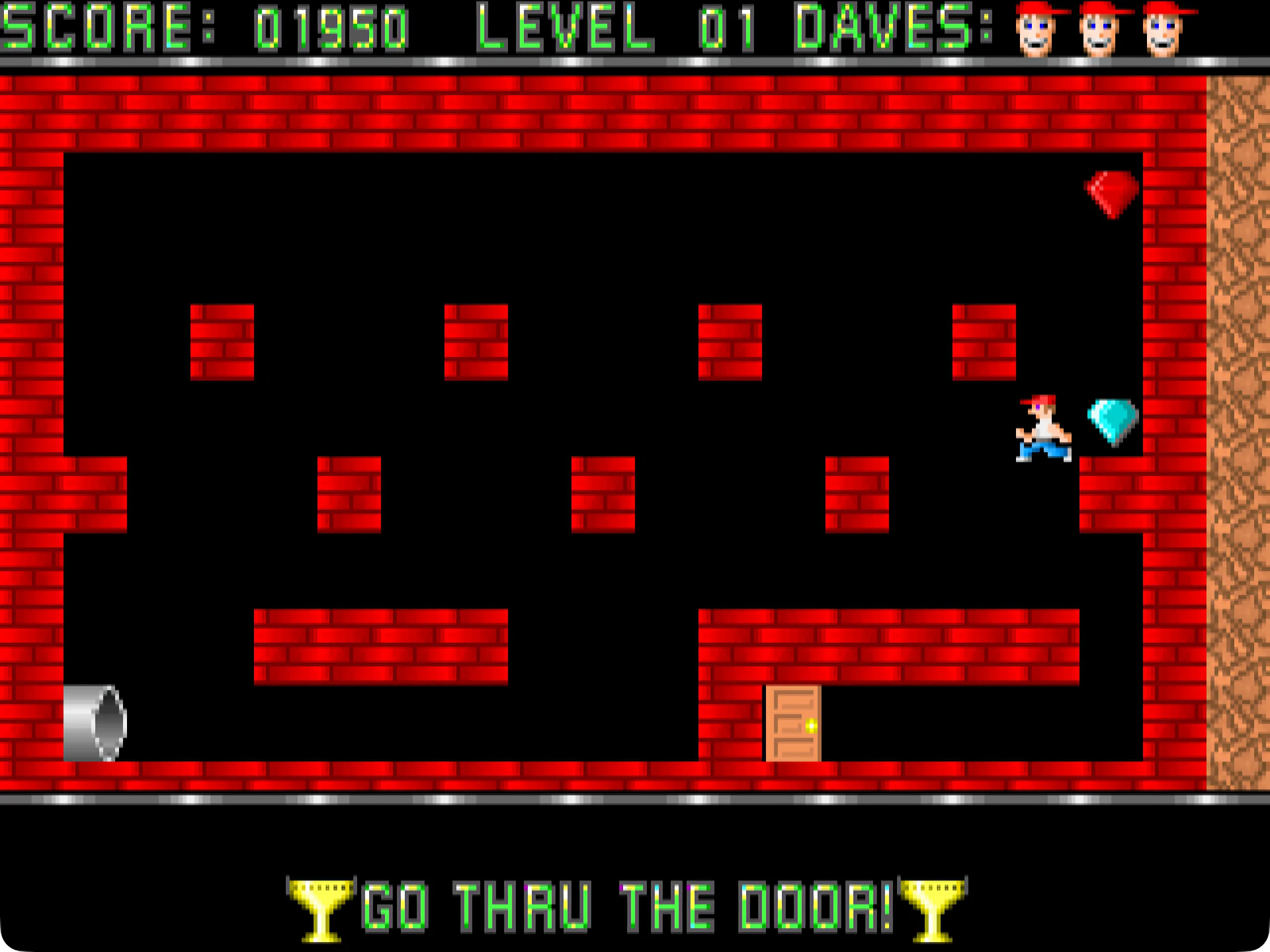

Dangerous Dave remains one of the most memorable retro games ever created. Originally released in the late 1980s, it quickly became popular among PC gamers thanks to its simple gameplay, challenging levels, and addictive action. Developed by legendary game designer John Romero, Dangerous Dave helped shape the future of platformers and still holds immense nostalgic value for retro gaming fans today.
Even decades after its release, Dangerous Dave continues to appeal to players who enjoy classic arcade-style adventures. Its simple mechanics, colorful graphics, and exciting level design make it a timeless experience for players of all ages.
Simple Gameplay with Challenging Action
Dangerous Dave's gameplay is easy to grasp but difficult to master. Players control Dave as he traverses treacherous caves, dodges deadly traps, and collects valuable items. The main objective is to survive each level, defeating enemies and reaching the exit safely.
The controls are precise and fluid, allowing players to jump, run, and shoot enemies with accuracy. However, the increasing difficulty keeps the game exciting. Carefully timing jumps and avoiding hidden hazards becomes essential as players progress through the stages.
Unlike many modern games with complex systems, Dangerous Dave focuses solely on fun. This simplicity is one of the main reasons why the game remains so entertaining today.
Retro Graphics and Classic Sound Effects
Dangerous Dave perfectly captures the charm of old-school PC games. The pixelated graphics may seem simple compared to modern titles, but they create a nostalgic atmosphere that appeals to retro gamers. The bright colors, classic animations, and creative level designs give the game a unique visual identity.
The sound effects also contribute to the experience. From the sounds of jumps to enemy attacks, every sound adds personality to the game. For gamers who grew up in the early days of video games, Dangerous Dave brings back unforgettable memories.
A Major Influence on Platforming Games
Dangerous Dave played a significant role in the evolution of platforming games. In an era when video game technology was limited, the title proved that creative gameplay could still deliver a thrilling experience. Many retro gaming fans consider it one of the pioneering games that inspired future platforming adventures.
The game also introduced players to the early work of John Romero, who later became famous as the co-creator of legendary titles like DOOM and Quake. Thanks to this connection, Dangerous Dave holds great historical significance in the video game industry.
Why Is Dangerous Dave Still Relevant?
Today's gamers keep returning to Dangerous Dave because it represents a simpler era of video games. There are no complicated tutorials, online updates, or massive downloads. Players can dive right into the action and enjoy the pure fun of platforming.
Retro gaming communities also keep the game alive through emulators and fan projects. Many players appreciate the challenge and creativity found in classic games like Dangerous Dave, especially compared to today's cinematic titles.
Conclusion
Dangerous Dave is more than just an old-school platformer. It's a piece of video game history that continues to entertain players worldwide. Its challenging gameplay, retro graphics, and historical significance make it a must-have for fans of classic video games. Whether you're discovering it for the first time or reliving childhood memories, Dangerous Dave remains a legendary retro gaming experience.
▎Apple Silicon (ARM)- macOS Tahoe 26.1-26.2 and later. - Apple Silicon processors (M1-M5, M Pro/Max/Ultra).- ±50 MB of combined memory/RAM.- ±19 MB free disk space.
Run the downloaded image and drag the application to the Applications folder shortcut.
Once copying is complete, the application can be launched via Launchpad.
Frequently Asked Questions
Mount the image and run Open Gatekeeper friendly.
Press Enter to bypass Gatekeeper in the Terminal window.
Drag the application to the Applications folder.
The application is ready for use.
ATTENTION! SIP must be disabled. Learn more >
Restart your Mac and hold down Command + R to enter Recovery Mode.
Open Terminal from the Utilities menu.
Enter the command: csrutil disable
Restart your Mac.
This is a common Gatekeeper issue. Follow these steps:
1. Open Terminal
2. Enter: sudo xattr -rd com.apple.quarantine /Applications/AppName.app
3. Replace "AppName" with the actual application name
4. Press Enter and enter your password
Yes, all our downloads are thoroughly checked for viruses and malware.
We use multiple antivirus engines to scan every file.
Our team tests each application before publishing.
We never bundle adware or unwanted software.
Yes, we regularly update our applications to the latest versions.
You can check our website for updates or subscribe to our newsletter.
We strive to provide the most recent versions within 24-48 hours of release.
If a download link is not working, please:
1. Try a different browser
2. Clear your browser cache and cookies
3. Try the alternative download links provided
4. Contact our support team if the issue persists