


Darkwood
Download Darkwood
Follow the standard installation procedure.
Installation concludes with selecting a location for the game.
It is recommended to select the Applications folder.
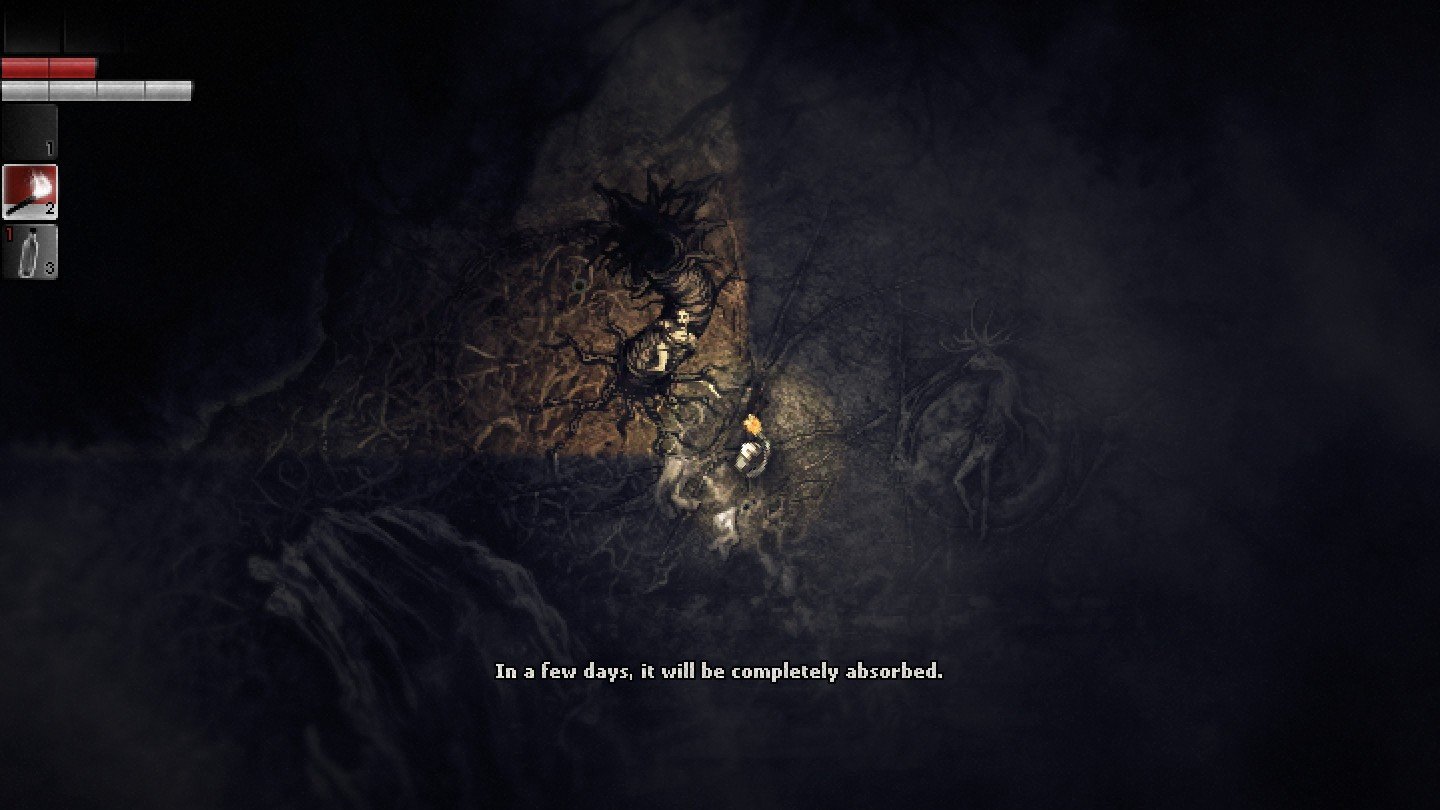
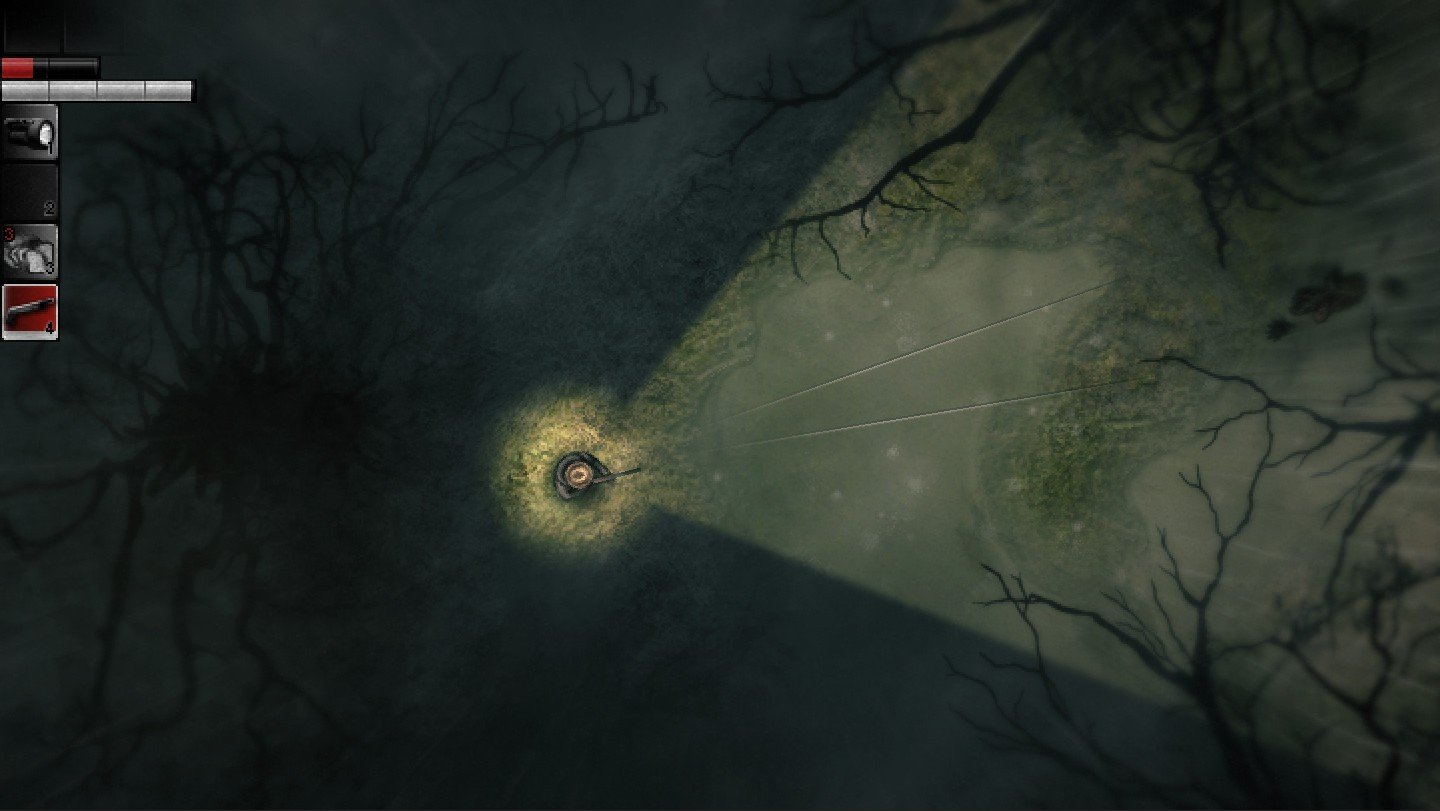
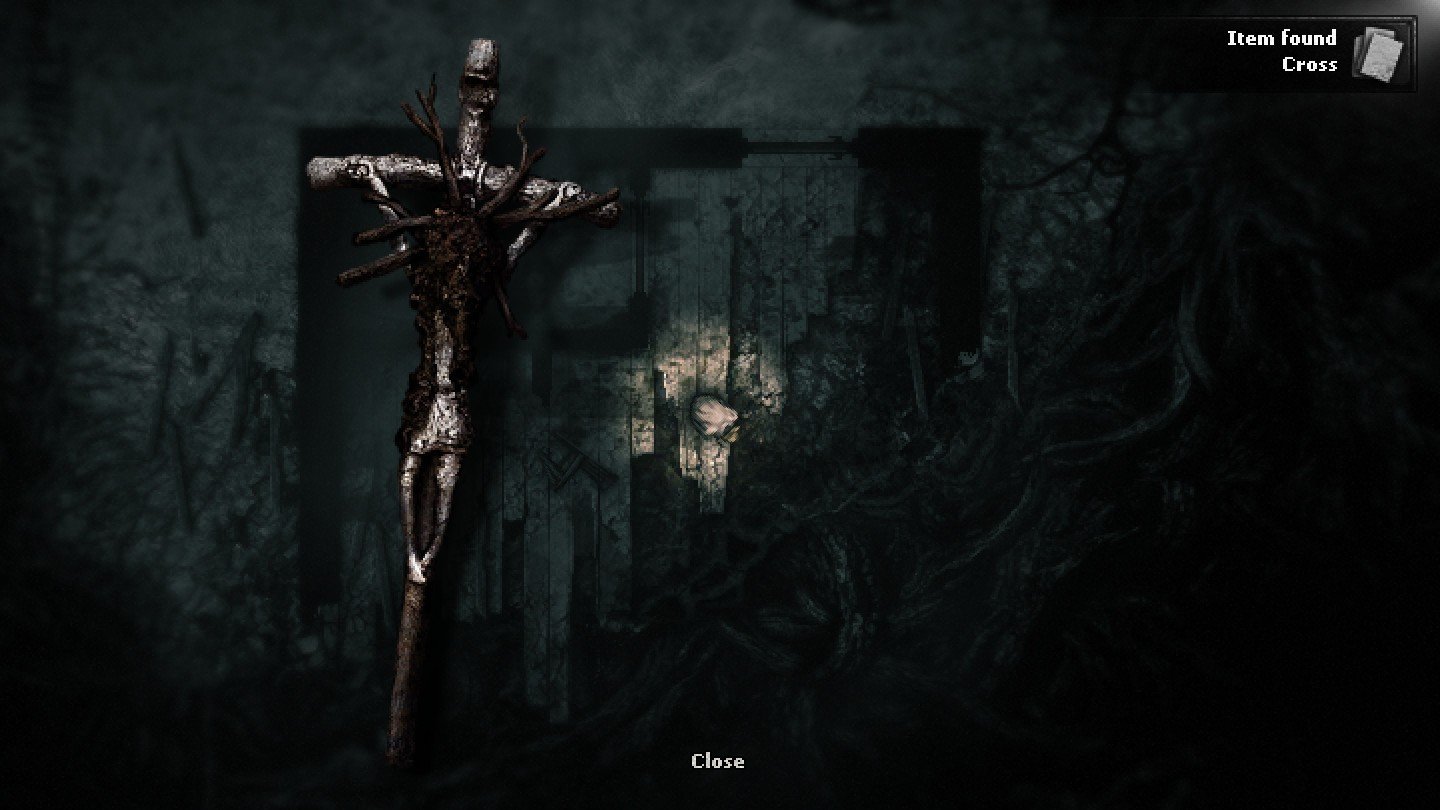
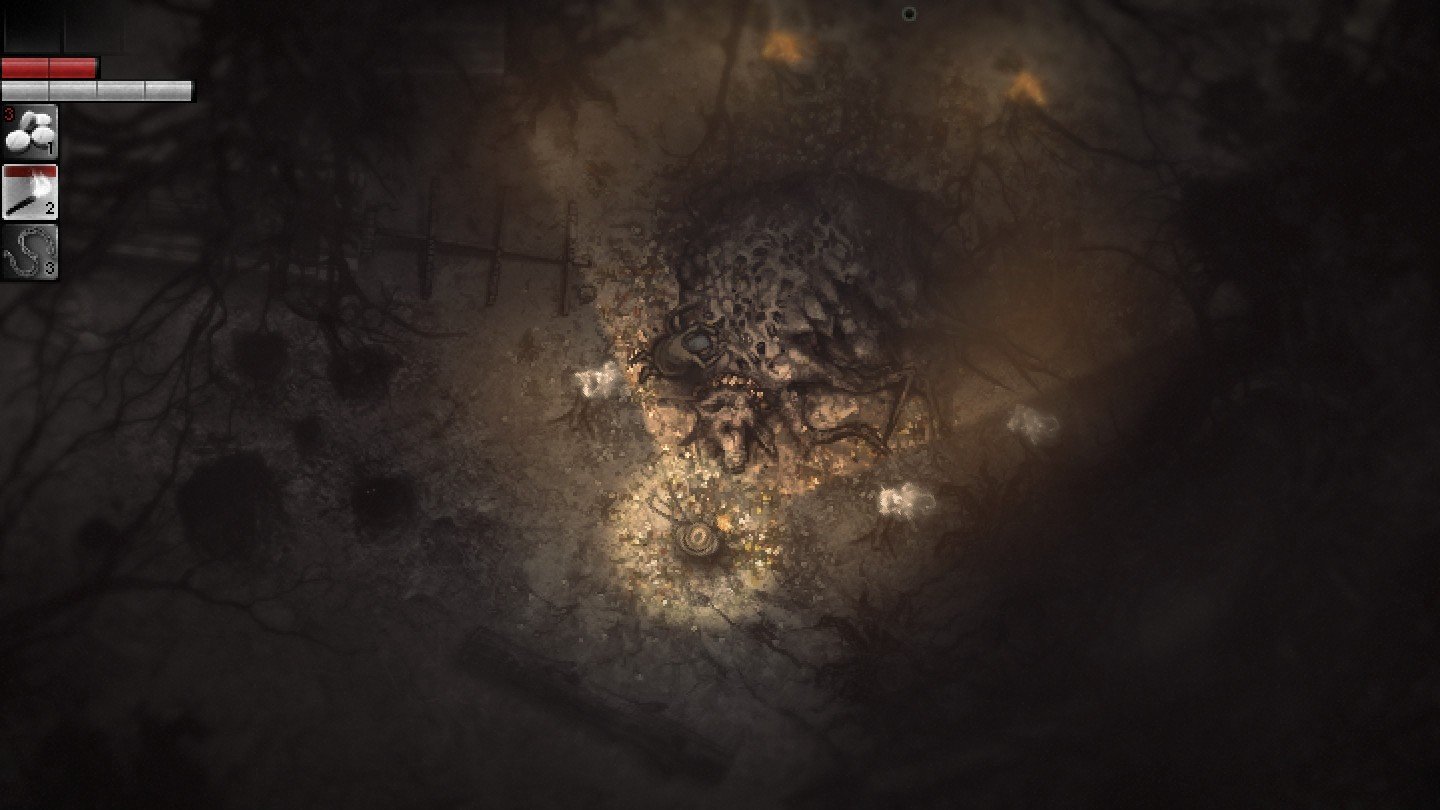
In the realm of survival horror, few games manage to evoke dread without relying on jump scares or over-the-top gore. Darkwood, developed by Acid Wizard Studio, is one such title, offering a deeply unsettling experience that thrives on atmosphere, tension, and player choice. Unlike conventional horror games, Darkwood immerses players in a world where fear is pervasive, but its manifestations are subtle, psychological, and relentless.
Set in a mysterious forest during the twilight of civilization, Darkwood immediately establishes an eerie tone. The player assumes the role of a nameless survivor trapped in a forest teeming with inexplicable horrors. The world is rendered in a top-down perspective, a choice that adds to the sense of isolation and vulnerability. This perspective, combined with the game’s minimalistic visual style, allows the mind to fill in the blanks, amplifying fear through imagination rather than explicit depiction.
One of Darkwood’s most compelling features is its day-night cycle, which dictates gameplay in profound ways. During the day, players can explore, scavenge, craft, and fortify shelters against the encroaching darkness. It is a period of relative safety, but tension never fully dissipates, as the forest conceals secrets and dangers that may emerge unexpectedly. Nighttime, in contrast, transforms the forest into a realm of relentless terror. Creatures of various kinds, often grotesque and unpredictable, stalk the player. The dark enforces a sense of helplessness, as visibility is limited and any misstep can lead to a sudden death, emphasizing survival over confrontation.
Crafting and resource management form the backbone of the game. Players must scavenge for supplies, build barricades, and create weapons to increase their chances of surviving each night. However, resources are scarce, and choices are rarely clear-cut, forcing players to weigh risks against potential rewards. This creates a constant underlying tension, as every decision can have lasting consequences. Unlike traditional linear horror experiences, Darkwood’s non-linear approach ensures that no two playthroughs feel exactly the same, fostering a persistent sense of unpredictability.
Narrative in Darkwood is equally unconventional. Storytelling emerges through environmental clues, cryptic notes, and occasional encounters with NPCs. There is no hand-holding; players must piece together the fragmented lore on their own. This subtlety enhances the game’s immersive horror, as the unknown becomes a driving force behind fear. Themes of isolation, paranoia, and human fragility are explored without ever resorting to overt exposition, making the psychological impact of the game profound and lingering.
In conclusion, Darkwood stands as a masterclass in psychological horror and survival gameplay. Its atmospheric design, tense mechanics, and thought-provoking narrative create an experience that lingers long after the game is turned off. By focusing on subtle terror, player choice, and strategic survival, Darkwood redefines what horror can be in video games. It is a game for those who appreciate tension, dread, and the unsettling power of the unknown—a rare gem that proves that true horror thrives not in spectacle, but in atmosphere and imagination.
OS: Mac OS 10.8+RAM: 4 GBDisk space: 6 GB
Follow the standard installation procedure.
Installation concludes with selecting a location for the game.
It is recommended to select the Applications folder.
Frequently Asked Questions
Mount the image and run Open Gatekeeper friendly.
Press Enter to bypass Gatekeeper in the Terminal window.
Drag the application to the Applications folder.
The application is ready for use.
ATTENTION! SIP must be disabled. Learn more >
Restart your Mac and hold down Command + R to enter Recovery Mode.
Open Terminal from the Utilities menu.
Enter the command: csrutil disable
Restart your Mac.
This is a common Gatekeeper issue. Follow these steps:
1. Open Terminal
2. Enter: sudo xattr -rd com.apple.quarantine /Applications/AppName.app
3. Replace "AppName" with the actual application name
4. Press Enter and enter your password
Yes, all our downloads are thoroughly checked for viruses and malware.
We use multiple antivirus engines to scan every file.
Our team tests each application before publishing.
We never bundle adware or unwanted software.
Yes, we regularly update our applications to the latest versions.
You can check our website for updates or subscribe to our newsletter.
We strive to provide the most recent versions within 24-48 hours of release.
If a download link is not working, please:
1. Try a different browser
2. Clear your browser cache and cookies
3. Try the alternative download links provided
4. Contact our support team if the issue persists