


Death Trash
Download Death Trash
Follow the standard installation procedure.
The installation is completed by choosing a location to place the game.
It is recommended to specify the Applications folder.
Previous Versions
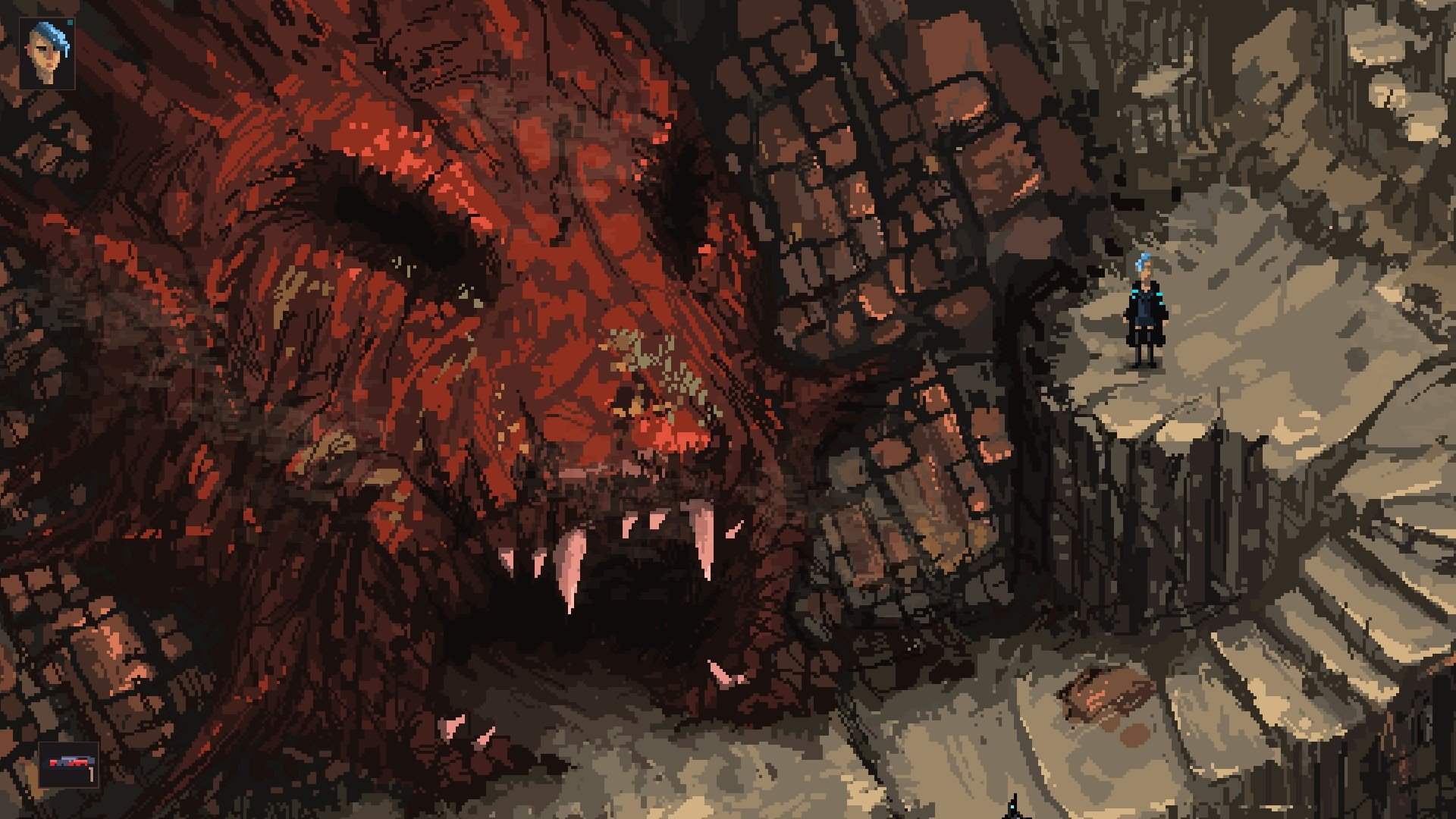
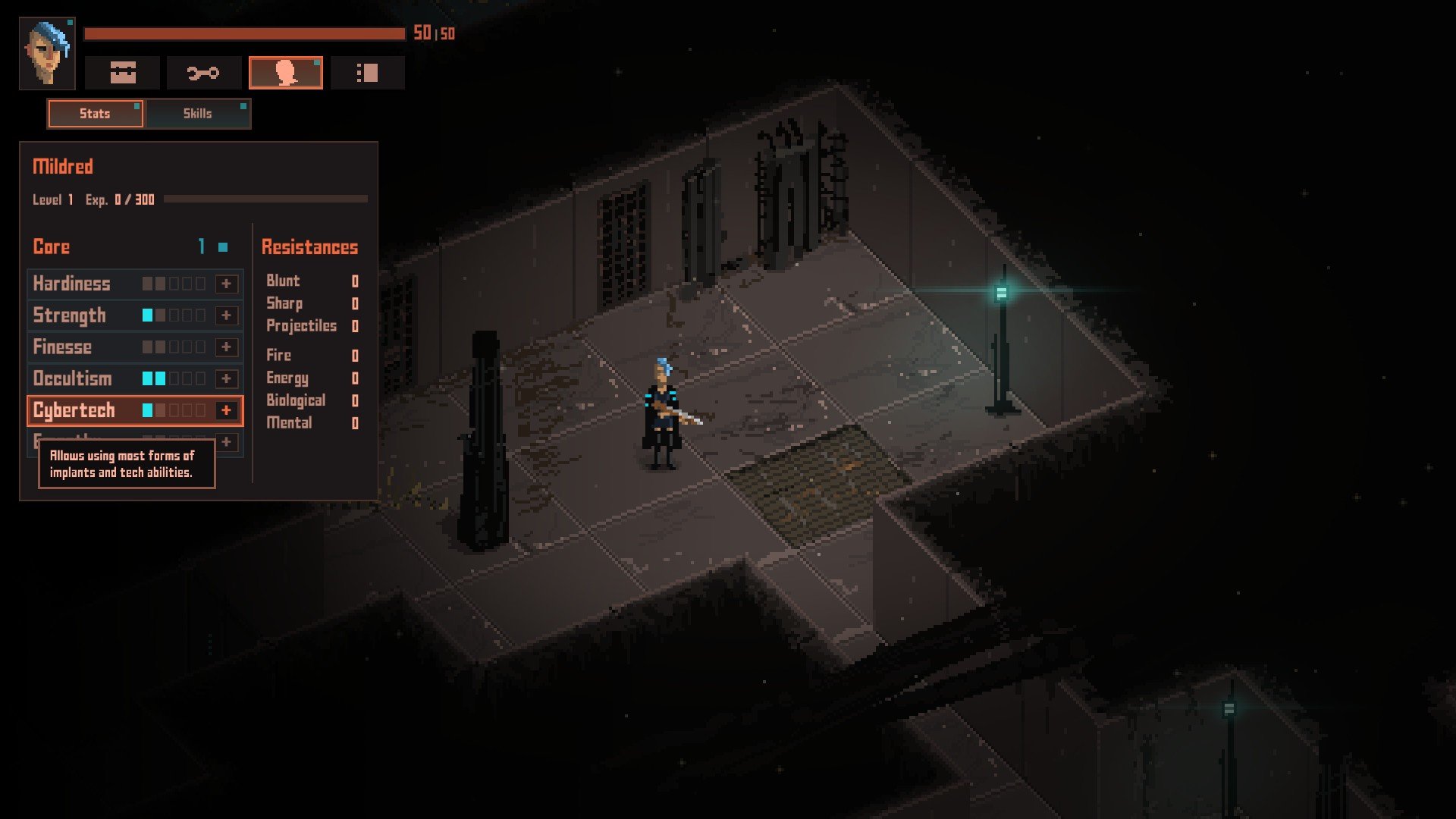
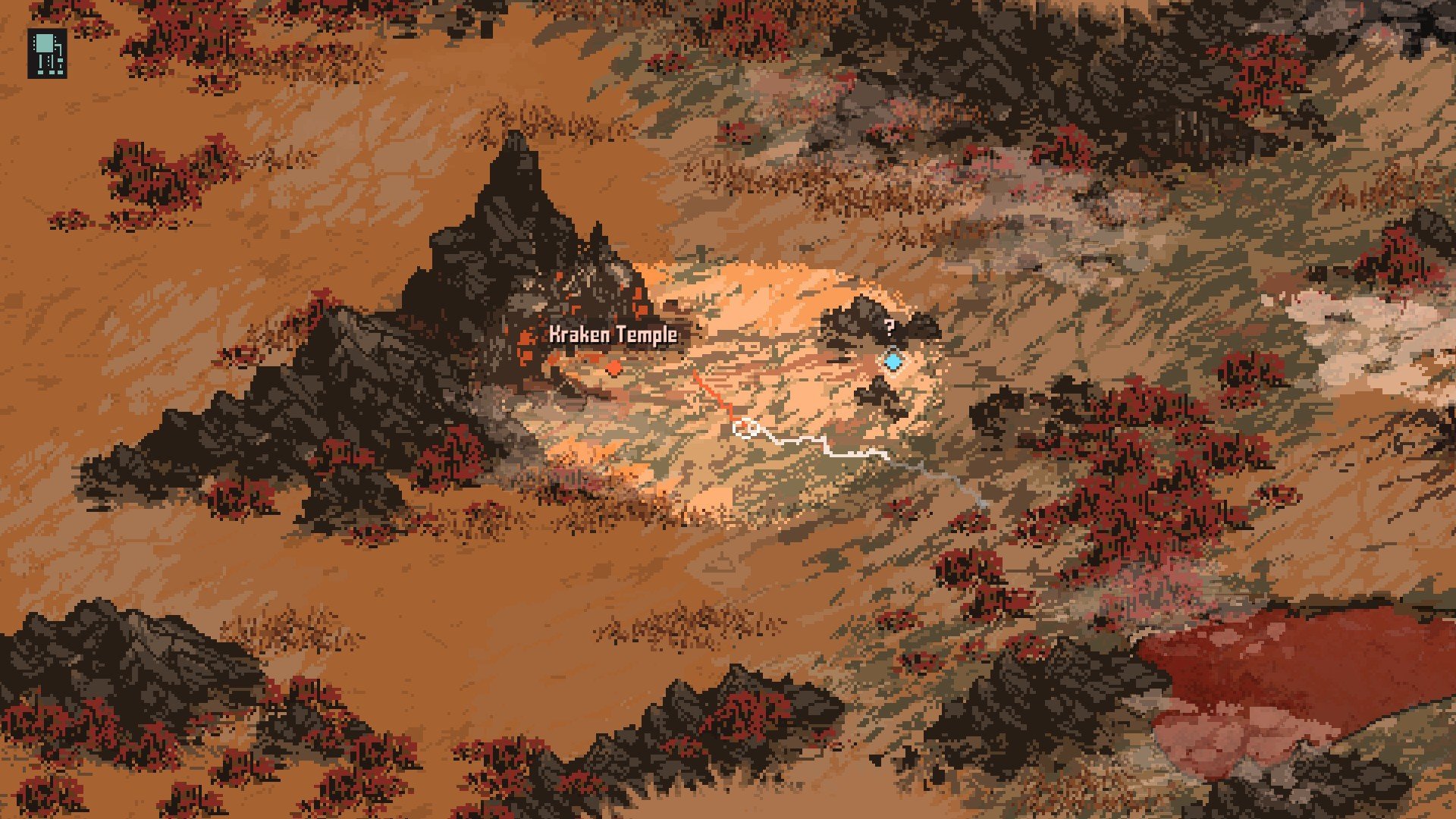
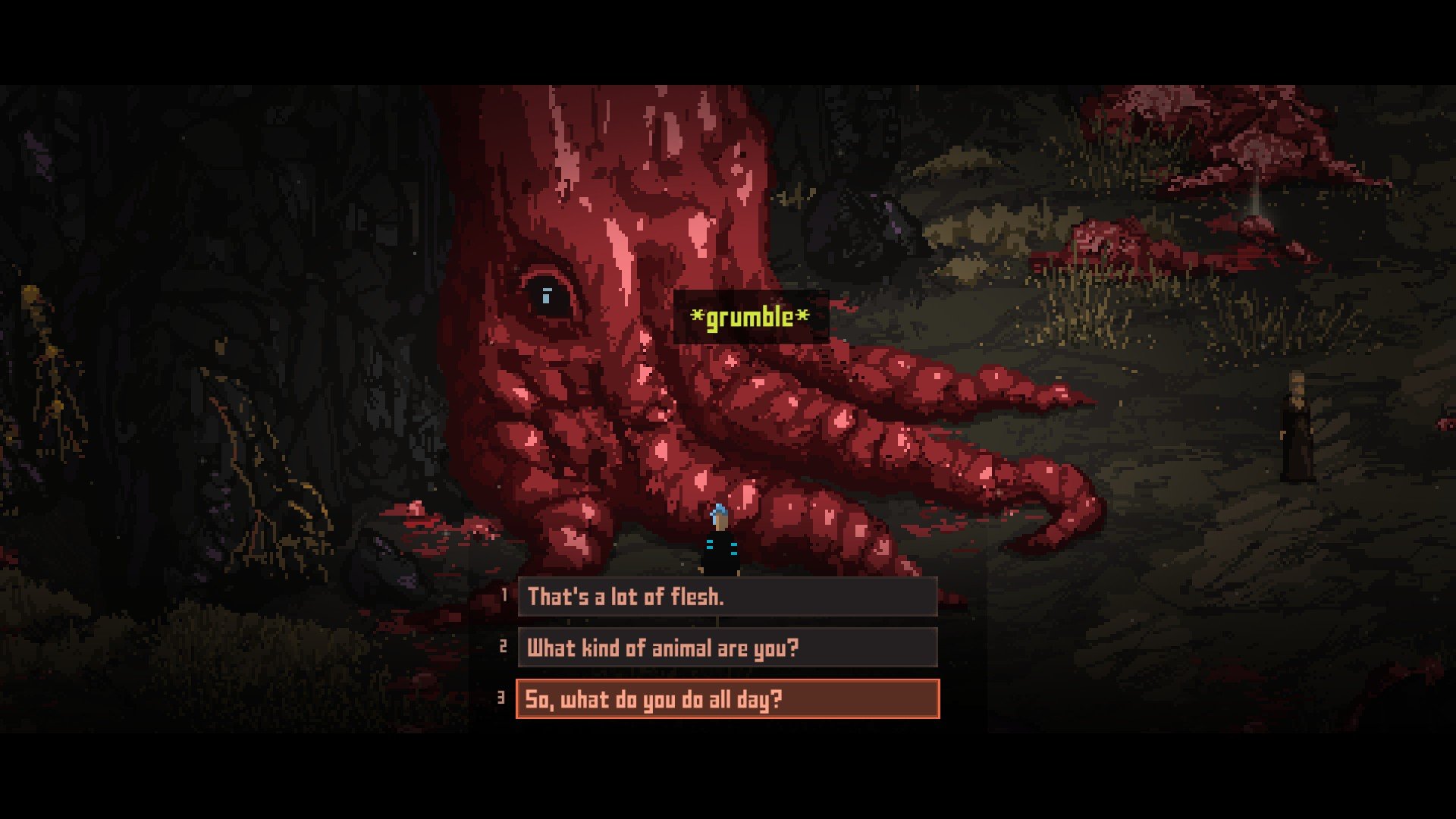
Death Trash is not your typical post-apocalyptic game. While many titles in the genre focus on survival alone, it blends elements of role-playing, dark humor, and grotesque artistry to create a universe that is both chaotic and strangely compelling. From its first moments, players are thrust into a world that feels lived-in yet unpredictable, where danger, decay, and creativity coexist in unexpected ways.
Set in a planet ravaged by catastrophe, Death Trash is defined by its gritty aesthetic. Rusted metal, ragged clothing, and improvised weapons fill the environment, giving the world a sense of authenticity. The landscapes are a mixture of industrial wastelands, mutated forests, and eerie ruins, all painted in tones that evoke both despair and curiosity. Unlike polished sci-fi futures, this world feels tactile, as if every corner hides a story waiting to be uncovered.
Combat and survival in Death Trash are challenging, but they are never the sole focus. The game emphasizes exploration, crafting, and choice. Players can customize weapons and armor from scraps, turning trash into tools of survival. This mechanic reinforces the theme that even in destruction, creativity can flourish. Every item, no matter how mundane, can have a purpose, and players quickly learn that clever use of resources often matters more than brute force.
The characters of Death Trash are as unusual as the setting. NPCs range from mutated humans to bizarre creatures, each with their own backstory and quirks. Conversations often mix dark humor with haunting undertones, highlighting the absurdity of life after civilization’s collapse. These interactions make the world feel alive, with personalities that persist independently of the player’s actions, creating a sense of immersion that many open-world games struggle to achieve.
Storytelling in Death Trash is unconventional. Rather than guiding players along a linear plot, the game encourages curiosity and experimentation. Players uncover lore through environmental details, scattered notes, and dialogue choices that can lead to unexpected consequences. This approach rewards exploration and imagination, allowing the world to feel personal and reactive to each player’s decisions.
Visually, Death Trash employs a hand-crafted style reminiscent of old-school illustrations combined with modern graphics. The result is grotesque yet captivating, emphasizing the beauty that can emerge from decay. Every mutation, scrap, and stain contributes to the narrative, reinforcing the game’s themes of survival, transformation, and the blurred line between horror and humor.
Ultimately, Death Trash is more than a survival game—it is a meditation on creativity in a broken world. It asks players to think about adaptation, resourcefulness, and the choices that define humanity, even when society has crumbled. By combining dark comedy, visceral visuals, and immersive storytelling, it creates an experience that is unsettling, challenging, and deeply rewarding. Death Trash proves that even in the wasteland, imagination can thrive.
OS: High Sierra 10.13+Processor: Intel Core i5 or equivalentRAM: 2 GBVideo card: Metal capable Intel or AMD GPUsDisk space: 1 GB
Follow the standard installation procedure.
The installation is completed by choosing a location to place the game.
It is recommended to specify the Applications folder.
Frequently Asked Questions
Mount the image and run Open Gatekeeper friendly.
Press Enter to bypass Gatekeeper in the Terminal window.
Drag the application to the Applications folder.
The application is ready for use.
ATTENTION! SIP must be disabled. Learn more >
Restart your Mac and hold down Command + R to enter Recovery Mode.
Open Terminal from the Utilities menu.
Enter the command: csrutil disable
Restart your Mac.
This is a common Gatekeeper issue. Follow these steps:
1. Open Terminal
2. Enter: sudo xattr -rd com.apple.quarantine /Applications/AppName.app
3. Replace "AppName" with the actual application name
4. Press Enter and enter your password
Yes, all our downloads are thoroughly checked for viruses and malware.
We use multiple antivirus engines to scan every file.
Our team tests each application before publishing.
We never bundle adware or unwanted software.
Yes, we regularly update our applications to the latest versions.
You can check our website for updates or subscribe to our newsletter.
We strive to provide the most recent versions within 24-48 hours of release.
If a download link is not working, please:
1. Try a different browser
2. Clear your browser cache and cookies
3. Try the alternative download links provided
4. Contact our support team if the issue persists