


Decoherence
Download Decoherence
Run the downloaded image and drag the application to the Applications folder shortcut.
Once copying is complete, the application can be launched via Launchpad.
Previous Versions
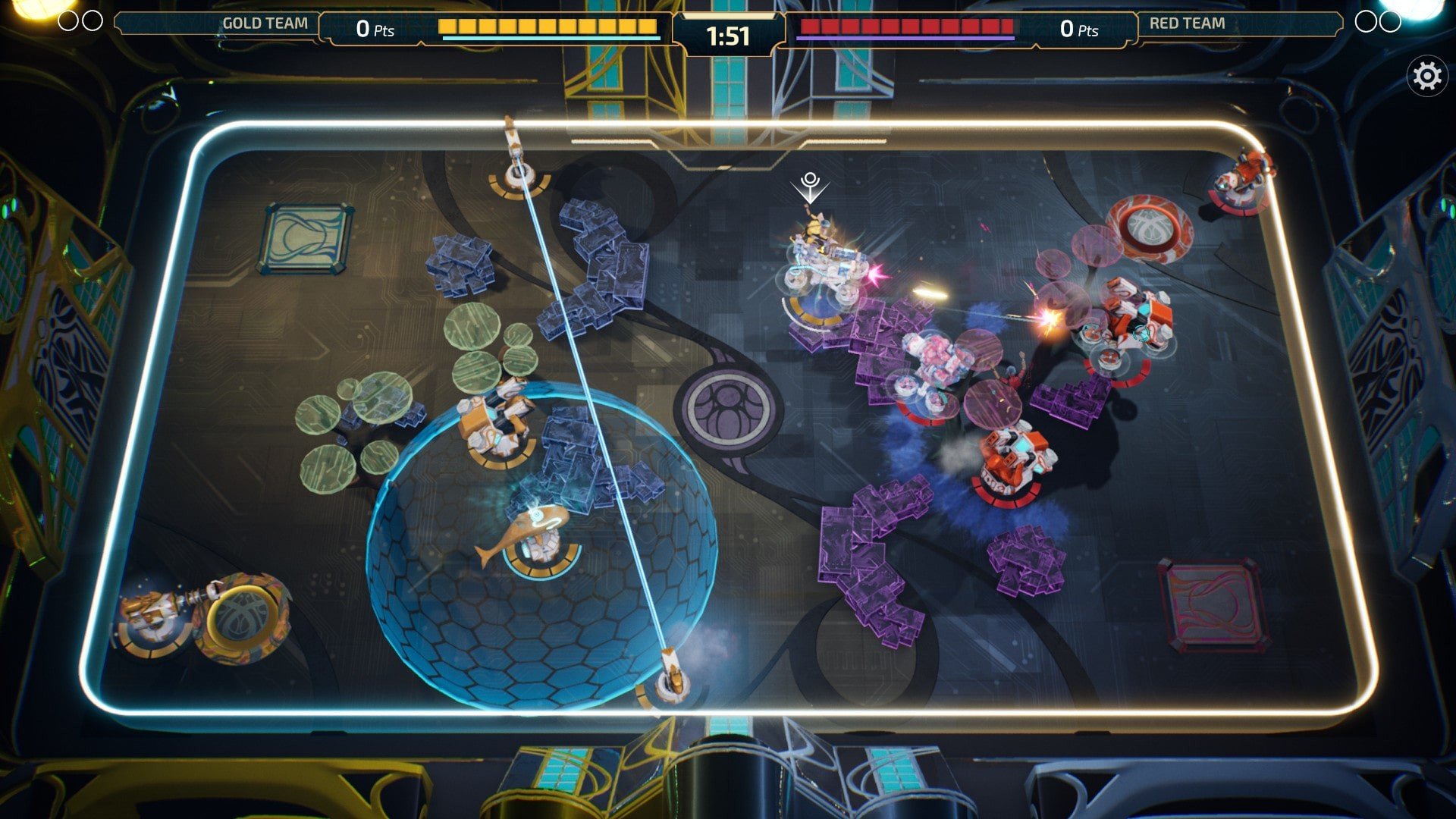
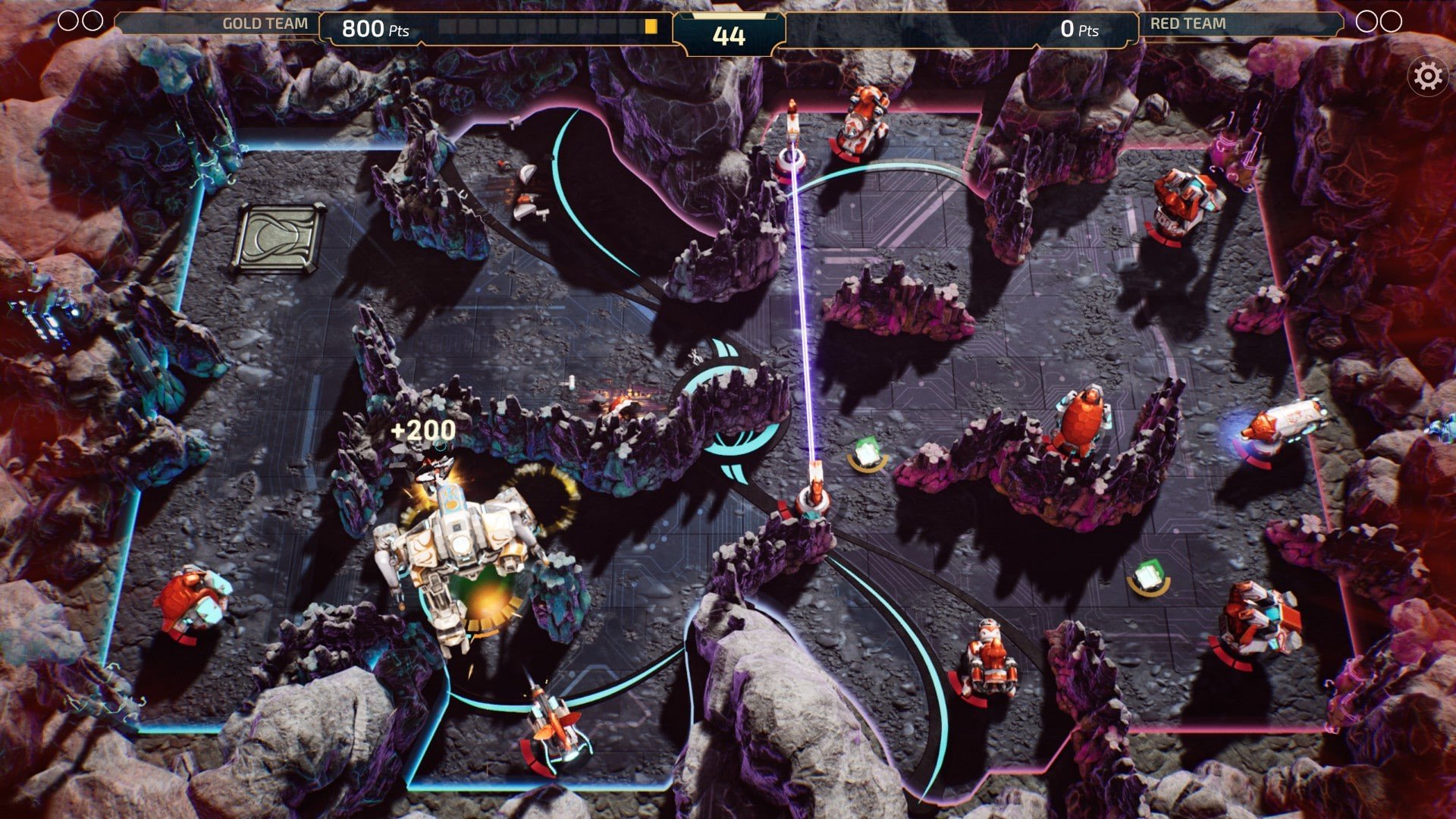
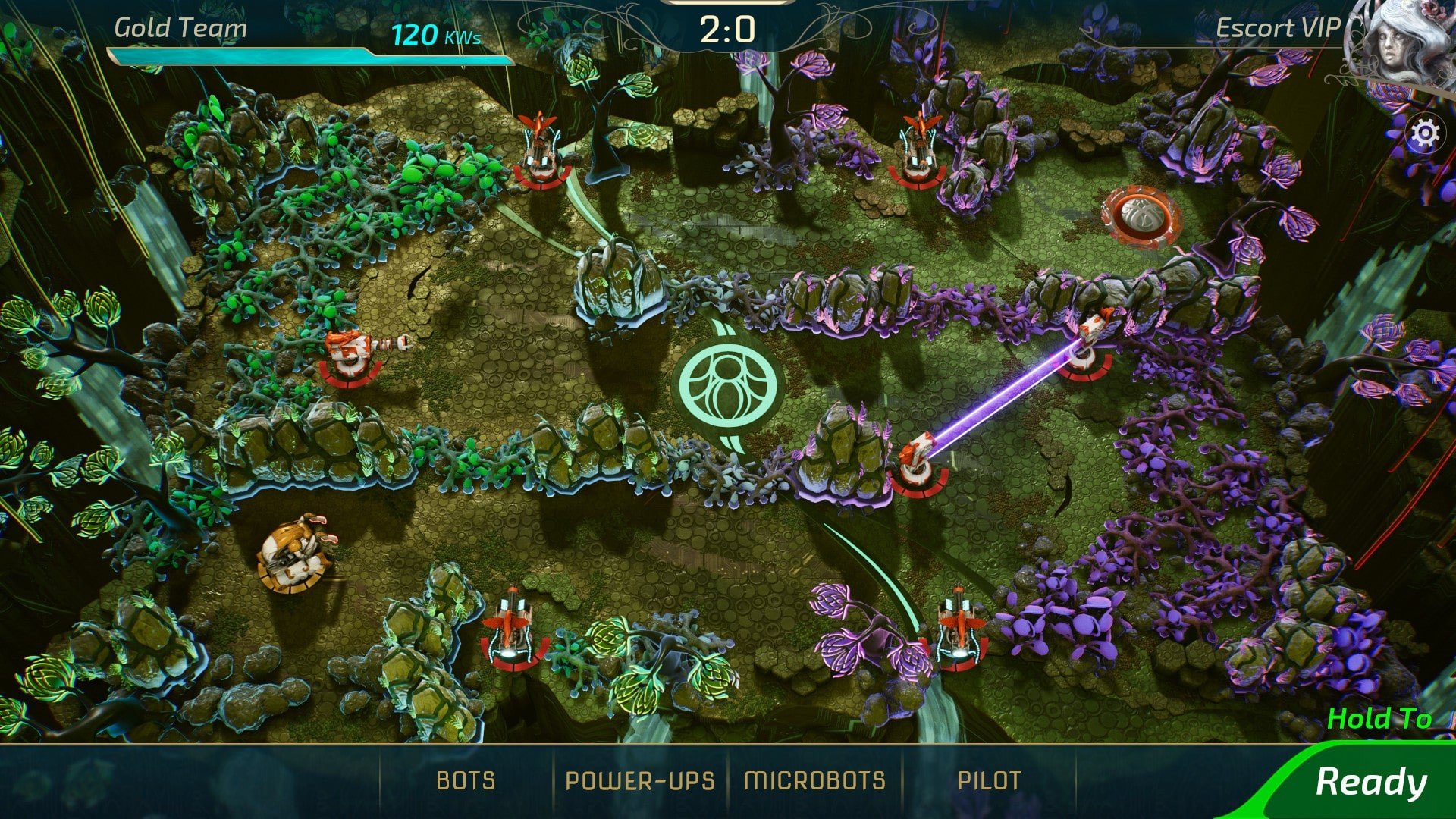
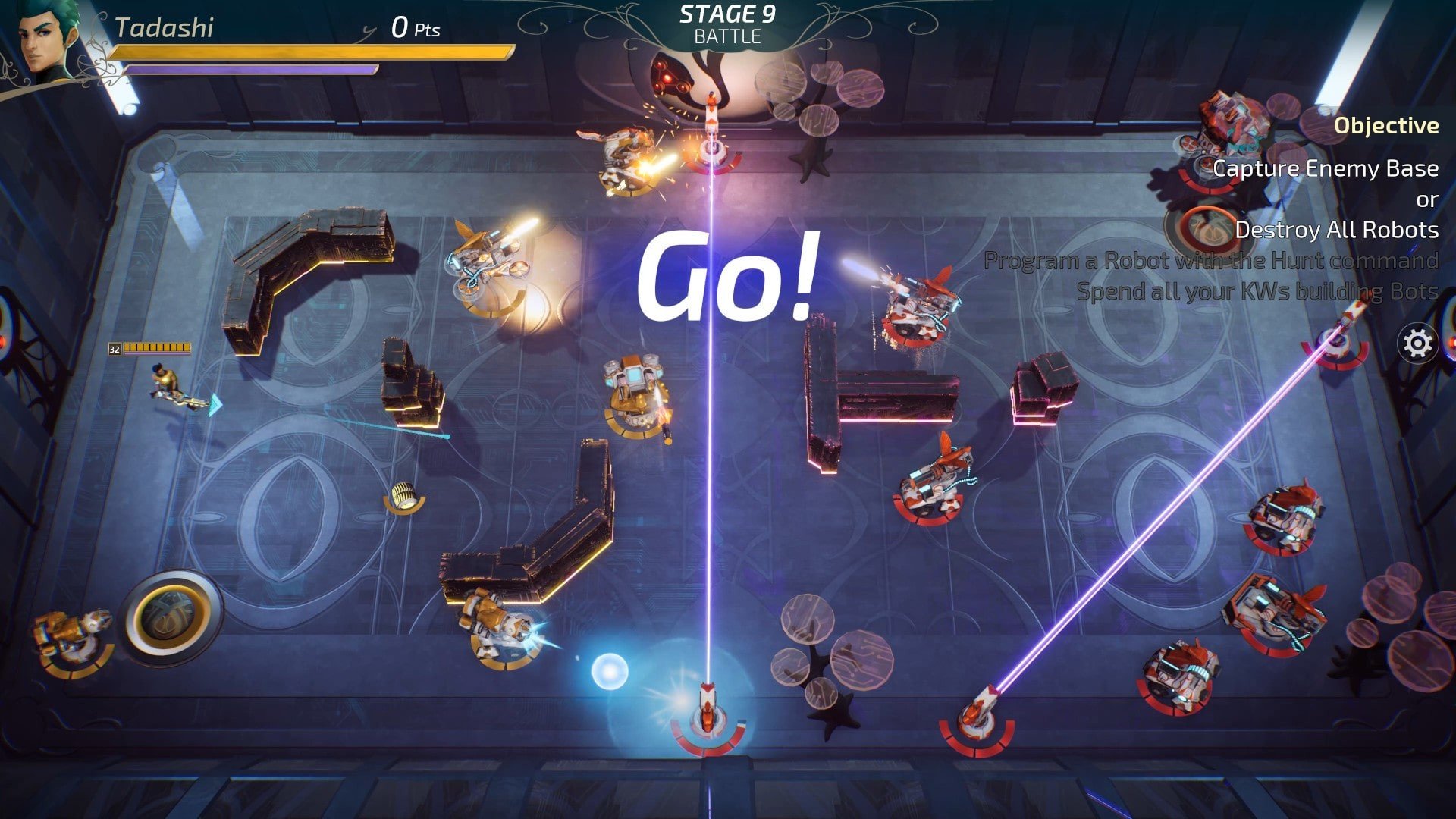
Decoherence is a tactical experience that quietly stands apart from traditional strategy games. Instead of relying on flashy combat or overwhelming mechanics, it focuses on thoughtful decision-making, emotional tension, and a slow unraveling of reality. The game blends turn-based strategy with psychological storytelling, creating an atmosphere where every move feels deliberate and every outcome carries meaning.
At the heart of Decoherence is its unusual approach to conflict. Battles are not chaotic or rushed; they are calculated encounters that reward patience and planning. Players command small teams, positioning units carefully and anticipating enemy behavior. Each decision influences the flow of combat, making success feel earned rather than accidental. Mistakes are not punished harshly, but they linger, encouraging players to reflect and adapt.
What truly distinguishes Decoherence is its narrative structure. The story unfolds gradually, often blurring the line between what is real and what is imagined. Characters are shaped by internal struggles as much as external threats, and the game’s title reflects this breakdown of certainty. As the plot progresses, players begin to question motivations, memories, and even the reliability of the world around them. This psychological layer adds depth that extends far beyond standard tactical gameplay.
Visually, Decoherence embraces a subdued and minimalist style. The environments are intentionally restrained, using muted colors and sharp contrasts to reflect the game’s emotional tone. Rather than distracting the player, the visuals enhance focus and immersion. Animations are smooth but understated, allowing strategy and storytelling to remain at the forefront of the experience.
Sound design plays a crucial role in reinforcing the game’s atmosphere. The music is subtle, often fading into the background, creating a sense of unease and quiet tension. Ambient sounds fill the silence, making each encounter feel isolated and intimate. This careful use of audio heightens emotional impact without overwhelming the player.
Another strength of Decoherence lies in its pacing. The game does not rush players or overload them with information. New mechanics are introduced gradually, allowing time to understand and master each system. This thoughtful progression keeps the experience engaging while maintaining a steady sense of mystery. Players are encouraged to explore strategies, experiment with different approaches, and discover solutions that suit their personal playstyle.
Beyond mechanics and presentation, Decoherence leaves a lasting impression through its themes. It explores uncertainty, control, and the fragility of perception, asking players to confront uncomfortable questions without offering simple answers. This introspective quality makes the game memorable, inviting players to think long after the screen fades to black.
In conclusion, Decoherence is more than a strategy game—it is a carefully crafted experience that blends tactical depth with psychological storytelling. Through deliberate gameplay, atmospheric design, and thought-provoking themes, it offers something rare: a game that challenges both the mind and the emotions. For players seeking a quiet yet powerful journey, Decoherence delivers an experience that resonates deeply and uniquely.
Mac OS X 10.15+
Run the downloaded image and drag the application to the Applications folder shortcut.
Once copying is complete, the application can be launched via Launchpad.
Frequently Asked Questions
Mount the image and run Open Gatekeeper friendly.
Press Enter to bypass Gatekeeper in the Terminal window.
Drag the application to the Applications folder.
The application is ready for use.
ATTENTION! SIP must be disabled. Learn more >
Restart your Mac and hold down Command + R to enter Recovery Mode.
Open Terminal from the Utilities menu.
Enter the command: csrutil disable
Restart your Mac.
This is a common Gatekeeper issue. Follow these steps:
1. Open Terminal
2. Enter: sudo xattr -rd com.apple.quarantine /Applications/AppName.app
3. Replace "AppName" with the actual application name
4. Press Enter and enter your password
Yes, all our downloads are thoroughly checked for viruses and malware.
We use multiple antivirus engines to scan every file.
Our team tests each application before publishing.
We never bundle adware or unwanted software.
Yes, we regularly update our applications to the latest versions.
You can check our website for updates or subscribe to our newsletter.
We strive to provide the most recent versions within 24-48 hours of release.
If a download link is not working, please:
1. Try a different browser
2. Clear your browser cache and cookies
3. Try the alternative download links provided
4. Contact our support team if the issue persists