


Dungeon Warfare 3
Download Dungeon Warfare 3
Run the downloaded image and drag the application to the Applications folder shortcut.
Once copying is complete, the application can be launched via Launchpad.
Previous Versions
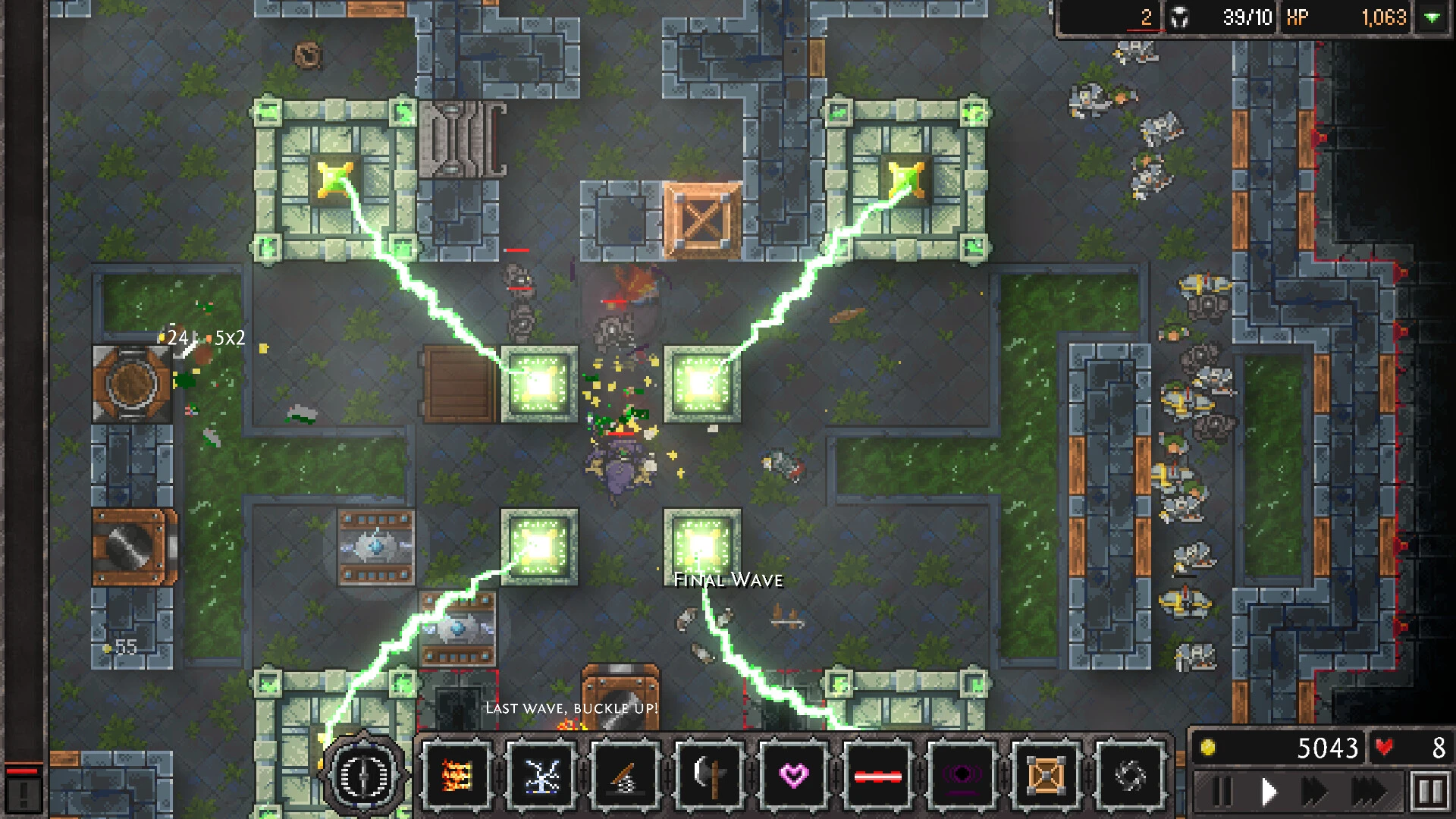
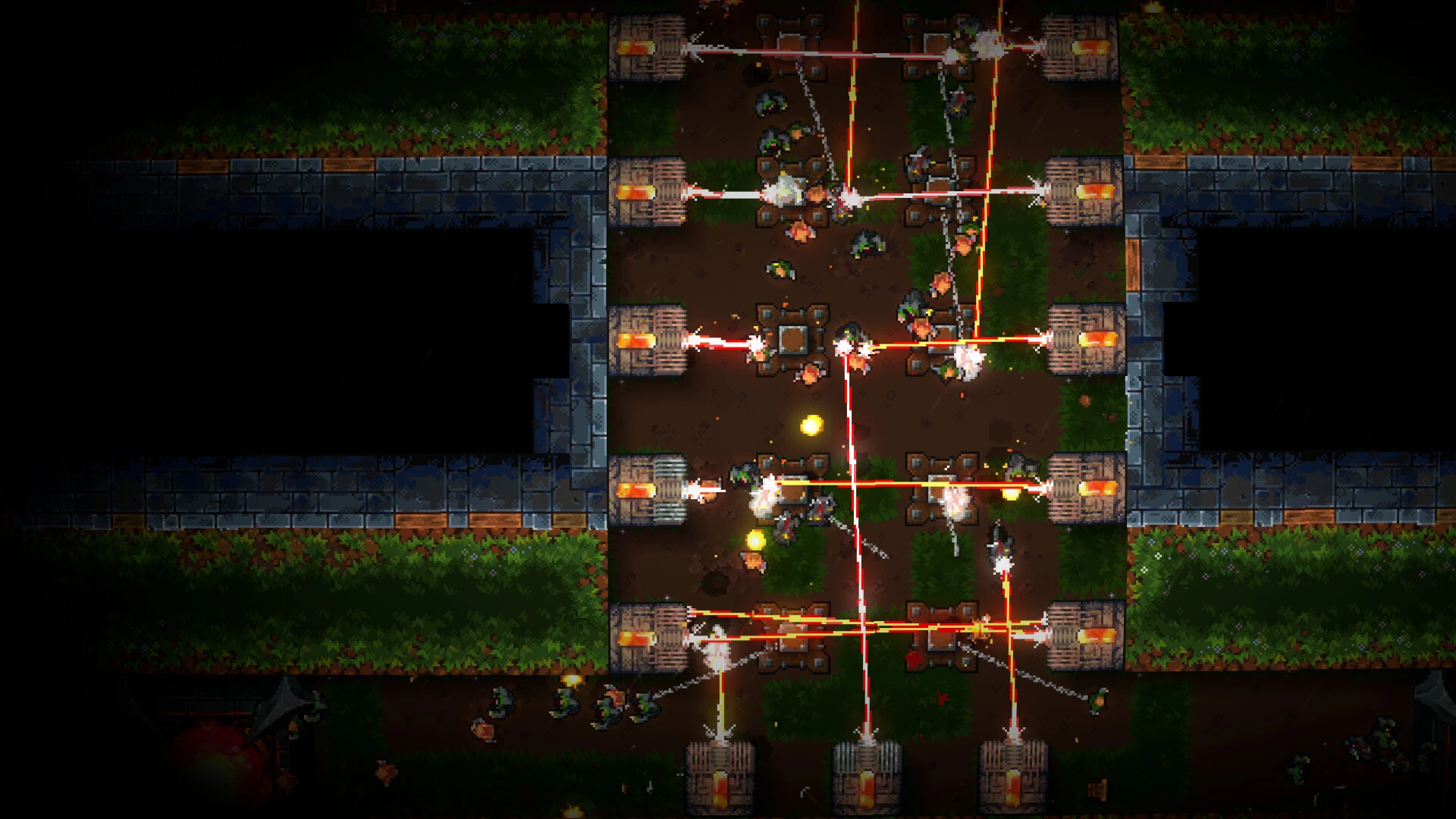
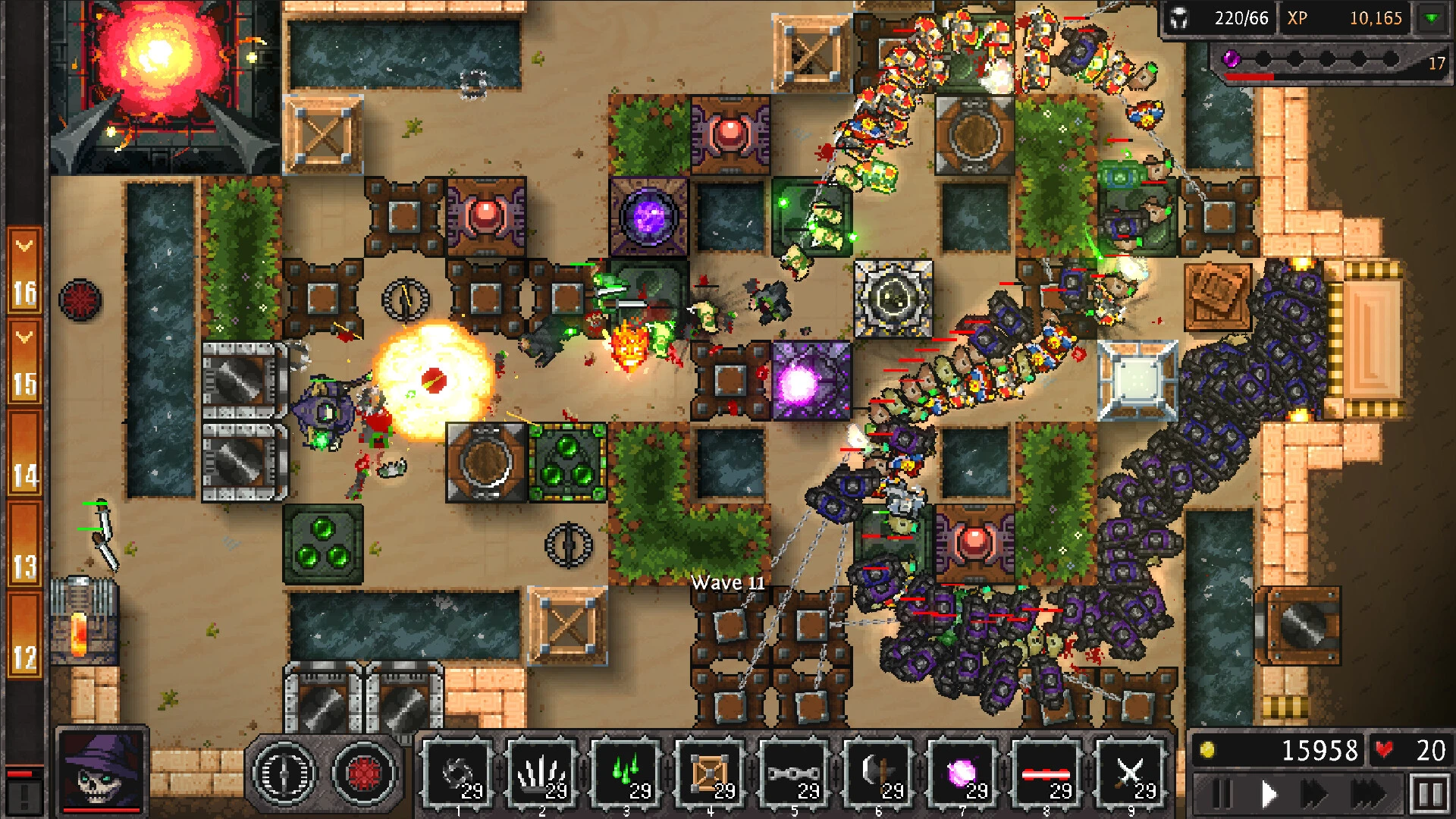
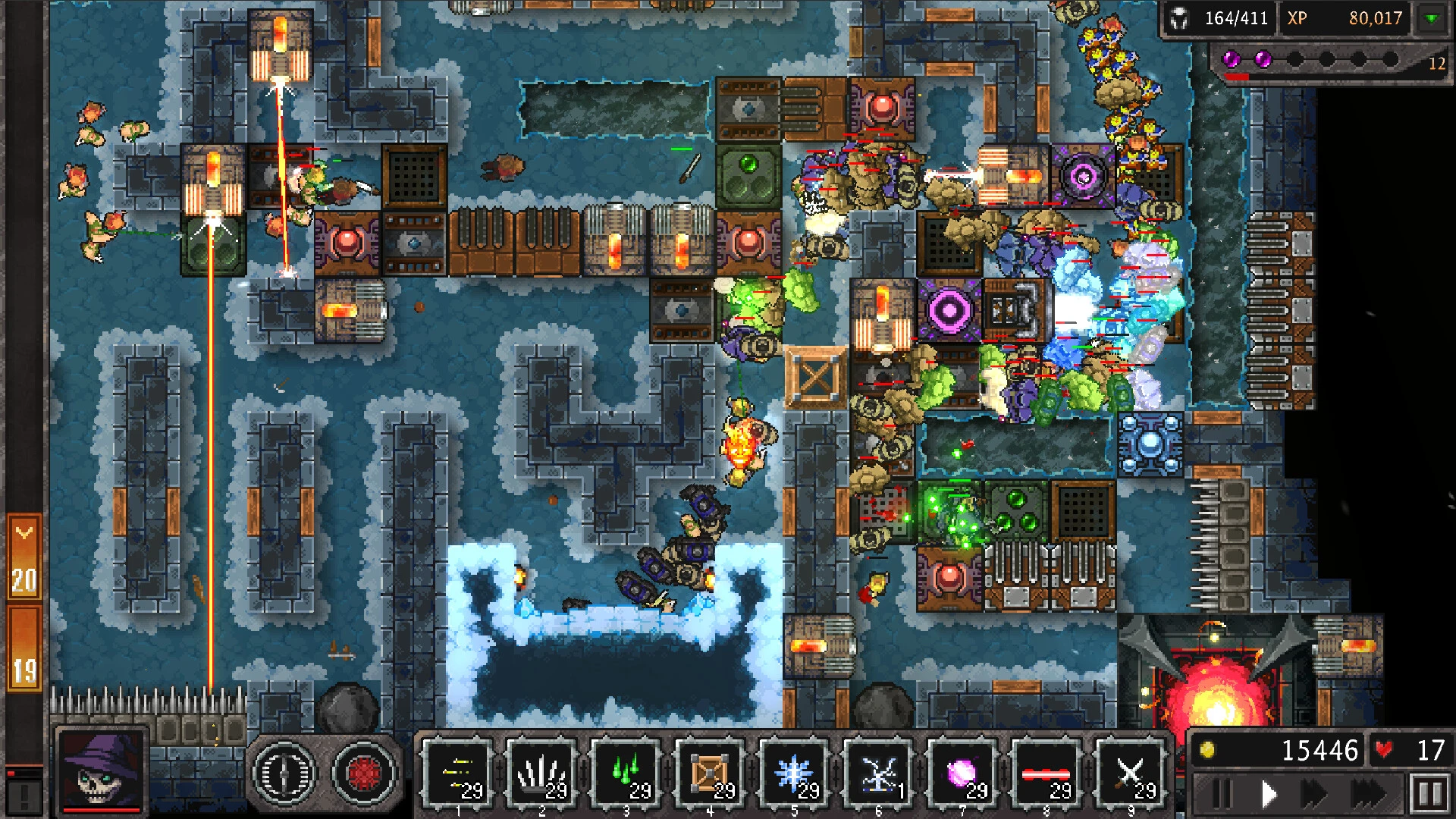
In the world of tower defense games, Dungeon Warfare 3 has earned a reputation for combining intricate strategy, challenging gameplay, and immersive fantasy elements. Unlike conventional defense games, which often rely on repetitive waves and limited tactics, Dungeon Warfare 3 pushes players to think critically, plan carefully, and adapt quickly to survive. Its engaging mechanics, variety of traps, and deep progression system make it a standout for strategy enthusiasts and casual gamers alike.
At the heart of Dungeon Warfare 3 is the challenge of defending your dungeon from invading heroes. Players take control of a network of traps and defensive mechanisms, strategically placing them to eliminate waves of adventurers seeking treasure and glory. The game emphasizes foresight, as every trap must be placed considering the movement patterns and abilities of enemy units. Success depends on careful planning, quick thinking, and the ability to adapt strategies as enemies grow stronger and more unpredictable.
One of the most compelling aspects of Dungeon Warfare 3 is its trap variety. Players can utilize spikes, flamethrowers, arrow launchers, magic glyphs, and environmental hazards, each with unique effects and combinations. Mastering the synergy between traps is essential, as well-coordinated setups can devastate waves of enemies while inefficient placements can quickly lead to defeat. This focus on strategy and creativity sets Dungeon Warfare 3 apart from more straightforward tower defense games.
The game also features a robust progression system that keeps players invested. Completing levels earns gold and resources, allowing upgrades to traps, unlocking new abilities, and improving overall dungeon efficiency. As the game progresses, enemies become tougher, faster, and more cunning, requiring constant refinement of tactics. This gradual increase in difficulty ensures that players are always challenged and encourages experimentation to discover the most effective defensive strategies.
Dungeon Warfare 3 excels not only in gameplay but also in world-building. The dungeons are richly designed, each with unique themes, environments, and enemy types. From fiery caverns to icy catacombs, the visual variety enhances immersion and keeps the experience engaging. Complementing this is the game’s audio design: ominous music, the clash of weapons, and the triggering of traps create a tense atmosphere that draws players deeper into the dungeon’s dangerous world.
Another standout feature is the level variety and replayability. Beyond the main campaign, players can face special challenges and endless waves, testing their skills under different constraints. This variety ensures that the game remains fresh, with each session offering new tactical puzzles and opportunities to optimize trap setups.
Ultimately, Dungeon Warfare 3 is more than just a tower defense game—it is a strategic playground that rewards creativity, planning, and tactical thinking. By combining diverse traps, challenging enemies, and a richly immersive environment, it delivers an experience that is both mentally stimulating and highly engaging. For players who enjoy testing their strategic skills and defending against relentless threats, Dungeon Warfare 3 offers countless hours of thrilling and satisfying gameplay.
OS: Big Sur 11 or newerProcessor: Apple Silicon or Inter processor
Run the downloaded image and drag the application to the Applications folder shortcut.
Once copying is complete, the application can be launched via Launchpad.
Frequently Asked Questions
Mount the image and run Open Gatekeeper friendly.
Press Enter to bypass Gatekeeper in the Terminal window.
Drag the application to the Applications folder.
The application is ready for use.
ATTENTION! SIP must be disabled. Learn more >
Restart your Mac and hold down Command + R to enter Recovery Mode.
Open Terminal from the Utilities menu.
Enter the command: csrutil disable
Restart your Mac.
This is a common Gatekeeper issue. Follow these steps:
1. Open Terminal
2. Enter: sudo xattr -rd com.apple.quarantine /Applications/AppName.app
3. Replace "AppName" with the actual application name
4. Press Enter and enter your password
Yes, all our downloads are thoroughly checked for viruses and malware.
We use multiple antivirus engines to scan every file.
Our team tests each application before publishing.
We never bundle adware or unwanted software.
Yes, we regularly update our applications to the latest versions.
You can check our website for updates or subscribe to our newsletter.
We strive to provide the most recent versions within 24-48 hours of release.
If a download link is not working, please:
1. Try a different browser
2. Clear your browser cache and cookies
3. Try the alternative download links provided
4. Contact our support team if the issue persists