


Dungeons 2
Download Dungeons 2
Mount the downloaded image and follow the standard installation procedure.
The installation is completed by choosing a location to place the game.
It is recommended to specify the Applications folder.
Previous Versions
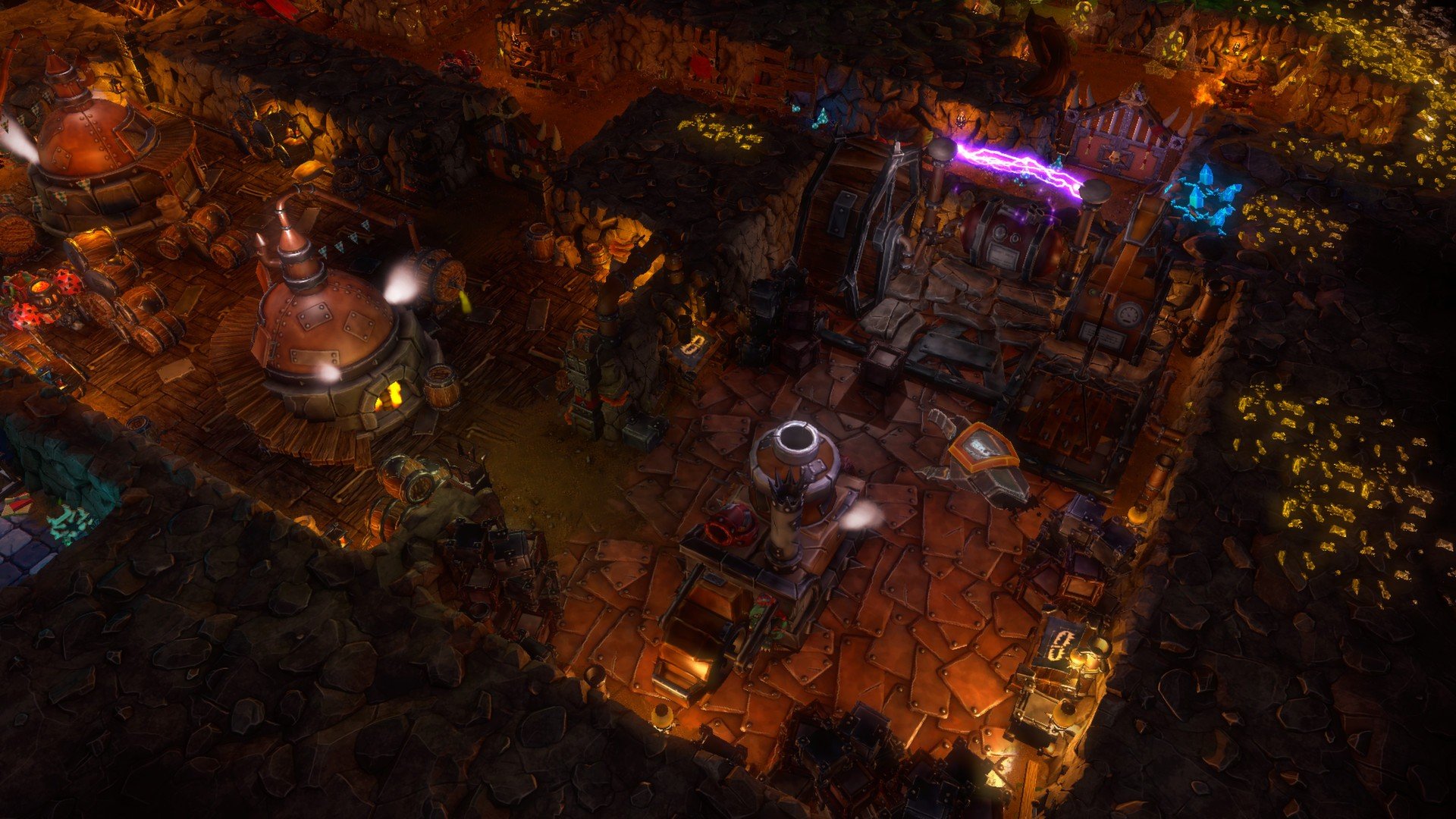
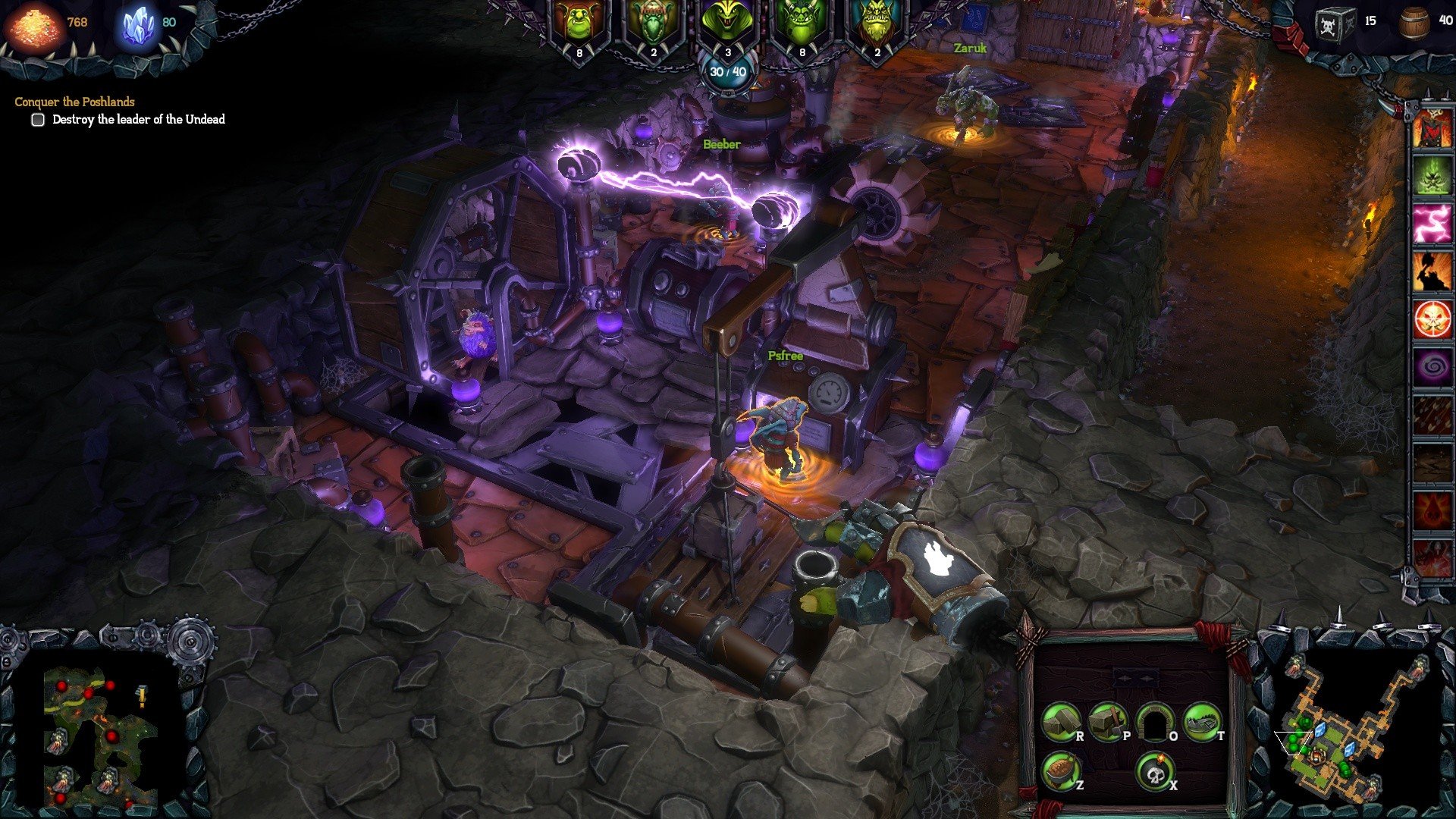
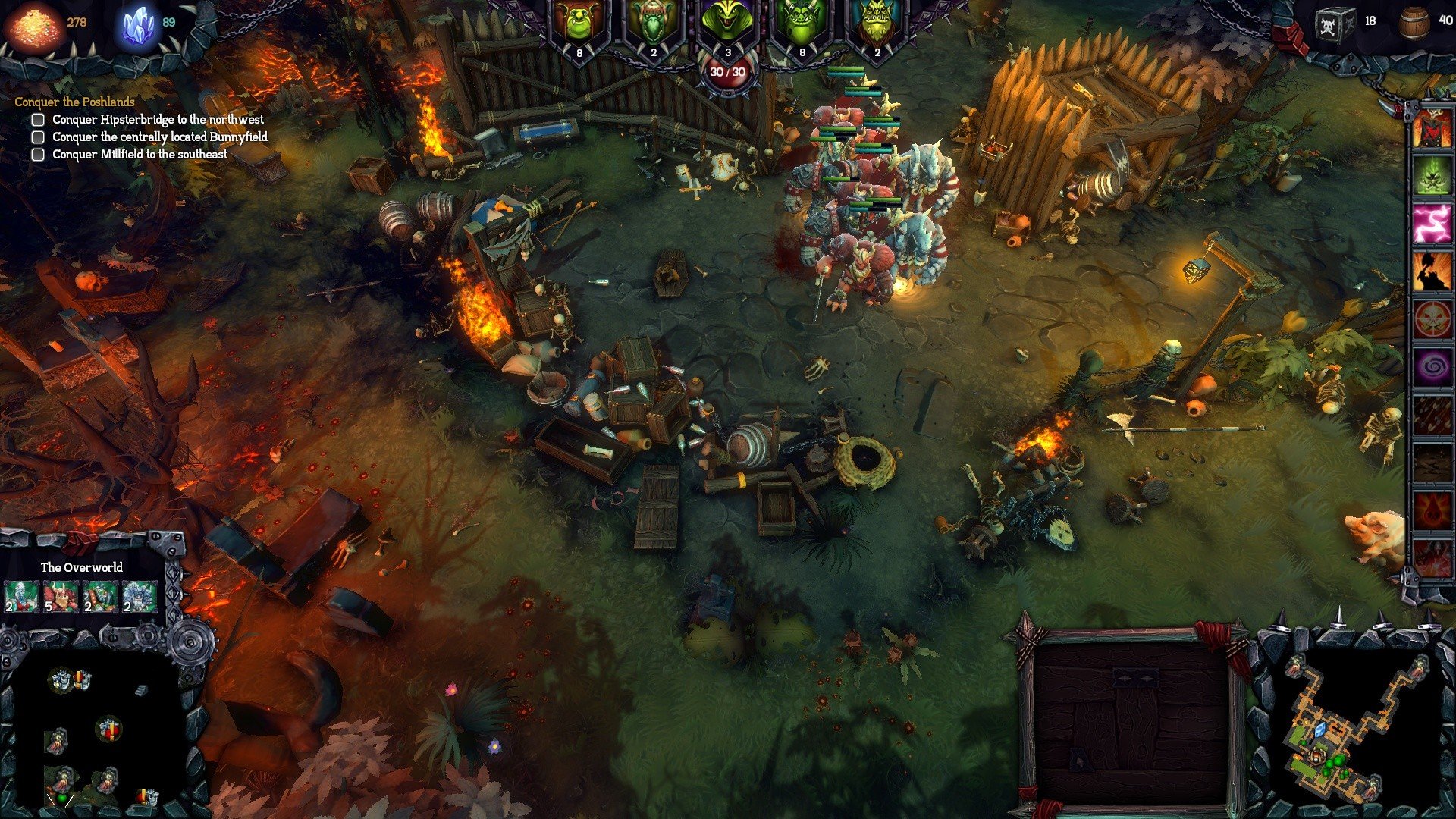
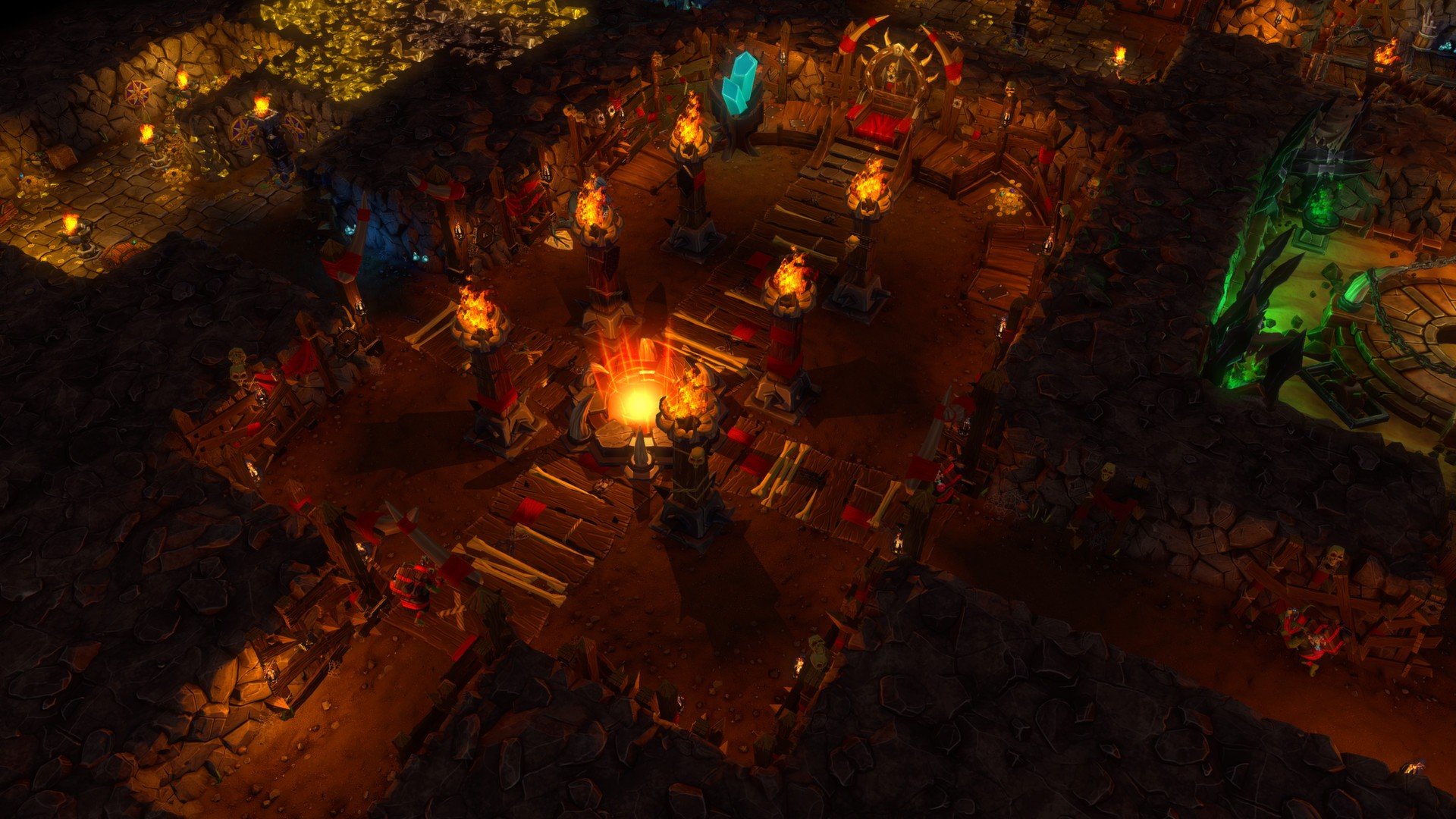
Dungeons 2, developed by Realmforge Studios, is a strategy game that cleverly flips the traditional fantasy RPG on its head. Instead of playing as the heroic adventurer, players assume the role of the Dungeon Lord, a dark ruler seeking to expand his underground empire and dominate the overworld. Combining dungeon management with real-time strategy, the game offers a unique blend of humor, tactical depth, and creative gameplay that stands out in the strategy genre.
The game’s central appeal lies in its role reversal. Players are tasked with designing and managing a sprawling dungeon, filled with rooms, traps, and minions. Every decision matters, from digging out new areas to allocating resources efficiently. Minions are the lifeblood of the dungeon, and they each have distinct abilities—warriors for combat, goblins for labor, and magic users for defense and offense. Ensuring these minions are fed, content, and strategically deployed is crucial for maintaining an effective and deadly operation.
A standout feature of Dungeons 2 is the seamless integration of dungeon management with overworld conquest. While the underground dungeon requires careful planning and resource management, the game frequently sends players’ minions to the surface to battle heroes, rival factions, and towns. Combat is real-time and requires both strategy and adaptability. Players must consider the strengths and weaknesses of their forces, use the environment to their advantage, and employ clever tactics to achieve victory. This dual-layered approach creates a dynamic gameplay experience that is both challenging and rewarding.
Humor is another defining aspect of Dungeons 2. The game doesn’t take itself too seriously; witty dialogue, amusing scenarios, and playful references to classic fantasy tropes add charm to the experience. While players are engaged in conquest and chaos, the narrative injects levity, making the game enjoyable even when facing difficult challenges. This balance of strategy and humor helps Dungeons 2 stand apart from more traditional, serious strategy games.
Graphically, the game adopts a colorful and approachable style. While it doesn’t aim for realistic visuals, its detailed dungeons, charming minions, and lively overworld environments are easy to navigate and visually engaging. The audio complements this aesthetic perfectly, with whimsical sound effects, thematic music, and entertaining voiceovers that reinforce the game’s playful tone.
The campaign mode guides players through a series of missions that gradually increase in complexity. Players unlock new minions, spells, and traps, encouraging experimentation and creative dungeon layouts. Additionally, the game features sandbox modes and challenges that enhance replayability, allowing players to test different strategies or simply enjoy the chaos of a well-managed dungeon empire.
Ultimately, Dungeons 2 is a celebration of strategic creativity, dark humor, and tactical gameplay. It rewards careful planning, quick thinking, and inventive approaches, all while delivering a uniquely entertaining perspective on fantasy adventure. For players who enjoy thinking like a villain, managing resources, and outsmarting heroes, Dungeons 2 provides a rich, satisfying, and endlessly enjoyable experience that redefines what a strategy game can be.
OS: MAC OS X 10.9.5 (Mountain Lion), 10.9.5 (Mavericks) and 10.10.2 (Yosemite)Processor: Intel Quad-Core @ 3.1 GHzRAM: 4 GBVideo card: NVIDIA GeForce GT 440/GT 650M, AMD Radeon HD 7750/6970M with at least 512 MB of dedicated VRAM, Shader Model 5 supportDisk space: 5 GB
Mount the downloaded image and follow the standard installation procedure.
The installation is completed by choosing a location to place the game.
It is recommended to specify the Applications folder.
Frequently Asked Questions
Mount the image and run Open Gatekeeper friendly.
Press Enter to bypass Gatekeeper in the Terminal window.
Drag the application to the Applications folder.
The application is ready for use.
ATTENTION! SIP must be disabled. Learn more >
Restart your Mac and hold down Command + R to enter Recovery Mode.
Open Terminal from the Utilities menu.
Enter the command: csrutil disable
Restart your Mac.
This is a common Gatekeeper issue. Follow these steps:
1. Open Terminal
2. Enter: sudo xattr -rd com.apple.quarantine /Applications/AppName.app
3. Replace "AppName" with the actual application name
4. Press Enter and enter your password
Yes, all our downloads are thoroughly checked for viruses and malware.
We use multiple antivirus engines to scan every file.
Our team tests each application before publishing.
We never bundle adware or unwanted software.
Yes, we regularly update our applications to the latest versions.
You can check our website for updates or subscribe to our newsletter.
We strive to provide the most recent versions within 24-48 hours of release.
If a download link is not working, please:
1. Try a different browser
2. Clear your browser cache and cookies
3. Try the alternative download links provided
4. Contact our support team if the issue persists