


Executive Assault 2
Download Executive Assault 2
Run the downloaded image and drag the application to the Applications folder shortcut.
Once copying is complete, the application can be launched via Launchpad.
Previous Versions
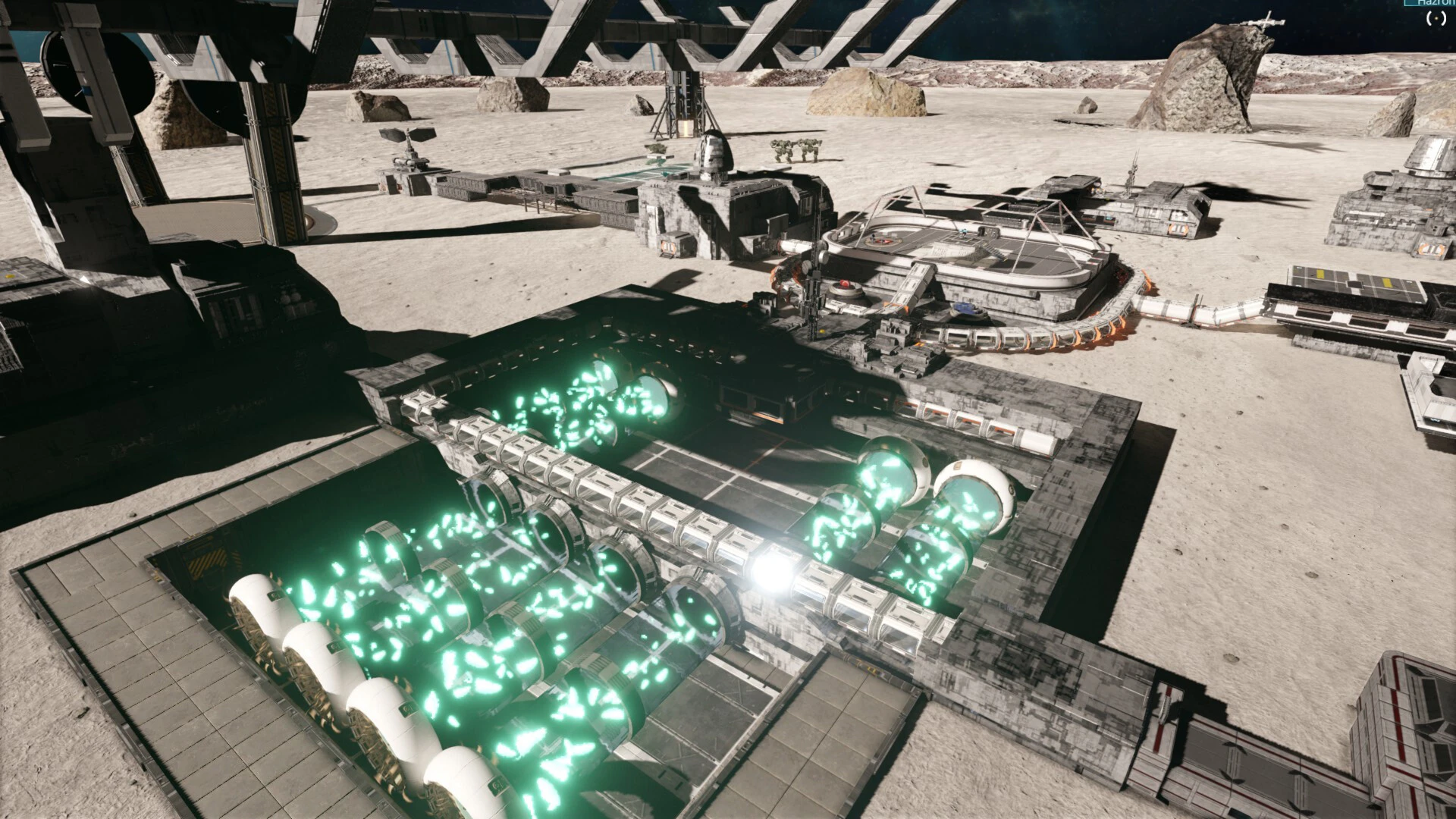
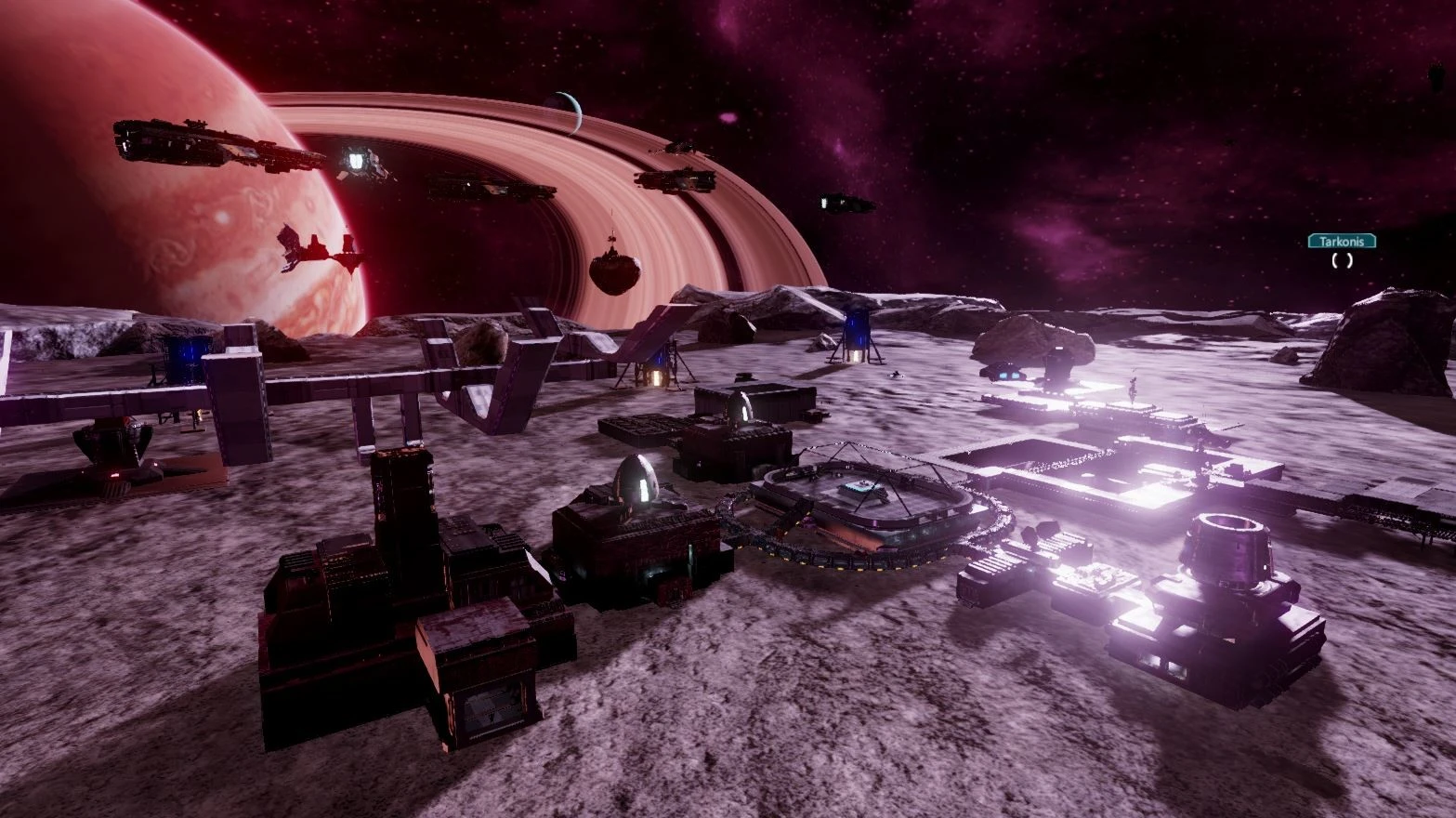
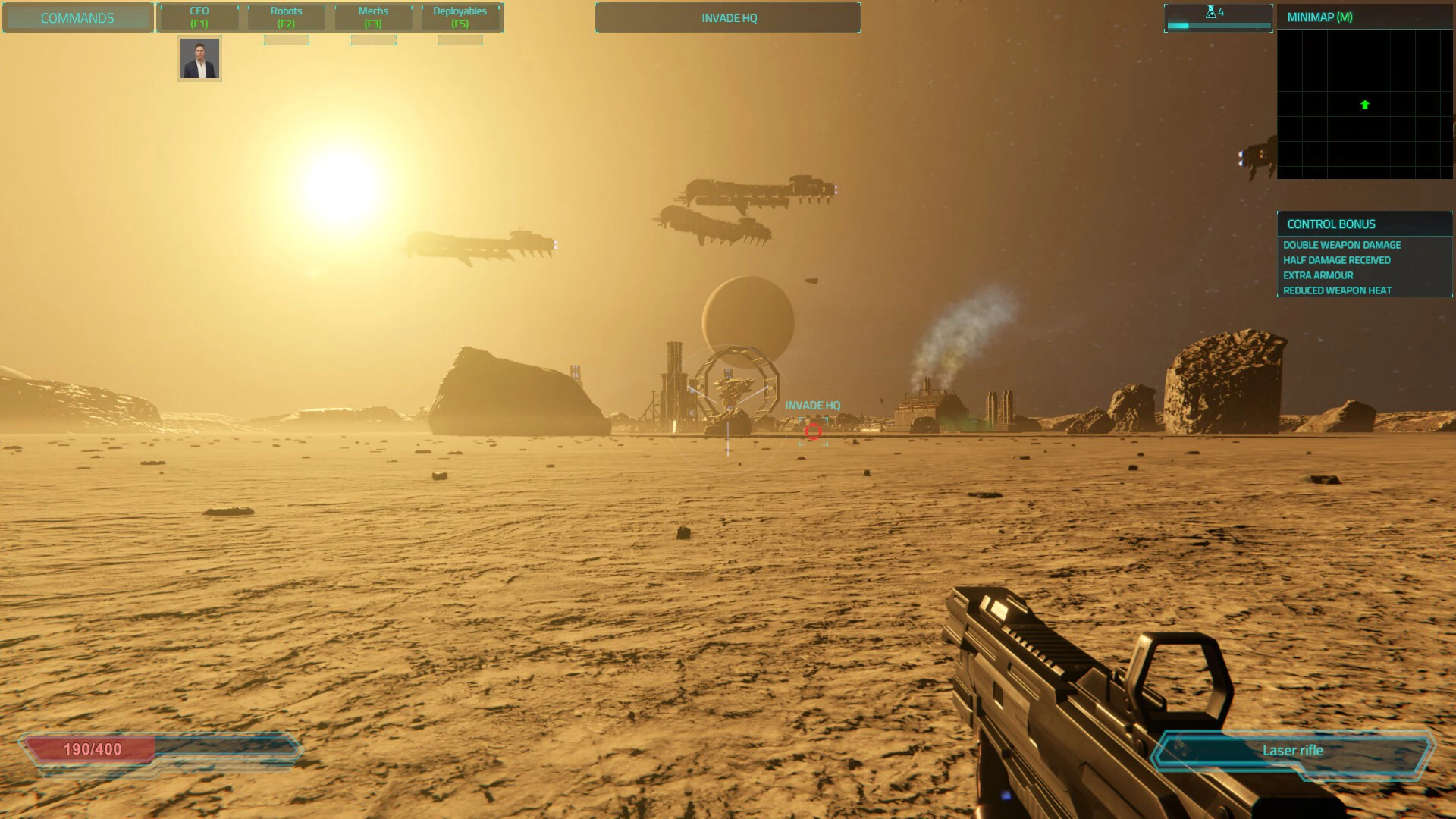
Executive Assault 2 is a hybrid real-time strategy and first-person shooter game that offers a unique combination of base building, resource management, and direct combat. Set in deep space, it challenges players to construct powerful space stations while directly controlling units to wage real-time battles. This dual gameplay system makes it one of the most distinctive strategy games in the science fiction genre.
Gameplay and Dual Control System
The most distinctive feature of Executive Assault 2 is its dual gameplay system. In strategy mode, players construct space stations, manage resources, research technologies, and deploy ships. This requires meticulous planning and long-term decision-making.
In first-person mode, players can leave the command interface and physically explore their station or board enemy ships. In this mode, they can engage in combat using weapons, repair systems, or sabotage enemy operations.
This combination creates a seamless transition between strategic thinking and direct action, resulting in highly immersive and dynamic gameplay.
Base Building and Resource Management
Building and managing a space station is a fundamental part of the game. Players must design efficient layouts, construct defense systems, and expand their operations. Each structure has a function, whether it's resource production, ship manufacturing, or research development.
Resource management is equally important. Players must gather materials, manage energy consumption, and ensure their station remains operational during attacks. Poor planning can lead to shortages and vulnerability.
Space Combat and Strategy
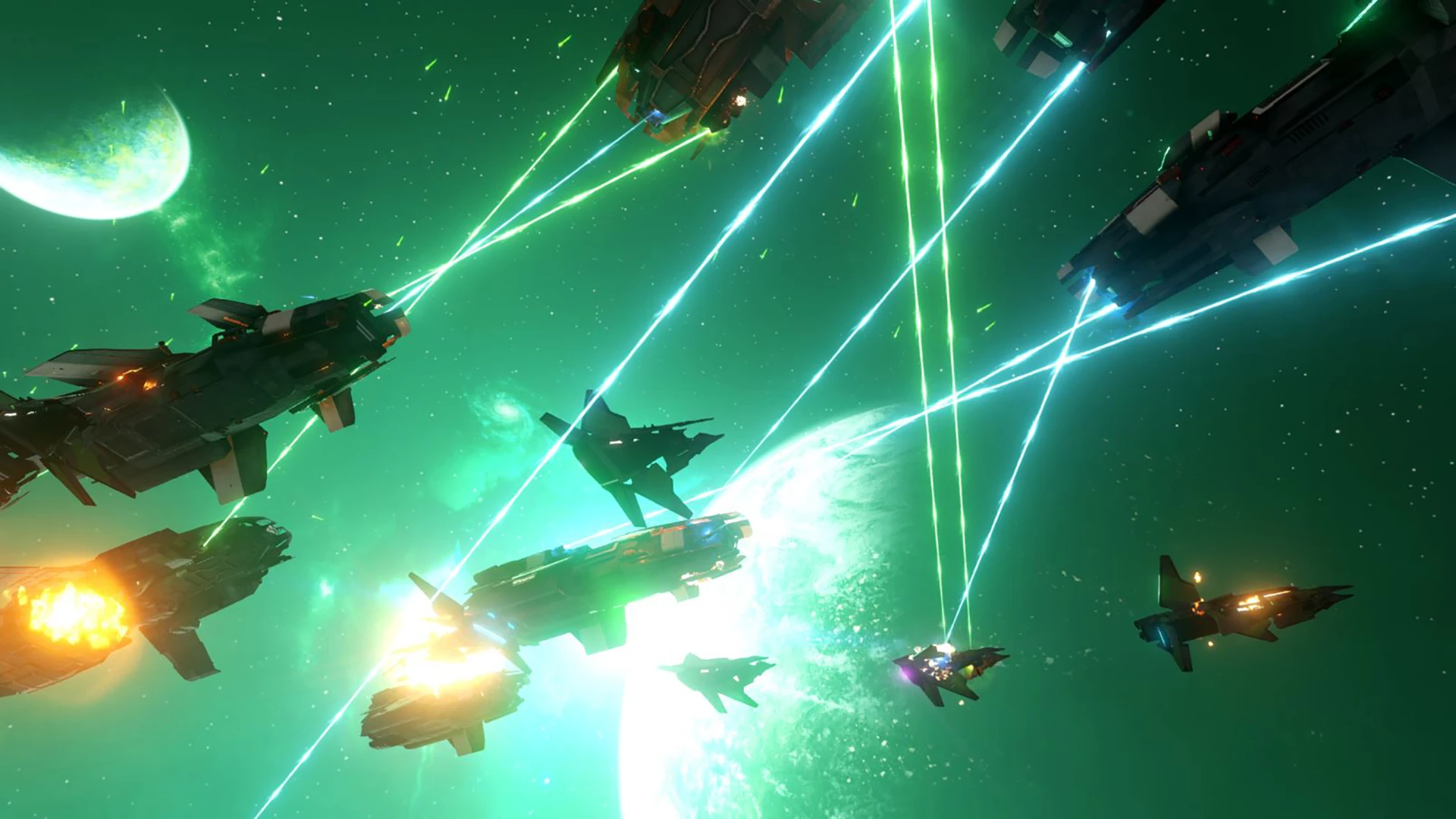
In Executive Assault 2, combat takes place both in space and on foot. Players can command fleets of ships to engage enemies in large-scale battles. These engagements require tactical positioning, timing, and resource allocation.
In addition, players can personally participate in combat scenarios. Boarding enemy ships or defending their own station adds an intense dose of action to the strategic experience.
This combination of macro and micro gameplay ensures that no two battles are ever the same.
Exploration and Expansion
The game encourages exploration and expansion across different sectors of space. Players can discover new resources, confront enemy factions, and establish their dominance over strategic areas.
Expanding territory is essential for long-term success. As players grow stronger, they can build larger fleets, unlock advanced technologies, and reinforce their defensive systems.
Graphics and Setting
Executive Assault 2 features a detailed science fiction environment with futuristic space stations, glowing nebulae, and intense combat effects. The combination of large-scale strategic maps and first-person interiors creates a visually stunning experience.
The sound design also enhances immersion, with mechanical station noises, laser fire, and space-related ambient effects contributing to the atmosphere.
Why Executive Assault 2 Stands Out
The game excels at successfully merging two different genres into a seamless experience. Most strategy games don't allow direct player control in combat, while most shooters don't include complex base-building mechanics. Executive Assault 2 effectively bridges this gap.
This hybrid design appeals to both strategy enthusiasts and action gamers, making it a versatile and engaging title.
Conclusion
Executive Assault 2 delivers a powerful combination of real-time strategy and first-person action in a futuristic space setting. With its dual-control gameplay, deep base-building mechanics, and intense space battles, it offers a unique experience that stands out in the gaming world. For players who enjoy both tactical planning and direct combat, Executive Assault 2 provides an exciting and immersive journey through interstellar warfare.
OS: CatalinaProcessor: Intel i7RAM: 8 GB
Run the downloaded image and drag the application to the Applications folder shortcut.
Once copying is complete, the application can be launched via Launchpad.
Frequently Asked Questions
Mount the image and run Open Gatekeeper friendly.
Press Enter to bypass Gatekeeper in the Terminal window.
Drag the application to the Applications folder.
The application is ready for use.
ATTENTION! SIP must be disabled. Learn more >
Restart your Mac and hold down Command + R to enter Recovery Mode.
Open Terminal from the Utilities menu.
Enter the command: csrutil disable
Restart your Mac.
This is a common Gatekeeper issue. Follow these steps:
1. Open Terminal
2. Enter: sudo xattr -rd com.apple.quarantine /Applications/AppName.app
3. Replace "AppName" with the actual application name
4. Press Enter and enter your password
Yes, all our downloads are thoroughly checked for viruses and malware.
We use multiple antivirus engines to scan every file.
Our team tests each application before publishing.
We never bundle adware or unwanted software.
Yes, we regularly update our applications to the latest versions.
You can check our website for updates or subscribe to our newsletter.
We strive to provide the most recent versions within 24-48 hours of release.
If a download link is not working, please:
1. Try a different browser
2. Clear your browser cache and cookies
3. Try the alternative download links provided
4. Contact our support team if the issue persists