


Fabled Lands
Download Fabled Lands
Follow the standard installation procedure.
The installation is completed by choosing a location to place the game.
It is recommended to specify the Applications folder.
Previous Versions
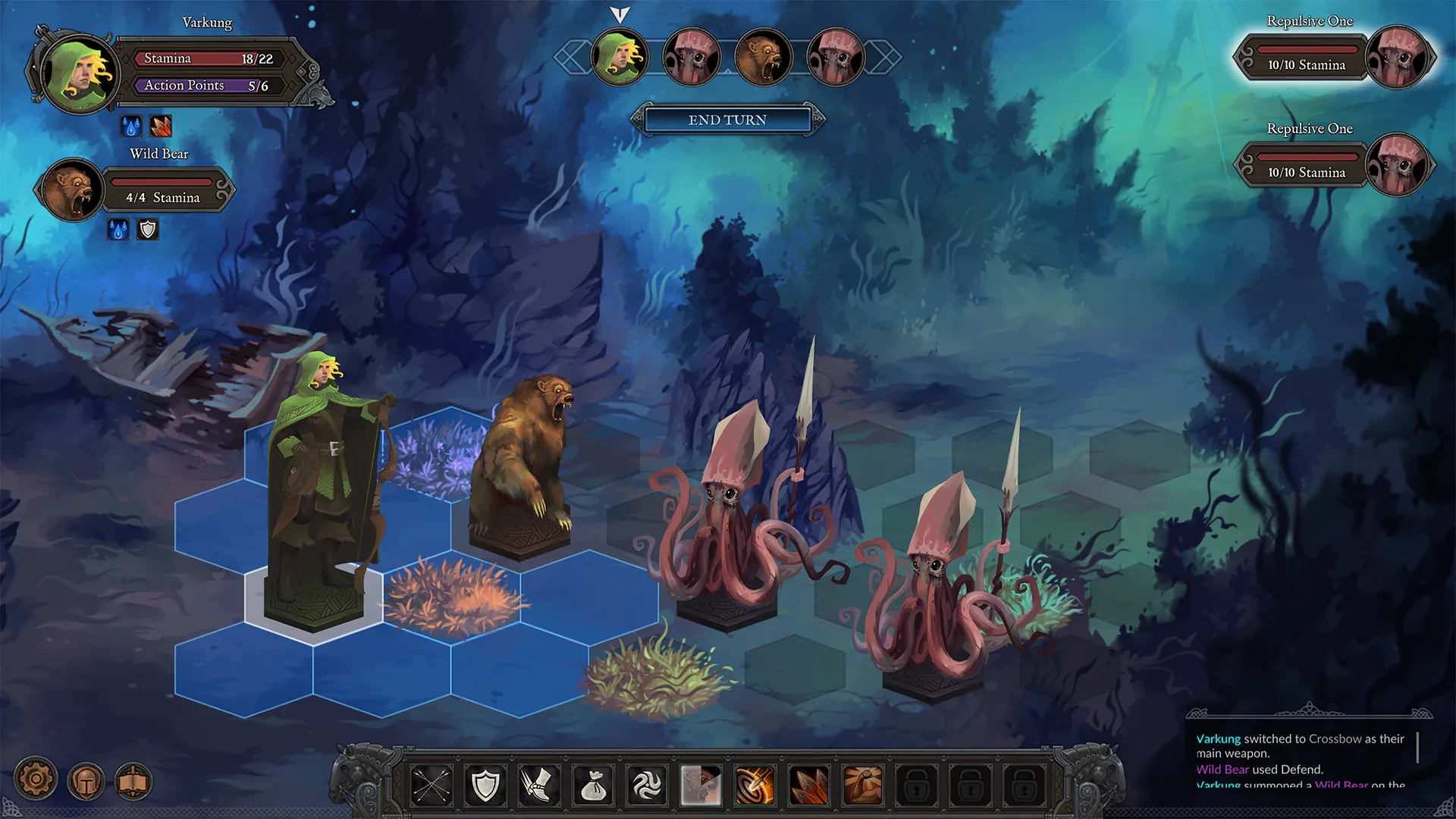
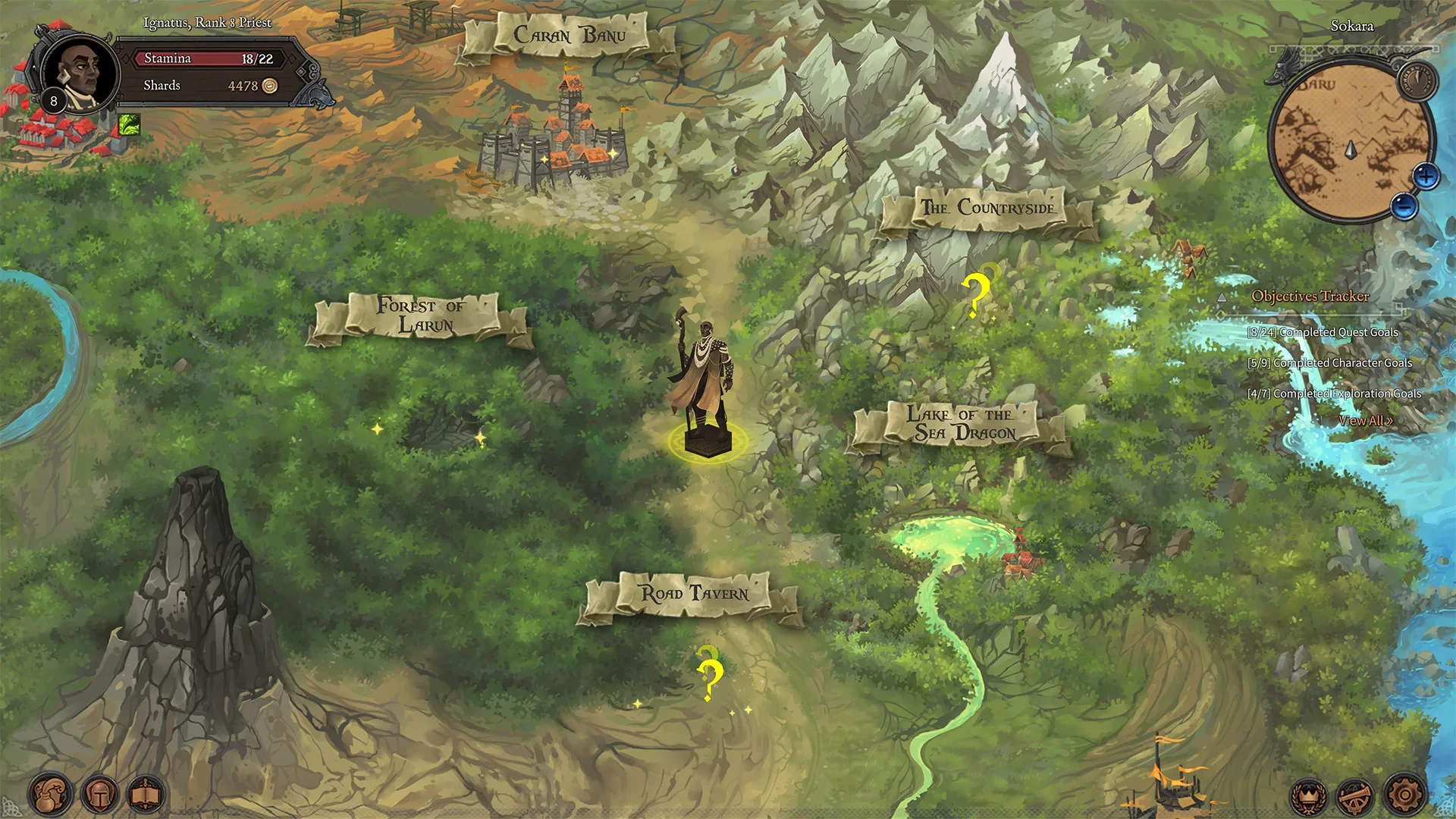
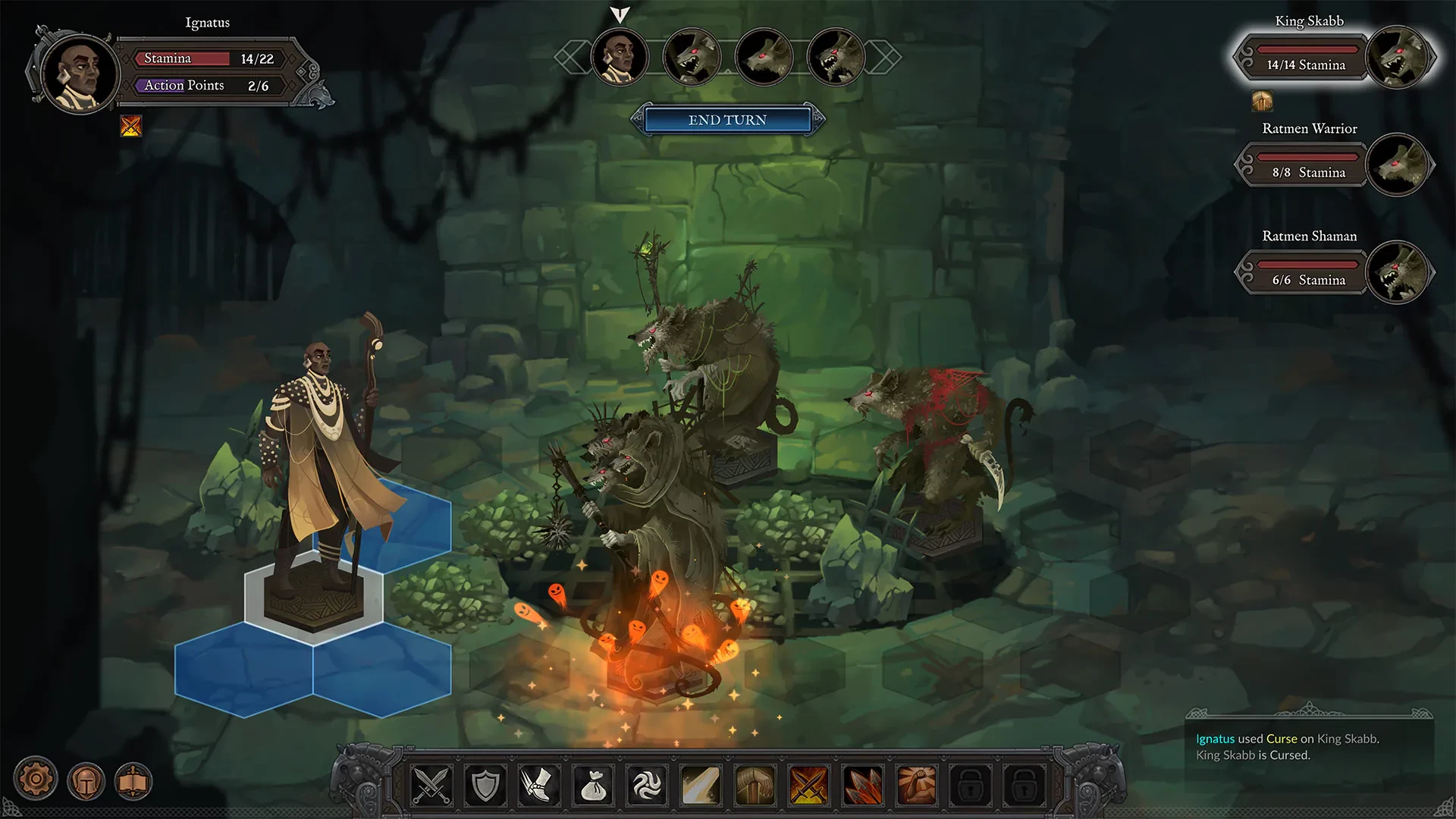
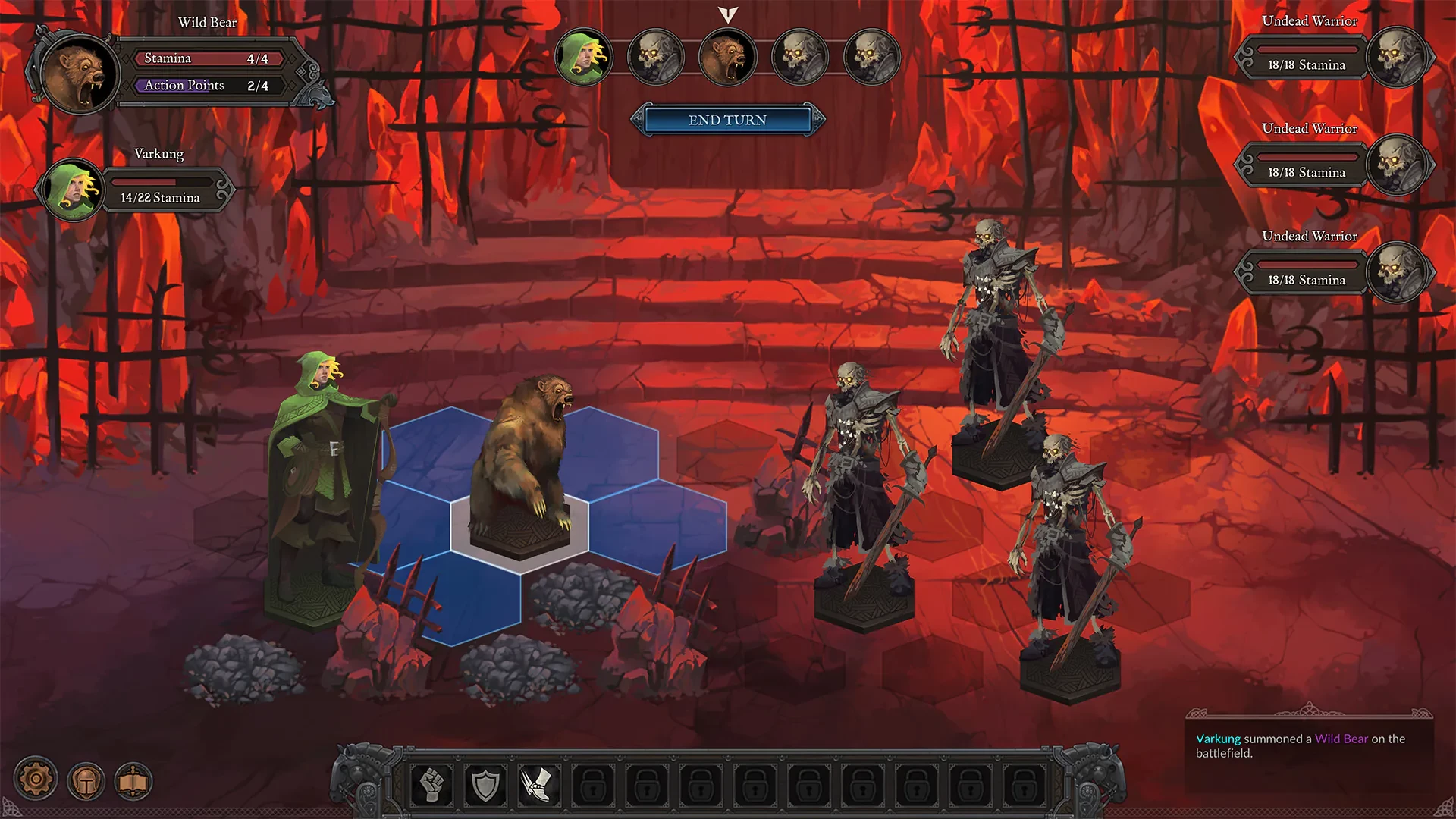
In the world of role-playing games, Fabled Lands stands as a unique and immersive experience that blends open-world exploration, strategic gameplay, and rich storytelling. Unlike linear RPGs, Fabled Lands offers players the freedom to chart their own path, interact with a living world, and shape the destiny of their character through choices that carry real consequences. Its combination of exploration, combat, and narrative depth makes it a must-play for fans of fantasy adventure.
At the heart of Fabled Lands is the sense of freedom. Players begin their journey in a vast, diverse world filled with cities, forests, mountains, and mysterious ruins. From the start, there are no rigid paths; players can choose to trade, fight, explore, or pursue quests in any order. This non-linear structure gives a sense of autonomy rarely seen in traditional RPGs, making every adventure feel personal and unique. Whether uncovering hidden treasures or negotiating with powerful factions, every decision shapes the world around the player.
Gameplay in Fabled Lands is a balance of strategy, combat, and resource management. Players must prepare for encounters by selecting the right equipment, managing supplies, and developing skills suited to their playstyle. Combat is tactical rather than button-mashing, encouraging careful planning and the effective use of abilities. Whether battling monsters, rival adventurers, or navigating dangerous terrain, success depends on a combination of skill, preparation, and clever decision-making.
The game’s quest system is equally engaging. Main storylines intertwine with countless side quests, secrets, and random encounters, creating a dynamic and living world. Players encounter NPCs with their own motives and histories, making interactions meaningful and often morally complex. Choices made in dialogue or actions can influence future events, alliances, and the development of the protagonist, adding layers of depth and replayability to the experience.
Fabled Lands also excels in world-building. Each location is meticulously crafted, with unique architecture, cultures, and environmental storytelling. The diversity of regions—from bustling towns to eerie ruins—ensures that exploration never feels repetitive. Players are encouraged to investigate every corner, as hidden challenges, treasures, and lore await those willing to venture off the beaten path. This attention to detail enhances immersion and creates a sense of a truly living, breathing world.
Visually, Fabled Lands combines atmospheric art with functional design. While its focus is on exploration and gameplay depth, the environments are detailed and distinctive, helping players feel the uniqueness of each region. Coupled with sound design that includes ambient noises, thematic music, and dynamic effects, the game successfully captures the epic and sometimes perilous feeling of a high-fantasy adventure.
Ultimately, Fabled Lands is more than just an RPG—it is an open-world adventure that empowers players to explore, make meaningful choices, and experience a living fantasy realm. By emphasizing freedom, strategic gameplay, and rich storytelling, it delivers an experience that challenges the mind and rewards curiosity. Whether exploring hidden corners, engaging in complex combat, or shaping the world through decisions, Fabled Lands offers an unforgettable journey that captivates both casual and dedicated players alike.
System: Mac OS 10.10.5+Processor: 1.5 GHzMemory: 2 GB RAMGraphics: Hardware Accelerated Graphics with 1GB memoryStorage: 2 GB available space
Follow the standard installation procedure.
The installation is completed by choosing a location to place the game.
It is recommended to specify the Applications folder.
Frequently Asked Questions
Mount the image and run Open Gatekeeper friendly.
Press Enter to bypass Gatekeeper in the Terminal window.
Drag the application to the Applications folder.
The application is ready for use.
ATTENTION! SIP must be disabled. Learn more >
Restart your Mac and hold down Command + R to enter Recovery Mode.
Open Terminal from the Utilities menu.
Enter the command: csrutil disable
Restart your Mac.
This is a common Gatekeeper issue. Follow these steps:
1. Open Terminal
2. Enter: sudo xattr -rd com.apple.quarantine /Applications/AppName.app
3. Replace "AppName" with the actual application name
4. Press Enter and enter your password
Yes, all our downloads are thoroughly checked for viruses and malware.
We use multiple antivirus engines to scan every file.
Our team tests each application before publishing.
We never bundle adware or unwanted software.
Yes, we regularly update our applications to the latest versions.
You can check our website for updates or subscribe to our newsletter.
We strive to provide the most recent versions within 24-48 hours of release.
If a download link is not working, please:
1. Try a different browser
2. Clear your browser cache and cookies
3. Try the alternative download links provided
4. Contact our support team if the issue persists