


Flashback
Download Flashback
Unzip the archive and follow the standard installation procedure.
The installation is completed by choosing a location to place the game.
It is recommended to specify the Applications folder.
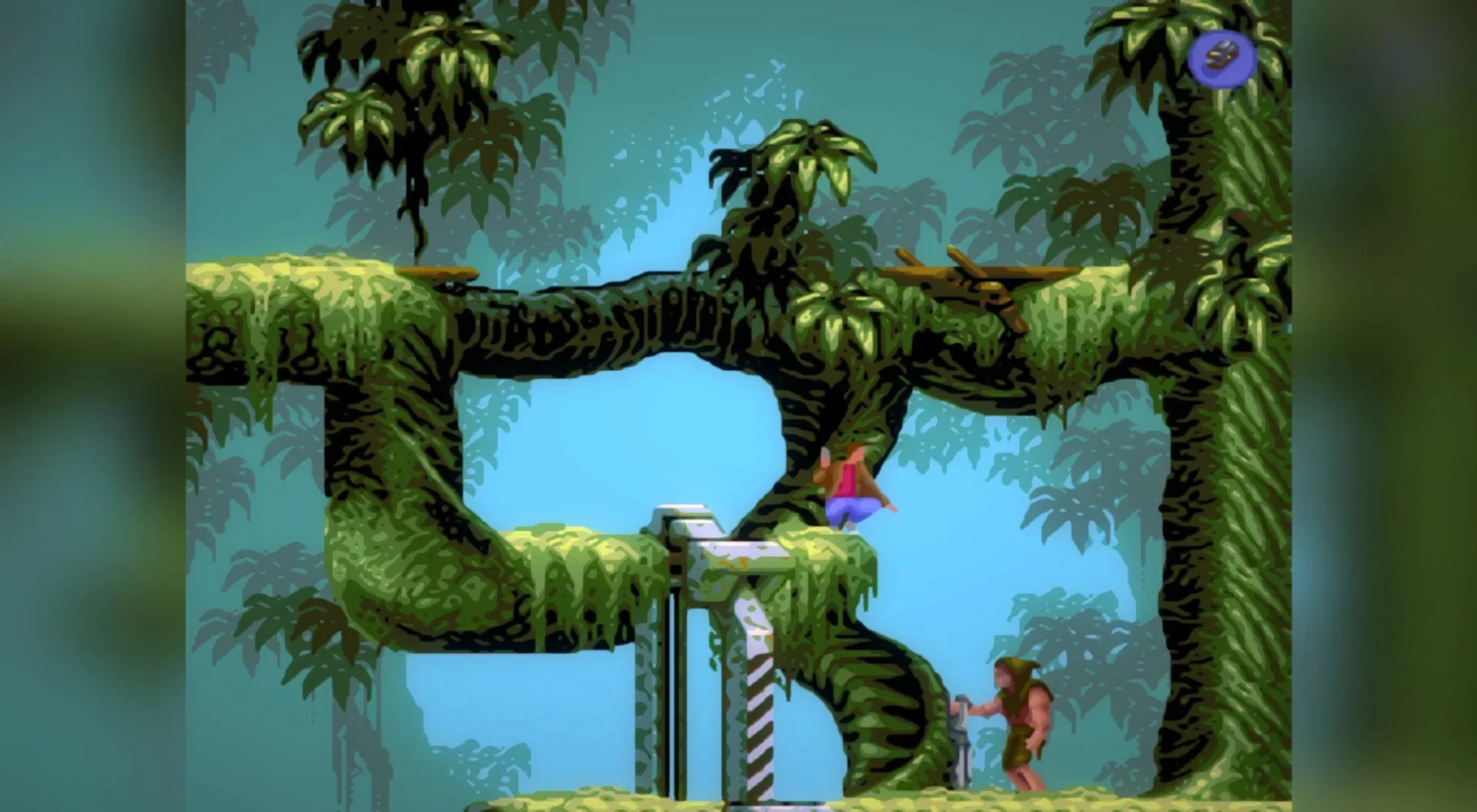
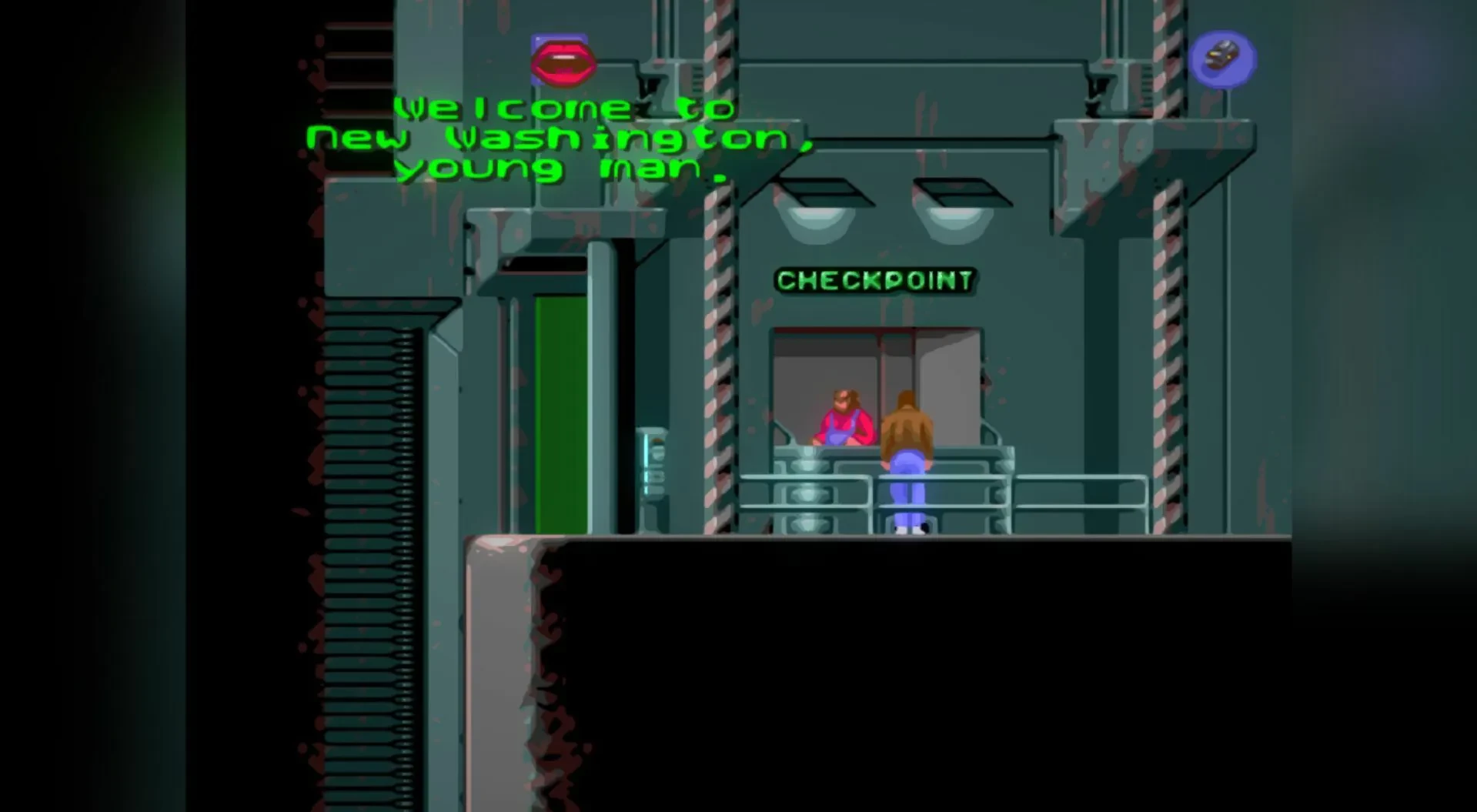
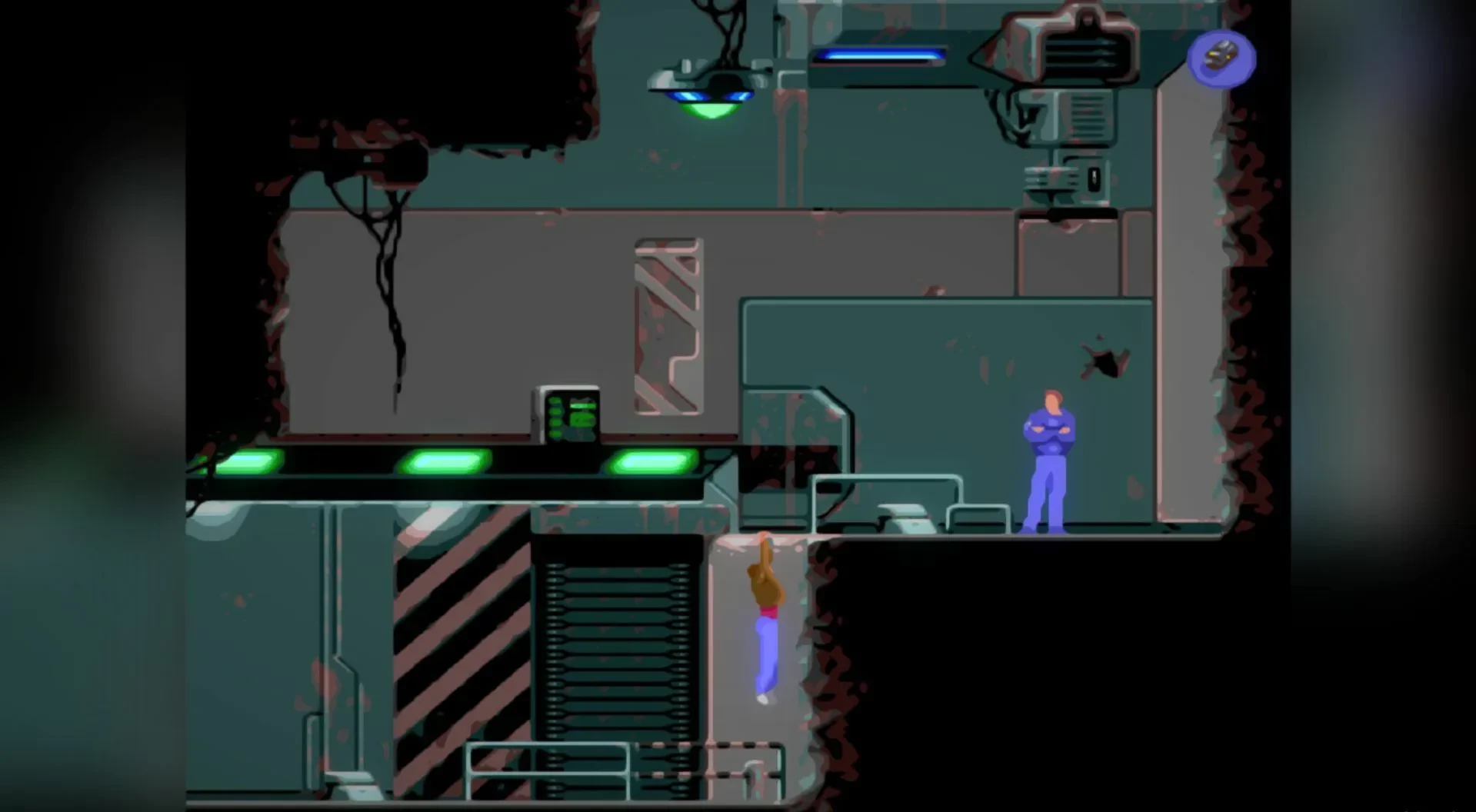
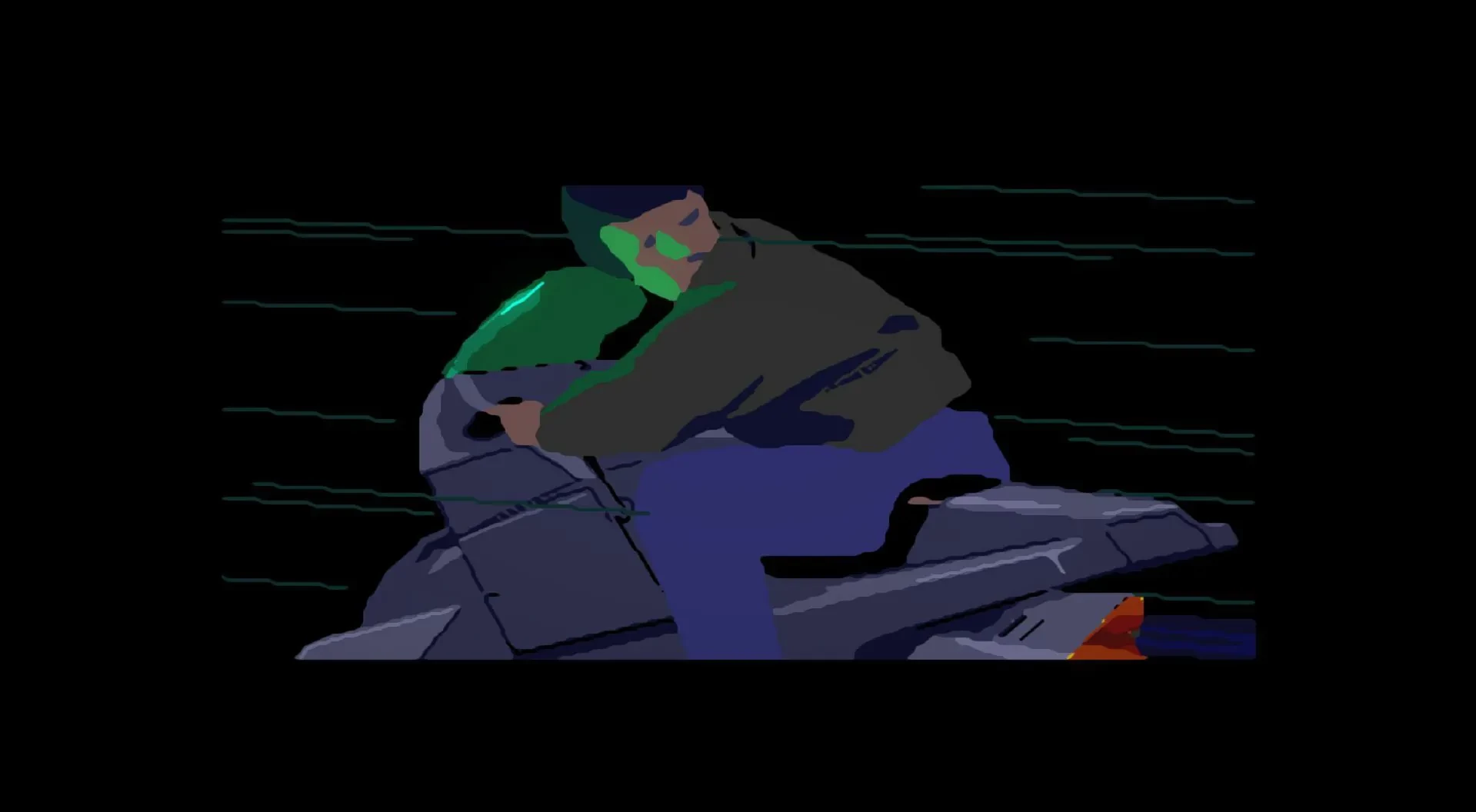
In the realm of classic video games, Flashback remains an iconic title that combines cinematic storytelling, fluid animation, and intense platforming action. Originally developed by Delphine Software in 1992, the game has retained its charm and relevance thanks to remasters and modern releases. With its compelling narrative, challenging gameplay, and striking visual style, Flashback offers a gaming experience that continues to captivate both longtime fans and new players discovering it for the first time.
At its core, Flashback is a science fiction action-adventure game that follows the story of Conrad B. Hart, a government agent who wakes up with amnesia on a mysterious planet. Stripped of his memory, Conrad must piece together the truth behind a sinister alien conspiracy threatening humanity. The narrative unfolds through cinematic cutscenes, dialogue, and environmental storytelling, creating a sense of immersion that was groundbreaking at the time. The story combines elements of mystery, suspense, and classic sci-fi, engaging players both intellectually and emotionally.
Gameplay in Flashback revolves around exploration, platforming, and puzzle-solving. Players must navigate intricate environments, evade enemies, and overcome obstacles that require precise timing and strategic thinking. Conrad’s acrobatic movements—running, jumping, climbing, and sliding—allow for fluid traversal through futuristic cities, dense jungles, and secret facilities. The game’s level design is carefully constructed to challenge both reflexes and problem-solving skills, rewarding players who observe their surroundings and plan their actions carefully.
Combat in Flashback is a mix of shooting and tactical maneuvering. While Conrad has access to various weapons, including guns and grenades, players must also rely on stealth and strategy, as enemies can be overwhelming if confronted head-on. Resource management is crucial, as ammunition and health are limited, forcing players to think critically about when and how to engage opponents. This balance of action and strategy creates a tense and engaging gameplay experience that keeps players invested from start to finish.
Visually, Flashback was revolutionary for its time and remains impressive today. The game utilizes rotoscope animation, giving characters smooth, realistic movements that enhance immersion and storytelling. The environments are detailed and atmospheric, ranging from futuristic laboratories to alien landscapes, each contributing to the game’s sense of mystery and adventure. The atmospheric soundtrack and sound effects complement the visuals perfectly, heightening tension and drawing players deeper into the world.
Beyond gameplay, Flashback is celebrated for its influence on the cinematic platforming genre. Its combination of narrative depth, fluid animation, and challenging gameplay inspired countless games that followed. The remastered editions have preserved this legacy while introducing improved graphics, modern controls, and additional content, making the game accessible to a contemporary audience without losing its original essence.
In conclusion, Flashback is more than just a retro game; it is a landmark in video game history. Its blend of sci-fi storytelling, fluid platforming, and strategic combat offers an engaging and memorable experience. For players who appreciate classic games with cinematic flair, Flashback provides a thrilling adventure that continues to stand the test of time, proving that great storytelling and gameplay can transcend generations.
OS: MacOS 10.13Processor: 2 GhzRAM: 1 GB RAMVideo card: 512 MBDisk space: 412 MB
Unzip the archive and follow the standard installation procedure.
The installation is completed by choosing a location to place the game.
It is recommended to specify the Applications folder.
Frequently Asked Questions
Mount the image and run Open Gatekeeper friendly.
Press Enter to bypass Gatekeeper in the Terminal window.
Drag the application to the Applications folder.
The application is ready for use.
ATTENTION! SIP must be disabled. Learn more >
Restart your Mac and hold down Command + R to enter Recovery Mode.
Open Terminal from the Utilities menu.
Enter the command: csrutil disable
Restart your Mac.
This is a common Gatekeeper issue. Follow these steps:
1. Open Terminal
2. Enter: sudo xattr -rd com.apple.quarantine /Applications/AppName.app
3. Replace "AppName" with the actual application name
4. Press Enter and enter your password
Yes, all our downloads are thoroughly checked for viruses and malware.
We use multiple antivirus engines to scan every file.
Our team tests each application before publishing.
We never bundle adware or unwanted software.
Yes, we regularly update our applications to the latest versions.
You can check our website for updates or subscribe to our newsletter.
We strive to provide the most recent versions within 24-48 hours of release.
If a download link is not working, please:
1. Try a different browser
2. Clear your browser cache and cookies
3. Try the alternative download links provided
4. Contact our support team if the issue persists