


Flashout 3
Download Flashout 3
Follow the standard installation procedure.
The installation is completed by choosing a location to place the game.
It is recommended to specify the Applications folder.
Previous Versions
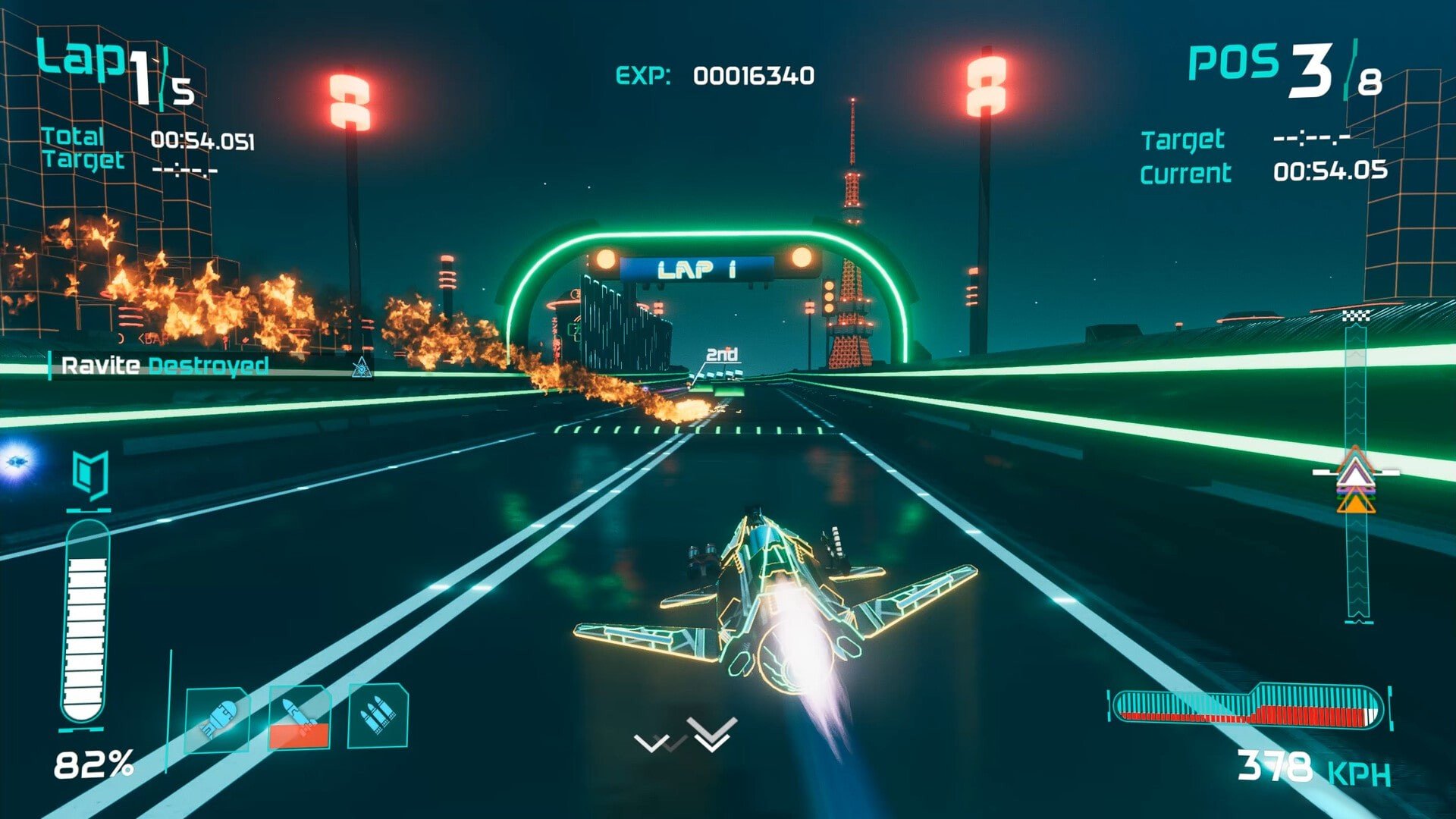
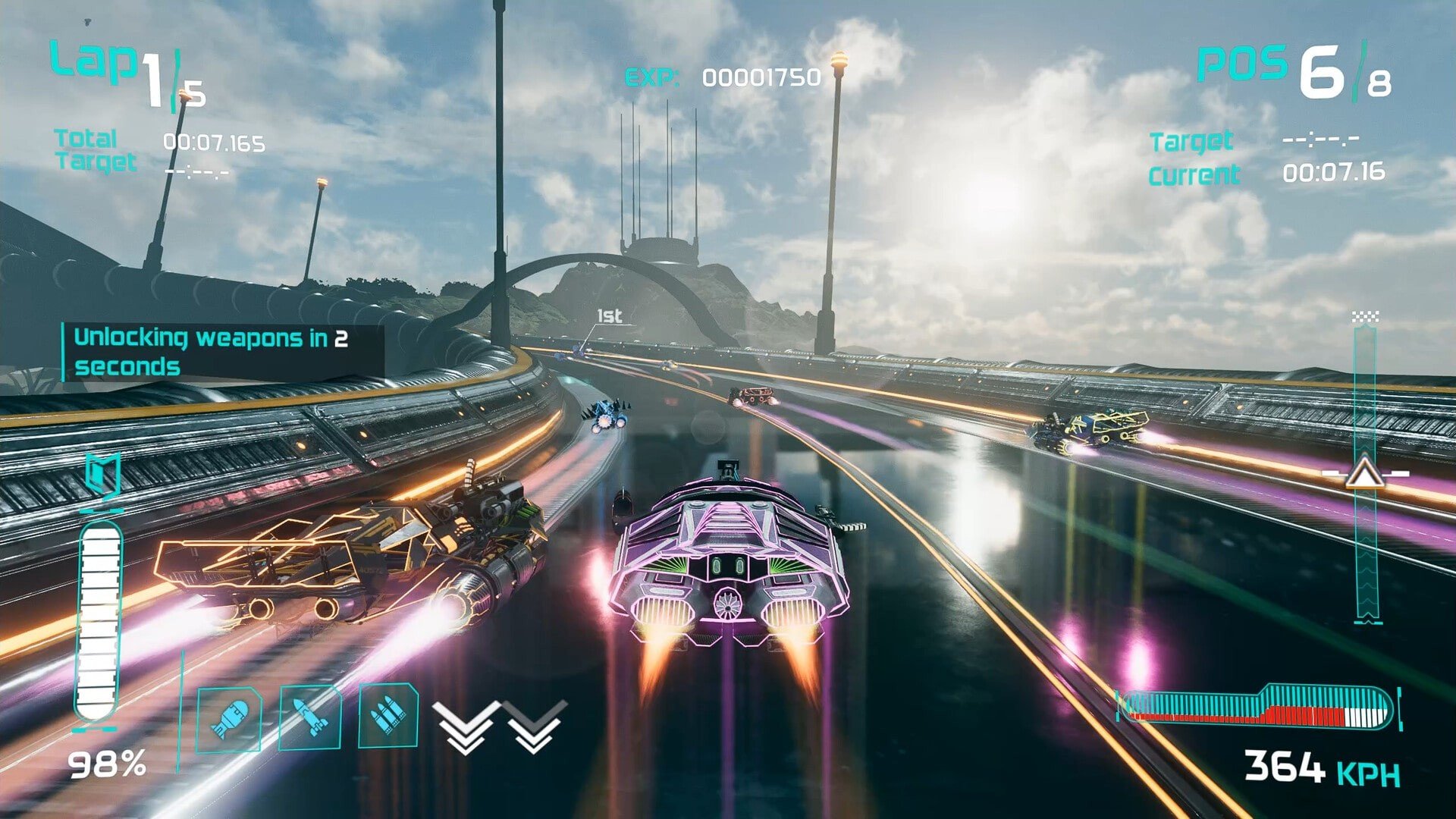
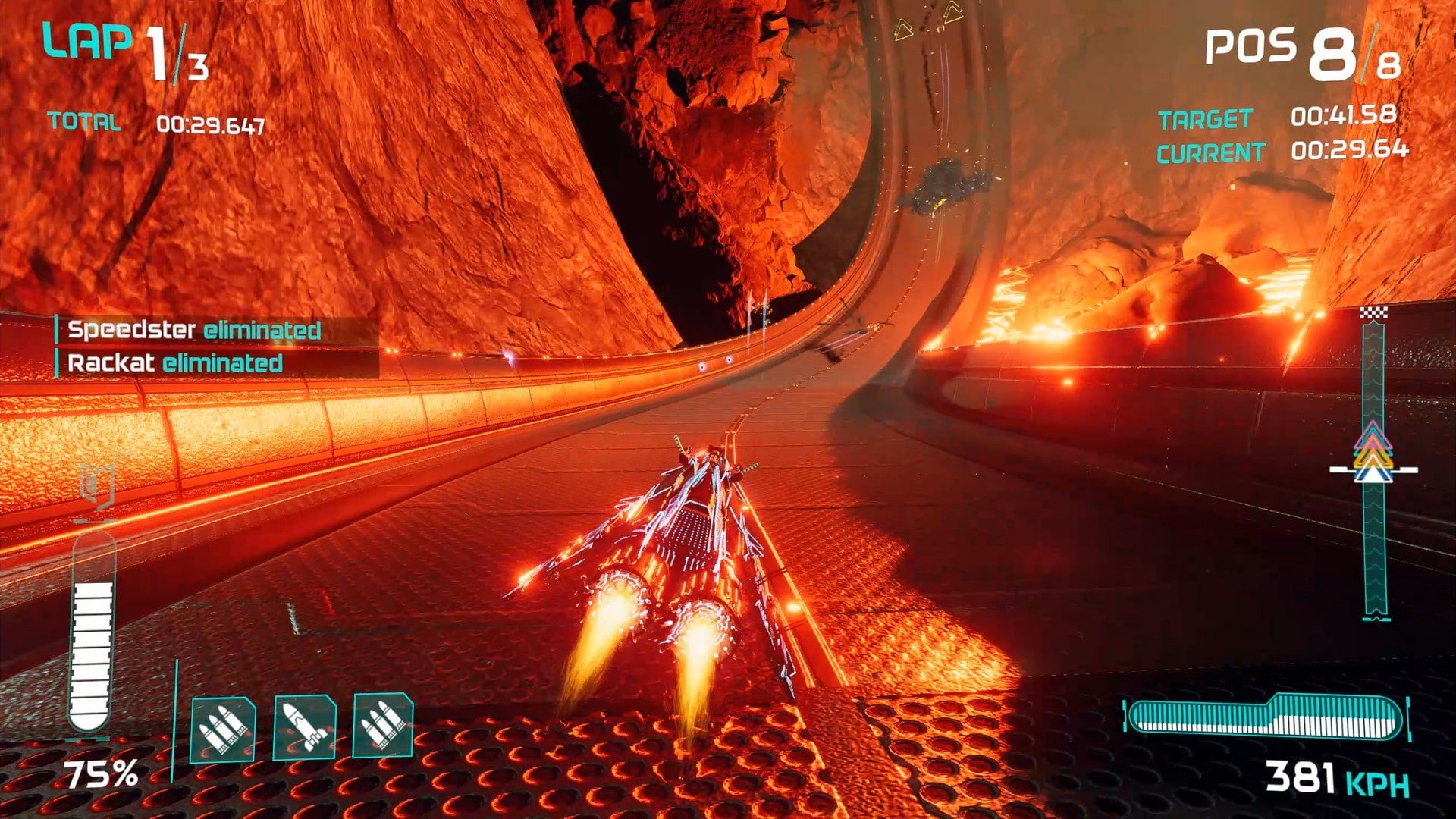
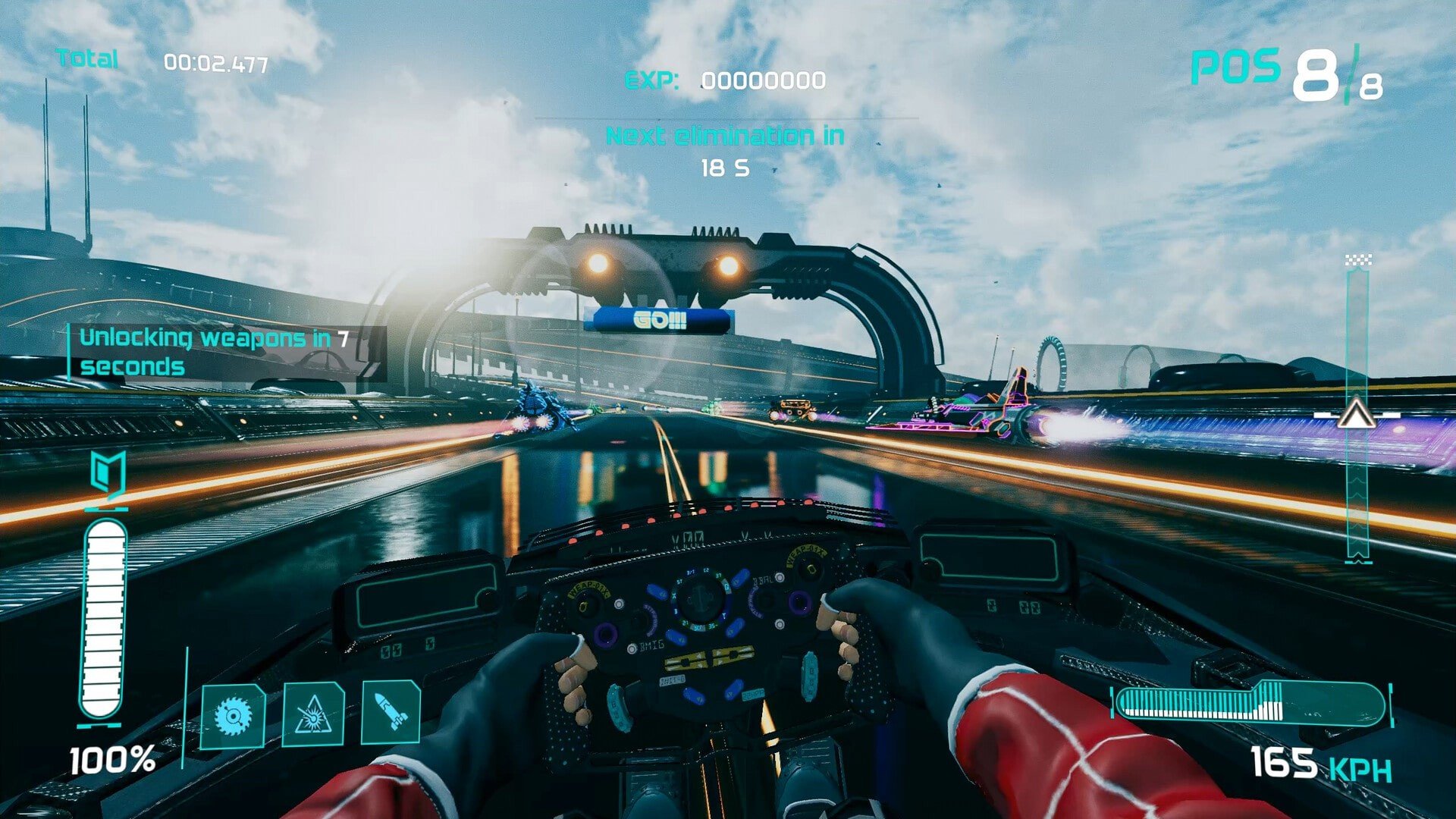
Flashout 3 is a thrilling futuristic racing game that combines high-octane speed, sleek anti-gravity vehicles, and visually stunning tracks to create an unforgettable racing experience. Developed by Jujubee S.A., the game continues the legacy of the Flashout series, offering both fans and newcomers an adrenaline-fueled journey through futuristic landscapes. With its blend of fast-paced racing mechanics, engaging customization options, and competitive gameplay, Flashout 3 stands out as a top-tier racing title for mobile and PC platforms.
Set in a world of futuristic cities, spaceports, and neon-lit tracks, Flashout 3 challenges players to navigate courses at breakneck speeds while mastering the anti-gravity mechanics of their hovercrafts. Each track is designed to test reflexes, precision, and strategic use of boost and maneuvering abilities. The game’s intuitive controls make it accessible for newcomers, yet its depth and complexity provide a satisfying challenge for racing veterans. Players must carefully balance speed, trajectory, and timing to dominate each course and achieve record-breaking times.
A standout feature of Flashout 3 is its vehicle customization. Players can choose from a wide variety of futuristic crafts, each with distinct handling, acceleration, and top-speed characteristics. Beyond performance attributes, the game allows for extensive cosmetic customization, letting players modify colors, decals, and other visual details to create a unique identity on the track. These customization options not only enhance the visual appeal but also allow players to tailor vehicles to their preferred racing style.
The game offers multiple modes to keep players engaged. Solo time trials test precision and speed, while competitive multiplayer modes allow players to race against friends or global opponents. Leaderboards track performance and encourage friendly competition, adding replayability and long-term engagement. Additionally, Flashout 3 features challenges and tournaments that reward skillful racing and strategic mastery, ensuring that players remain motivated to improve their performance.
Visually, Flashout 3 is a feast for the eyes. The tracks are vibrant and detailed, featuring futuristic cityscapes, twisting tunnels, and dynamic environmental elements. Lighting effects, motion blur, and particle effects enhance the sense of speed and immersion, making each race feel intense and cinematic. The audio complements the visuals with high-energy soundtracks, realistic engine noises, and environmental sounds that heighten the thrill of racing.
Another key aspect of Flashout 3 is its smooth and responsive gameplay. Anti-gravity racing introduces unique physics that allow vehicles to glide, drift, and bank around corners in ways that feel both realistic and exhilarating. Mastering these mechanics is crucial for success, rewarding players who invest time in learning track layouts, shortcuts, and boost strategies.
In conclusion, Flashout 3 is an exhilarating fusion of speed, strategy, and futuristic aesthetics. Its high-speed racing, vehicle customization, and immersive tracks create a compelling experience that appeals to both casual players and hardcore racing enthusiasts. For anyone seeking the thrill of futuristic anti-gravity racing, Flashout 3 offers a fast-paced, visually stunning, and endlessly replayable journey through the tracks of tomorrow.
OS: Mac OS 10.14 or laterProcessor: 64-bit x86 4 thread or Apple M1RAM: 8 GBVideo card: M1 chip or GeForce GTX 1060 or equivalent with 4 GB of video RAM.Disk space: 6 GB
Follow the standard installation procedure.
The installation is completed by choosing a location to place the game.
It is recommended to specify the Applications folder.
Frequently Asked Questions
Mount the image and run Open Gatekeeper friendly.
Press Enter to bypass Gatekeeper in the Terminal window.
Drag the application to the Applications folder.
The application is ready for use.
ATTENTION! SIP must be disabled. Learn more >
Restart your Mac and hold down Command + R to enter Recovery Mode.
Open Terminal from the Utilities menu.
Enter the command: csrutil disable
Restart your Mac.
This is a common Gatekeeper issue. Follow these steps:
1. Open Terminal
2. Enter: sudo xattr -rd com.apple.quarantine /Applications/AppName.app
3. Replace "AppName" with the actual application name
4. Press Enter and enter your password
Yes, all our downloads are thoroughly checked for viruses and malware.
We use multiple antivirus engines to scan every file.
Our team tests each application before publishing.
We never bundle adware or unwanted software.
Yes, we regularly update our applications to the latest versions.
You can check our website for updates or subscribe to our newsletter.
We strive to provide the most recent versions within 24-48 hours of release.
If a download link is not working, please:
1. Try a different browser
2. Clear your browser cache and cookies
3. Try the alternative download links provided
4. Contact our support team if the issue persists