


Forgotten 23
Download Forgotten 23
Run the downloaded image and drag the application to the Applications folder shortcut.
Once copying is complete, the application can be launched via Launchpad.
Previous Versions
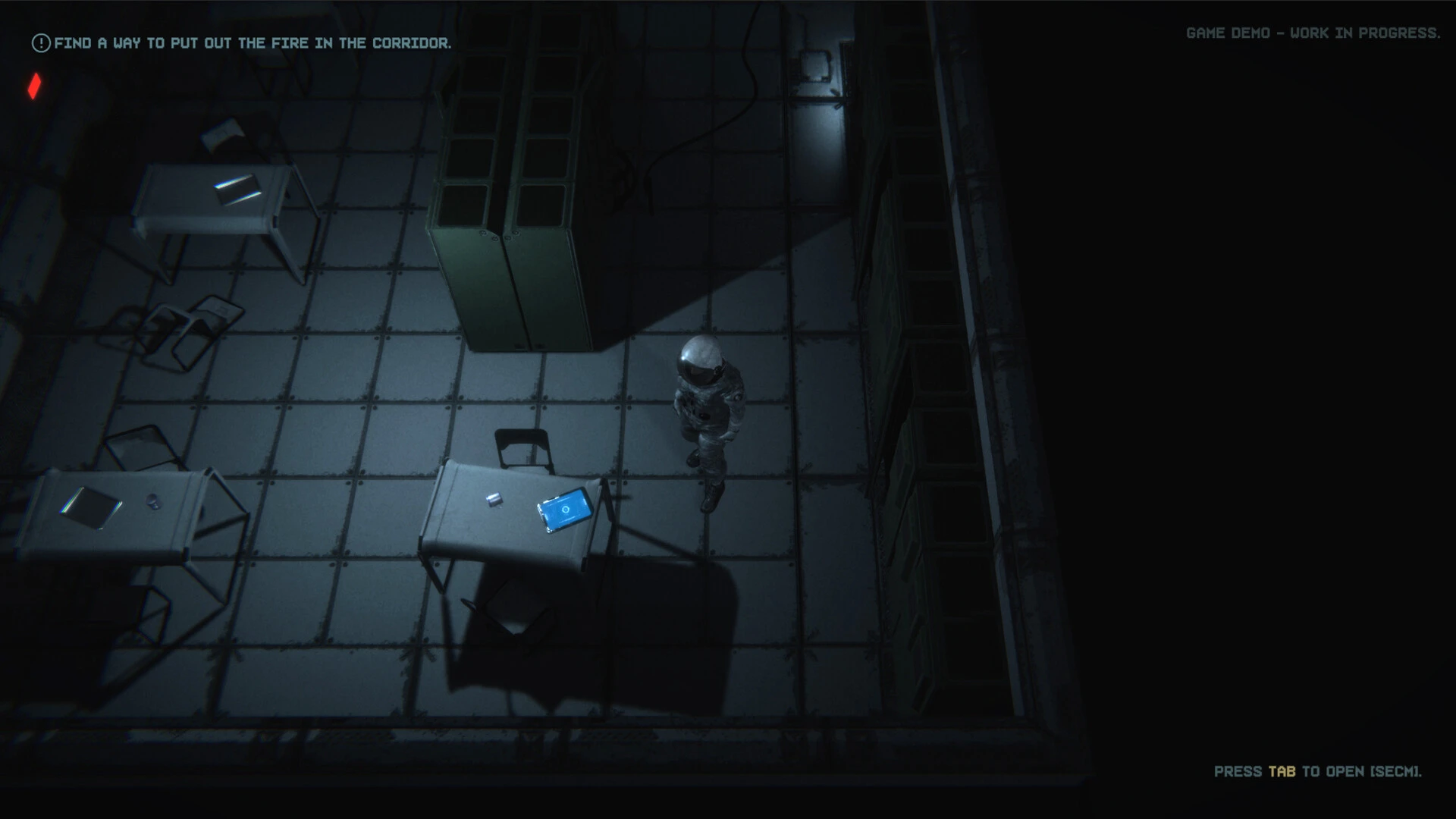
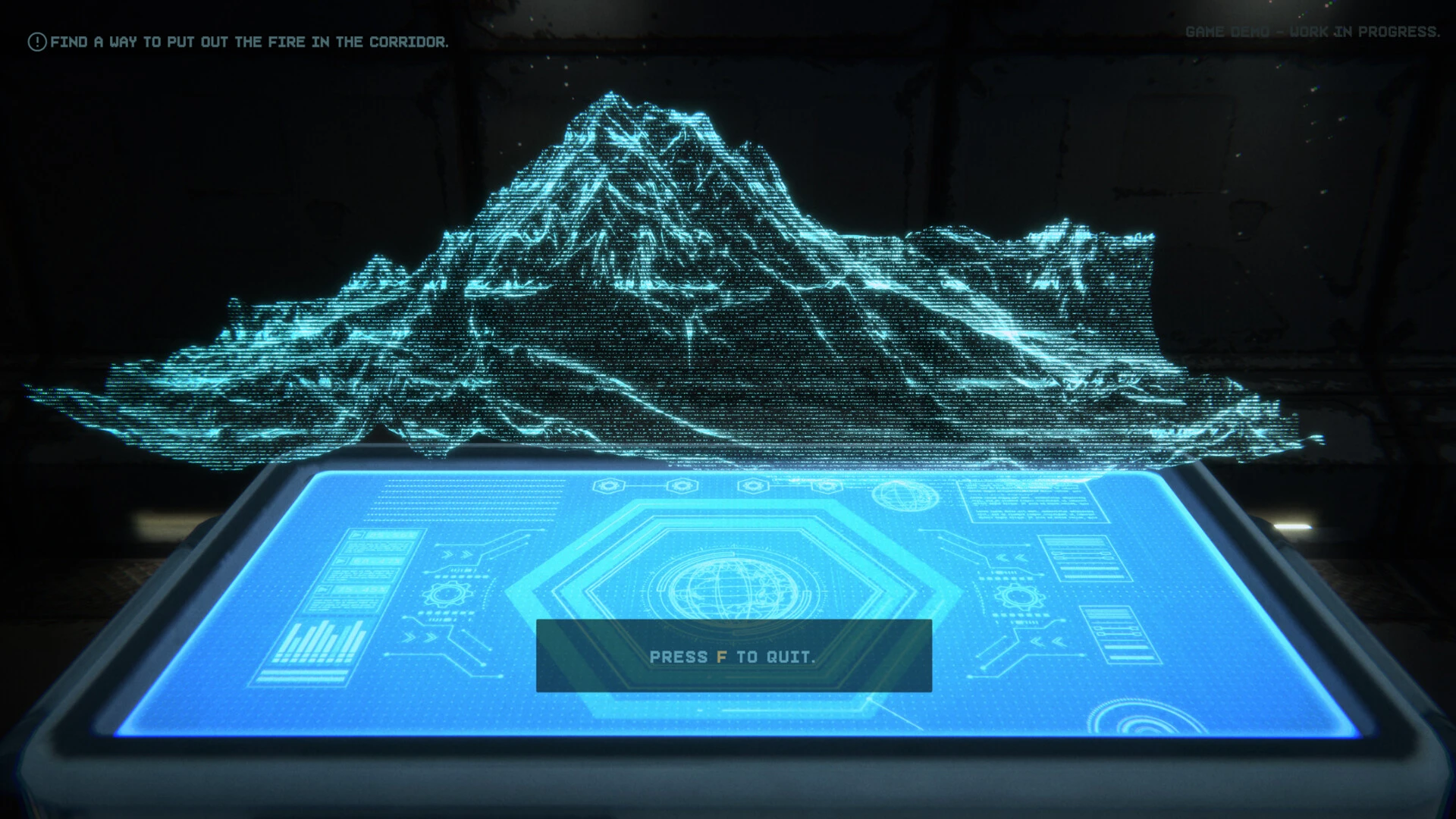
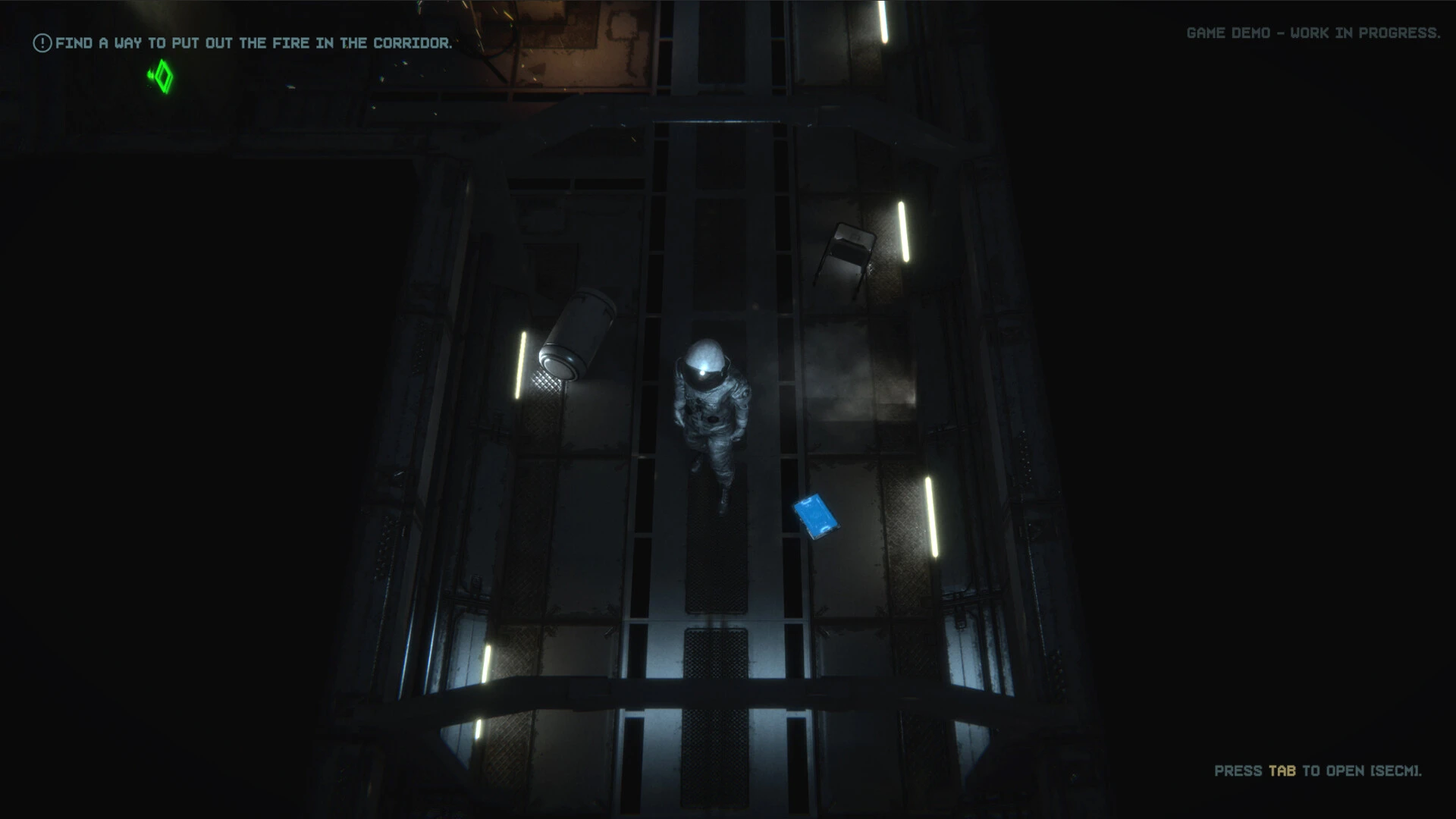
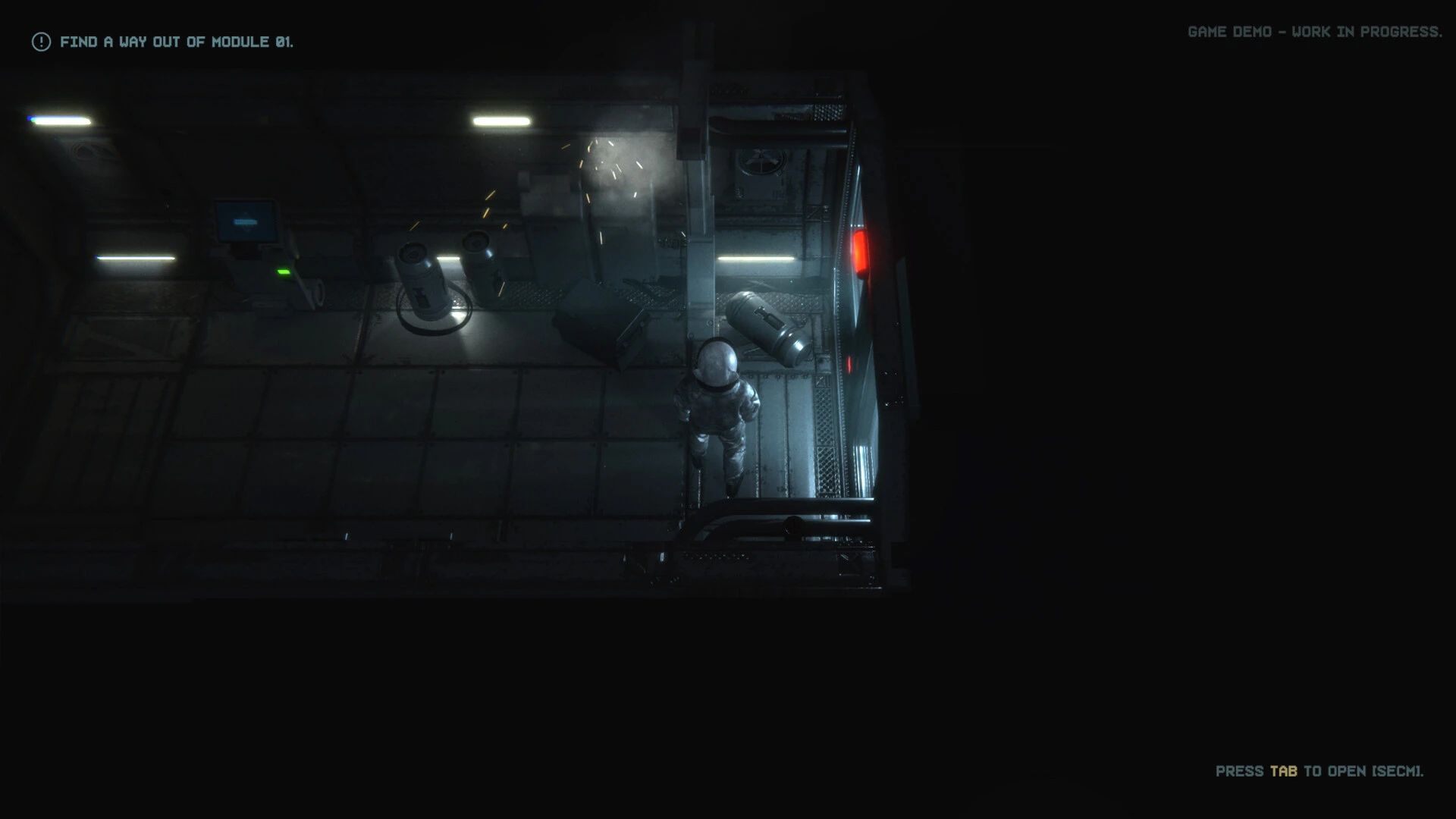
In the world of digital entertainment and storytelling, few titles manage to capture a sense of mystery quite like Forgotten 23. This game, shrouded in both intrigue and enigma, has developed a cult following, not for flashy graphics or mainstream appeal, but for its ability to weave an immersive narrative that lingers long after the screen goes dark. At its core, Forgotten 23 is a story about loss, memory, and the human desire to uncover hidden truths, wrapped in a puzzle-driven adventure.
The premise of Forgotten 23 is deceptively simple: twenty-three individuals vanish under mysterious circumstances, leaving only cryptic clues behind. Players are tasked with piecing together fragments of their stories, exploring abandoned locations, and deciphering coded messages to uncover the truth. Unlike conventional games where combat and fast action dominate, Forgotten 23 prioritizes cerebral engagement, forcing players to think critically, notice subtle details, and consider the psychological implications of each discovery.
What sets this title apart is its ability to create an atmosphere that feels genuinely unsettling. Sound design plays a pivotal role, with every echo, creak, and distant whisper adding layers to the suspense. The visual design is equally compelling: muted color palettes, decaying environments, and faint traces of human presence evoke a haunting realism. Together, these elements transform the game from a mere digital experience into an interactive exploration of fear, curiosity, and empathy.
Beyond its surface-level mysteries, Forgotten 23 excels in storytelling. Each missing individual has a distinct personality, background, and unresolved conflicts. Players gradually uncover diary entries, voice recordings, and personal effects that paint vivid pictures of lives interrupted. This narrative structure encourages deep emotional investment, making every discovery impactful. It’s a reminder that the game’s true challenge isn’t just solving puzzles—it’s connecting with the human stories hidden behind each disappearance.
Another remarkable aspect of Forgotten 23 is the freedom it offers. Non-linear exploration allows players to investigate in multiple orders, creating a sense of autonomy and personal involvement. This design choice ensures that no two playthroughs feel identical. Every decision, every path chosen, and every overlooked clue contributes to a unique experience, emphasizing that attention to detail is as crucial as intuition.
In addition, the game’s subtle social commentary adds layers of meaning. Themes of neglect, forgotten histories, and societal blind spots emerge naturally as players uncover the intertwined fates of the twenty-three missing figures. The narrative nudges players to consider broader questions about memory, responsibility, and the fragility of human connections, making Forgotten 23 resonate beyond its digital confines.
Ultimately, Forgotten 23 is more than a game—it is an exploration of curiosity and human emotion. Its combination of atmospheric design, intricate puzzles, and deeply human storytelling ensures that players are not just entertained but engaged on multiple levels. In a gaming landscape crowded with spectacle, Forgotten 23 reminds us that the power of a story lies in its ability to linger, provoke thought, and invite reflection long after the final clue is uncovered.
OS: macOS SonomaProcessor: i5 or M1Memory: 8 GB RAMGraphics: Radeon Pro 550 SeriesStorage: 4 GB
Run the downloaded image and drag the application to the Applications folder shortcut.
Once copying is complete, the application can be launched via Launchpad.
Frequently Asked Questions
Mount the image and run Open Gatekeeper friendly.
Press Enter to bypass Gatekeeper in the Terminal window.
Drag the application to the Applications folder.
The application is ready for use.
ATTENTION! SIP must be disabled. Learn more >
Restart your Mac and hold down Command + R to enter Recovery Mode.
Open Terminal from the Utilities menu.
Enter the command: csrutil disable
Restart your Mac.
This is a common Gatekeeper issue. Follow these steps:
1. Open Terminal
2. Enter: sudo xattr -rd com.apple.quarantine /Applications/AppName.app
3. Replace "AppName" with the actual application name
4. Press Enter and enter your password
Yes, all our downloads are thoroughly checked for viruses and malware.
We use multiple antivirus engines to scan every file.
Our team tests each application before publishing.
We never bundle adware or unwanted software.
Yes, we regularly update our applications to the latest versions.
You can check our website for updates or subscribe to our newsletter.
We strive to provide the most recent versions within 24-48 hours of release.
If a download link is not working, please:
1. Try a different browser
2. Clear your browser cache and cookies
3. Try the alternative download links provided
4. Contact our support team if the issue persists