


Fun with Ragdolls Plus
Download Fun with Ragdolls Plus
Run the downloaded image and drag the application to the Applications folder shortcut.
Once copying is complete, the application can be launched via Launchpad.
Previous Versions

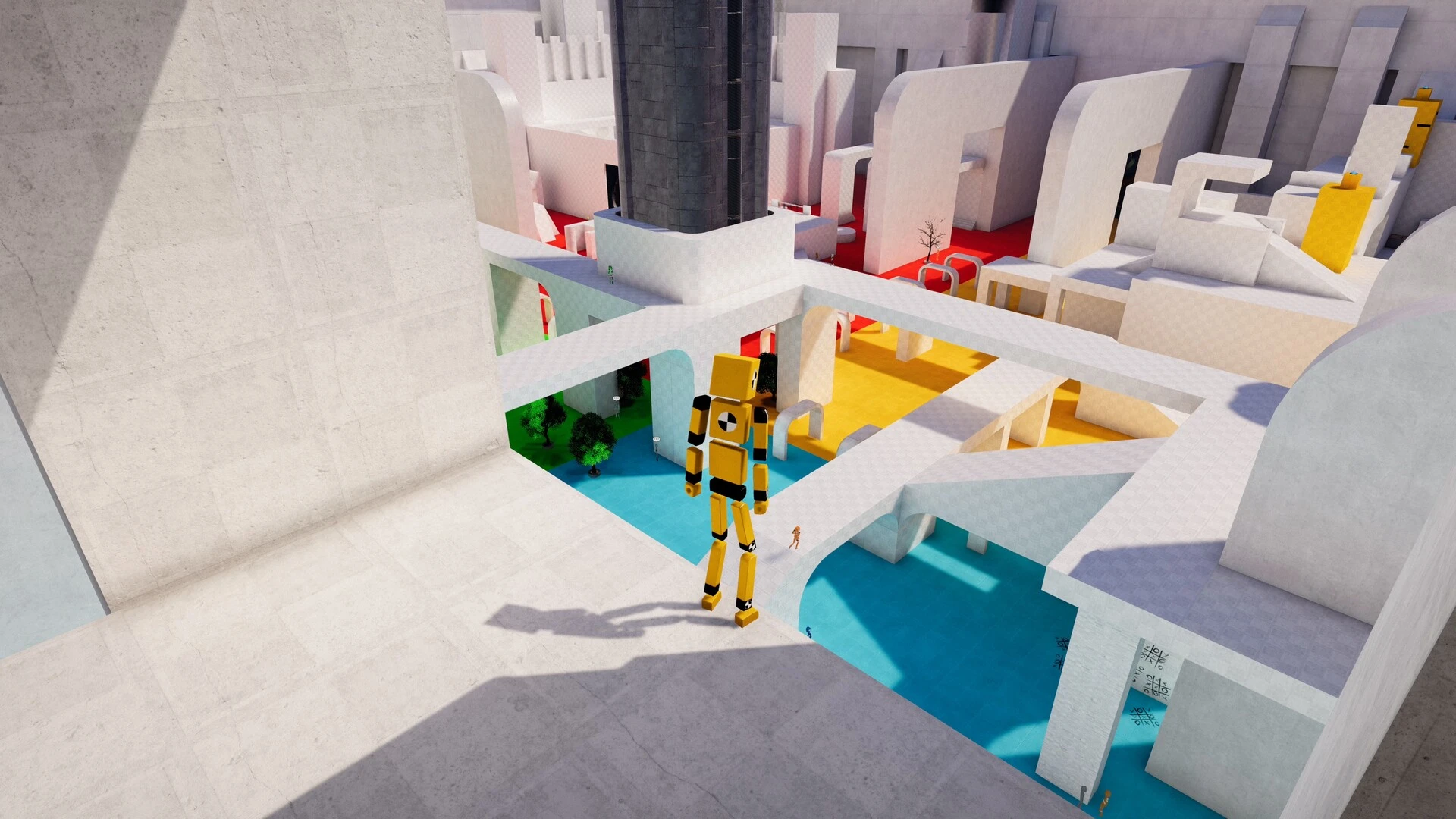


Ragdolls Fun Plus is a fun, physics-based virtual world experience designed for players who enjoy experimenting with humor and without restrictions. Based on ragdoll mechanics, it allows you to interact with flexible characters in a completely open environment where creativity often leads to unexpected and hilarious results. The "Plus" version expands on the original idea with more tools, maps, and customization options, making the experience even more engaging.
Gameplay and Core Mechanics
Fun with Ragdolls Plus's gameplay focuses on freedom and experimentation. Players can create ragdoll characters, place objects in the environment, and apply forces such as explosions, gravity shifts, or movement tools.
Every object in the game responds realistically to the laws of physics, meaning that characters can fall, bounce, collide, and react in exaggerated but entertaining ways. This creates a sense of unpredictability that keeps the gameplay fresh and fun.
The Plus version introduces additional tools and customization options. Players can modify the ragdolls' behavior, adjust environment settings, and create custom scenarios. This makes the game more flexible and allows for greater creativity.
Free Creativity and Player Freedom
One of the strengths of Fun with Ragdolls Plus is its free play freedom. There are no strict rules or objectives, allowing players to create their own experiences. You can create obstacle courses, test physical interactions, or simply experiment with chaotic situations.
Many players enjoy creating large-scale chain reactions with objects and ragdolls. Others prefer to build creative scenes or humorous situations. The game supports both structured creativity and random experimentation.
Physics and Realism
The game's physics engine is at the heart of the experience. Every movement, collision, and interaction is calculated in real time, making the world feel dynamic and responsive. The ragdoll characters move flexibly and realistically, often leading to funny or unexpected results.
This realistic yet exaggerated physics system is what gives the game its charm. Even simple actions like jumping or pushing objects can become entertaining moments.
Maps and Environments
Fun with Ragdolls Plus includes a variety of maps and environments for players to experiment with. These locations can feature open spaces, obstacle courses, or interactive elements that respond to the player's actions.
Each environment is designed to foster creativity, giving players the tools they need to create unique scenarios. The Plus version typically expands these environments, offering greater variety and detail.
Why is Fun with Ragdolls Plus popular?
Fun with Ragdolls Plus's popularity stems from its simplicity and entertainment value. It doesn't require complex strategies or long-term goals. Instead, it focuses on instant fun and creativity.
Players enjoy the freedom to experiment without limits. The unpredictable nature of ragdoll physics ensures that no two games are ever the same. This makes it an ideal game for relaxing, having fun, and playing casually.
Conclusion
Fun with Ragdolls Plus is a creative and lighthearted sandbox experience that thrives on physics-based chaos and the player's imagination. With its expanded tools, dynamic environments, and unpredictable ragdoll mechanics, it offers endless entertainment possibilities. Whether you want to experiment, create fun scenarios, or simply enjoy some chaotic gameplay, Fun with Ragdolls Plus delivers an entertaining experience every time you play.
OS: macOS 11 Big Sur or laterProcessor: Apple M1 chip or laterRAM: 8 GBRAM Graphics: Apple M1 integrated GPU or laterStorage: 4 GB
Run the downloaded image and drag the application to the Applications folder shortcut.
Once copying is complete, the application can be launched via Launchpad.
Frequently Asked Questions
Mount the image and run Open Gatekeeper friendly.
Press Enter to bypass Gatekeeper in the Terminal window.
Drag the application to the Applications folder.
The application is ready for use.
ATTENTION! SIP must be disabled. Learn more >
Restart your Mac and hold down Command + R to enter Recovery Mode.
Open Terminal from the Utilities menu.
Enter the command: csrutil disable
Restart your Mac.
This is a common Gatekeeper issue. Follow these steps:
1. Open Terminal
2. Enter: sudo xattr -rd com.apple.quarantine /Applications/AppName.app
3. Replace "AppName" with the actual application name
4. Press Enter and enter your password
Yes, all our downloads are thoroughly checked for viruses and malware.
We use multiple antivirus engines to scan every file.
Our team tests each application before publishing.
We never bundle adware or unwanted software.
Yes, we regularly update our applications to the latest versions.
You can check our website for updates or subscribe to our newsletter.
We strive to provide the most recent versions within 24-48 hours of release.
If a download link is not working, please:
1. Try a different browser
2. Clear your browser cache and cookies
3. Try the alternative download links provided
4. Contact our support team if the issue persists