


Galaxy Trucker
Download Galaxy Trucker
Run the downloaded package and follow the standard installation procedure.
The installation is completed by choosing a location to place the game.
It is recommended to specify the Applications folder.
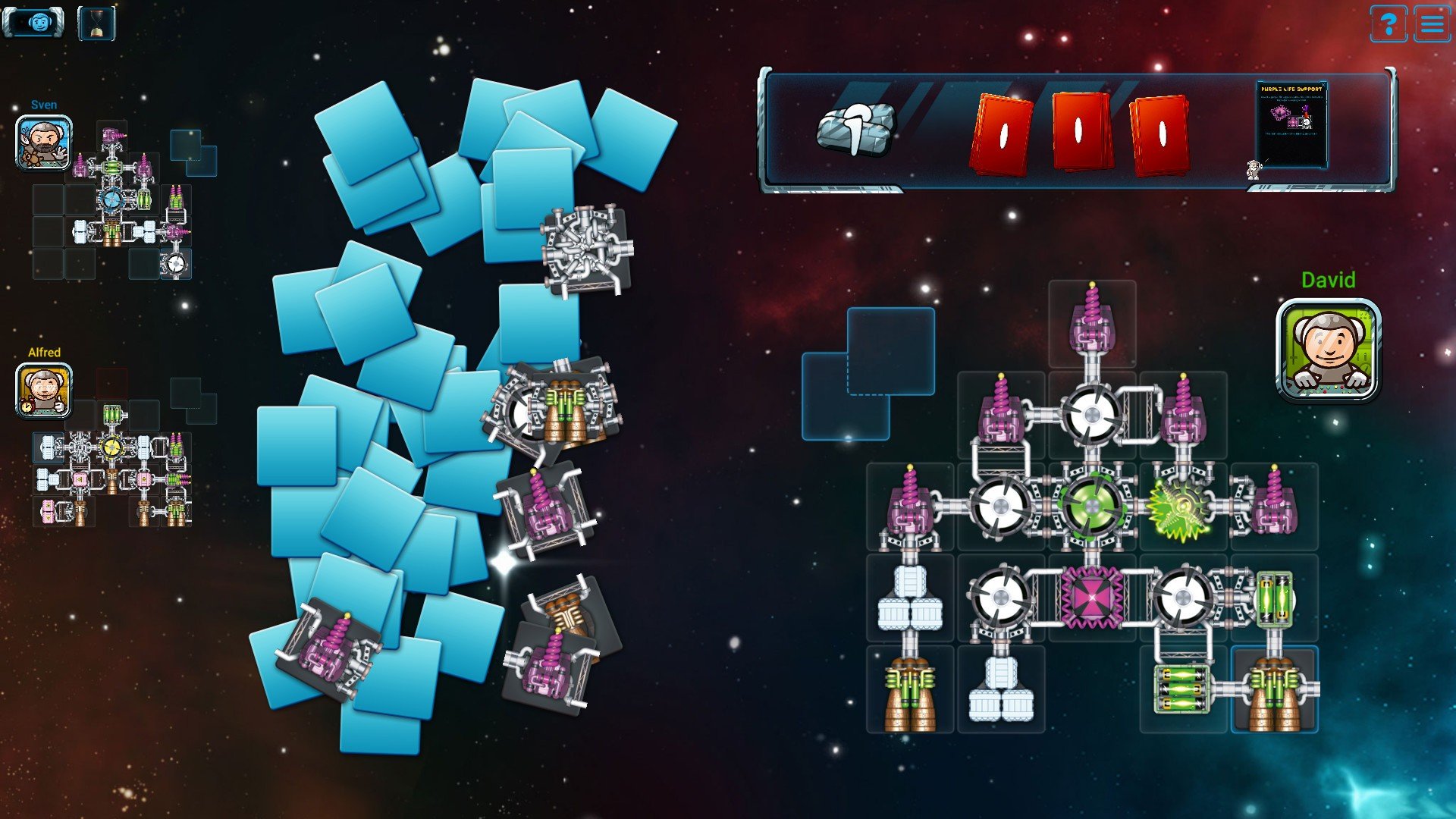
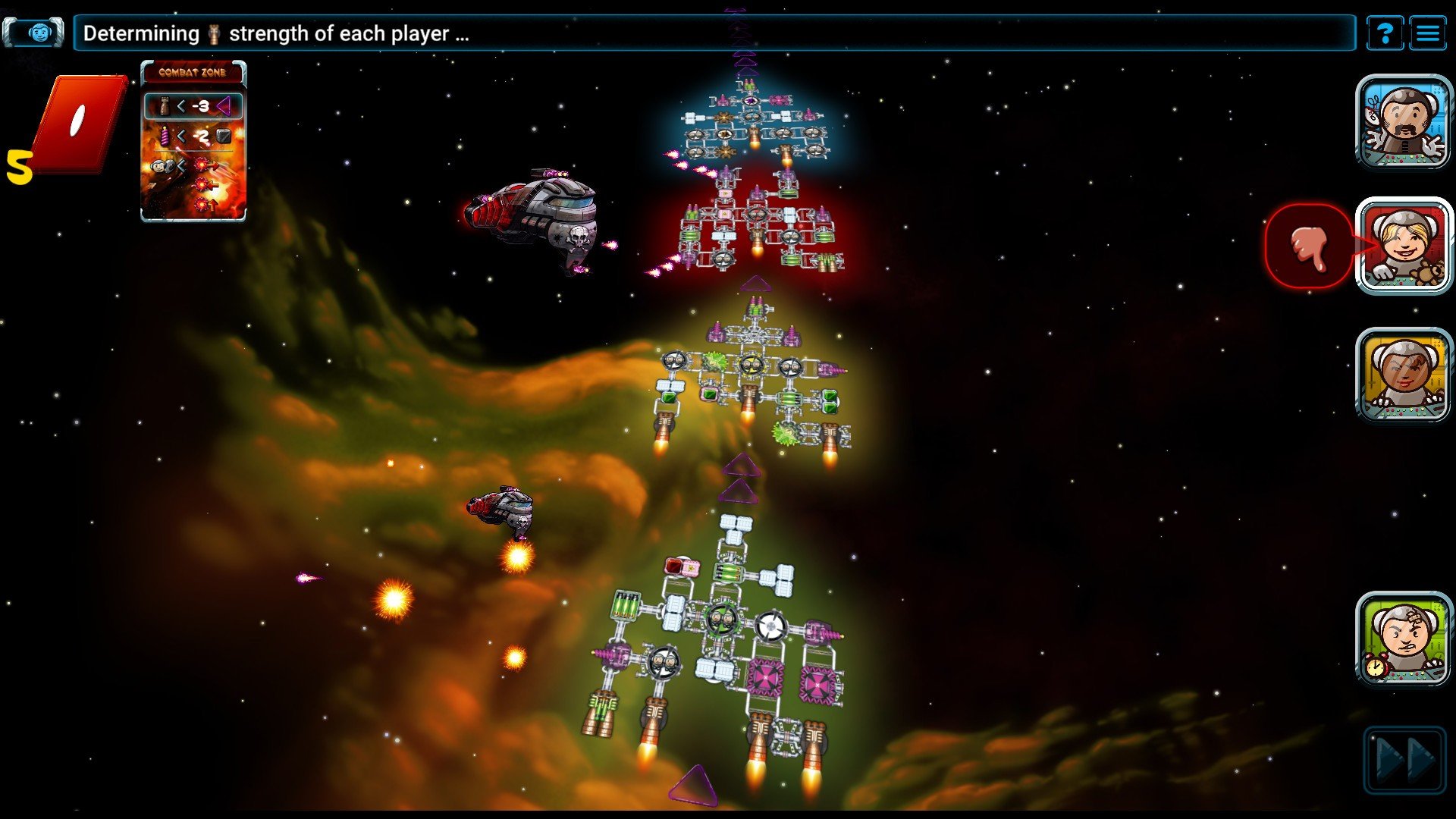
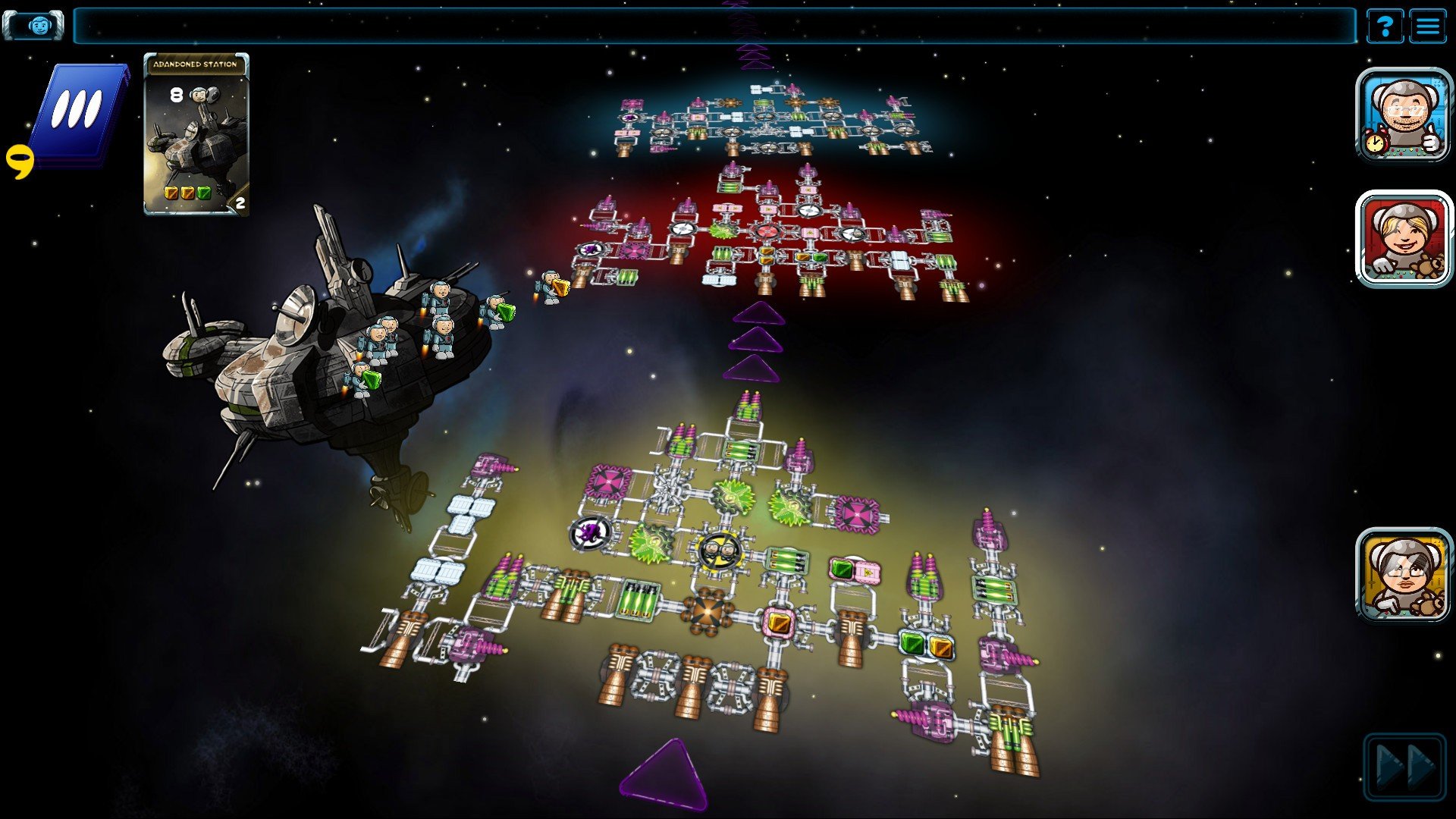
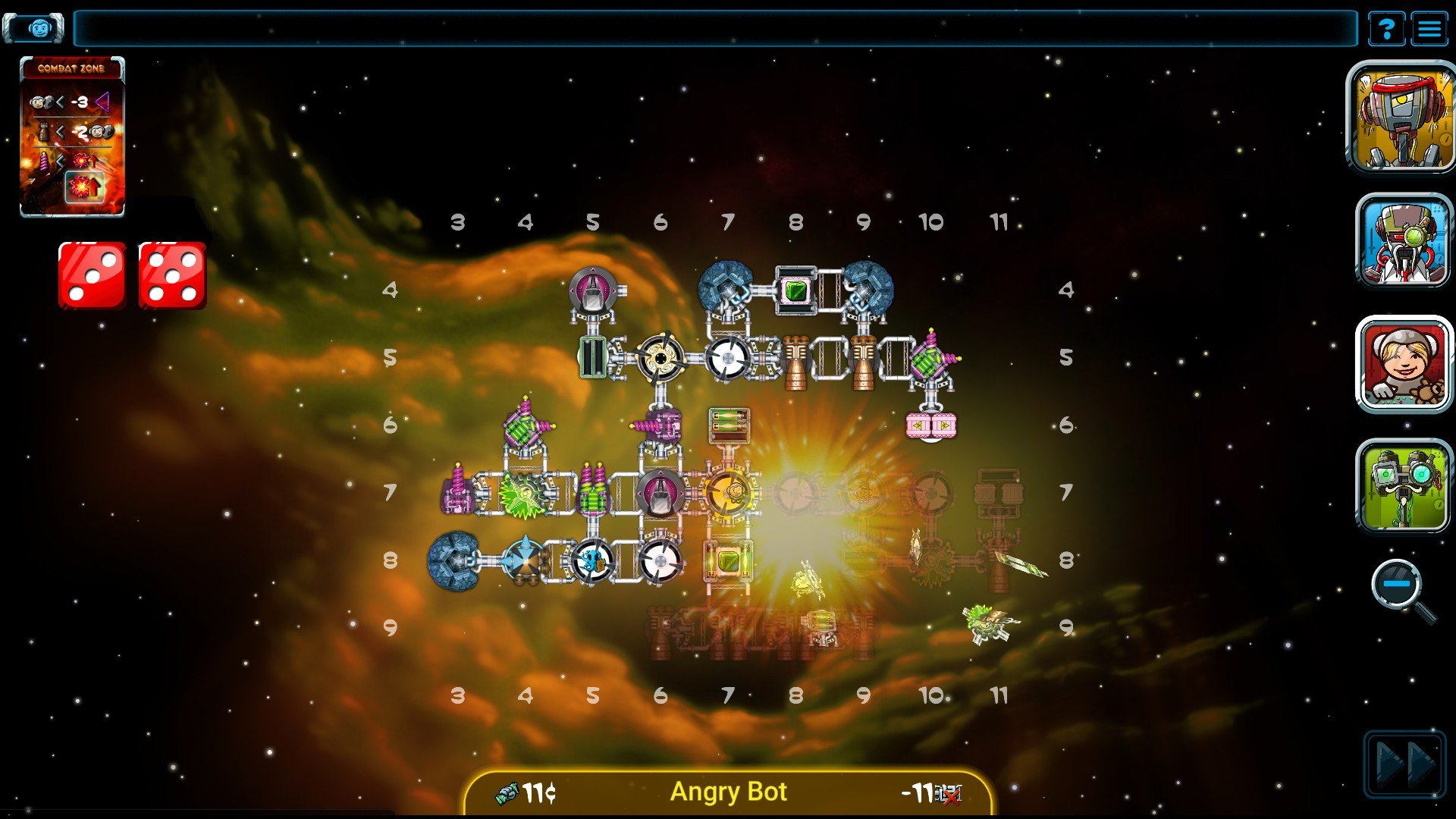
Galaxy Trucker is a fast-paced and delightfully chaotic game that transforms the idea of space travel into a test of creativity, nerves, and quick thinking. Based on the popular board game of the same name, this digital adaptation captures the unpredictable spirit of interstellar trucking, where success depends as much on improvisation as it does on planning. Instead of commanding sleek warships or heroic explorers, players step into the boots of ordinary space haulers trying to deliver cargo while surviving the dangers of the galaxy.
The heart of Galaxy Trucker lies in ship construction. Players are given a limited amount of time to assemble a spacecraft using randomly available components such as engines, cabins, shields, and connectors. This phase is frantic and thrilling, as every second counts and every placement matters. A poorly connected ship may fall apart under pressure, while a well-designed vessel can withstand meteor showers and pirate attacks. The building process rewards creativity and speed, creating a sense of personal investment in every ship launched into space.
Once the journey begins, the game shifts from construction to survival. Players send their hastily built ships through hazardous routes filled with cosmic threats. Asteroids crash into hulls, aliens board ships, and equipment malfunctions at the worst possible moments. These events test the integrity of each vessel and expose weaknesses in design. Watching pieces of a ship break away mid-flight is both painful and amusing, reinforcing the game’s lighthearted tone and emphasis on unpredictability.
Strategy plays an important role, even amid the chaos. Players must decide how much risk to take, which routes to follow, and whether potential rewards are worth the dangers ahead. Choosing safer paths may limit profits, while dangerous routes can offer valuable cargo and prestige. These decisions add depth to the experience, encouraging players to balance ambition with caution. Victory is rarely about perfection; it often comes down to adapting quickly when plans fall apart.
The visual style of Galaxy Trucker complements its playful nature. Bright colors, exaggerated animations, and expressive character designs give the game a cartoon-like charm. This approachable aesthetic makes even catastrophic failures feel entertaining rather than frustrating. The sound design further enhances the experience, with humorous audio cues and lively music that reinforce the game’s energetic pace.
Multiplayer and replayability are key strengths of Galaxy Trucker. Competing against others adds tension and excitement, especially during the ship-building phase where every moment matters. Because components, events, and routes are randomized, no two games ever play out the same way. This unpredictability keeps players coming back, eager to test new strategies and designs.
Ultimately, Galaxy Trucker is a celebration of controlled chaos and creative problem-solving. It turns failure into entertainment and rewards players who can laugh at disaster while learning from it. For those who enjoy games that blend strategy with humor and unpredictability, Galaxy Trucker offers an unforgettable journey through space where the adventure is just as important as the destination.
OS: OS X version 10.8 or betterProcessor: Intel 1.6 GHz single coreRAM: 2 GBDisk space: 250 MB
Run the downloaded package and follow the standard installation procedure.
The installation is completed by choosing a location to place the game.
It is recommended to specify the Applications folder.
Frequently Asked Questions
Mount the image and run Open Gatekeeper friendly.
Press Enter to bypass Gatekeeper in the Terminal window.
Drag the application to the Applications folder.
The application is ready for use.
ATTENTION! SIP must be disabled. Learn more >
Restart your Mac and hold down Command + R to enter Recovery Mode.
Open Terminal from the Utilities menu.
Enter the command: csrutil disable
Restart your Mac.
This is a common Gatekeeper issue. Follow these steps:
1. Open Terminal
2. Enter: sudo xattr -rd com.apple.quarantine /Applications/AppName.app
3. Replace "AppName" with the actual application name
4. Press Enter and enter your password
Yes, all our downloads are thoroughly checked for viruses and malware.
We use multiple antivirus engines to scan every file.
Our team tests each application before publishing.
We never bundle adware or unwanted software.
Yes, we regularly update our applications to the latest versions.
You can check our website for updates or subscribe to our newsletter.
We strive to provide the most recent versions within 24-48 hours of release.
If a download link is not working, please:
1. Try a different browser
2. Clear your browser cache and cookies
3. Try the alternative download links provided
4. Contact our support team if the issue persists