


Ghost on the Shore
Download Ghost on the Shore
Run the downloaded package and follow the standard installation procedure.
The installation is completed by choosing a location to place the game.
It is recommended to specify the Applications folder.
Previous Versions
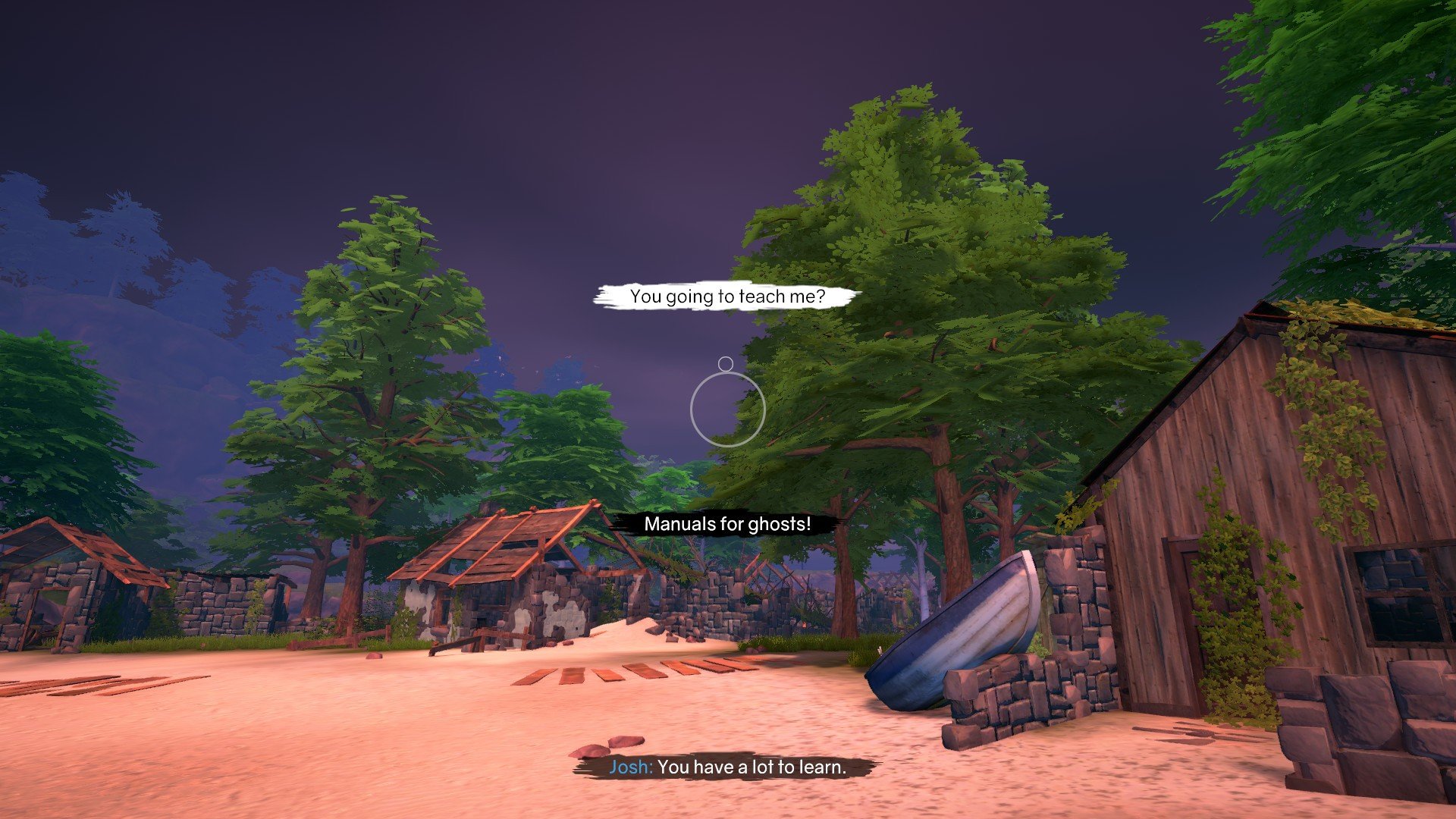
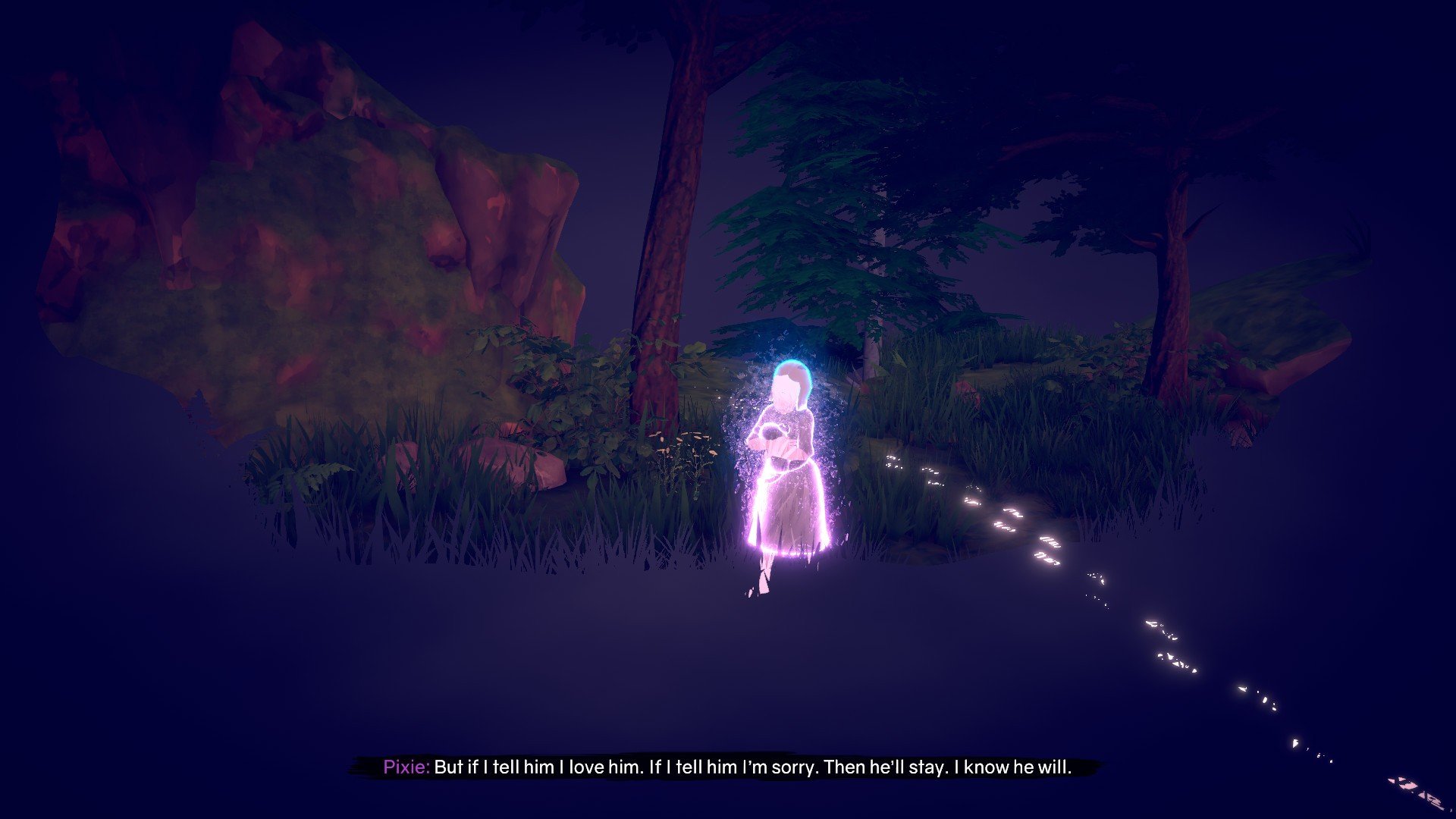
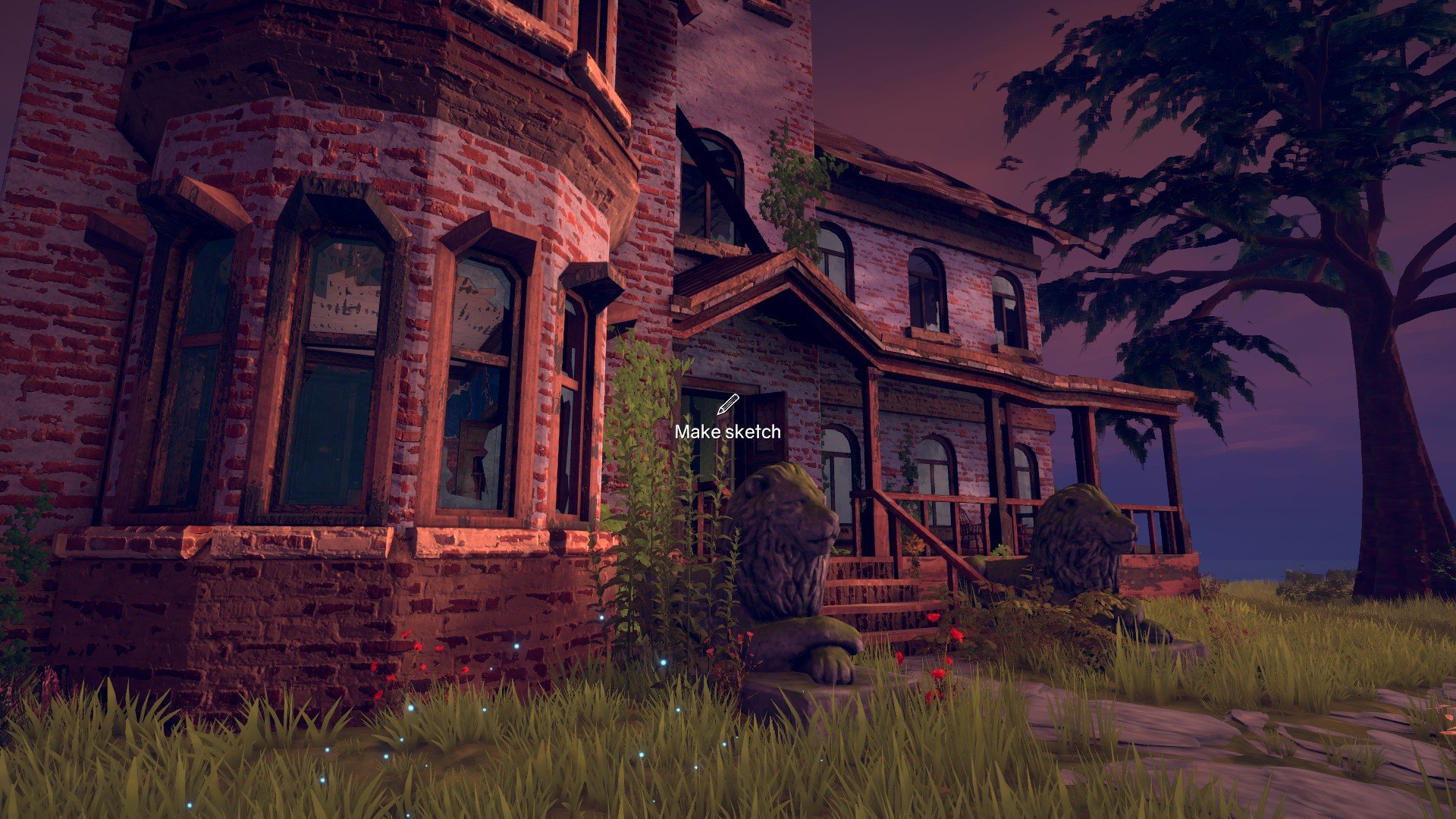
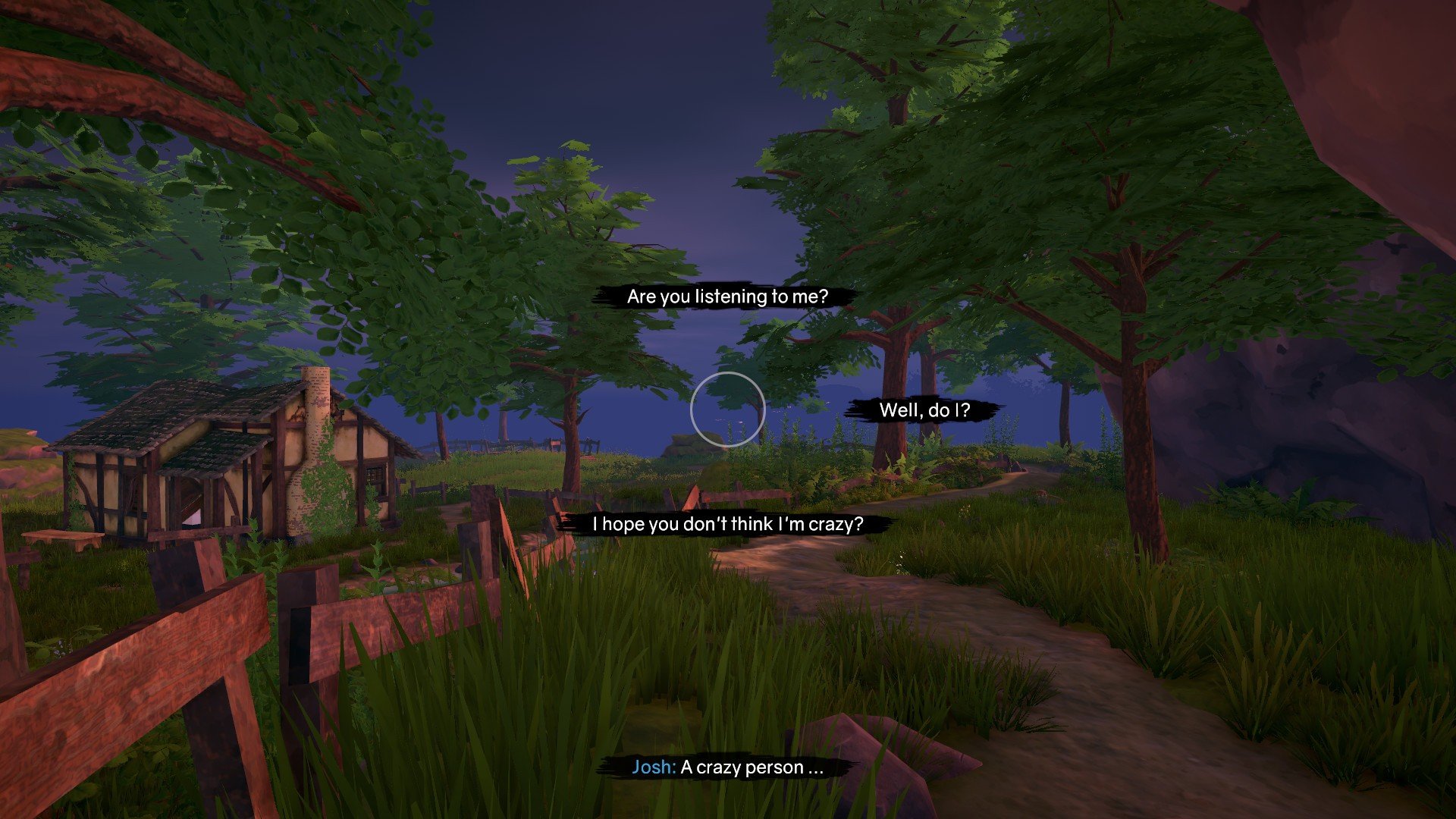
In an era where narrative-driven games often rely on fast action or overwhelming spectacle, Ghost on the Shore stands out by embracing subtlety, atmosphere, and storytelling depth. This indie adventure game combines exploration, puzzle-solving, and emotional narrative to craft a haunting experience that lingers long after the screen goes dark. Set against a backdrop of desolate beaches, abandoned towns, and fog-laden shores, the game invites players to unravel mysteries while confronting themes of loss, memory, and the supernatural.
The story of Ghost on the Shore centers on a lone protagonist drawn to a secluded coastal village after mysterious reports of ghostly sightings. Players are tasked with exploring the environment, uncovering hidden secrets, and piecing together the past lives of those who once inhabited the town. Unlike traditional horror games that rely heavily on jump scares or combat, this title focuses on psychological tension, environmental storytelling, and the eerie beauty of isolation. Every shadow, creaking floorboard, and distant whisper contributes to the sense of unease and curiosity.
One of the game’s most compelling features is its exploration-driven gameplay. Players navigate the village, shorelines, and abandoned buildings, interacting with objects, notes, and remnants of the past. Each discovery provides clues, deepens the narrative, and sometimes unlocks small puzzles that must be solved to progress. This design encourages careful observation, thoughtful decision-making, and an appreciation for the game’s atmospheric detail. Players are not merely completing tasks—they are piecing together a story, one fragment at a time.
The visual and auditory design of Ghost on the Shore is crucial to its immersive experience. The game employs a muted, naturalistic color palette that mirrors the melancholy and mystery of the setting. Fog, drifting waves, and the soft sway of abandoned structures create a living environment that feels both beautiful and unsettling. Complementing this is a haunting soundscape of wind, distant cries, and subtle music cues that heighten tension and evoke emotion without ever feeling intrusive. Together, these elements transform the game world into a character in its own right, shaping the player’s emotional journey.
Beyond its exploration and puzzle mechanics, Ghost on the Shore excels at narrative depth. The story unfolds gradually, often requiring players to connect disparate elements to fully understand the mysteries at hand. Themes of grief, forgotten memories, and unresolved conflicts are explored with nuance, making the game emotionally resonant and intellectually engaging. Players are not passive observers; they are active participants in uncovering the village’s secrets and understanding the spirits that linger along its shores.
Ultimately, Ghost on the Shore is a meditation on memory, loss, and the subtle power of the unknown. It demonstrates that tension and engagement in a game can be achieved without high-speed action or constant threats. Through its atmospheric world, compelling narrative, and thoughtful gameplay, it offers players an unforgettable journey into the supernatural, where every discovery feels meaningful and every moment of silence is charged with emotion. For those who appreciate story-rich experiences and hauntingly beautiful environments, Ghost on the Shore is a masterclass in immersive indie gaming.
OS: macOS 10.13+Processor: 2.5 GHz or betterRAM: 4 GBVideo card: 1024MB VRAMDisk space: 5 GB
Run the downloaded package and follow the standard installation procedure.
The installation is completed by choosing a location to place the game.
It is recommended to specify the Applications folder.
Frequently Asked Questions
Mount the image and run Open Gatekeeper friendly.
Press Enter to bypass Gatekeeper in the Terminal window.
Drag the application to the Applications folder.
The application is ready for use.
ATTENTION! SIP must be disabled. Learn more >
Restart your Mac and hold down Command + R to enter Recovery Mode.
Open Terminal from the Utilities menu.
Enter the command: csrutil disable
Restart your Mac.
This is a common Gatekeeper issue. Follow these steps:
1. Open Terminal
2. Enter: sudo xattr -rd com.apple.quarantine /Applications/AppName.app
3. Replace "AppName" with the actual application name
4. Press Enter and enter your password
Yes, all our downloads are thoroughly checked for viruses and malware.
We use multiple antivirus engines to scan every file.
Our team tests each application before publishing.
We never bundle adware or unwanted software.
Yes, we regularly update our applications to the latest versions.
You can check our website for updates or subscribe to our newsletter.
We strive to provide the most recent versions within 24-48 hours of release.
If a download link is not working, please:
1. Try a different browser
2. Clear your browser cache and cookies
3. Try the alternative download links provided
4. Contact our support team if the issue persists