


Grey Hack
Download Grey Hack
Run the downloaded image and drag the application to the Applications folder shortcut.
Once copying is complete, the application can be launched via Launchpad.
Previous Versions
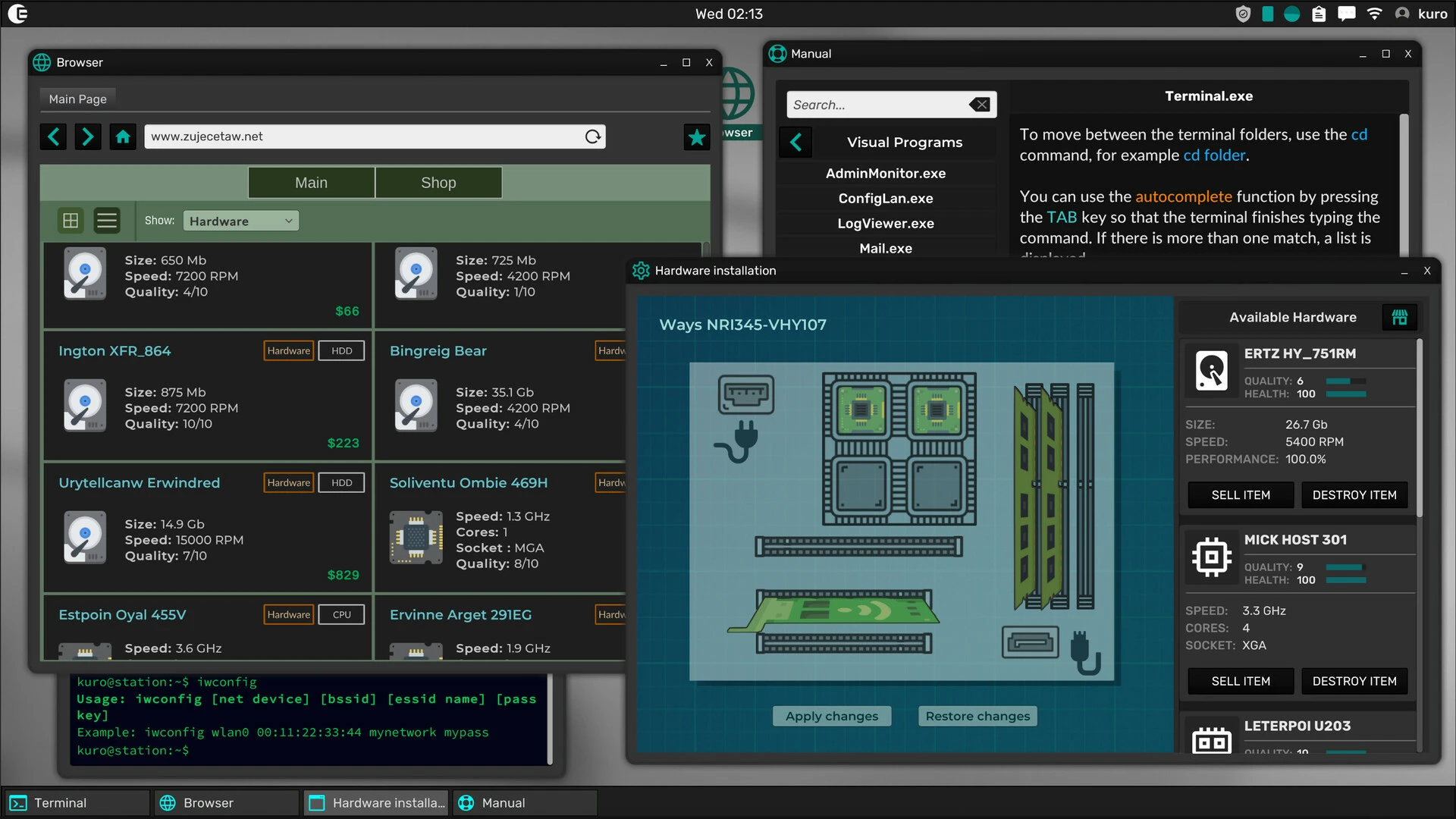
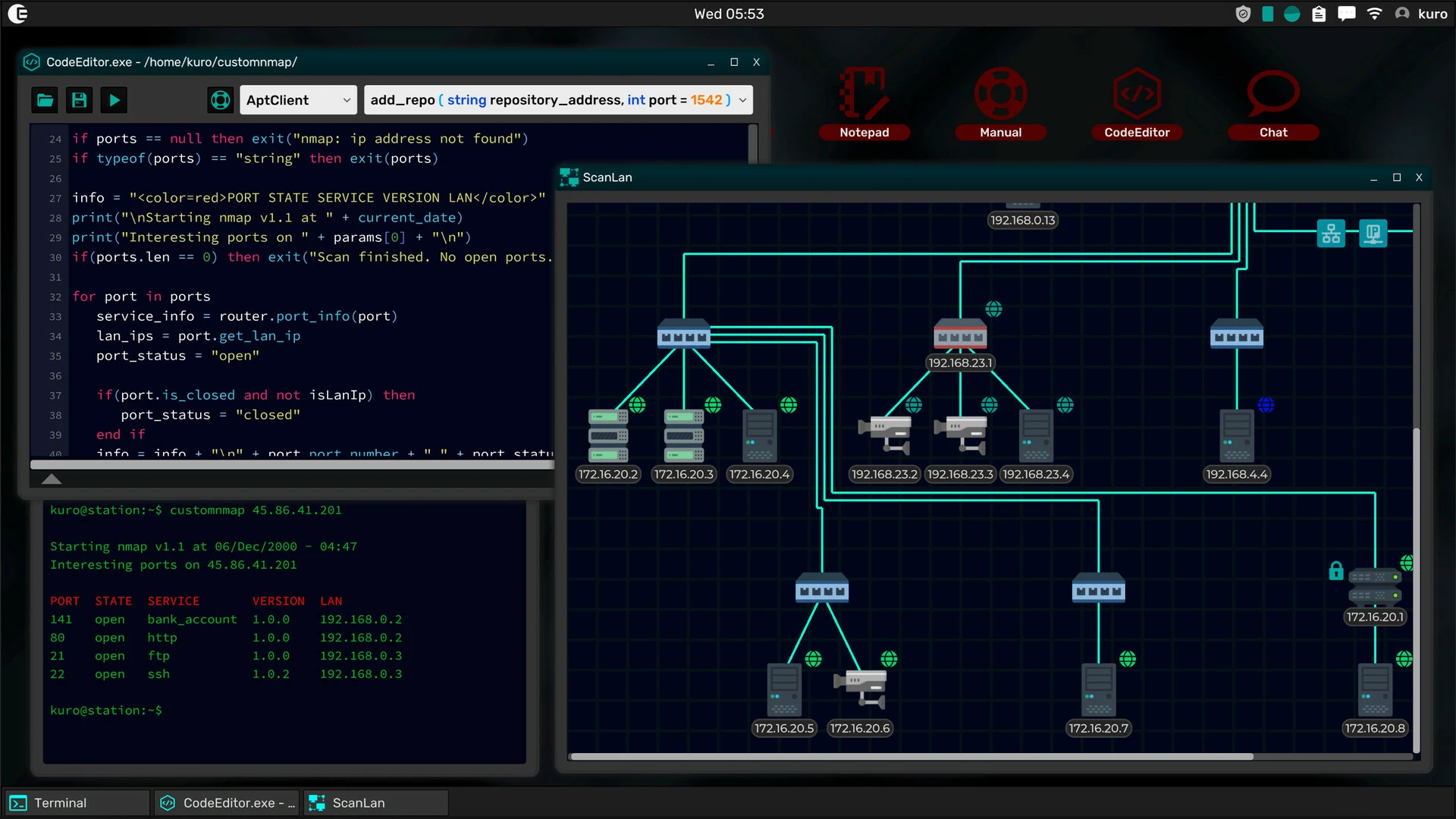
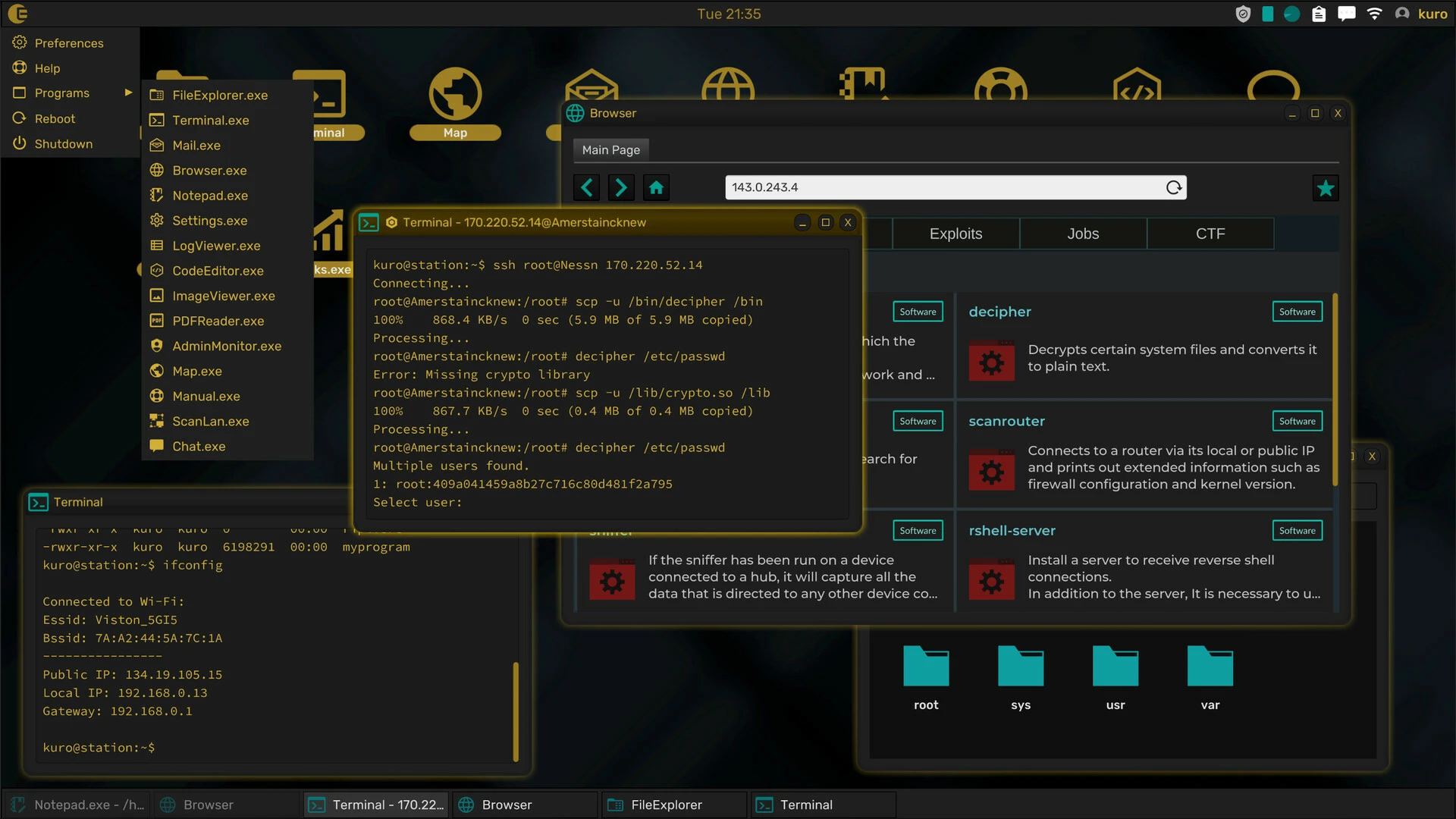
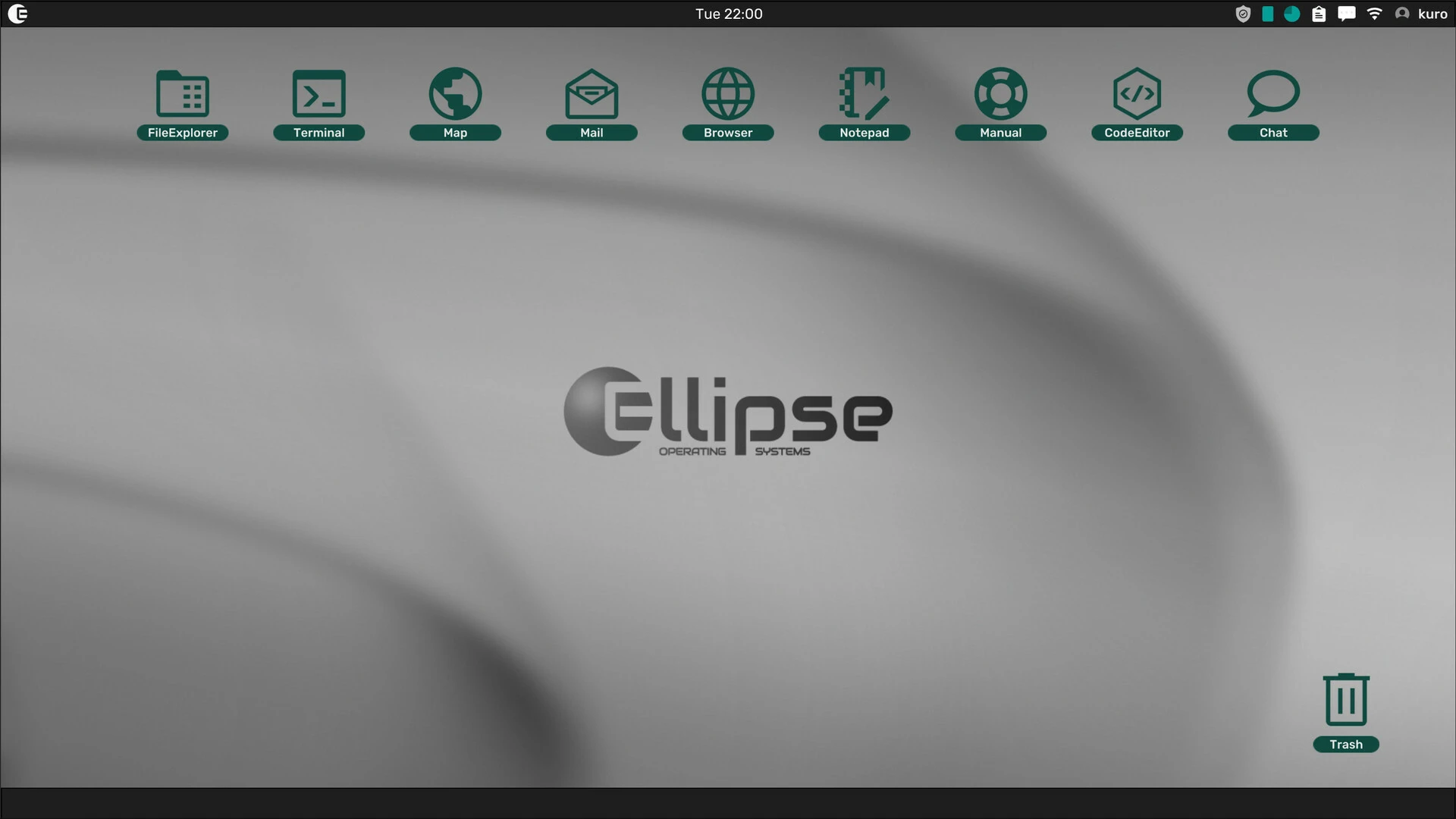
The world of simulation games continues to expand, offering players experiences that go far beyond traditional action or adventure titles. One of the most unique and intellectually stimulating games in this genre is Grey Hack. Designed for players who enjoy programming, problem-solving, and strategic thinking, this game offers an immersive digital world focused on hacking, coding, and cybersecurity.
Unlike arcade hacking games that focus on flashy graphics, Grey Hack takes a deeper, more realistic approach. Players enter a virtual internet environment where every action counts, every system has vulnerabilities, and every success depends on skill, logic, and creativity.
A Realistic Cybersecurity Experience
One of the main reasons Grey Hack stands out is its focus on realism. Players don't just press buttons to hack systems. Instead, they must learn how networks work, understand system vulnerabilities, and use their programming knowledge to complete objectives.
The game simulates a fully interactive internet where players can explore servers, access networks, develop scripts, and manage digital resources. This creates an authentic and highly rewarding experience.
Each challenge requires careful planning and technical thinking.
Learn by Playing
Grey Hack achieves an excellent combination of entertainment and learning. Players gradually develop important problem-solving skills as they explore the game's digital ecosystem.
Tasks may include accessing systems, cracking passwords, scanning networks, analyzing files, or creating scripts. Each challenge encourages logical thinking and experimentation.
This educational aspect makes the game appealing not only to gamers but also to technology enthusiasts who want to better understand cybersecurity concepts.
Programming and Automation
One of Grey Hack's most interesting features is its scripting system. Players can create custom scripts to automate tasks, scan networks, and improve efficiency.
This programming element adds significant depth to the game. Instead of manually repeating the same actions, skilled players can create tools that optimize their digital operations.
This system rewards creativity and technical expertise.
Open-Ended Gameplay
Unlike many simulation games with fixed missions, Grey Hack offers players the freedom to choose their own path. Some focus on creating powerful tools, while others prefer exploring networks, fulfilling contracts, or competing with other players in multiplayer environments.
This open-ended design generates high replayability and keeps the experience fresh over time.
Community and Multiplayer Features
Multiplayer mode adds an extra layer of excitement. Players can interact, collaborate, compete, and build their reputation within the game's virtual world.
This creates a dynamic digital environment where unexpected challenges and opportunities constantly arise.
For players who enjoy social strategy games, this feature adds even more depth.
Why do players love Grey Hack?
Fans of tech games appreciate Grey Hack because it offers:
Realistic hacking mechanics
Programming and scripting tools
Open-world digital exploration
Problem-solving challenges
Multiplayer interaction
This combination creates an experience that is both educational and entertaining.
Final thoughts
Grey Hack is much more than a game: it's a deep digital environment that challenges players to think, learn, and adapt. With realistic cybersecurity mechanics, powerful scripting systems, and endless strategic possibilities, it stands out as one of the most unique simulation games on the market. For players passionate about technology, programming, and intellectual challenges, Grey Hack is definitely an option to consider.
OS: Mojave 10.14+Processor: Apple Silicon, x64 architecture with SSE2 supportRAM: 512 MB RAMDisk space: 560 MB
Run the downloaded image and drag the application to the Applications folder shortcut.
Once copying is complete, the application can be launched via Launchpad.
Frequently Asked Questions
Mount the image and run Open Gatekeeper friendly.
Press Enter to bypass Gatekeeper in the Terminal window.
Drag the application to the Applications folder.
The application is ready for use.
ATTENTION! SIP must be disabled. Learn more >
Restart your Mac and hold down Command + R to enter Recovery Mode.
Open Terminal from the Utilities menu.
Enter the command: csrutil disable
Restart your Mac.
This is a common Gatekeeper issue. Follow these steps:
1. Open Terminal
2. Enter: sudo xattr -rd com.apple.quarantine /Applications/AppName.app
3. Replace "AppName" with the actual application name
4. Press Enter and enter your password
Yes, all our downloads are thoroughly checked for viruses and malware.
We use multiple antivirus engines to scan every file.
Our team tests each application before publishing.
We never bundle adware or unwanted software.
Yes, we regularly update our applications to the latest versions.
You can check our website for updates or subscribe to our newsletter.
We strive to provide the most recent versions within 24-48 hours of release.
If a download link is not working, please:
1. Try a different browser
2. Clear your browser cache and cookies
3. Try the alternative download links provided
4. Contact our support team if the issue persists