


Hammerwatch
Download Hammerwatch
Unzip the archive and follow the standard installation procedure.
The installation is completed by choosing a location to place the game.
It is recommended to specify the Applications folder.
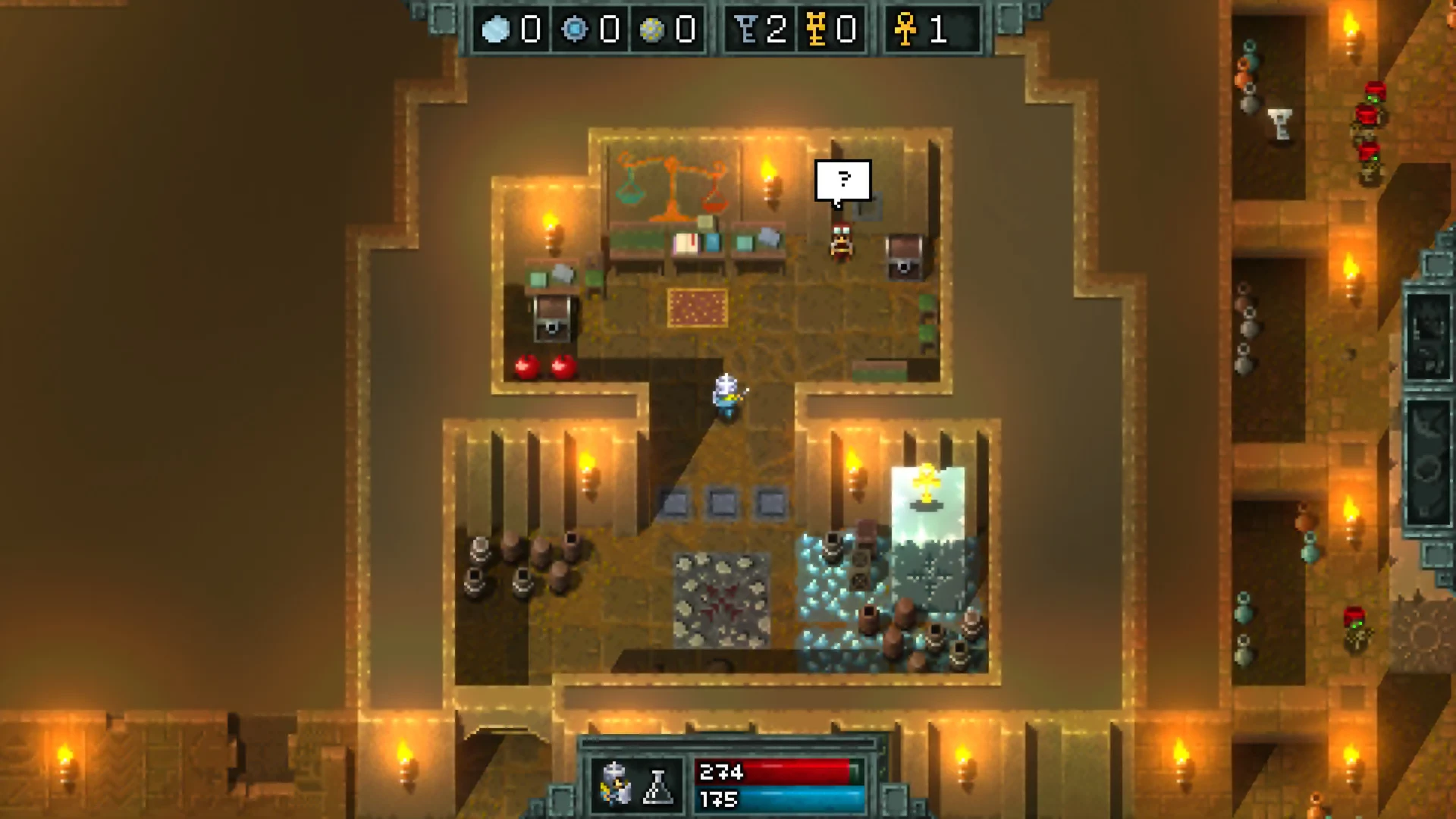
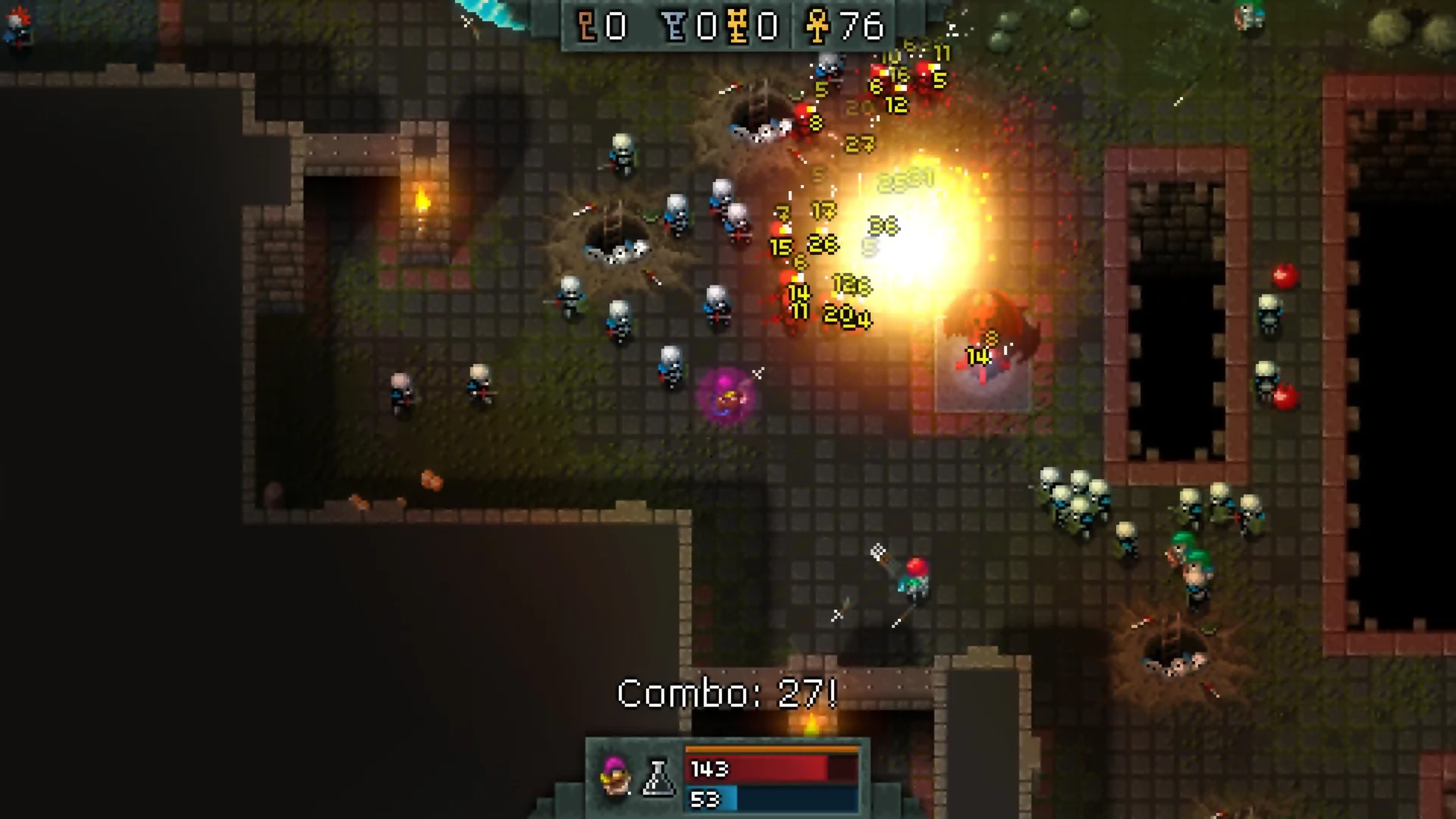
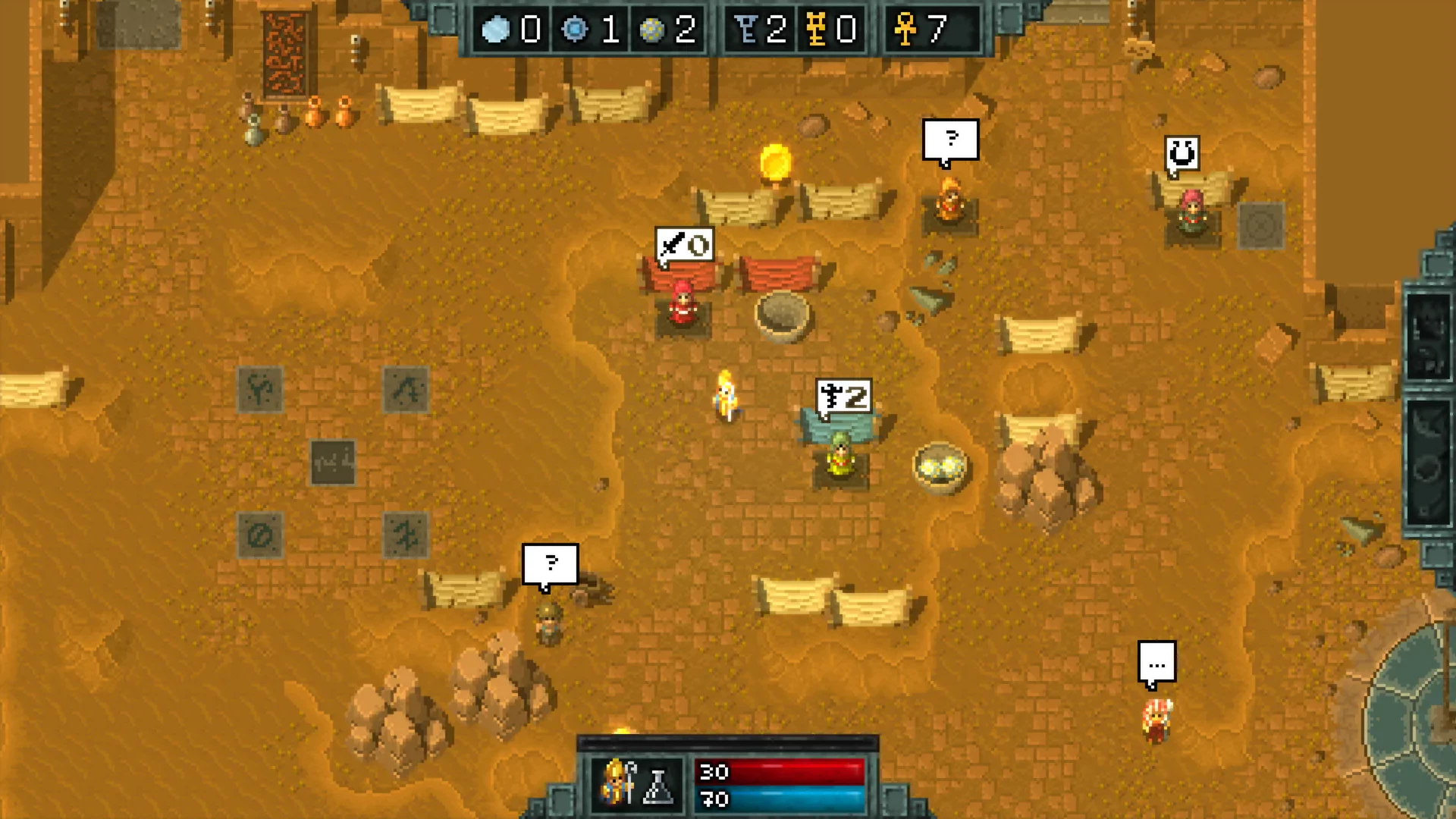
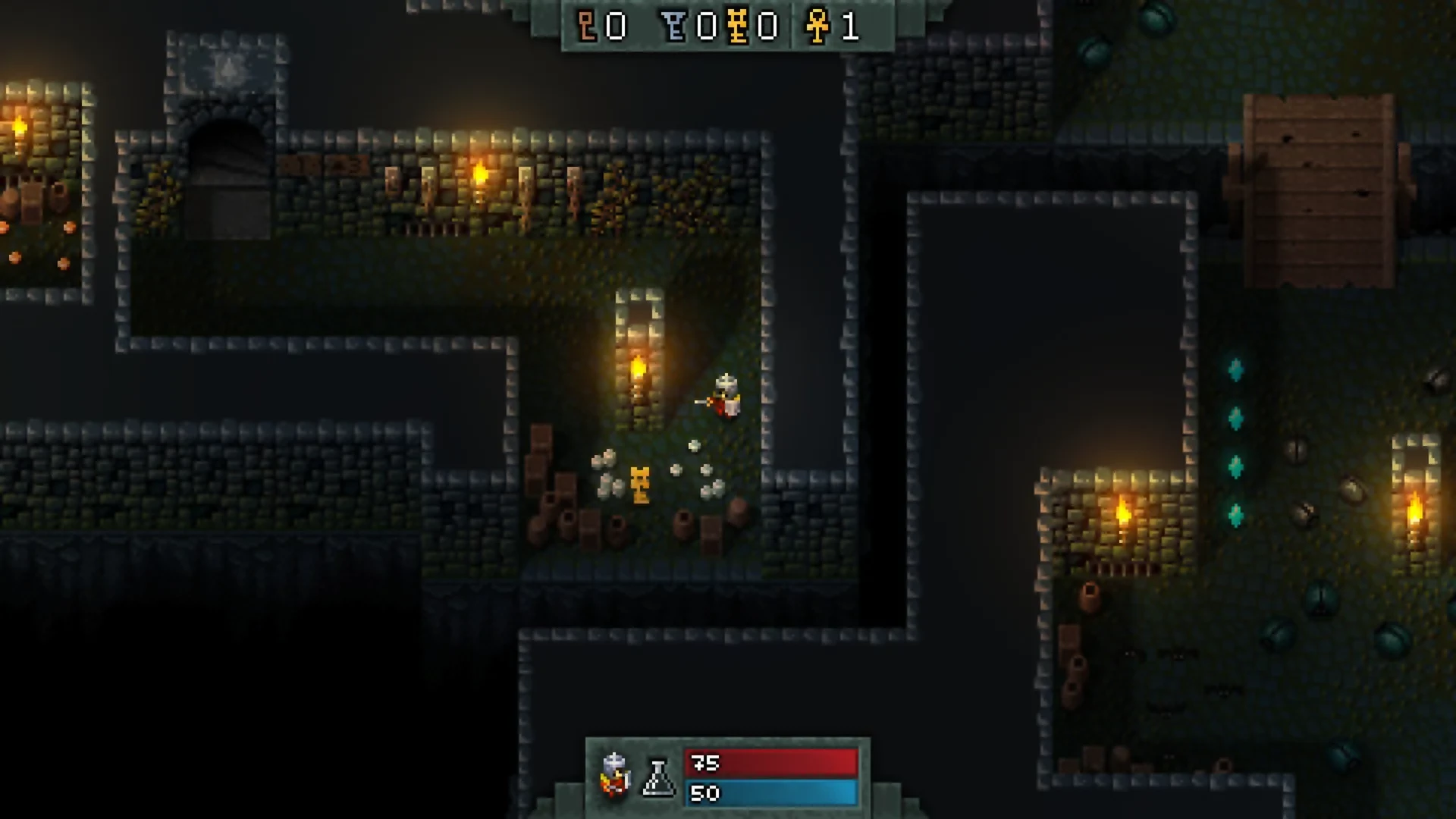
In the world of indie action-adventure games, Hammerwatch stands as a thrilling homage to classic hack-and-slash dungeon crawlers. Developed by Crackshell, this top-down action game combines fast-paced combat, intricate level design, and cooperative gameplay, offering an experience that is both nostalgic and engaging for modern gamers. Its blend of strategic combat, exploration, and loot-driven progression makes Hammerwatch a standout title for fans of dungeon crawling adventures.
At the heart of Hammerwatch is its focus on dungeon exploration. Players navigate through a series of challenging levels filled with traps, puzzles, and hordes of enemies. Each dungeon is carefully designed, with secret rooms, hidden treasures, and diverse environments that keep gameplay fresh and exciting. Whether venturing alone or with friends, players must balance combat, resource management, and careful exploration to survive and progress through the increasingly difficult stages.
Combat in Hammerwatch is fast, fluid, and highly satisfying. Players can choose from multiple character classes, each with unique abilities, weapons, and playstyles. The Knight excels in melee combat with high durability, the Ranger specializes in ranged attacks and agility, while the Wizard uses powerful spells to control the battlefield. This diversity ensures that each class offers a different approach to combat, encouraging players to experiment with strategies and team compositions in cooperative play.
One of the game’s most appealing features is its cooperative multiplayer mode. Up to four players can join forces to tackle dungeons together, combining abilities and coordinating attacks to overcome challenging enemies and bosses. Multiplayer not only enhances the fun but also adds strategic depth, as teamwork and timing become critical for success. The dynamic interaction between players fosters a sense of camaraderie and creates memorable gameplay moments.
Hammerwatch also emphasizes progression and customization. Players collect gold, unlock new abilities, and acquire powerful weapons and items that improve their character’s effectiveness. The variety of equipment and upgrades allows for tailored playstyles, enabling players to approach combat and exploration in multiple ways. This system encourages experimentation and replayability, as revisiting dungeons with different classes or strategies offers new challenges and experiences.
Visually, Hammerwatch embraces a retro-inspired pixel-art style that evokes the charm of classic 16-bit games while incorporating modern polish. Environments are colorful and varied, from ominous dungeons and fiery lava pits to icy caverns and enchanted forests. The animations are smooth and expressive, ensuring that combat and movement feel satisfying and responsive. Complementing the visuals is an atmospheric soundtrack and engaging sound effects that immerse players in the game’s adventurous world.
In conclusion, Hammerwatch is a masterful blend of classic dungeon crawling, strategic combat, and cooperative gameplay. Its engaging level design, diverse character classes, and replayable dungeons make it an ideal choice for fans of action-adventure and hack-and-slash games. Whether playing solo or with friends, Hammerwatch delivers a challenging, fun, and memorable experience that captures the essence of old-school dungeon crawlers while bringing fresh innovations to the genre.
OS: 10.8Processor: 1.8 GHzRAM: 1 GB RAMVideo card: OpenGL 1.4 CompatibleDisk space: 300 MB
Unzip the archive and follow the standard installation procedure.
The installation is completed by choosing a location to place the game.
It is recommended to specify the Applications folder.
Frequently Asked Questions
Mount the image and run Open Gatekeeper friendly.
Press Enter to bypass Gatekeeper in the Terminal window.
Drag the application to the Applications folder.
The application is ready for use.
ATTENTION! SIP must be disabled. Learn more >
Restart your Mac and hold down Command + R to enter Recovery Mode.
Open Terminal from the Utilities menu.
Enter the command: csrutil disable
Restart your Mac.
This is a common Gatekeeper issue. Follow these steps:
1. Open Terminal
2. Enter: sudo xattr -rd com.apple.quarantine /Applications/AppName.app
3. Replace "AppName" with the actual application name
4. Press Enter and enter your password
Yes, all our downloads are thoroughly checked for viruses and malware.
We use multiple antivirus engines to scan every file.
Our team tests each application before publishing.
We never bundle adware or unwanted software.
Yes, we regularly update our applications to the latest versions.
You can check our website for updates or subscribe to our newsletter.
We strive to provide the most recent versions within 24-48 hours of release.
If a download link is not working, please:
1. Try a different browser
2. Clear your browser cache and cookies
3. Try the alternative download links provided
4. Contact our support team if the issue persists